Skip to content

FirmWorkflows

  • Better workflows for the work you do
  • The FirmWorkflows Journal
  • FirmWorkflows Operations Desk
  • Purchase terms, license, refunds and support
  • A practical audit. Available instantly.
  • Build your free workflow plan
  • Resource support & editorial corrections
  • Practical resources for better business processes
  • How we research, explain, and correct
  • How FirmWorkflows supports its resources
  • Privacy & data handling
  • Website & resource terms
  • A smoother practice, with people in control
  • Practical systems for a better-run business
  • The workflow library
    • Client software access recertification
    • Retainer payment confirmation routing
    • Court-filing receipt tracking
    • Service-of-process evidence coordination
    • Discovery request & response tracker
    • Document-production manifest checks
    • Deposition scheduling coordination
    • Witness interview preparation pack
    • Third-party records request tracking
    • Settlement offer logging & review
    • Matter retention notice preparation
    • Legal vendor invoice allocation
    • Time-entry narrative review
    • Electronic billing exception review
    • Client billing-guideline checklist
    • Ongoing fee-agreement review reminders
    • Legal signing completion handoff
    • Legal fee-estimate review
    • Engagement-letter version control
    • Bank-feed disconnect monitoring
    • Intercompany balance review
    • Fixed-asset purchase evidence
    • Prepaid expense schedule preparation
    • Inventory count evidence follow-up
    • Grant-reporting document tracker
    • Restricted-fund reconciliation support
    • Multi-entity close coordination
    • Budget-to-actual commentary collection
    • Year-end engagement rollover
    • Job profitability data reconciliation
    • Advisory meeting agenda preparation
    • Minimal prospective-client contact
    • Party and alias research queue
    • Conflict screen refresh after party changes
    • Trust reconciliation exception routing
    • Docket-to-calendar reconciliation
    • Litigation-hold acknowledgement tracking
    • Preservation-hold release review
    • Research citation verification queue
    • Client communication response queue
    • Legal translation request handoff
    • Court-rule update triage
    • Registered-agent notice routing
    • Corporate filing review tickler
    • Contract renewal review tracker
    • Intellectual-property docket review
    • Immigration evidence collection tracker
    • Estate-planning signing coordination
    • Matter budget variance review
    • Recurring bookkeeping completeness
    • A calmer tax season starts with the document chase
    • Prior-year return intake & completeness
    • Business-entity relationship intake
    • Sales-tax source-data collection
    • Payroll input completeness queue
    • Vendor tax-form collection
    • Year-end information-return readiness
    • Expense receipt matching & review
    • Duplicate transaction triage
    • Accounts-payable invoice approval
    • Vendor bank-change verification queue
    • Receivables aging follow-up
    • Cash-flow forecast data assembly
    • Variance explanation collection
    • Audit PBC request tracker
    • Audit evidence access recertification
    • Client disengagement closeout
    • Engagement scope change control
    • Proposal expiry & follow-up
    • Bank statement extraction with a review queue
    • Client onboarding from accepted proposal to ready-to-work
    • Turn advisory calls into reviewed CRM notes and time drafts
    • A monthly close pipeline that explains every number
    • Legal intake with a real conflict-review handoff
    • Client milestone updates that stay inside the right matter
    • Contract review assistance with traceable human decisions
    • A legal document chase with consent and sensible stop rules
    • Post-matter review requests without review gating
    • Invoice reconciliation that handles partial payments and reversals
    • A deadline review queue with an accountable owner
    • Secure file routing with a quarantine lane
    • A retention queue that respects holds and approvals
    • An exception queue your operations team can actually use
    • Prospect qualification & routing
    • Financial-statement signoff coordination
    • Staff capacity & work allocation
    • Tax-return preparation-to-review handoff
    • E-filing acknowledgement reconciliation
    • Extension authorization tracking
    • Reviewed estimated-payment reminders
    • Tax notice intake & triage
    • Out-of-scope work triage
    • Privilege-log draft coordination
    • Redaction quality-control queue
    • Expert onboarding & access setup
    • Client decision & authority record
    • Closing binder assembly
    • Matter closing checklist
    • Client originals return coordination
    • Payroll master-data change review
  • Choose your stack with a clear head
    • QuickBooks vs. Xero as an automation source
    • HubSpot vs. Pipedrive for a firm’s inquiry pipeline
    • Secure portal vs. email attachments for client files
    • Workflow template vs. custom implementation
    • n8n Cloud vs. self-hosted: the full ownership cost
    • Make vs. Zapier for a small firm’s back office
    • Fireflies vs. Otter for advisory-call records
    • Make vs. n8n for accounting firms
    • Clio vs. HubSpot + Make for legal intake
  • Connect the right systems, deliberately
    • Clio → HubSpot integration guide
    • Clio → client updates integration guide
    • Fireflies → HubSpot integration guide
    • QuickBooks → monthly close pack integration guide
    • Xero → n8n review queue integration guide
    • Outlook → secure intake handoff integration guide
    • Workflow → Slack approval queue integration guide
    • Stripe → onboarding handoff integration guide
  • Run the numbers before you build
    • Your 15-point automation readiness check
    • The true cost of a workflow
    • What is your firm’s admin time worth?
    • Make vs. n8n usage & cost calculator
  • 100 free workflow workbooks
  • Give your accounting team its focus back

AI & automation

Practical boundaries, human review, and testing for AI-assisted business workflows.

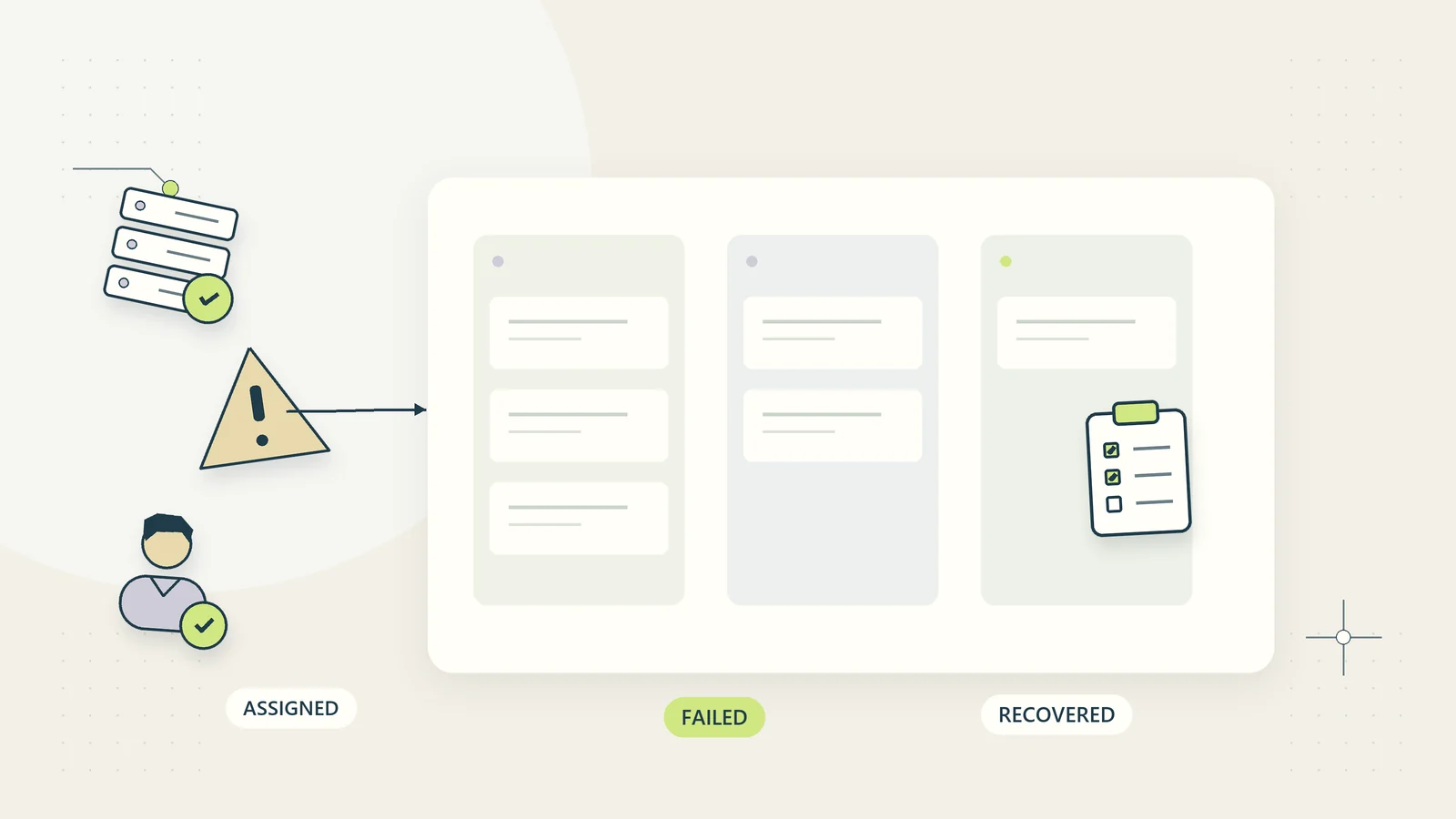
Build an automation failure queue that gets resolved
October 15, 2026 by firmworkflows_admin
An automation failure enters a visible owner queue before a checked recovery.

Design an automation failure queue with clear states, bounded retries, safe recovery, ownership, and a practical pilot for unfinished business work.

Categories AI & automation

Keep unnecessary customer data out of AI workflows

October 15, 2026 by firmworkflows_admin
A data-minimizing filter sends only necessary fields from protected records to an AI task.

Reduce unnecessary customer data in AI tasks with a field worksheet, information-flow map, synthetic tests, and practical review controls.
Categories AI & automation

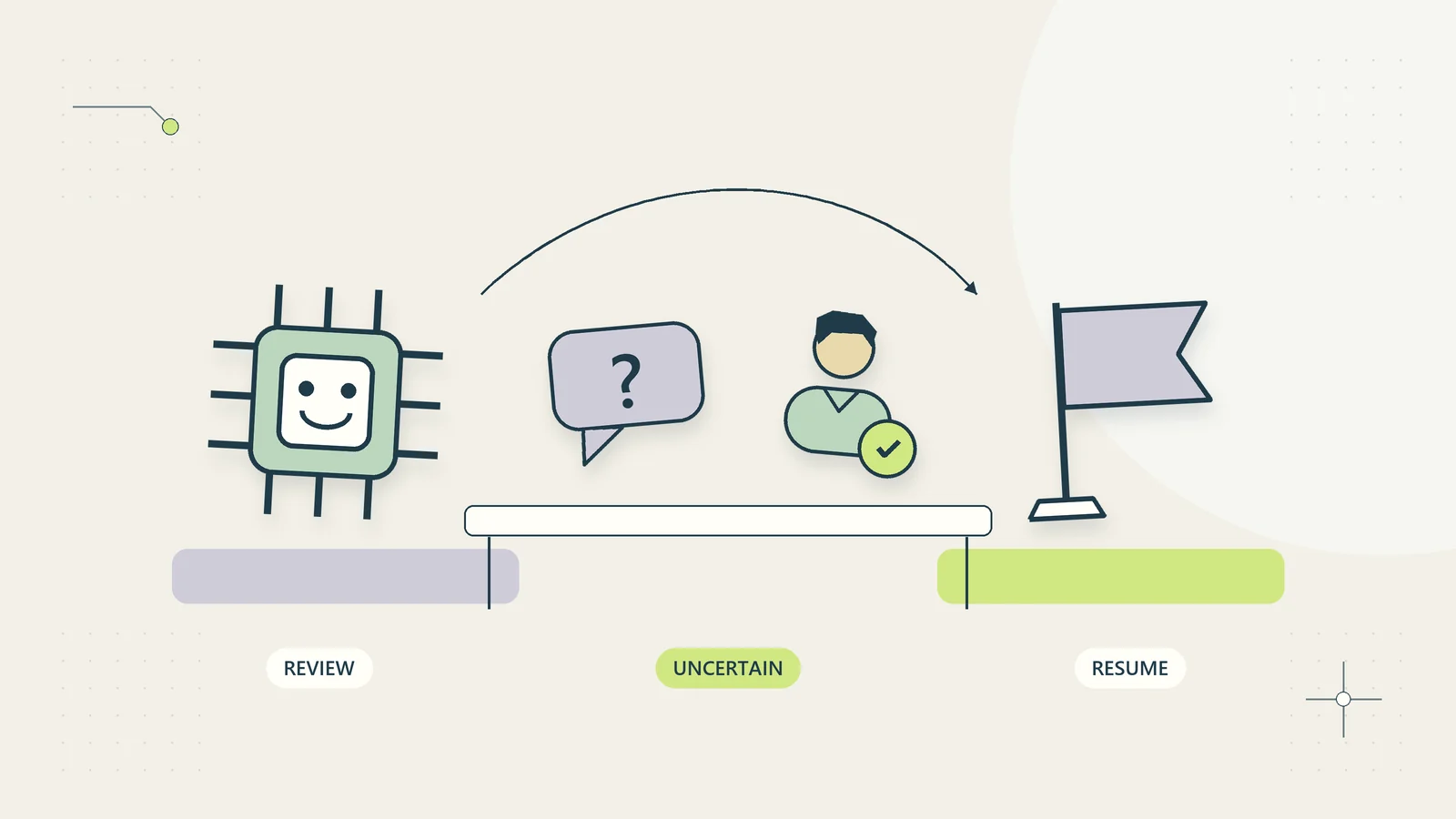
Build a human handoff for uncertain AI results

October 15, 2026 by firmworkflows_admin
An uncertain AI output moves to a human reviewer with enough context to resume the work.

Design a human review queue for uncertain AI results with clear triggers, evidence packets, authority, customer updates, and verified completion.

Categories AI & automation

AI vs rules-based automation: choose by task

October 15, 2026 by firmworkflows_admin
An AI processor and a deterministic decision tree offer different paths to a defined outcome.

Choose rules, AI drafts, or human decisions for each task using a practical comparison table, hybrid workflow example, and measured pilot plan.
Categories AI & automation

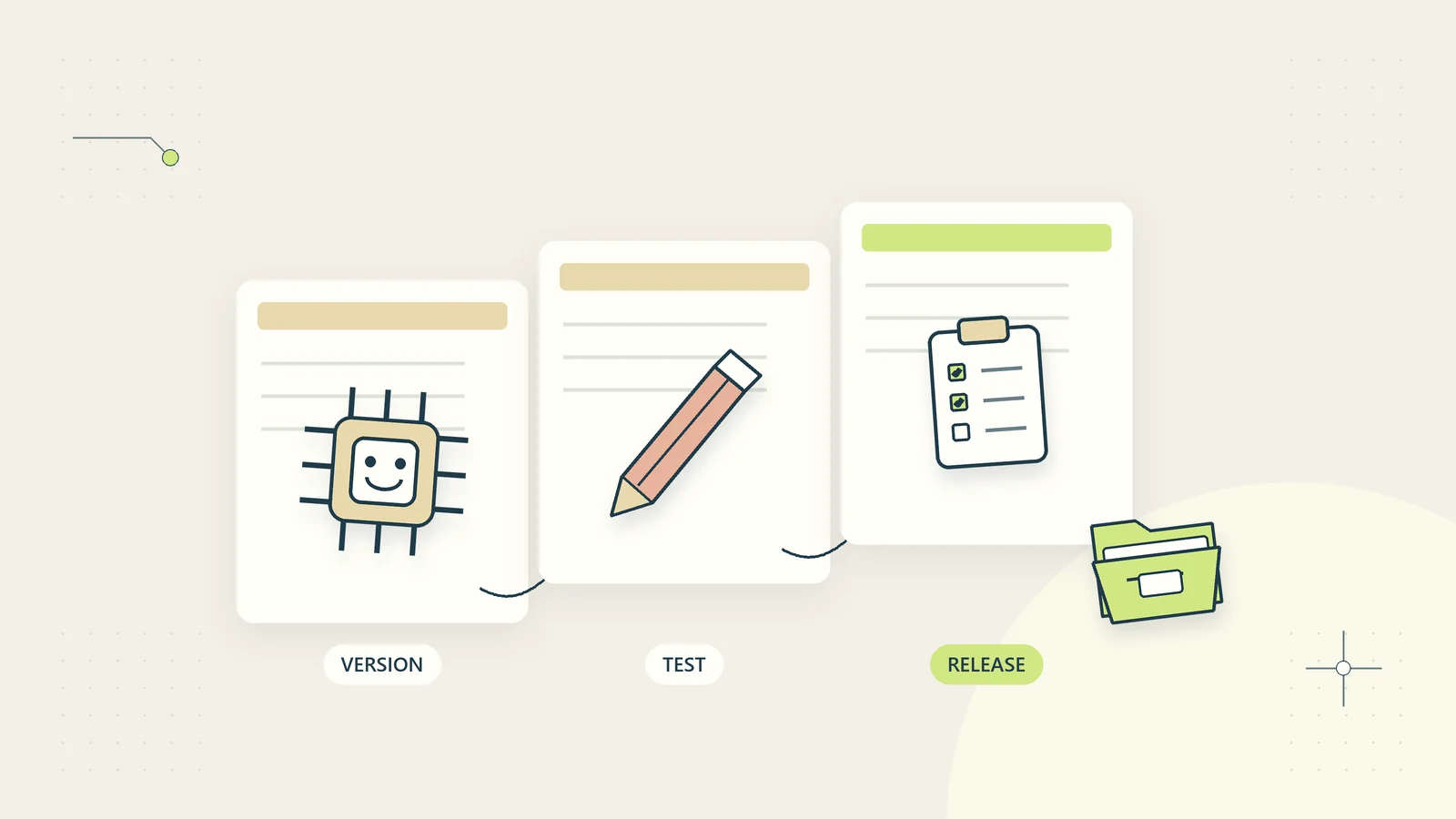
Manage prompt and model changes like operating changes

October 15, 2026 by firmworkflows_admin
A prompt or model change creates a version, passes a test, and leaves a recoverable history.

Control prompt, model, source, and permission changes with version records, regression cases, staged release, monitoring, and a tested rollback.
Categories AI & automation

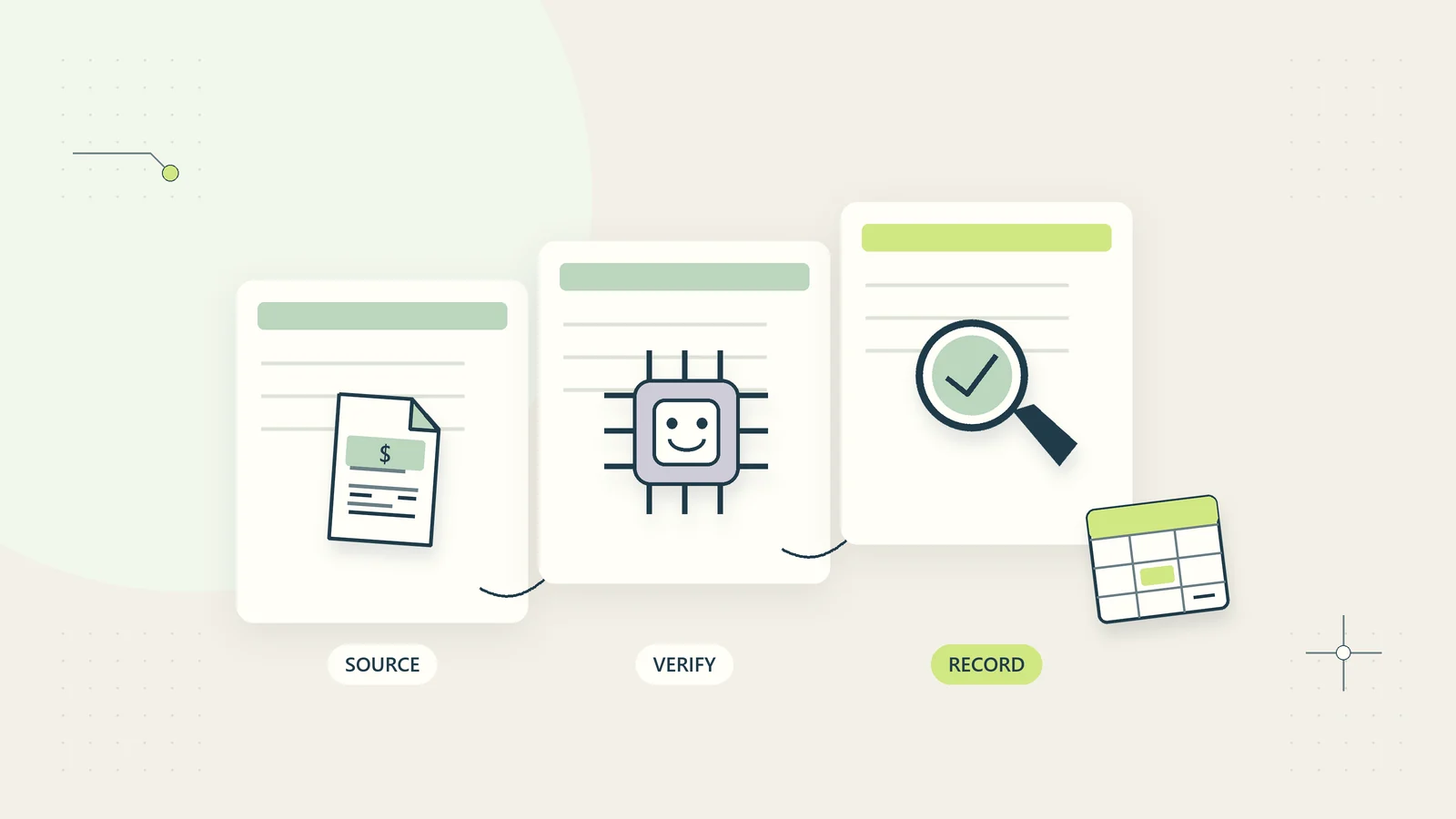
Review AI document extraction before records change

October 15, 2026 by firmworkflows_admin
Extracted invoice fields remain connected to their source for verification before records change.

Review AI-extracted document fields with source evidence, identity checks, validation, version-specific approval, and a clear correction route.
Categories AI & automation

Build a small-business AI inventory with named owners

October 15, 2026 by firmworkflows_admin
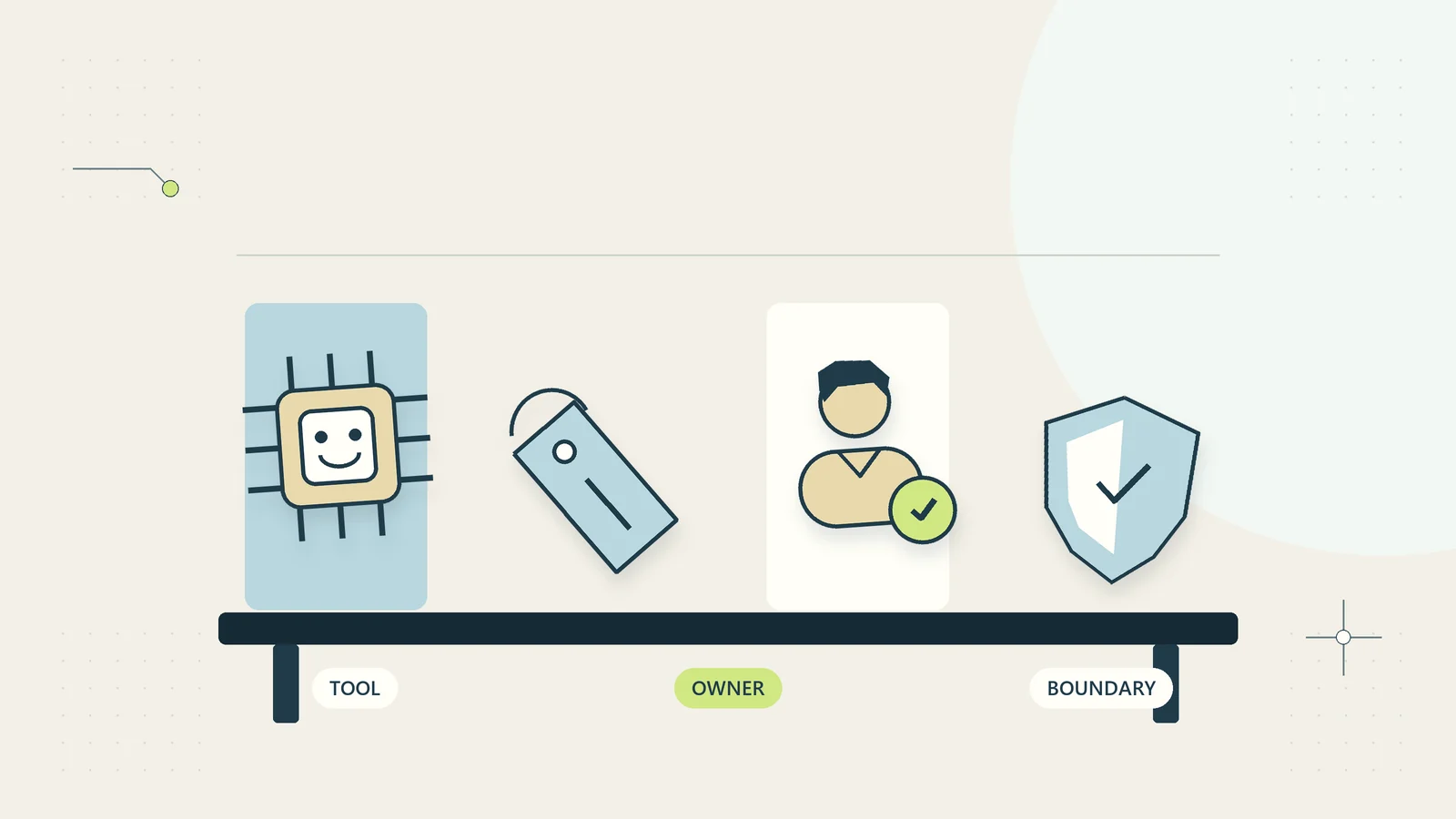
An AI inventory records each tool, its accountable owner, and the boundaries of its use.

Build a practical AI use register with named owners, information boundaries, action limits, dependencies, review dates, and retirement checks.
Categories AI & automation

Use AI email drafts with a practical review checklist

October 15, 2026 by firmworkflows_admin
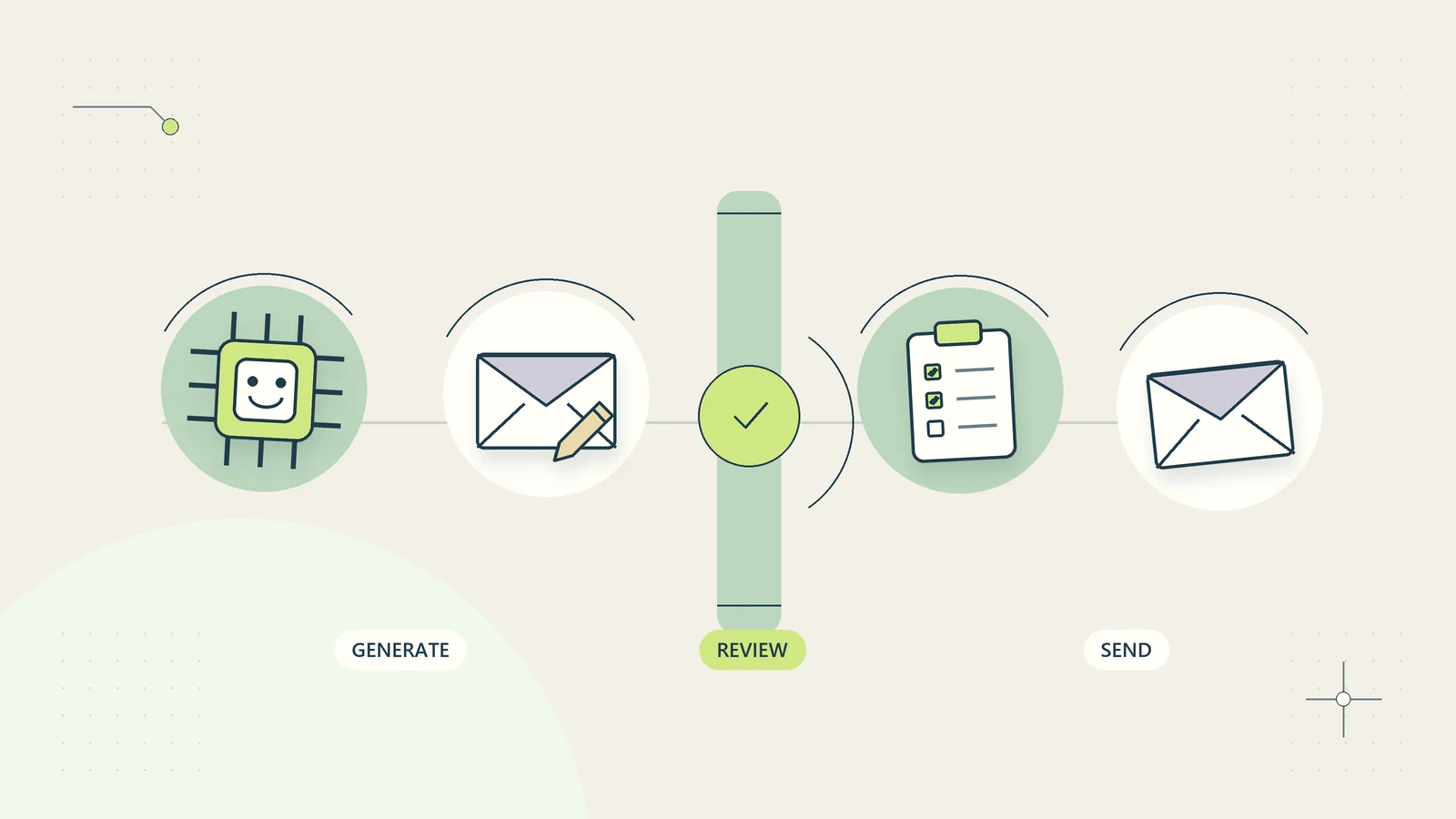
An AI email draft passes an explicit content and recipient review before sending.

Prepare AI email drafts from verified facts, check promises and recipients, and measure the complete review effort before expanding your process.
Categories AI & automation

Turn AI meeting notes into verified action items

October 15, 2026 by firmworkflows_admin
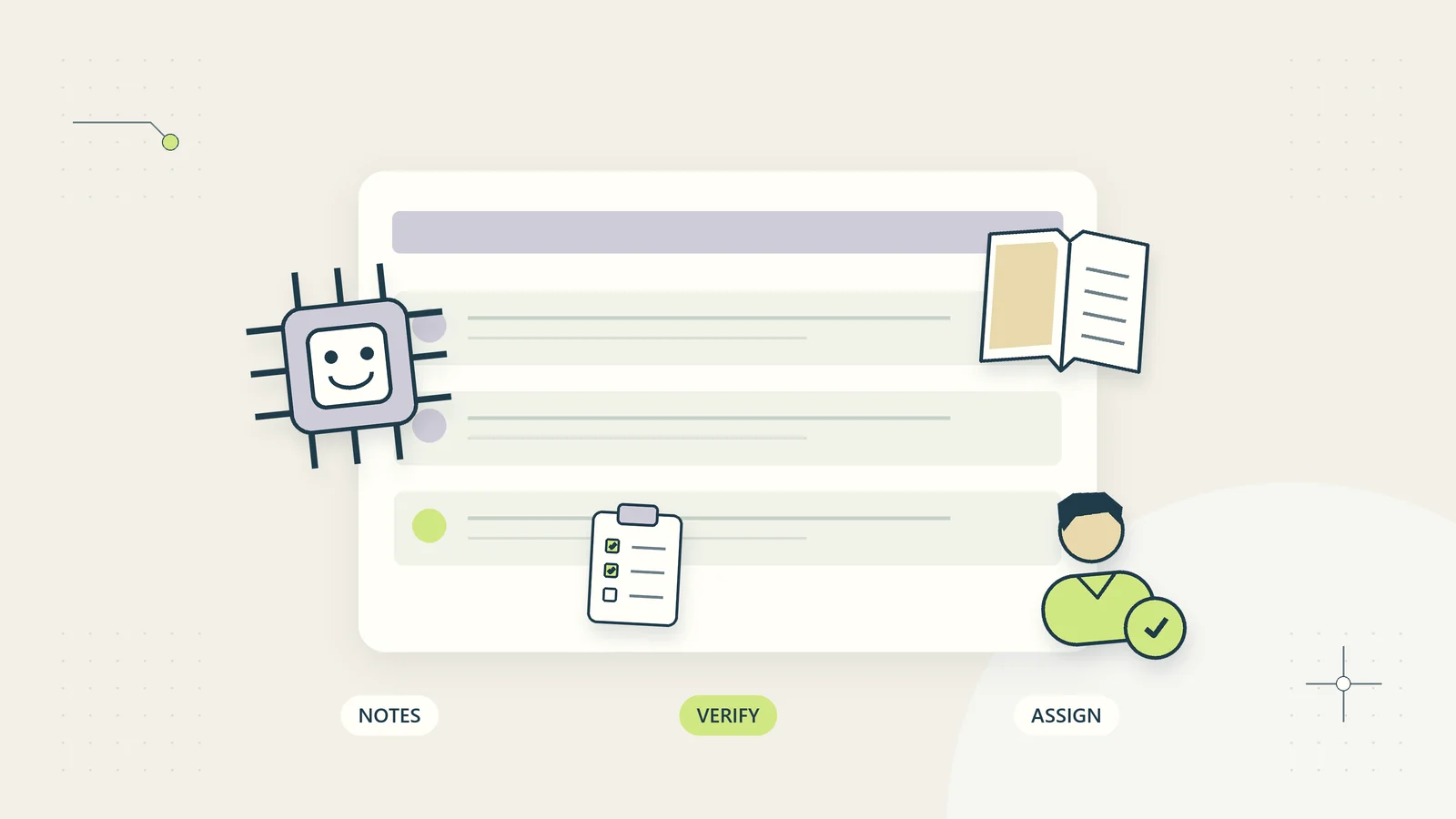
AI meeting notes are checked against context before action items receive real owners.

Separate decisions from ideas, confirm owners and dates, and turn meeting notes into a useful action register with evidence and clear follow-up.

Categories AI & automation

Plan an internal knowledge assistant with reliable sources

October 15, 2026 by firmworkflows_admin
An internal assistant retrieves maintained sources and ties its answer to a visible citation.

Plan a bounded internal knowledge assistant using approved sources, current permissions, useful citations, unanswered-question routes, and repeatable tests.

Categories AI & automation
Older posts
Page1 Page2 Next →
© 2026 FirmWorkflows • Built with GeneratePress

Help us make these resources more useful.

With your permission, Google Analytics measures visits and use of our guides and tools. We do not send form text, planner notes, or calculator values. Google receives technical connection and browser information. Your resources work with either choice.

Privacy and analytics details. You can change this choice through Analytics preferences.