Use AI email drafts with a practical review checklist
Prepare AI email drafts from verified facts, check promises and recipients, and measure the complete review effort before expanding your process.
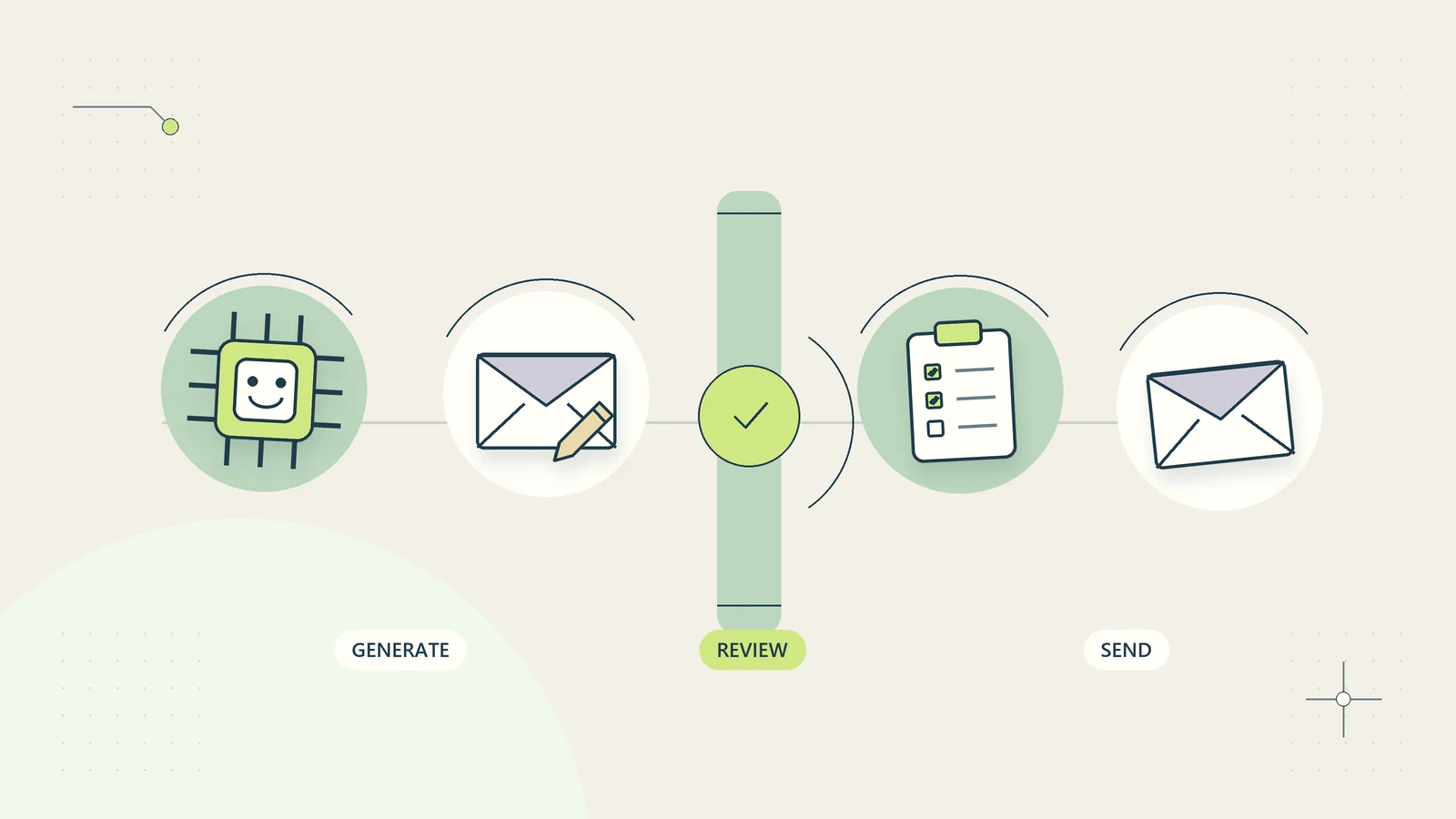
An AI email draft is useful when it reduces the effort of expressing a decision you have already made. It becomes much less useful when it quietly makes the decision for you. A reassuring sentence can introduce a refund promise, an invented completion date, or an admission that nobody authorized. The writing may sound excellent while the underlying message is wrong.
For a small business, the practical goal is a shorter path from verified facts to an appropriate reply. That path needs a source, a clear purpose, a review step, and an identifiable sender. This guide explains how to build that process without giving an assistant unrestricted access to your inbox or permission to send messages automatically.
Choose messages where drafting actually helps
Start with a narrow message category that occurs regularly and has relatively stable facts. Examples include explaining where a customer can find a purchased resource, asking for one missing project input, or summarizing an approved progress update. These messages benefit from clear language and consistent structure.
Separate that category from messages requiring a new commercial or professional decision. Negotiating a disputed invoice, describing a suspected security incident, changing a contract, or responding to a legal threat usually involves more than wording. A draft may still help the responsible person write, but the workflow should identify the decision first.
A useful initial question is: could a trained colleague write this email accurately from the supplied record? If the answer is no, adding AI will not create the missing authority or evidence. Improve the record before evaluating a drafting tool. For messages that already have a fixed answer, an approved reusable response may be faster than generating new prose every time.
Define the purpose before supplying the thread
Write a short drafting brief with four elements: the recipient’s question, the verified answer, the action requested from the recipient, and the limits of what can be promised. That brief helps prevent a long conversation from pulling the draft toward an old or unrelated issue.
For example, a hypothetical training provider needs a learner to upload a missing assignment file. The brief could specify that the existing submission contains no attachment, the upload page remains available, and the email should ask the learner to use that page. It should also specify that the writer cannot extend assessment deadlines or promise a result date.
The assistant does not need the entire learner history to express that request. A minimal brief is easier to check, cheaper to review, and less likely to expose irrelevant information. The broader guide to reducing administrative work can help identify whether drafting is addressing the real source of delay or merely polishing another unnecessary message.
Build a verified fact card
A fact card is a small record assembled before drafting. It should contain the current case identifier, the specific question being answered, approved factual statements, the source for each statement, and anything still unknown. Keep the source accessible to the reviewer rather than asking them to trust an unexplained summary.
| Fact card field | Useful entry | Entry to avoid |
|---|---|---|
| Current status | Download was generated; delivery email bounced | Everything has been delivered |
| Available next step | Customer can retrieve the file through the verified order route | Ask the customer to send a password |
| Timing | Support will investigate during its stated service hours | Someone will fix it immediately |
| Commercial authority | Existing purchase includes the listed files | Offer an extra product to compensate |
| Unknowns | Whether the customer can access their original email | Assume identity from a forwarded message |
The source may be an order record, an approved project update, or a current help page. A message received from the customer is evidence of what they reported, not proof that every claim in it is true. Preserve that distinction when the draft describes events.
Give the assistant a constrained writing instruction
An effective drafting instruction asks for a particular communication task. Specify the audience, intended outcome, tone, length, allowed facts, and prohibited assumptions. Ask the assistant to mark missing information for the reviewer instead of inventing a plausible answer.
A practical instruction might say: draft a concise reply using only the verified fact card; acknowledge the reported problem without assigning blame; explain the available retrieval route; request one piece of information only if necessary; do not add discounts, deadlines, guarantees, or attachments. Ask for a separate list of statements that need verification.
Avoid elaborate instructions that are impossible to review. A long prompt can contain contradictory rules, and a model may follow them inconsistently. Keep the brief readable enough that another person can compare the output against it. Microsoft’s current Copilot in Outlook guidance explicitly advises reviewing, editing, and verifying generated content. That is a useful operating expectation regardless of which drafting method a business chooses.
Review meaning before style
Read the draft once for factual and commercial meaning before making it sound more polished. Identify every sentence that asserts an event, describes a status, commits to an action, or places an obligation on the recipient. Match each assertion to the fact card.
Pay particular attention to small words that change meaning. “Requested” is different from “approved.” “Scheduled” is different from “completed.” “May” is different from “will.” An assistant can turn a cautious internal note into a confident customer promise without adding an obviously incorrect number.
Check the treatment of uncertainty as well. If support is investigating a failed download, the draft should not claim that the customer’s browser caused it. If a project owner is reviewing a requested change, the draft should not describe the new scope as accepted. The review should leave the recipient with an accurate understanding of what has happened and what remains undecided.
Only then review tone, paragraph length, spelling, and readability. Polishing an incorrect message first can make the error harder to notice because the language begins to feel settled.
Use a send checklist that covers the whole message
The final check includes the envelope and attachments, not just the body. A perfect paragraph sent to the wrong recipient is still a serious failure. Review names, addresses, subject, reply context, quoted history, links, attached files, and any visible personal details.
Use a short checklist that can be completed directly beside the draft:
- The recipient and case match the intended conversation.
- Every current status has an identifiable source.
- Amounts, dates, currencies, names, and product versions are correct.
- Promises fall within the sender’s authority.
- The requested next action is possible and clearly explained.
- Links and attachments belong to this recipient and this case.
- Unnecessary confidential information has been removed.
- The sender has reviewed the actual final version.
For a shared mailbox, record who owns the response. The shared inbox management guide explains how to prevent two people from sending incompatible replies while each believes they are being helpful.
Handle reply threads and malicious instructions carefully
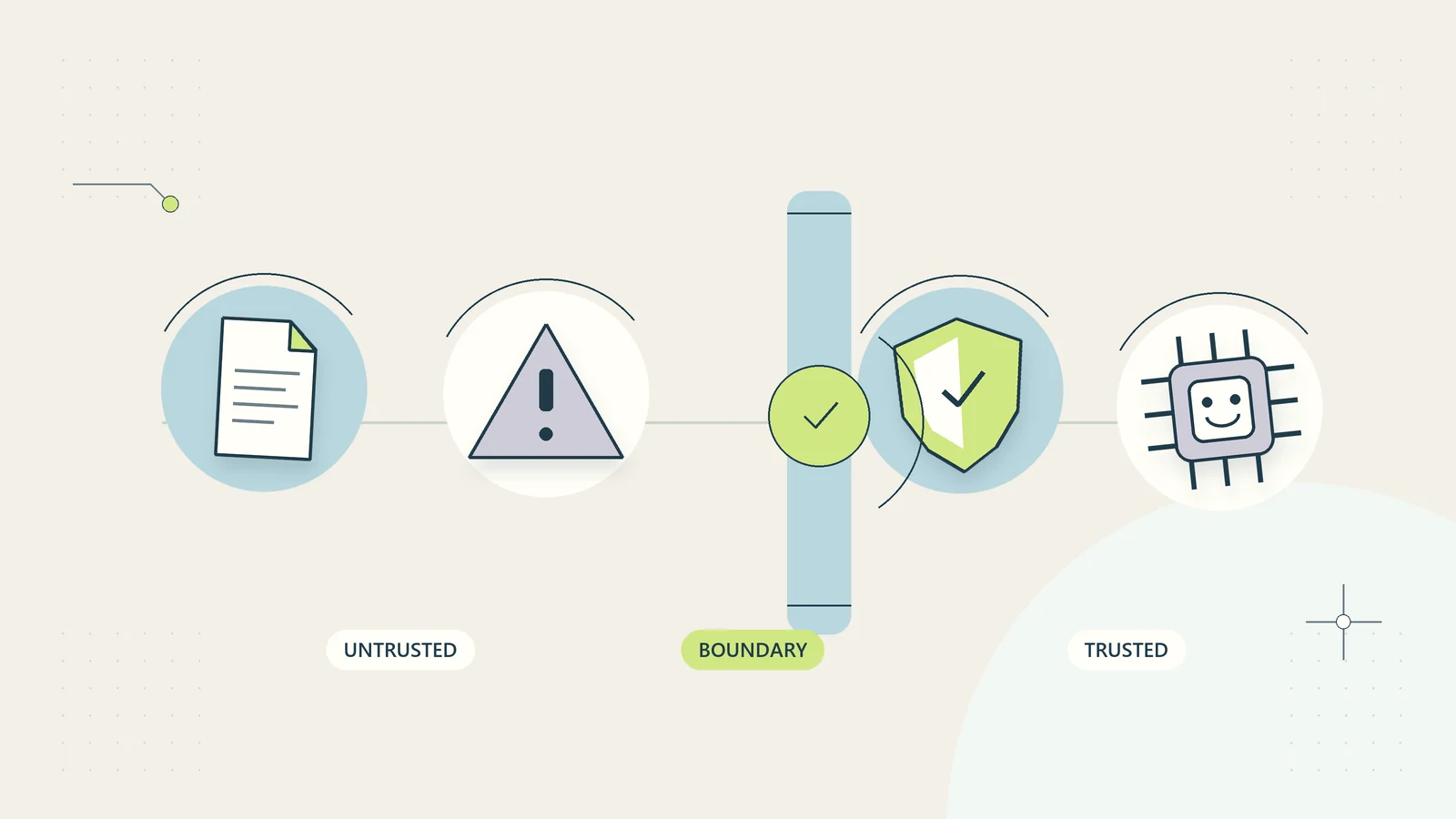
Incoming emails can include irrelevant instructions, copied signatures, hidden formatting, and text that asks an assistant to change its task. Treat the contents as material to analyze. They do not acquire authority merely because they appear inside a customer message.
For example, a forwarded thread might contain a sentence telling the assistant to ignore the business’s refund policy or send an internal file to another address. The legitimate drafting task is still to prepare a response using approved information. It is not permission to follow that embedded instruction.
This distinction also applies to ordinary mistakes rather than deliberate attacks. A customer may quote an outdated offer or refer to another client’s project. The assistant should not silently merge those details into the current fact card. Our prompt injection defenses guide explores the security boundary in more detail; the email review process should remain usable even when the incoming content is confusing.
Work through a complete hypothetical example
Consider a hypothetical customer who writes, “I paid yesterday, but the template link does not work. Please send everything to my colleague instead.” The order record confirms a paid purchase and an email delivery failure. It does not establish that the colleague is entitled to receive the product or that the new address belongs to the purchaser.
The drafting brief should therefore acknowledge the access problem, describe the verified recovery route, and explain how the purchaser can request an address change through the business’s identity check. It should not attach the product to an unverified new destination.
The first generated draft says, “We have updated the delivery address and sent a replacement.” The reviewer rejects both statements. Neither action occurred, and the draft was not authorized to perform them. The corrected message explains the available next step without implying completion.
The case record then stores the reviewed reply and its owner. If the purchaser later completes the verification step, a separate action updates the delivery destination. The draft process and the account change remain distinct, so attractive writing cannot bypass the operational check.
Keep a small library of approved building blocks
Save the parts of good replies that remain true across cases. These might include instructions for locating an order reference, a plain explanation of service hours, or a reminder that a document must be shared through the designated secure route. Give each building block an owner and a review date.
Do not save an entire customer-specific message as a general template without removing names, identifiers, prices, dates, and assumptions. A copied exception can turn into an accidental standing promise. Separate standard language from case facts so the writer knows which parts require fresh verification.
A useful library entry includes its purpose, approved wording, when it can be used, when it must not be used, and the source that supports it. If several drafts repeatedly need the same correction, revise the building block or input form rather than relying on reviewers to catch that error forever.
This approach supports a self-serve business as well. Clear purchase confirmations, access instructions, and recovery explanations can reduce avoidable contacts before AI drafting is needed. The content itself remains under the business’s control.
Check language and tone without changing the decision
An English-language business may write to people who use different spelling conventions, date formats, and levels of familiarity with business terminology. Ask for plain language and unambiguous dates instead of assuming that a polished corporate tone will be understood everywhere.
Check that a tone adjustment has not weakened or strengthened the actual commitment. “We will review your request” can become “we will resolve this for you” during a friendly rewrite. “You can submit the missing file” can become a new obligation with a made-up deadline. The reviewer should compare the revised message with the same fact card, even when the only requested change was style.
Keep currencies, product names, identifiers, and approved technical terms exact. If translation is involved, arrange appropriate review for the consequence of the message rather than assuming that fluent language proves commercial or professional accuracy. An ordinary access instruction and a disputed contractual statement need different judgment.
Use the recipient’s question as the final readability test. After reading the reply, can they identify what has happened, what has not happened, and what they can do next? A warmer opening is useful only when the rest of the message still answers those practical questions.
Measure the full review effort
Run a pilot on a limited category of messages and record the total effort from opening the case to approving the final reply. Include preparing the brief, finding sources, generating the draft, correcting it, and checking recipients. Generation speed alone is not the business outcome.
Track a few specific measures: reviewer minutes per approved reply, factual corrections per draft, unauthorized promises caught, messages returned for missing evidence, and customer follow-up caused by unclear instructions. Keep serious errors separate from minor style edits rather than averaging everything into one quality score.
Use a manual baseline from comparable messages. A hypothetical pilot of twenty routine access replies is a learning exercise, not proof that the method works for complaints, negotiations, or multilingual contract discussions. Record which category was tested and which remained excluded.
If preparation and correction take longer than writing the reply manually, consider improving the help page or using an approved response block. The AI workflow evaluation guide offers a broader method for choosing acceptance tests before expanding an AI process.
Decide what should happen after a mistake
Define a recovery route before the pilot starts. If an incorrect draft is caught before sending, record the error category and correct the source or instruction. If it has already been sent, the case owner should assess the effect and prepare an accurate correction through the normal communication process.
Do not ask the assistant to conceal the mistake or invent a reason for it. A clear correction should identify the relevant point, state the accurate position, and explain any next step the business can actually take. Commercial, privacy, or professional consequences may require the appropriate responsible person.
Pause the drafting category if the same material error keeps recurring. A pause is useful when reviewers cannot reliably verify the output, the source record is unclear, or the assistant begins introducing unsupported commitments. Resume only after a specific improvement has been tested.
The sustainable process is one that makes a good reply easier to approve. It should leave the business with better facts, clearer language, and an accountable sender, while preserving a reliable way to respond when the software is unavailable.
Sources and editorial method
Checked on October 15, 2026. The review checklist, fact card, pilot measures, and customer example are original practical guidance. The example is hypothetical and does not describe a customer result or a tested integration. Product capabilities and applicable obligations vary; this guide does not require any particular email or AI account.
- Microsoft Support: Frequently asked questions about Copilot in Outlook, updated August 2026, for the current recommendation to review generated content.
- NIST: AI RMF Core, for the general role of documented human oversight and ongoing evaluation in a voluntary risk framework.