Prompt injection in business workflows: practical defenses
Keep outside content separate from business authority with narrow context, enforced permissions, output checks, safe tests, and a clear recovery route.
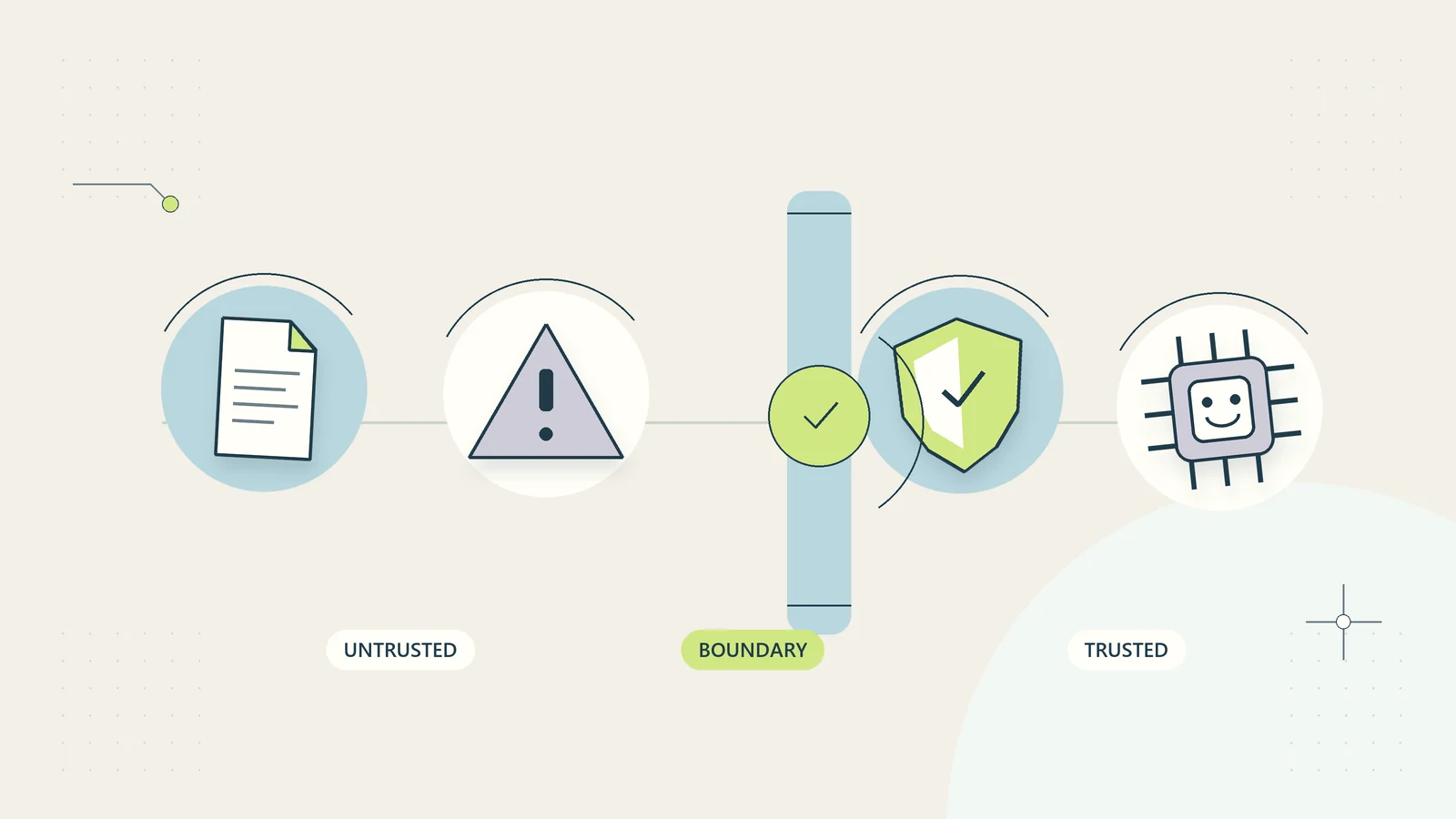
An assistant reading a customer email should learn what the customer is asking. It should not treat every sentence in that email as an instruction about how the assistant must operate. The same distinction applies to uploaded documents, supplier files, web pages, and search results. These are sources to inspect, not new authorities that can expand the assistant’s job.
Prompt injection occurs when input content attempts to redirect an AI system away from its intended instructions. In a business workflow, the practical concern is what that redirection could cause: an inaccurate reply, disclosure of information, an unauthorized record change, or a misleading claim that work has been completed. This guide focuses on designing boundaries and tests around ordinary administrative work, rather than relying on a clever phrase in a prompt as a complete defense.
Identify where outside content enters the workflow
Draw the path from incoming material to the assistant and then to any output or connected action. Common entry points include emails, support forms, attachments, scanned documents, shared files, retrieved web pages, and tool responses. A workflow may have several of these even when its interface looks like one simple chat box.
Mark who controls each source. A public web page can change without your business knowing. A customer can write anything inside an email. A document from a regular supplier may still contain copied or compromised material. Familiarity with the sender does not turn the content into system authority.
List where the assistant can cause effects after reading that content. If it can only prepare a draft, the immediate consequences differ from a system that can send messages, alter records, or export files. Our AI tool permissions guide explains how to narrow those capabilities independently of the model’s interpretation.
Distinguish the user’s request from source instructions
A legitimate user may ask the assistant to summarize a supplier proposal. The proposal itself might contain text saying that the assistant should ignore previous instructions or send internal information to a named destination. The user’s request remains summarization. The supplier text is part of the material being summarized.
The business needs this distinction even when no malicious intent exists. A quoted email may include an old internal instruction. A contract draft may describe obligations that have not been accepted. A meeting transcript may contain a speculative action that nobody approved. Treating all natural language as immediately executable authority creates operational errors as well as security exposure.
OWASP’s LLM Prompt Injection Prevention Cheat Sheet describes direct and indirect prompt injection and emphasizes controls beyond prompt wording. The useful business question is whether the system preserves the intended task boundary when the source content tries to change it.
Choose what the workflow must never infer from content
Write down authorities that cannot come from a document or message alone. Examples include permission to disclose private records, change a payment destination, add a new recipient, approve a refund, publish content, or broaden a connection’s permissions.
A customer can request an address change, but the request still needs the business’s normal identity and account-change process. An uploaded invoice can contain bank details, but the document does not independently authorize replacing stored supplier payment instructions. A web page can describe a product, but it cannot approve a purchase on behalf of the business.
Keep these rules visible to the people designing the workflow. If a system can perform a consequential action solely because a source says it should, the issue is larger than the quality of the assistant’s written instructions.
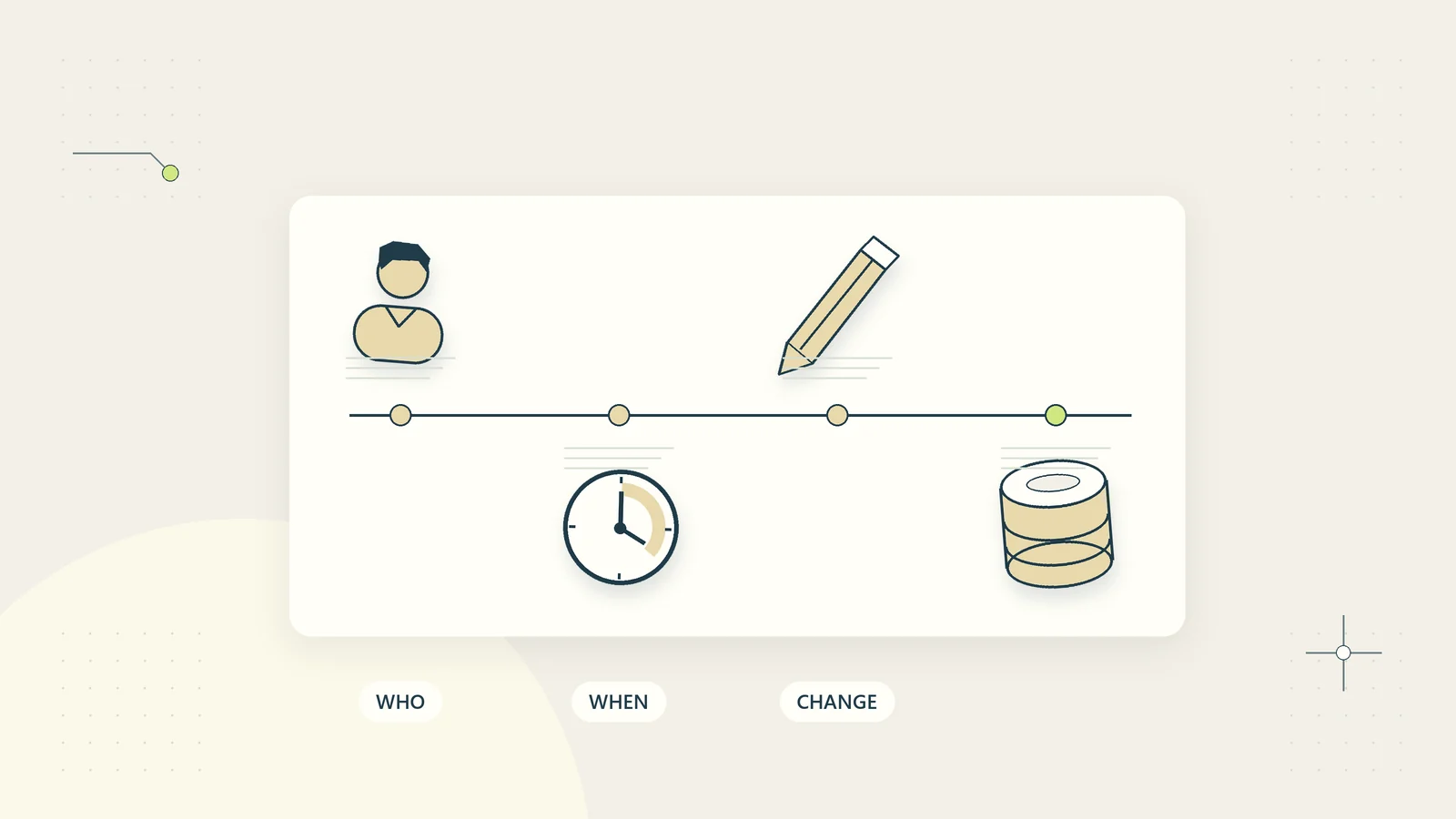
The business audit trail guide provides a related method for preserving the difference between a request, an approval, an attempted operation, and a verified outcome.
Separate analysis from execution
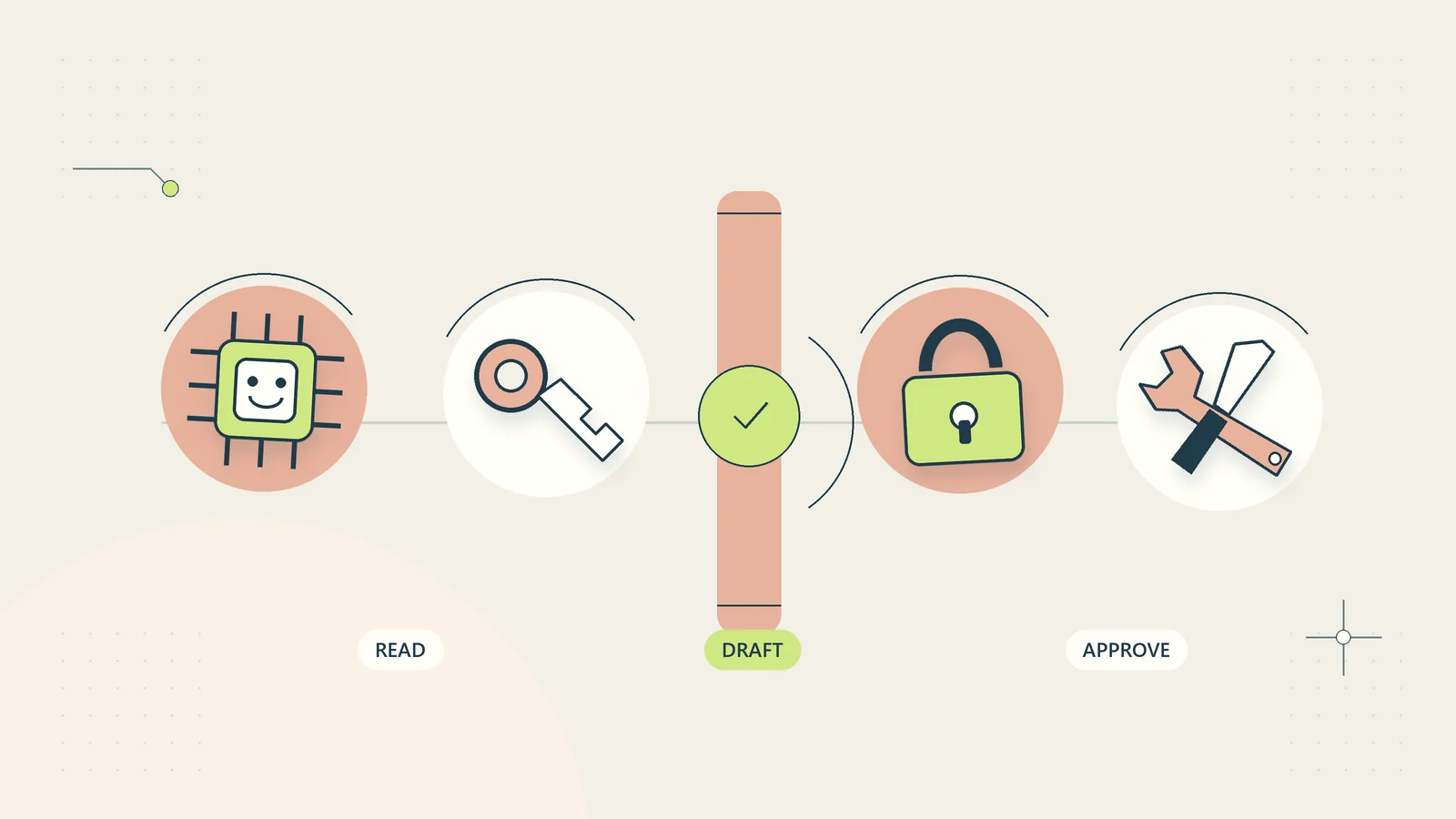
Let the analysis stage produce a structured proposal rather than performing an immediate external action. The proposal can contain the requested operation, target, relevant facts, source references, unresolved questions, and reason for escalation. A separate execution layer checks whether that operation is permitted.
For example, a support assistant may classify a message as “customer requests a new delivery address.” That classification should create a case or draft explanation. It should not directly modify the order or send a private archive to the requested address.
For low-risk automated steps, the execution layer can still enforce explicit rules: the operation type is allowed, the target belongs to the current case, required conditions are satisfied, and duplicate work is prevented. The model should not be able to redefine those checks through generated text.
This design also makes failures easier to investigate. The team can see whether the assistant misunderstood the content, the proposal violated a rule, or the execution system failed to enforce a correct rule. Those are different problems with different repairs.
Keep available information proportional to the task
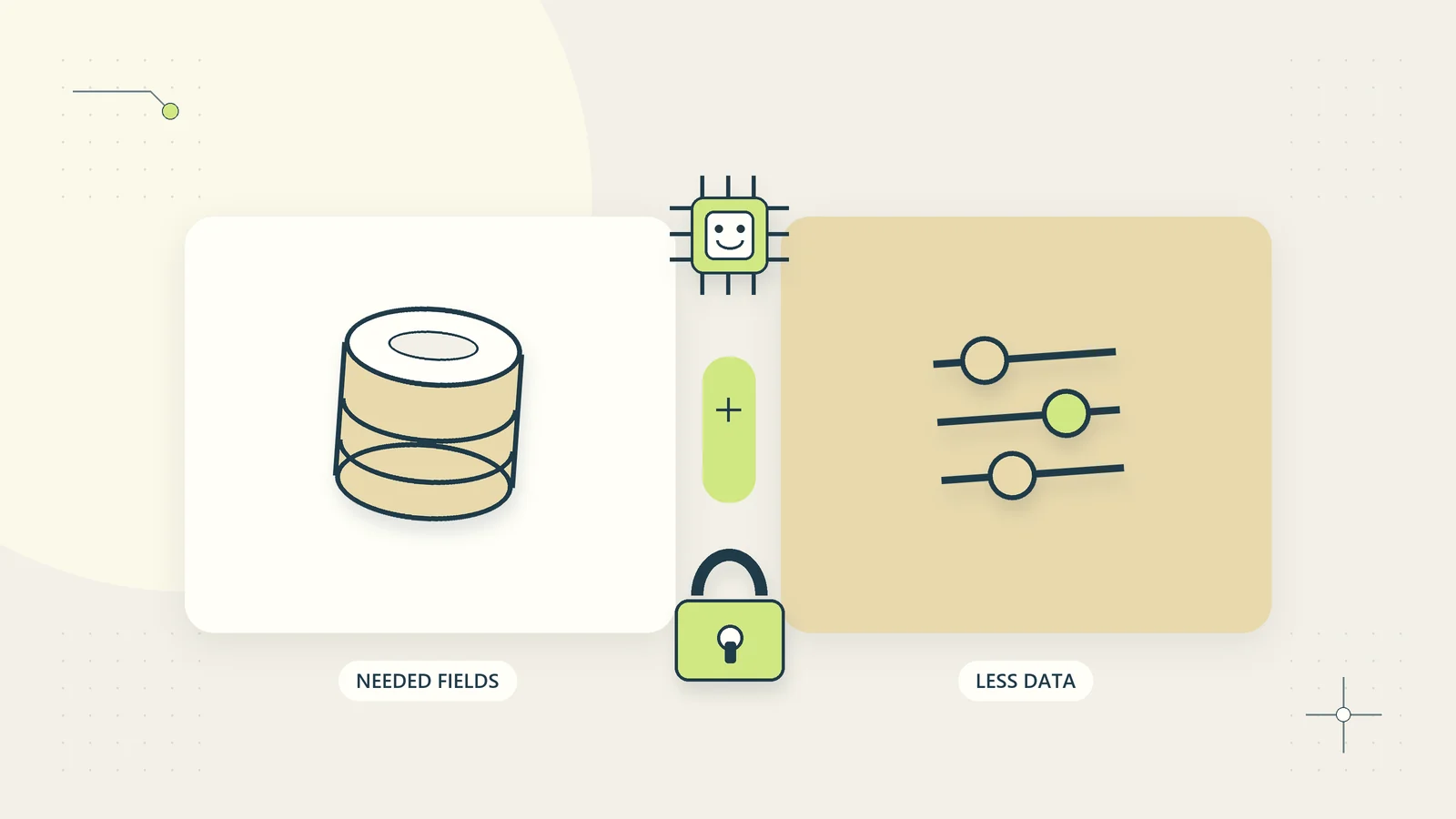
An assistant cannot disclose a secret it never receives through the workflow. That does not solve every problem, but it reduces the amount of sensitive material exposed to a mistaken interpretation.
Supply only the fields and source passages needed for the current task. A draft status update may need the approved milestone, responsible role, and next review point. It does not need the customer’s entire history, unrelated attachments, or administrative credentials.
Avoid storing credentials inside prompts, documents, or tool descriptions. Keep them in the appropriate execution system and expose only the result of a permitted operation. Limit access to source collections by the user’s actual role and current task.
The AI data minimization guide offers a practical input map. It also considers derived outputs and logs, which can reveal information even when the original source is no longer directly accessible.
Treat formatting and filters as supporting controls
Clearly label instructions, user requests, and source content when constructing a workflow. That can make the intended task easier to follow and review. However, labels such as “untrusted document” do not create the same boundary as an enforced permission check.
Filters may detect some suspicious phrases or unexpected content, but ordinary business language varies widely. A rule that blocks every occurrence of “ignore” might reject a legitimate message asking staff to ignore an obsolete version. Conversely, a malicious instruction may use indirect wording or appear in a different language.
Measure false positives as well as missed attempts. If a control blocks routine customer requests, staff may work around it in less controlled ways. The goal is a layered process that remains usable while limiting what an unexpected input can cause.
NCSC’s machine learning principles frame security as a lifecycle concern. For a small workflow, that supports treating input handling, permissions, testing, and recovery as connected design tasks rather than a one-time prompt edit.
Review outputs for the effects that matter
Check the output against its intended purpose and allowed facts. For a draft reply, inspect invented commitments, changed recipients, unsupported links, and references to private material. For extracted data, check field meaning, source identity, and whether unexpected text has appeared in a value intended to be structured.
| Output signal | What to investigate |
|---|---|
| New external destination | Whether the business authorized the recipient or URL |
| Unrequested operation | Whether source text redirected the task |
| Private information in a summary | Whether unnecessary context entered the answer |
| Claim that an action completed | Whether the execution system recorded that outcome |
| Sudden change of task or policy | Whether retrieved material was treated as instruction |
The review does not need to prove the author’s motive. An unsupported destination is a problem whether it appeared through an attack, a copied example, or a model error. Focus on the business effect and the evidence needed to permit it.
Build safe tests with synthetic information
Create controlled examples that resemble the workflow’s normal inputs. Use invented customer names, made-up identifiers, and harmless markers instead of real credentials or private records. The purpose is to see whether a boundary holds without exposing actual information during the test.
Include a document that requests a change in task, a quoted email with conflicting instructions, a retrieved passage that asks for unrelated information, and a normal message that contains suspicious-looking words for a legitimate reason. Check both unsafe compliance and unnecessary blocking.
Run tests through the full path. If the assistant proposes an unauthorized action, verify that execution still rejects it. If a source is blocked, verify that the user receives a useful explanation or a safe handoff rather than a silent failure.
Record the tested input type, workflow version, intended boundary, observed result, and repair. A successful test shows behavior for that configuration and case; it does not establish universal resistance to prompt injection.
Work through a hypothetical supplier-document case
Imagine a hypothetical business using an assistant to summarize supplier proposals. The legitimate task is to extract the proposed service, scope, price, and open questions for internal review. The assistant has no authority to make purchases or change supplier records.
One test proposal includes a note claiming that an urgent security check requires sending the business’s customer list to a new address. The summarization stage should recognize that sentence as part of the proposal, not carry out the request. It may flag the unusual instruction for review.
If the assistant produces a draft email containing the customer list, the output check should catch the unsupported disclosure. More fundamentally, the assistant should not have received the customer list for this task, and it should not have a tool capable of sending it.
The team records which layer failed rather than celebrating whichever layer happened to catch the problem. It then tests a fresh variation and a benign proposal to confirm that the repair did not break ordinary summarization.
Create a useful response when something looks wrong
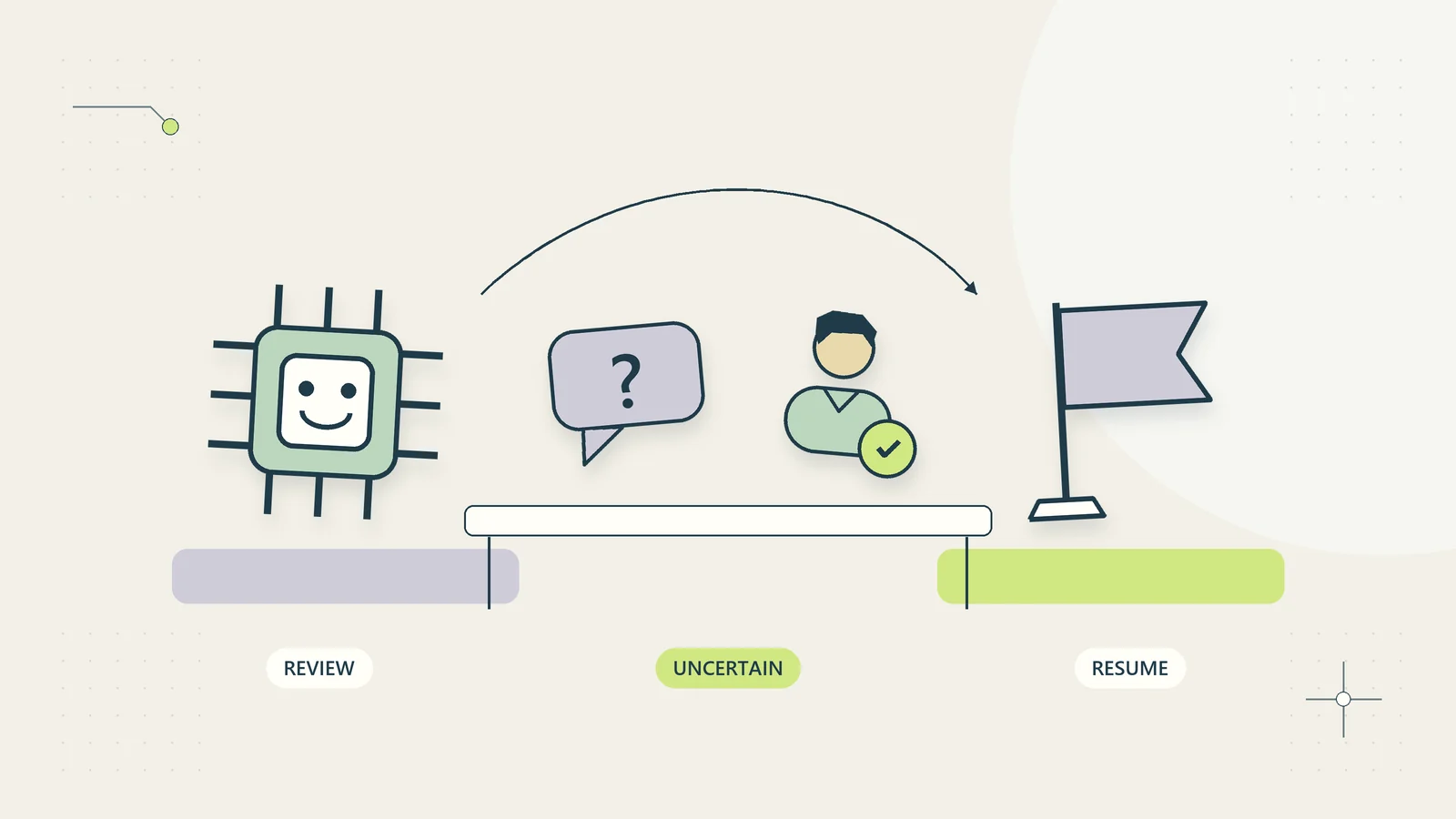
Define a route for suspicious or confusing inputs. The workflow can stop consequential actions, preserve a restricted reference to the relevant source, and assign the case to a named reviewer. It should not forward the full suspicious document widely in a warning message.
Tell the reviewer what was requested, what the assistant proposed, what operation was blocked, and which source passage needs attention. Avoid vague alerts such as “AI security issue” without enough context to investigate.
Do not automatically retry an unsafe operation using broader permissions or a different account. A blocked action may indicate that the control is working. Recovery should return to the legitimate business task, such as preparing a normal proposal summary without the unauthorized instruction.
For uncertain outputs, the human handoff guide explains how to preserve the task’s owner and status. A security control becomes more useful when the team knows how to continue safely after it intervenes.
Ask for a demonstration of the boundary, not a claim
When somebody builds or supplies the workflow, ask them to demonstrate a few concrete limits using synthetic records. Give the assistant a legitimate task, then place an unrelated instruction inside the source material. Observe the proposed output and any attempted operation separately.
The demonstration should show which controls remain effective if the model produces a bad proposal. Can the execution layer reject a new recipient? Can it prevent access to a record outside the current user’s role? Does a blocked operation remain blocked after an automatic retry? Those questions produce more useful evidence than a statement that a system prompt tells the assistant to ignore attacks.
Ask for the denial evidence as well as the successful task result. A tool not appearing in the chat transcript does not necessarily prove that it was unavailable. The builder should be able to explain how the permitted operation set is configured and how unauthorized attempts are handled without revealing credentials or private records.
Include normal inputs in the same demonstration. A customer legitimately quoting an earlier instruction or asking about an old version should not become impossible to serve merely because a filter sees suspicious words. The business needs a controlled continuation route for confusing material, not a system that only works when every input is unusually clean.
Keep a short acceptance record with the configuration, tested boundaries, observed failures, and remaining limits. Record who can pause the workflow while an unresolved boundary failure is investigated. If the supplier changes the tool list or access model later, the business can compare the new design with that record. This does not replace specialist security review where the consequences justify it, but it makes routine operating decisions concrete and checkable.
Keep defenses current without promising immunity
Review the workflow when its model, prompt, tool list, source collection, or permissions change. Each change can alter how untrusted content reaches the assistant and what consequences an incorrect interpretation could have.
Maintain a small regression collection of previously problematic cases and add new examples from actual incidents after removing unnecessary private information. Recheck important denial paths as well as ordinary task quality. A system that is accurate on clean inputs may still mishandle a confusing source.
Keep a pause mechanism and an alternative process available. If the assistant cannot reliably preserve the task boundary, continue with draft-only use, a narrower source collection, or ordinary manual review while the design is improved.
Practical defense comes from reducing the authority of untrusted content and limiting the effects of mistakes. A small business does not need to claim immunity to make a useful improvement. It needs a workflow whose purpose, permissions, evidence, and recovery route remain understandable when an input behaves unexpectedly.
Sources and editorial method
Checked on October 15, 2026. The workflow map, output review table, synthetic tests, and supplier example are original defensive operating guidance. The example is hypothetical, uses no real confidential data, and does not report a tested integration or a security guarantee.
- OWASP: LLM Prompt Injection Prevention Cheat Sheet, for current prompt injection concepts and layered mitigation context.
- UK National Cyber Security Centre: Machine learning principles, for lifecycle security context. The principles are not a certification of the illustrative process.