How to manage a shared inbox with clear ownership
Organize shared inbox work with named owners, clear states, triage duty, waiting rules, duplicate-reply checks, and reliable absence coverage.
A shared inbox gives several people access to incoming messages. It does not, by itself, tell them who is responsible for answering. That missing distinction causes familiar problems: two people reply, nobody replies, a message is marked read and forgotten, or an unresolved issue disappears into an archive.
The operating process around the inbox matters more than the address. Every actionable conversation needs an owner, a current state, a next action, and a review point. Once those elements are reliable, a small team can improve coverage without requiring everyone to monitor every message all day.
This guide explains how to organize shared email work using clear rules and a small number of states. The method is independent of a particular email product. Official product documentation is referenced to illustrate the difference between shared access and conversation assignment, not to require a new account or recommend an affiliate service.
Separate the address from the work queue
An address is a place messages arrive. A queue is a way to manage work until it reaches a defined outcome. Treating the address as the queue often means the team relies on unread flags, personal memory, and assumptions about who saw a message first.
Microsoft’s shared-mailbox documentation describes shared access and permissions for common organizational addresses. That capability is useful, but permission to read or send is different from responsibility for a particular customer request.
Decide which incoming messages create work. A supplier newsletter, a new customer question, an invoice, and a complaint should not all follow the same path. Some can be filtered or filed; others need an accountable owner and a specific next action.
If requests also arrive through a website form or another channel, define whether they enter the same queue. A single customer issue can span several messages. The business needs one coherent work record even when the communication arrives through more than one route.
Choose a small set of useful states
States should explain what happens next. “Important,” “blue,” and “follow-up” can mean different things to different people. A small shared vocabulary is easier to maintain than a large label system that staff interpret individually.
| State | Meaning | Required next information |
|---|---|---|
| New | Not yet assessed for action | Triage owner or next triage period |
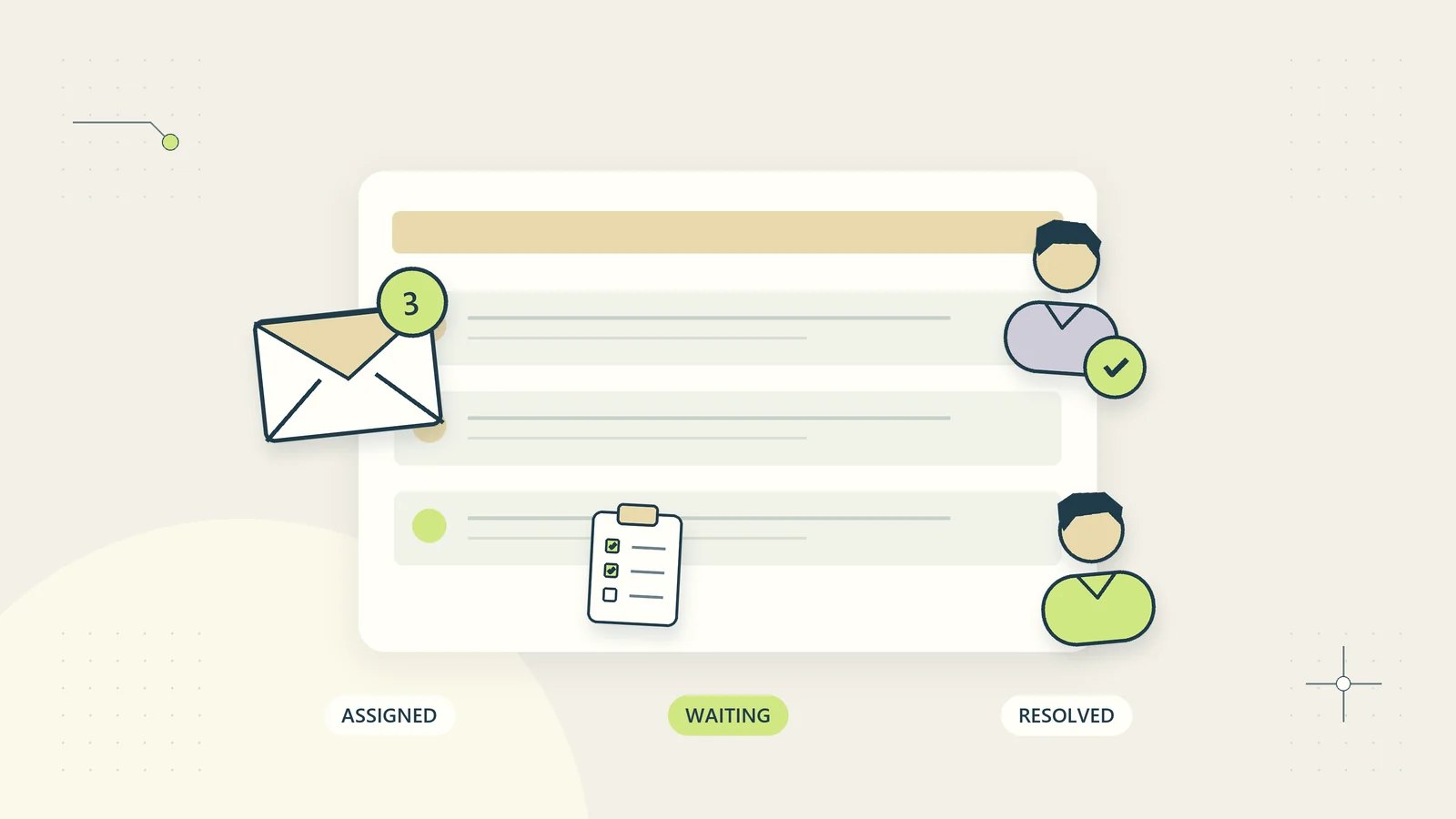
| Assigned | A named person has accepted responsibility | Next action and review point |
| Waiting on customer | A specific request has been sent | Requested information and follow-up rule |
| Waiting internally | Another authorized person must contribute or decide | Contributor, request, and review date |
| Ready to close | The substantive action is complete | Evidence that the intended result occurred |
| Closed | No further action is currently required | Closing note and reopening route |
You may combine states in a very small team, but preserve the meaning. “Waiting” without identifying who or what the team is waiting for becomes a place where work quietly ages.
Use your work intake process to define when an incoming message becomes an accepted task. Not every message requires an elaborate record, but actionable work needs enough structure to survive a change of owner.
Assign one owner per actionable conversation
The owner is responsible for moving the issue forward, not necessarily for doing every task personally. They can request information from colleagues while remaining accountable for the next customer update and the accuracy of the case state.
Define how ownership is accepted. A visible assignment should be confirmed by the recipient or governed by a clear duty arrangement. Merely adding someone’s name in a note does not prove they know the work exists.
Google Groups’ assignment documentation illustrates a product feature that lets authorized members take or assign conversations. If your existing tools provide no equivalent, a small controlled task record can carry the same operational information. The rule is ownership, not a particular interface.
Make reassignment explicit. Include the current issue, action already taken, evidence location, pending decision, and promised next update. The previous owner should not assume the work has transferred until the new owner or duty process has accepted it.
Give triage a real owner and schedule
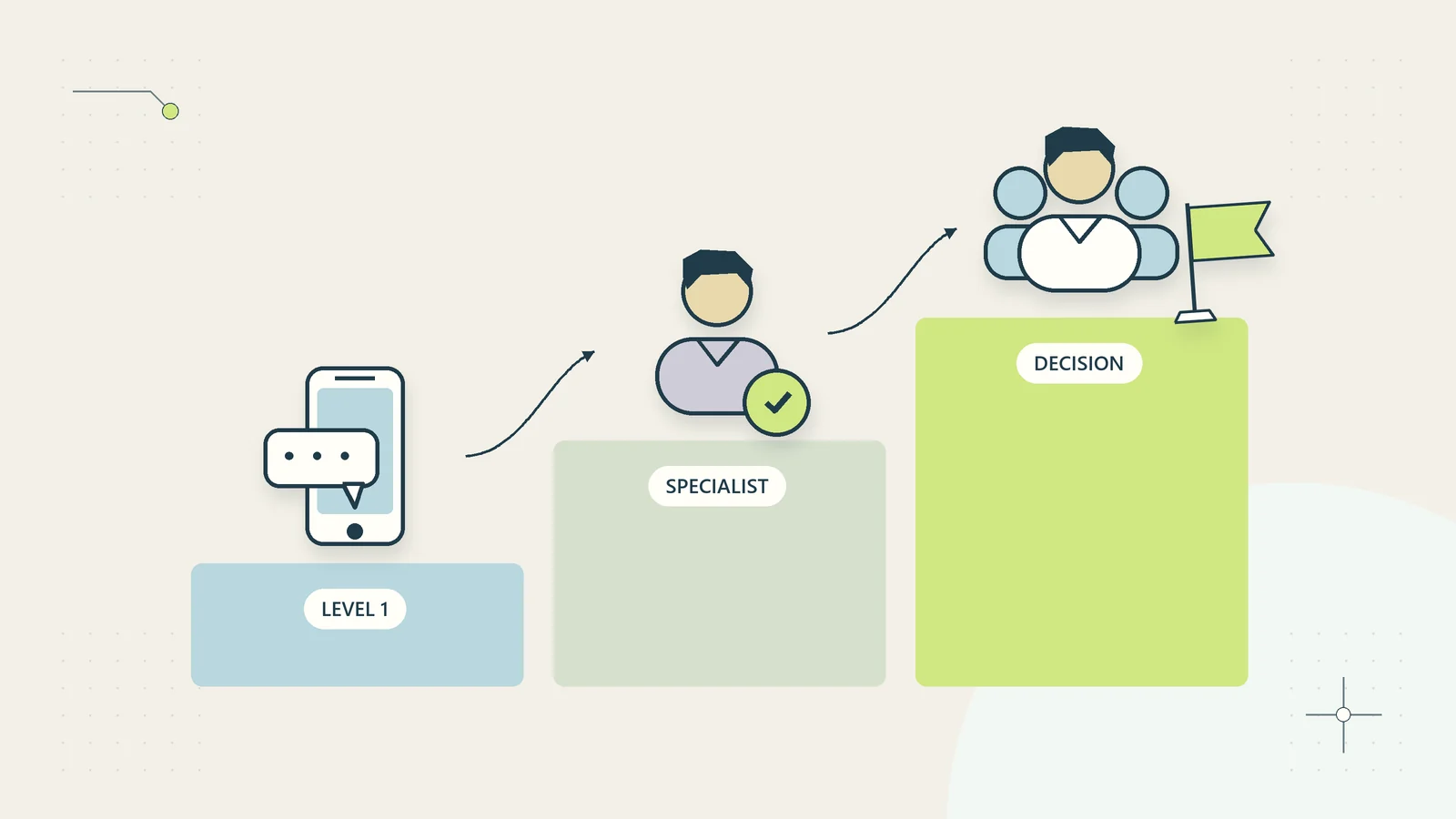
Triage decides what a new message requires, how urgent it is, and where it belongs. Without a named duty, everyone may assume someone else will do it. A rotating role can work if the schedule, coverage, and handoff are clear.
Set review periods based on actual demand and the consequences of delay. A small business should not promise continuous monitoring unless it can provide it. Explain external response targets consistently with the team’s working pattern.
At triage, identify spam or non-actionable correspondence, create or link the work record, assign an owner, flag time-sensitive issues, and send an appropriate acknowledgment where useful. Do not let triage become a full investigation that prevents new work from being seen.
Define a route for issues beyond ordinary handling. A possible security incident, serious safety concern, complaint, or consequential billing problem may require a specialist owner. The triage person should know where to route uncertainty without making decisions outside their authority.
Keep internal discussion separate from customer replies
Staff need a safe place to ask colleagues for help without accidentally sending internal commentary to the customer. Make the distinction between internal notes and external messages visible in the operating procedure and training.
Internal notes should remain factual and useful. Record a question, a decision, or relevant context. Avoid disparaging descriptions of a customer that do not help resolve the work and could undermine fair handling.
Before sending, check the recipient list, quoted history, attachments, and sender identity. A reply copied from a previous case can carry the wrong name, an obsolete promise, or another customer’s information. Templates should reduce routine drafting, not remove attention to the actual message.
Where several staff contribute, the owner should combine their input into one coherent response. Forwarding a sequence of contradictory internal opinions to the customer transfers the coordination problem rather than resolving it.
Prevent duplicate replies and duplicate work
Two people can read the same message at nearly the same time. Establish a visible claim or assignment rule before replying. If the tools show an active draft or ownership indicator, use it consistently. If they do not, make the work record the place people check first.
Do not use unread status as a claim mechanism. Reading can happen on multiple devices, and a person may open a message without accepting the work. Unread status describes a reading event, not operational responsibility.
Link repeat messages to the existing issue when the identity and subject can be matched appropriately. Preserve the new information and receipt time, but avoid launching another independent process that might trigger duplicate refunds, deliveries, or conflicting answers.
For consequential actions, checking the conversation alone may be insufficient. Confirm the action’s current status in the authoritative record before repeating it. An email saying “refund requested” is different from confirmation that a refund completed. The inbox should point to that evidence rather than substitute for it.
Make waiting states active responsibilities
Waiting is a state that needs an owner and a review rule. Record what was requested, from whom, when, and what should happen if no answer arrives. Otherwise, a waiting folder becomes an archive with a more hopeful name.
Use proportionate follow-up. A missing detail needed for a routine enquiry may justify one reminder and a clear reopening route. A time-sensitive existing commitment may need a more active escalation. The appropriate rule depends on the service and any applicable obligations.
When waiting internally, avoid making the customer chase your colleague. The case owner should coordinate the internal request and update the customer when the delay affects them. A message forwarded to another team does not end the business’s responsibility for the conversation.
The client escalation process can define how aging or blocked work reaches someone who can decide. Escalation should add authority or attention, not simply another recipient on the same email thread.
A hypothetical shared-inbox day
Imagine a three-person digital resource business receiving product questions, delivery problems, and general correspondence through one public address. One person holds triage duty for the morning, while the others work on existing cases and product maintenance.
A buyer reports a missing delivery email. Triage links the message to a verified order reference and assigns the delivery owner. A second message from the buyer arrives through the website form. The owner links it to the same case and sees that the authorized recovery action has already started, avoiding a duplicate process.
Another message disputes the product description. Triage records it as a complaint and routes it through the complaint triage process. The delivery owner does not send the ordinary missing-email template because the issue concerns expectations, not access alone.
A newsletter is filtered into a non-actionable category. A supplier message about a future format change becomes a separate internal task rather than remaining in the customer support queue. The distinction keeps unrelated work from obscuring customer commitments.
At the duty change, the morning owner reviews unassigned new work and time-sensitive cases with the next duty holder. Existing case owners remain responsible for their conversations. This hypothetical example demonstrates the operating rules; it does not report a measured support outcome or a deployed integration.
Build coverage before someone is absent
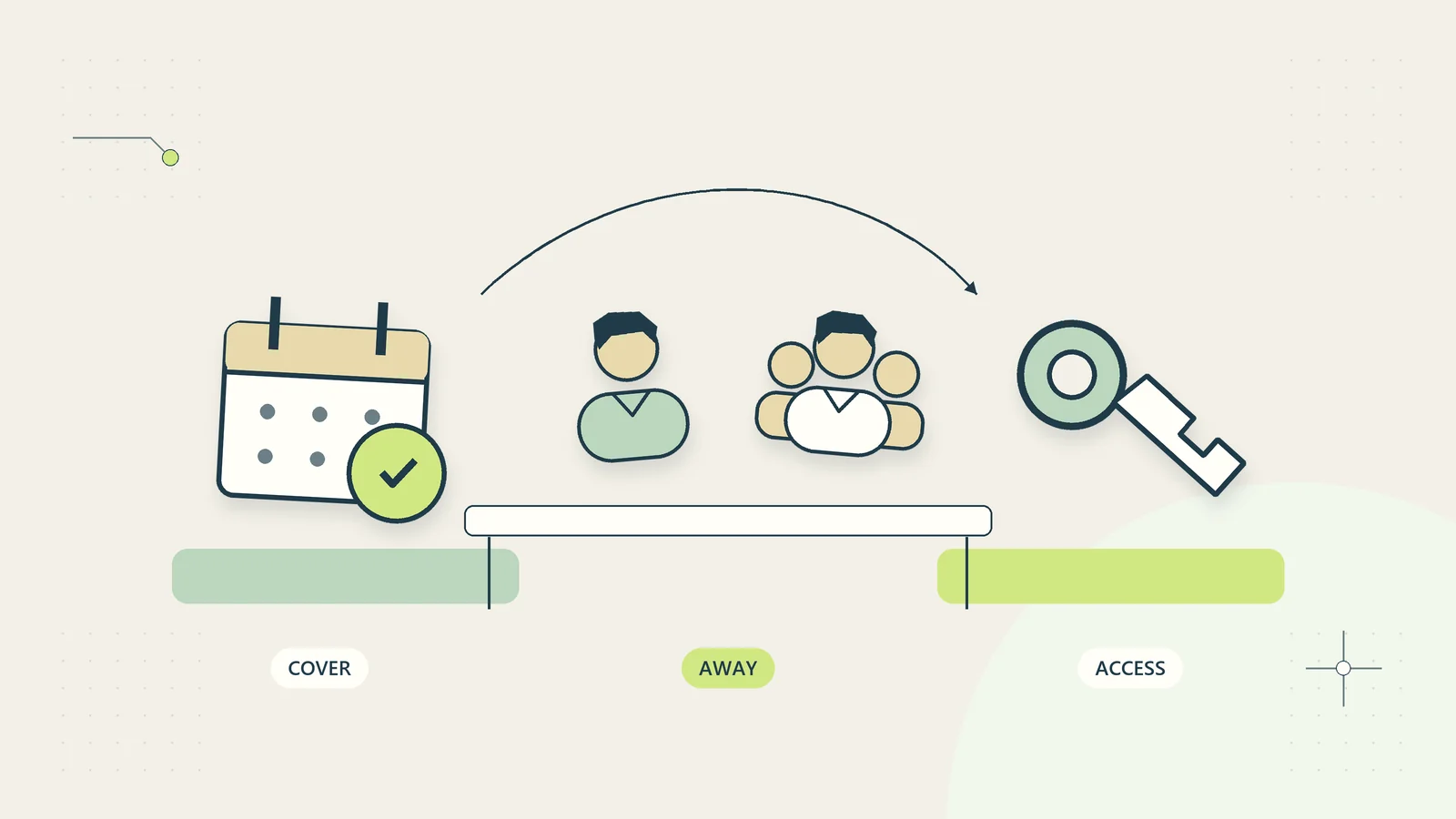
Every open case needs a route that survives the owner’s absence. That may be a named backup, a duty queue, or a manager review, depending on the work. The route should include the next action and the authority needed to perform it.
Do not solve coverage by giving everyone unrestricted access to every mailbox and customer record. Use appropriate individual permissions, and provide the minimum information required for the work. Review access when responsibilities change.
The out-of-office coverage guide explains how to prepare active work, communications, and a return handoff. An automatic absence reply tells the sender someone is away; it does not ensure another person owns their request.
At the end of each duty period, check new unassigned work, overdue promised updates, and cases waiting on an absent colleague. That short sweep is more reliable than expecting people to notice aging work while scrolling through a busy inbox.
Use automation only for clear transitions
Useful low-complexity automation can acknowledge receipt, add a known reference, route a clearly identified message type, or remind an owner about a promised review. Those actions depend on defined rules and reliable records.
Be cautious when classification affects a customer’s rights, money, access, or an important service decision. A keyword may indicate a complaint or an urgent issue, but it should not become the sole basis for rejecting a request or deciding a remedy.
Keep a recovery queue for failures. If an automatic route cannot identify the correct record or owner, place the message somewhere a responsible person will review it. A silent routing failure is worse than a visible unclassified item.
Templates and automated drafts should state only facts available from authoritative sources. Do not insert a promised delivery date based on a generic schedule when the actual order remains under review. Automation improves the flow only when it preserves the meaning of the work’s current state.
Define how a closed conversation reopens
A customer can reply after a case has closed. Decide whether that reply reopens the same issue or creates a genuinely new request. The distinction should depend on the work, not simply the age of the email thread.
If the customer says the promised action did not happen, reopen the relevant issue and check the original completion evidence. If they ask an unrelated question using an old thread, create or link the appropriate new task while preserving enough context to explain the change. Tell the customer what reference to use next when that helps coordination.
Do not automatically assign a reopened case to someone who has left the business or is unavailable. The reopening route should respect current ownership and coverage rules. Keep the original case history available to an authorized owner so they do not ask the customer to retell the same problem unnecessarily.
Also decide how late internal replies are handled. A colleague may provide information after the customer issue has already been resolved. That information should be reviewed for relevance before another external reply is sent. An internal contribution is not automatically a new customer action.
Test reopening during the pilot. A queue that handles new work well but loses replies to completed cases has an important gap that ordinary new-message metrics will not reveal.
Measure flow and quality together
Track new unassigned conversations, time to accepted ownership, overdue promised updates, waiting-state age, reopened issues, and duplicate replies. Those measures show whether the queue is controlled without pretending every issue takes the same amount of effort.
Review a sample of completed cases for answer quality. Did the response address the question? Was the action verified? Could another person understand the final position? A fast first reply can coexist with a poor resolution, so avoid treating speed as the complete measure of service.
Use trends to find a process problem rather than to blame a person for a busy period. If many cases wait for the same approval, the decision path may need redesign. If many delivery questions repeat, the product instructions or recovery flow may need improvement.
Start with a small pilot: one address, a few states, named triage duty, and explicit ownership. Review the exceptions after a week of representative work. Keep the rules that make responsibility clearer and remove labels or reports that nobody uses to decide the next action.
Sources and editorial method
Research checked October 15, 2026. Product capabilities were checked against Microsoft’s shared-mailbox documentation and Google Groups’ conversation assignment documentation. These factual examples do not constitute a recommendation to buy or connect either product. The state model, triage routine, duplicate-work checks, pilot measures, and digital-resource scenario are original practical analysis. The example is hypothetical and does not describe tested vendor integrations or measured customer results.