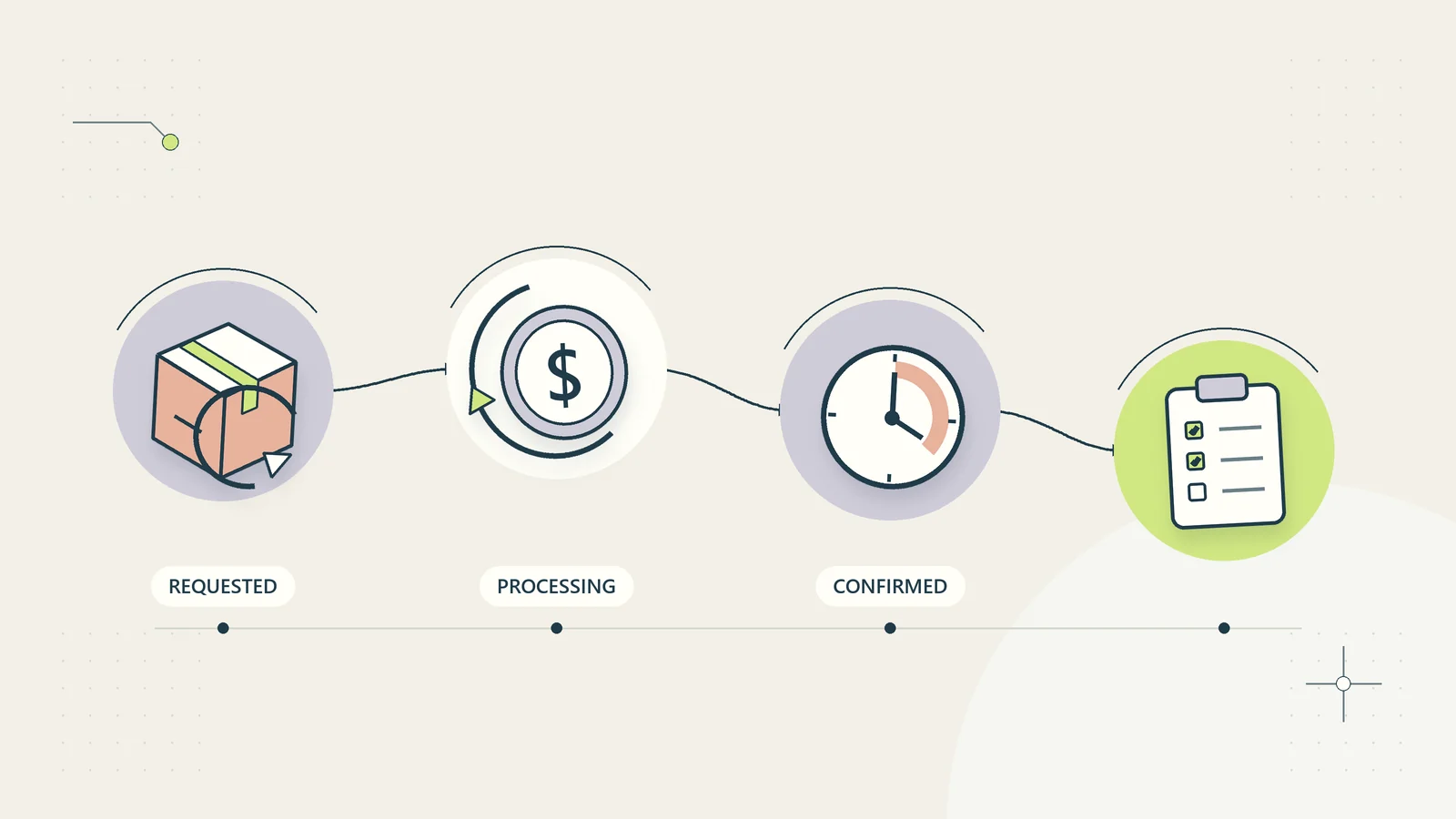
Plan preorder operations before accepting demand
Plan ecommerce preorders around a clear offer, bounded stock allocation, payment states, supplier evidence, customer updates, and recovery checks.

Preorders turn future availability into a promise a customer can act on today. The difficult part is keeping that promise coherent across the product page, payment record, supplier update, warehouse queue, and cancellation request. A preorder button alone cannot do that work.
A useful preorder operation starts with a bounded batch, a defensible shipment estimate, a visible status record, and an agreed response when the estimate changes. This guide develops those controls for a small retailer. The examples are hypothetical, and the worksheets can be maintained in your own store records and spreadsheets without buying another service.
Decide what kind of promise you are making
Write a one-paragraph offer before configuring a checkout. Identify the product and variant, the expected shipment window, what the customer pays now, what may be collected later, and how a buyer can request help. Distinguish shipment from delivery: a warehouse dispatch estimate is not a courier arrival guarantee.
Separate an expression of interest from a paid preorder. A waiting list gives you an indication of demand but usually lacks the commitment of a purchase. A paid order creates operational and financial obligations that need explicit handling. Do not report both populations as confirmed sales in a production forecast.
Your internal offer record should also state what makes the estimate credible. That evidence might be an approved production schedule and confirmed transport booking. A supplier’s optimistic message is weaker evidence than finished stock awaiting collection. Label uncertainty in the planning record rather than hiding it behind a precise date.
Define a batch you can actually control
Give each preorder batch an identifier. Attach the relevant stock keeping units, order cap, supplier commitment, receiving location, and responsible owner. Orders should retain their batch association even if the public product page later changes to normal stock.
Calculate the sellable allocation conservatively. Start with the units assigned to the batch, subtract units already committed elsewhere, and reserve an amount for the quality issues or replacements your business reasonably anticipates. Do not reuse the same inventory allocation for wholesale orders and website preorders.
Document how overselling stops. A hard quantity limit is stronger than a reminder to check the dashboard each afternoon. If several channels share the allocation, test how their combined commitments reduce the remaining quantity. When that control is unreliable, keep the initial batch small or accept interest registrations instead of payment.
Build a preorder record with separate dimensions
One status such as “processing” cannot explain a preorder. Keep order, supply, payment, and fulfillment states separate so one team cannot accidentally imply that another has finished its work.
| Dimension | Illustrative states | Evidence needed to advance |
|---|---|---|
| Order | Accepted, cancellation requested, closed | Valid order or reviewed request |
| Supply | Production, transit, received, quality hold | Supplier evidence or receiving record |
| Payment | Deposit received, balance pending, paid, refund pending | Payment system confirmation |
| Fulfillment | Not ready, allocated, packed, dispatched | Warehouse completion evidence |
Add the last confirmed shipment window, the date it was confirmed, and the next review date. A customer may have paid in full while the batch remains on a quality hold. Keeping those facts separate helps support give a truthful answer without decoding an ambiguous label.
Check payment and cancellation handling before launch
Choose full payment, a deposit, or a later payment arrangement only after confirming that your actual checkout supports it in the markets you serve. Review payment authorization expiry, later charge requirements, failed balances, refunds, and cancellation handling with your payment provider and appropriate advisers.
Shopify’s preorder documentation describes different payment arrangements and platform requirements. Its setup guidance also lists checkout restrictions. These are examples of why ordinary checkout assumptions need testing; they are not universal rules for every store.
For each arrangement, write what happens when the buyer cancels before dispatch, a balance collection fails, a batch is abandoned, or an order contains both available and future products. Check applicable consumer and payment requirements for your business and customers. A general operations checklist cannot establish the right legal terms worldwide.
Make the product page and confirmation agree
Keep preorder language beside the purchase decision. A small paragraph at the bottom of a long description is easy to miss. State that the product is not ready to ship, give the currently supported window, and explain the chosen payment arrangement in direct language.
The confirmation should preserve the offer that applied when the customer ordered. Store a version or dated snapshot of the important promise. Otherwise, a later product page update can erase the context support needs to understand a customer’s concern.
Check variant selection carefully. The black version might be available while the blue version remains in production. The cart, confirmation, and customer account should describe the selected variant rather than showing a generic product-level availability message. Use the product data quality checklist to review these details before opening sales.
Set a supplier evidence rhythm
Ask for evidence suited to the current stage. Early production may need a milestone update. Later stages may need dispatch documents, a collection reference, or confirmation that the agreed quantity passed inspection. Record what was observed and when, rather than copying a supplier’s latest date over the old one.
Give one person responsibility for turning supplier information into an internal forecast. Support staff should not independently interpret fragments of supplier correspondence. If the evidence is incomplete, the forecast owner should mark the estimate as under review and set a next action.
The frequency of review should reflect how close the batch is to a customer commitment and how unstable the supply is. More frequent checks do not automatically create better evidence. A clear request with an accountable responder is usually more useful than repeated messages saying “any update?”
Plan the receiving and release gate
Arrival at the warehouse is a milestone, not automatic permission to fulfill every preorder. Record the received quantity, variant identities, visible damage, inspection outcome, and any discrepancy against the expected batch. Keep unavailable or quarantined units out of the sellable allocation.
Define who can release the batch to fulfillment. The decision should account for quality checks, payment readiness, address issues, and the actual capacity to pack orders. Avoid sending a dispatch announcement when staff have merely booked an inbound delivery.
For mixed orders, decide whether to hold everything, split shipments, or offer a customer choice where your terms and systems support it. The decision affects packaging, shipping cost, customer expectations, and available stock. Test it with a concrete order containing two ordinary items and one preorder variant.
Prepare for the date to change
A useful delay process has three moments: identify the risk, decide the new position, and communicate the applicable options. Do not wait until the old window expires if credible evidence already makes it unlikely. Equally, avoid presenting an unconfirmed replacement date as settled fact.
Keep a change record with the affected batch, previous promise, new evidence, decision owner, customer population, and notification status. Check whether required cancellation, consent, or refund steps apply in the relevant market. Those obligations need proper local review.
The supplier delay process provides a fuller structure for managing evidence and shared decisions. The preorder-specific addition is the connection to each customer’s original commitment. Two batches of the same product may need different messages because their offers and payment arrangements differ.
Write updates that answer the next question
A useful update states which order or batch it concerns, what has changed, what remains uncertain, what the customer can do, and when the next update is expected. Avoid cheerful wording that obscures a material delay. Acknowledge the practical impact without inventing certainty.
For example, a hypothetical update might explain that the expected warehouse receipt moved because a production inspection remains incomplete. It can state that a replacement shipment estimate is being checked and give a date for the next update. The message should present the actual options your reviewed policy and applicable obligations provide.
Keep delivery records for operational messages and create a route for undeliverable notices. A failed email should not silently mark a customer as informed. The ecommerce support handoff guide helps connect these exceptions with the people able to resolve them.
Work through a complete hypothetical batch
Imagine a homeware shop planning a batch of 120 lamps. It reserves eight units for expected replacements and commits twelve units to an existing wholesale order. Its initial website allocation is therefore 100 units. These quantities illustrate a planning method, not a recommended reserve percentage.
The shop accepts seventy website orders, each for one lamp. It records the order’s batch, variant, payment status, and promised shipment window. The supplier later confirms that only 90 units will be ready for the intended collection. The forecast owner opens an exception instead of changing every order to “ready.”
The team checks whether the twelve wholesale units remain committed and whether the reserve needs adjustment. It assesses the effect on existing customers before opening more sales. Depending on the resulting evidence, it might pause new orders, allocate a confirmed quantity, and give affected customers reviewed choices. No employee makes a replacement promise from the supplier’s first informal message.
Handle the exceptions that create duplicate work
Common exceptions include address changes, multiple orders from one buyer, partial cancellations, damaged inbound goods, and payments that arrive after a cancellation request. Give each exception an owner and a state that distinguishes “requested” from “completed.”
For an address change, verify that the requester is authorized using a proportionate method, check whether packing has started, and record the outcome. Do not expose an order simply because someone knows a name and email address. Avoid putting private addresses into broadly shared batch spreadsheets.
For a refund, retain the provider reference and confirmation state. A cancellation decision is not proof that money has been returned. The refund tracking guide explains that distinction. Resolve uncertain payment outcomes before retrying a financial action; duplicated requests can create a second problem while attempting to fix the first.
Test the operation, including the unhappy paths
Run a tabletop exercise before taking real preorders. Use sample records for an ordinary order, a mixed basket, a failed balance, a delay, a cancellation, and a received quantity shortfall. Ask a person outside the setup work to explain each customer’s current position from the records alone.
Test the public wording on a small screen and review the actual confirmation content. Check that a paused batch cannot keep selling through another channel. Confirm that changing a product page does not erase the original promise attached to prior orders.
Where payment tests are available, use the provider’s designated test environment and documented methods. Never assume a simulated state proves that a production payment or notification will work. Record the scope of each test, what evidence it produced, and which operational checks still require supervised confirmation.
Measure readiness and close the batch properly
Track the number of accepted orders, remaining allocation, orders with unresolved payment questions, customers awaiting an update, and orders outside the original shipment window. Review these as connected measures. A high dispatch count can hide a small group of badly delayed customers.
After fulfillment, reconcile ordered, received, dispatched, cancelled, refunded, and reserved quantities. Explain differences before closing the batch. Retain the final exception list and operational decisions under your business’s reviewed recordkeeping arrangements. Remove unnecessary personal data from working copies when it is no longer needed.
Use the first batch to adjust the offer and controls, not to declare a guaranteed formula for growth. The most useful result may be a smaller sales cap, a clearer shipment estimate, or a decision to use an unpaid waiting list until supply evidence improves. Expand only when your own records show the operation can carry the additional promise.
Check what remains if a tool is unavailable
Keep an exportable list of open preorder commitments and a documented way to stop new sales. If an optional application is unavailable, staff still need to identify the affected batch, explain the current promise, and route a cancellation. Store only the information necessary for that operational cover and restrict access to private customer details.
Test a short continuity exercise: assume the usual order view cannot be opened for an hour. Can the business pause the offer safely, recover the last confirmed allocation, and avoid charging or refunding the same order twice? Do not recreate financial actions from memory. Queue uncertain cases for verification when the authoritative payment record becomes available.
This fallback is especially useful for a business aiming to reduce external dependencies. Keeping the offer, status definitions, and operating instructions in your own records makes the process portable. It does not remove the need for reliable hosting, payments, transport, or accountable decisions when a real promise changes.
Keep the campaign report distinct from the fulfillment report
Marketing may want to know how many people ordered during the launch window. Operations needs to know which accepted orders can be fulfilled and which remain unresolved. Finance needs an accurate view of the relevant payments, cancellations, and refunds. Give those reports clear definitions so one attractive number does not stand in for all three.
For example, a preorder may appear in the campaign’s original order count after the customer has cancelled it. That historical count can still describe campaign activity, but it must not remain in the quantity allocated for packing. Preserve the event history while updating the current operational commitment.
Document these definitions beside the reports. A new employee should be able to tell whether a figure represents original demand, net open orders, received cash, or dispatchable units. This simple distinction becomes more important as batches overlap and customers move between waiting, paid, cancelled, and fulfilled states.
Sources and editorial method
Sources checked October 15, 2026: Shopify Help Center: pre-orders and setting up pre-orders. These official platform references establish that preorder arrangements and restrictions require specific review. The batch worksheet, operational states, examples, and pilot suggestions are original editorial analysis. They do not require Shopify, assert a tested integration, or establish legal requirements for all jurisdictions.