Plan a document migration without losing ownership
Plan a document migration around ownership, permissions, dependencies, a representative pilot, controlled cutover, recovery, and usable results.
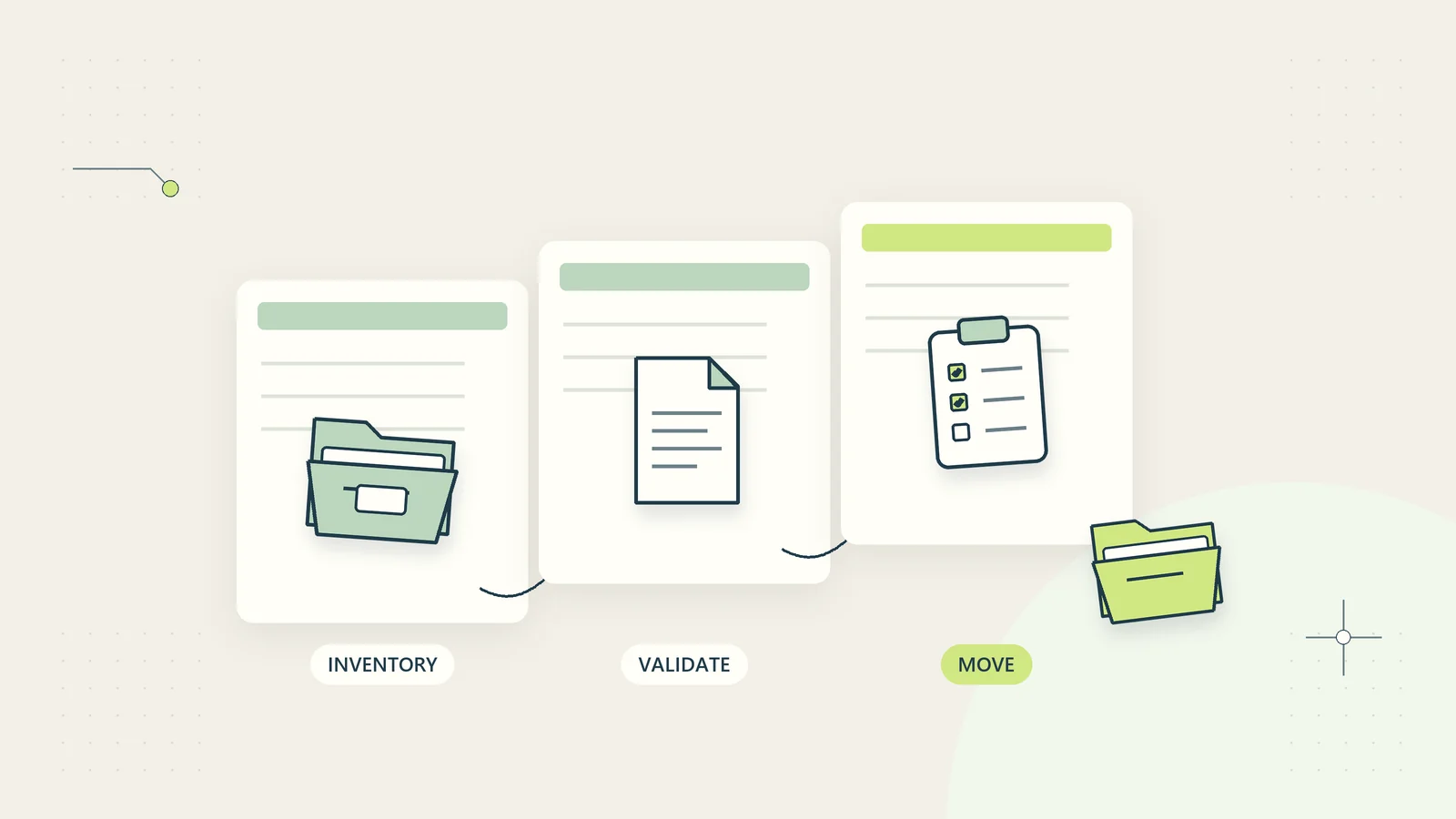
A document migration changes more than storage location. It can change who owns information, which links people use, how versions are interpreted, and whether important records remain accessible. Copying every file successfully is only one part of the job. The business also needs to know where authoritative work now lives and what should happen to the old location.
A small business can manage that change with a practical migration register, a representative pilot, a controlled cutover, and explicit acceptance checks. The plan should protect ordinary work while identifying the items that need a human decision. It does not need to become an enormous technology program.
This guide presents an original operating method and a hypothetical project migration. Product behavior varies, so use current official instructions for the source and destination systems. No specific migration tool or live customer environment has been tested for this article.
Define the reason for moving and the acceptance criteria
Write down the problem the move should solve. Perhaps business files are scattered across personal accounts, project ownership is unclear, or staff cannot find the current approved document. A move that simply recreates the same confusion in another location has not achieved its purpose.
Define success in observable terms. The team can find a project’s authoritative folder; the intended staff can open its required documents; external guests cannot reach unrelated work; and a nominated owner accepts responsibility for maintenance. Include the business tasks that must still work after the move.
Separate must-have requirements from desirable improvements. A new naming convention may be useful, but applying it to every historical file during the same weekend can multiply decisions. Decide which changes are necessary for a safe move and which can happen later. The document management guide helps establish the operating system you want the migration to support.
Inventory documents, owners, and dependencies
Create a register of the source locations, approximate volume, information sensitivity, business owner, active users, and intended destination. Include local folders, shared drives, business-managed cloud areas, and important material held in personal workspaces where the business has an authorized recovery route.
Look beyond visible documents. Record linked files, embedded attachments, templates, shortcuts, version history requirements, shared links, and processes that read from or write to the location. A spreadsheet that imports a reference file may open after migration while quietly losing its useful calculation input.
Identify who can decide what to do with each collection. The technical operator should not be left to infer whether an abandoned folder contains an authoritative record or an obsolete copy. Mark unknown ownership as a decision queue with an owner and deadline. Avoid copying uncertain material into a broadly shared destination merely because nobody has answered yet.
Classify what to move, archive, review, or exclude
Assign each collection an explicit disposition. Active authoritative work may move to the main workspace. Historical material may belong in a restricted archive. Duplicates and obsolete files may need review before an approved deletion. Material outside the business’s authority should not be swept into the migration casually.
Keep retention decisions separate from technical convenience. A migration is not a reason to delete records subject to an applicable hold, contractual obligation, or approved retention schedule. Equally, copying everything indefinitely is not a substitute for deciding what the business needs. The relevant requirements vary by record and jurisdiction.
Use the business retention review process to structure those decisions. Record exclusions with a reason and accountable person so a later user does not assume an omitted folder was accidentally lost. If a decision remains unresolved at cutover, define a protected interim arrangement rather than concealing the uncertainty inside the main destination.
Design the destination around real ownership
Choose a destination structure that reflects how work is owned and used. A client-project folder may need a clear owner, an approved area, a working area, and a restricted administrative section. Avoid reproducing a departed employee’s personal organization as the permanent business structure.
Define who can create new top-level areas and how ownership transfers when projects close or staff roles change. Document naming rules for new collections, but do not rely on names alone to enforce access. A folder called confidential is not a permission boundary.
Create a source-to-destination mapping with stable references where possible. Record whether an item keeps its name, receives a new name, moves to an archive, or remains temporarily in place. When changing a structure, show users a few concrete examples of where familiar work will go. The file naming conventions guide helps separate readable labels from the larger questions of ownership and access.
Map permissions deliberately instead of copying blindly
Review who needs access after the move. The old permissions may contain years of accumulated guests, inherited groups, and exceptions. Copying them exactly can reproduce inappropriate access; replacing them with a broad all-staff permission can create a different exposure.
Map source identities and groups to valid destination identities. Decide how to handle former staff, external collaborators, shared accounts, and people whose names or email addresses changed. Do not infer identity from a similar display name. Confirm ambiguous mappings through established business channels.
Record resource-level exceptions, such as a client folder that must not inherit its parent area’s general access. Test the intended boundary with an approved identity and harmless content before moving sensitive records. The small-business access review guide provides a practical way to connect permissions with current responsibilities. The migration should leave a clearer access model, not an unexplained translation of old settings.
Check the tool’s actual capabilities and limits
Read the current official instructions for the chosen method. Confirm supported file types, size and path limits, ownership behavior, version handling, metadata preservation, permission mapping, and error reporting. Determine whether links will change and whether the tool supports an initial copy followed by incremental updates.
Microsoft’s Migration Manager overview describes a managed route for moving file-share content into Microsoft 365. That is one product-specific example, not a recommendation that every business should choose it. Your plan must reflect the actual source, destination, licenses, and supported migration behavior you have.
Do not promise that history, comments, permissions, or links will be preserved unless the selected method supports them and your pilot verifies the relevant behavior. Record unsupported features as acceptance decisions. The owner may accept a documented limitation, choose a different method, or delay the move until a requirement can be met.
Protect a recoverable source before starting
Prepare an approved recovery copy or other supported recovery arrangement before modifying the source. Know what it includes and how it would be used if the move fails. Keeping the old folder temporarily is useful, but it does not replace a backup if the migration process can modify or delete that folder.
The NCSC’s backup guidance advises checking backup contents and knowing how to restore them. For this migration, the practical question is whether the business can recover the source state it is about to change. Use the backup restoration test guide to validate a representative recovery safely.
Identify a rollback decision-maker, deadline, and trigger. A vague promise to go back is insufficient once people have edited files in the destination. Record how new work would be reconciled if rollback becomes necessary. Otherwise, the business may recover old files while losing legitimate changes made during the transition.
Run a pilot with difficult but representative material
Choose a small collection that includes typical documents and meaningful edge cases. Include nested folders, a restricted item, an older version where needed, a linked spreadsheet, a long filename, and a document used by an external collaborator if that is part of normal work.
Define expected results before moving the sample. Record item counts, required metadata, permission expectations, and the business task the owner will perform afterward. An easy sample proves little if the full collection contains the very features you excluded.
Keep a pilot issue register with source reference, observed problem, expected behavior, owner, and decision. Retest corrections rather than marking them complete when someone changes a setting. Stop expansion if the method exposes information, loses required content, or produces unexplained mismatches. A pilot is valuable because it can change the plan before the business commits to a broad move.
A hypothetical project-folder migration
Imagine a consulting team moving completed and active project folders into a business-managed workspace. The pilot includes an active project with an approved report, working drafts, and a spreadsheet linked to a pricing reference file. The owner must demonstrate that a colleague can retrieve the approved report and continue the calculation work.
The report opens correctly, but the spreadsheet still points to the old personal location. The team records a failed dependency check rather than calling the pilot successful because every file copied. The owner decides to move the authoritative reference file into a controlled business area and update the supported link deliberately.
The pilot also reveals a guest invitation that should apply only to the approved report. The destination’s broad inherited access would have exposed working drafts. The team revises the structure and repeats the access check before expanding the move. This hypothetical example illustrates acceptance criteria; it is not a measured migration result or a claim about a particular platform.
Control cutover so two locations do not become rivals
Publish a clear cutover plan: what moves, when editing pauses if necessary, where new work belongs, and whom users should contact about a missing item. Choose a window that matches business needs and the migration method rather than assuming a weekend is automatically suitable.
If the method supports incremental migration, document how the final changes will be captured and verified. If it does not, plan an explicit editing freeze or another controlled way to reconcile changes. Inform the people who actually use the files, including approved external collaborators where relevant.
After acceptance, make the old location read-only or retire it through the supported process when appropriate. Avoid leaving two apparently authoritative folders writable indefinitely. A temporary notice can direct users to the new location, but it should not expose confidential destination paths to an unintended audience. Record who can authorize exceptions during the transition.
Reconcile content and business behavior after the move
Compare expected and actual item counts, investigate rejected items, and inspect representative content. Explain legitimate differences such as approved exclusions or intentionally consolidated duplicates. A count mismatch should have an accountable explanation rather than a general note saying mostly complete.
Ask the owner to perform the agreed business tasks. Open important documents, inspect required history, follow relevant links, test authorized collaboration, and confirm that restricted areas remain restricted. Check scheduled processes that depend on the new paths. These tests establish usability beyond transfer completion.
Keep an exception queue for missing, corrupt, inaccessible, or disputed material. Each item needs an owner, next action, and expected decision date. Do not resolve a missing authoritative document by substituting an unreviewed draft. The migration record should make the uncertainty visible until the owner accepts a supported resolution.
Keep a simple decision record for disputed items
When two owners disagree about an item’s destination, record the issue and assign an authorized decision-maker. Include the source reference, proposed locations, access implications, and the business reason each owner gives. Leave the item in an approved protected state until the decision is made. Copying it into both locations to satisfy everybody can recreate duplicate authority immediately. A recorded decision gives future users an explanation and prevents the same dispute from resurfacing after the move.
Test how people will find information after cutover
Users often navigate through old bookmarks, recent-file lists, search results, and links inside procedures rather than through the folder structure the migration team designed. Include those entry points in the acceptance test. Ask a colleague to find a known document using their usual route and observe where they become uncertain.
Update the most important links and explain any intentional change in location. Where supported, a controlled redirect or notice can help, but it should point to the authoritative destination rather than create another copy. Check that search does not continue presenting an obsolete writable source as the preferred result.
Use a few common questions to test discoverability: where is the approved customer report, which template should a new project use, and who owns the archive? The answers should come from the new operating structure, not from the migration coordinator’s memory. If users cannot find the intended location, they may create personal substitutes that undo the ownership improvements. Treat navigation and search findings as migration issues with owners, just like a rejected file or broken link. The content has moved successfully only when the people who need it can reach the right version through a reliable route.
Close the migration with ownership and recovery intact
Record the owner’s acceptance, outstanding limitations, source disposition, and destination maintenance responsibilities. Update procedures, bookmarks, templates, and recovery documentation that point to old locations. Remove temporary migration permissions and restrict any working exports created for the move.
Schedule a short follow-up after normal work has resumed. Ask whether people can find documents, whether duplicate working locations have reappeared, and whether new files are being created under the intended ownership model. Fix the operating cause when users fall back to private copies because the approved route is unclear.
The migration is complete when the business can use and govern the destination reliably, with an understood recovery route and an explicit decision about the source. Start with a representative collection, verify the difficult parts, and expand from evidence. Successful copying matters; successful ownership and continued work are what make the move worthwhile.
Sources and editorial method
Checked October 15, 2026. Primary references: Microsoft Migration Manager overview and NCSC: Backing up your data. They support limited product-context and recovery principles identified in the article. The inventory, disposition method, pilot, cutover checks, and consulting-team example are original guidance. The example is hypothetical, and no live migration or specific feature-preservation claim is presented as tested.