Document management for small businesses: a workable system
Design file naming, access, version control, retention review, and recovery as one document management system your small team can maintain.
Document management is the set of decisions that lets a business find the right record, understand its status, control access, and deal with it appropriately when it is no longer needed. A shared drive provides storage. It does not, by itself, tell the team which copy is approved, which customer a file belongs to, or who should review access after a project ends.
A workable small-business system starts with those questions. You can improve it without reorganizing every historical file at once. This guide develops an illustrative system for a service business, with naming examples, a status model, an access review, and a recovery exercise. Retention and professional obligations vary by location and type of record; the examples are operational design choices rather than universal legal rules.
Define the document’s job in the process
Ask why the record exists and which action depends on it. A draft proposal supports internal review. An accepted agreement supports delivery decisions. A customer-supplied document may support a qualified person’s assessment. These records need different statuses, permissions, and review criteria.
Do not confuse receipt with adequacy. A file can be uploaded successfully yet belong to the wrong period, omit a page, or require professional interpretation. Your tracking system should be able to say “received, awaiting review” without implying that the document is complete or correct.
Atlassian’s document-management overview describes the broader coordination of document organization and use. The design in this guide focuses on the handoffs a small team needs to operate: where the record lives, who can act on it, and how the next person knows which version to trust.
Inventory current storage before moving files
List the places where active records are stored: shared drives, project tools, email attachments, local computers, client portals, and specialist applications. Identify the owner, typical content, access method, and backup arrangement for each location. The aim is to understand the active data path, not to inspect every employee’s private material.
Choose a small, representative set of current projects. Follow one record from collection through review, use, and closeout. Note where copies appear and which copy staff actually consult. A migration plan based only on folder names can miss the unofficial location that everyone treats as authoritative.
Avoid starting with a large move or deletion. An apparently redundant archive may contain information subject to an agreement, a preservation requirement, or an unresolved business need. Give the relevant owner a chance to review the proposed treatment. First establish the rules for new and active work; then address older material through a controlled process.
Choose a structure people can predict
A useful folder structure answers the most common retrieval question. For a service business, that might be client, engagement, and record category. For an ecommerce operation, it might be order, return case, and supporting evidence. Use stable identifiers where names alone can be ambiguous.
Keep the hierarchy shallow enough to navigate. A record should not require someone to guess among several nearly identical categories. When a specialist application already owns the document, consider linking to that system rather than creating a second storage hierarchy that must be synchronized manually.
Separate active work, approved outputs, and archived records through a documented status or location. Explain what makes a record move between them. “Archive” should not become a substitute for deciding whether the record must be retained, who can access it, or when its treatment will be reviewed.
Use a naming convention with a clear purpose
Choose a few fields that help people identify a record without opening it. A stable reference, document category, period or date where relevant, and version can be useful. Avoid placing sensitive personal facts or confidential matter descriptions in filenames that may appear in notifications and access logs.
An illustrative convention is CLIENT-ID_ENGAGEMENT-ID_CATEGORY_YYYY-MM-DD_v01. It is an example, not a requirement. A business whose main retrieval question is an invoice number may need a different structure. Use an unambiguous date format and define whether the date means creation, reporting period, approval, or another event.
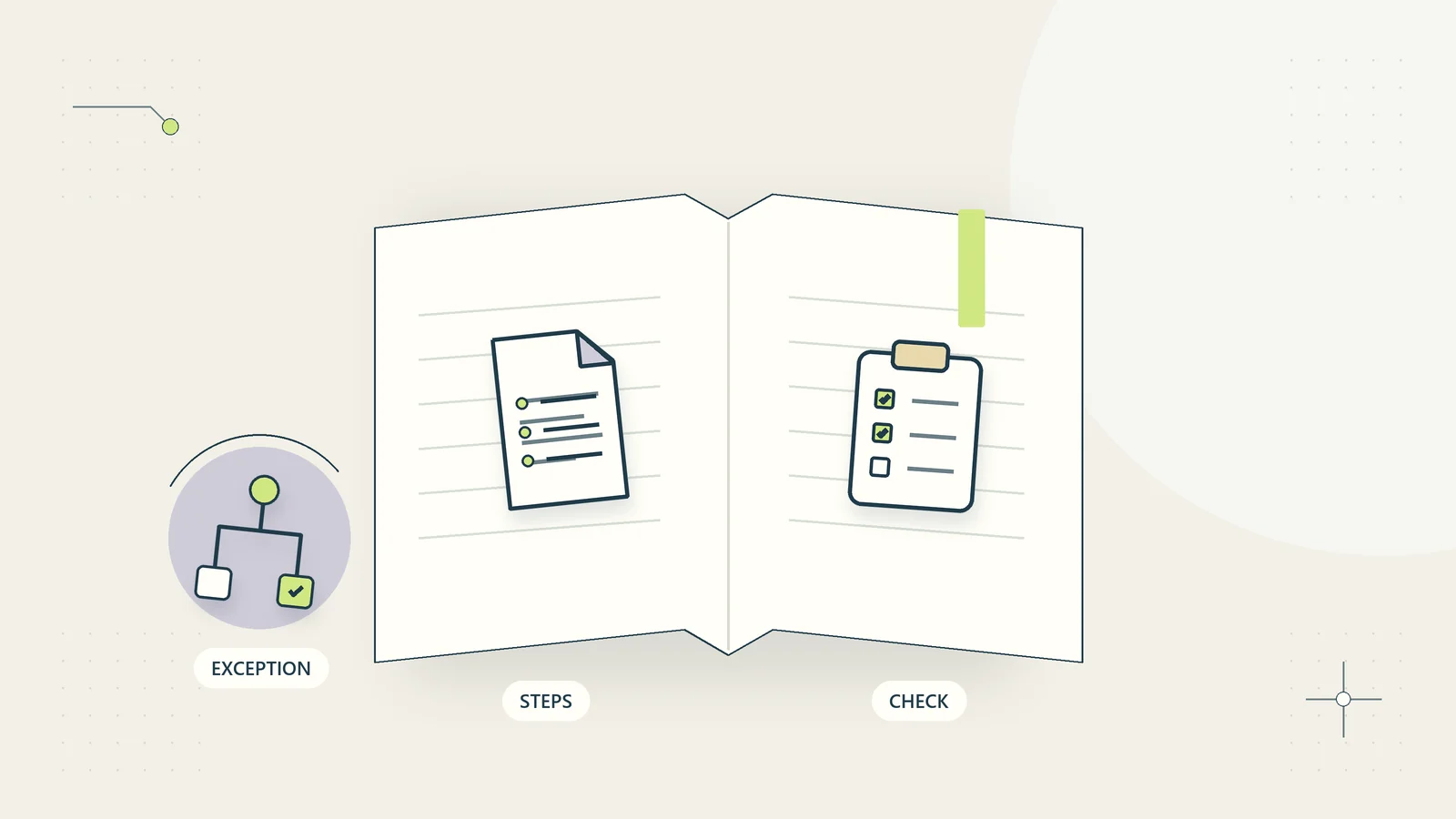
Keep a small category list and an exception route. If staff must invent a new label every time, similar records will become difficult to find. If a record does not fit, route it to the document owner rather than guessing. Do not rename files in ways that break required references or the behavior of a specialist system.
For example, two files named report_final and report_final_new do not explain which was reviewed. A record such as C104_P208_REVIEWED-REPORT_2026-10-15_v03 can be more useful when the team has defined those fields. The approval record still needs to identify that version; the word “reviewed” in a filename is not independent evidence of approval. Test the naming scheme on several ordinary records before applying it to a large collection.
Make version and approval different concepts
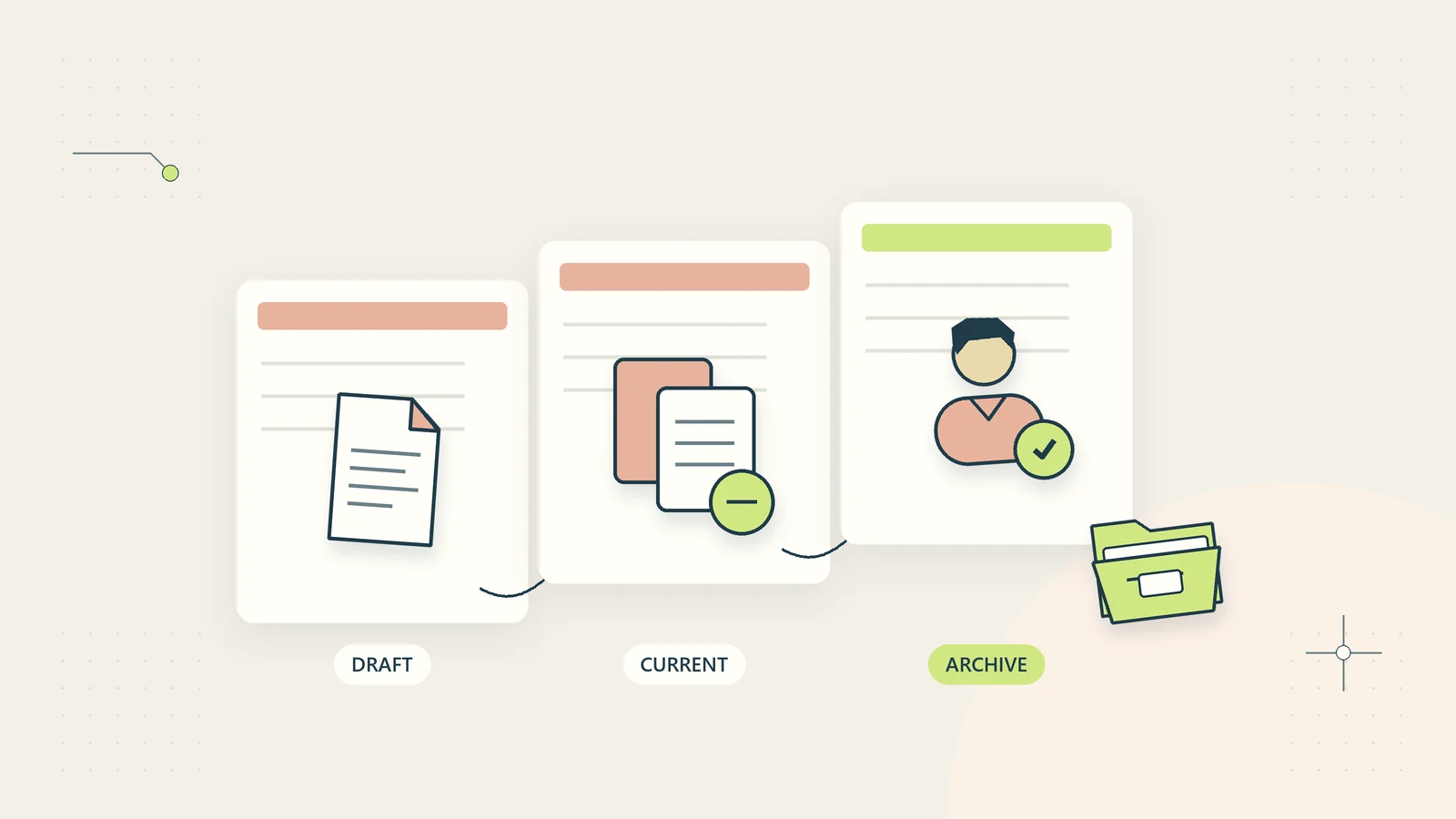
A newer file is not necessarily an approved file. Version control explains how the content changed; approval explains whether an authorized person accepted a particular version for a particular use. Treating those as one status can lead staff to distribute an unreviewed revision because its timestamp is latest.
| State | Meaning | What must happen next |
|---|---|---|
| Received | The record arrived in the approved location | Check identity and required categories |
| Needs review | Administrative checks are complete or a question is identified | Assigned reviewer assesses the record |
| Approved for use | The defined authority accepted this version for its intended purpose | Use within that scope |
| Superseded | A later version replaced it for current use | Preserve or dispose according to the applicable rule |
| Closed or archived | Active work ended | Review access and retention treatment |
Record the version or identifier that was approved, who approved it, and when. If the content changes, decide whether approval must reopen. A generic “approved” tag on a folder is weak evidence when the files inside it can change without a new review.
An illustrative engagement folder
Imagine a consultancy using one approved shared workspace for a current client engagement. The root is identified by client and engagement IDs. Within it, the team uses a small set of categories: scope, customer inputs, working analysis, reviewed outputs, and closeout. The actual access rules are applied through the workspace rather than embedded in a spreadsheet of links.
The onboarding record points to the accepted scope and current input checklist. A new file arrives through the designated collection channel. Staff confirm its client and engagement reference, then record receipt without claiming that its content has passed specialist review. An unfamiliar category enters an exception queue.
The reviewer works on a specific version and records the outcome. An approved output is linked from the delivery record, while earlier drafts remain distinguishable. At closeout, the owner reviews external access, identifies unresolved obligations, and records the relevant retention decision. No arbitrary automatic deletion date is inferred from the end of the project.
This hypothetical structure shows how a folder supports a process. It does not establish that one storage product is secure, that the example meets a particular profession’s rules, or that every consultancy should use the same categories.
Give access an owner and a review point
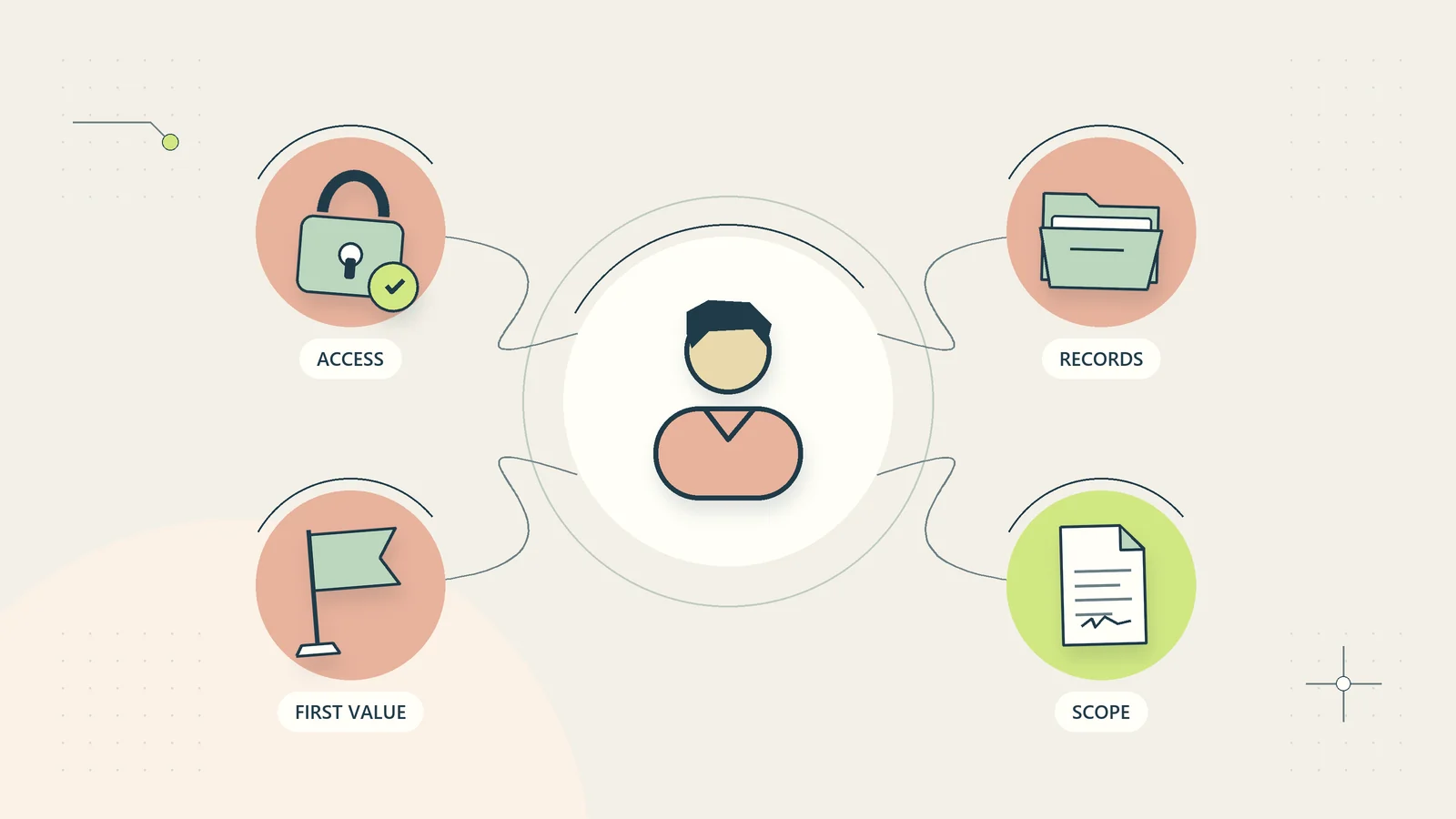
Decide which roles need to read, edit, approve, share, and administer records. These permissions serve different purposes. A person preparing a document may not need authority to publish it externally or invite another organization into the workspace.
Use the sharing controls and identity methods approved by your business. Avoid public links for confidential records. Record the purpose of external access and the person responsible for reviewing it. A link that was appropriate during an engagement can become inappropriate after a staff change or project closeout.
Review access when a person joins, changes responsibilities, leaves, or no longer needs the records. Periodic review can help identify overlooked permissions, but the frequency should match the actual data and risk. Keep a route for urgent removal. Do not rely entirely on a future calendar reminder when the business already knows access should end.
Build a retention review instead of guessing a period
Create a record-category schedule that identifies the business purpose, responsible owner, relevant obligations, review trigger, and approved disposal method. Different categories may need different treatment. A draft working note, an accepted agreement, and a financial record should not receive one universal duration merely because they share a folder.
The UK Information Commissioner’s Office explains storage limitation in the UK data-protection context. Its page is marked under review following the Data (Use and Access) Act. That is jurisdiction-specific guidance, not a worldwide retention timetable. International businesses should identify the rules and professional requirements relevant to their actual records and locations.
Provide a stop rule for unresolved holds, disputes, or other preservation requirements. A scheduled job should not permanently remove records while the relevant authority is uncertain. Separate a proposal for disposal from authorization to carry it out, and retain appropriate evidence of the decision according to the business’s obligations.
Test recovery as a business process
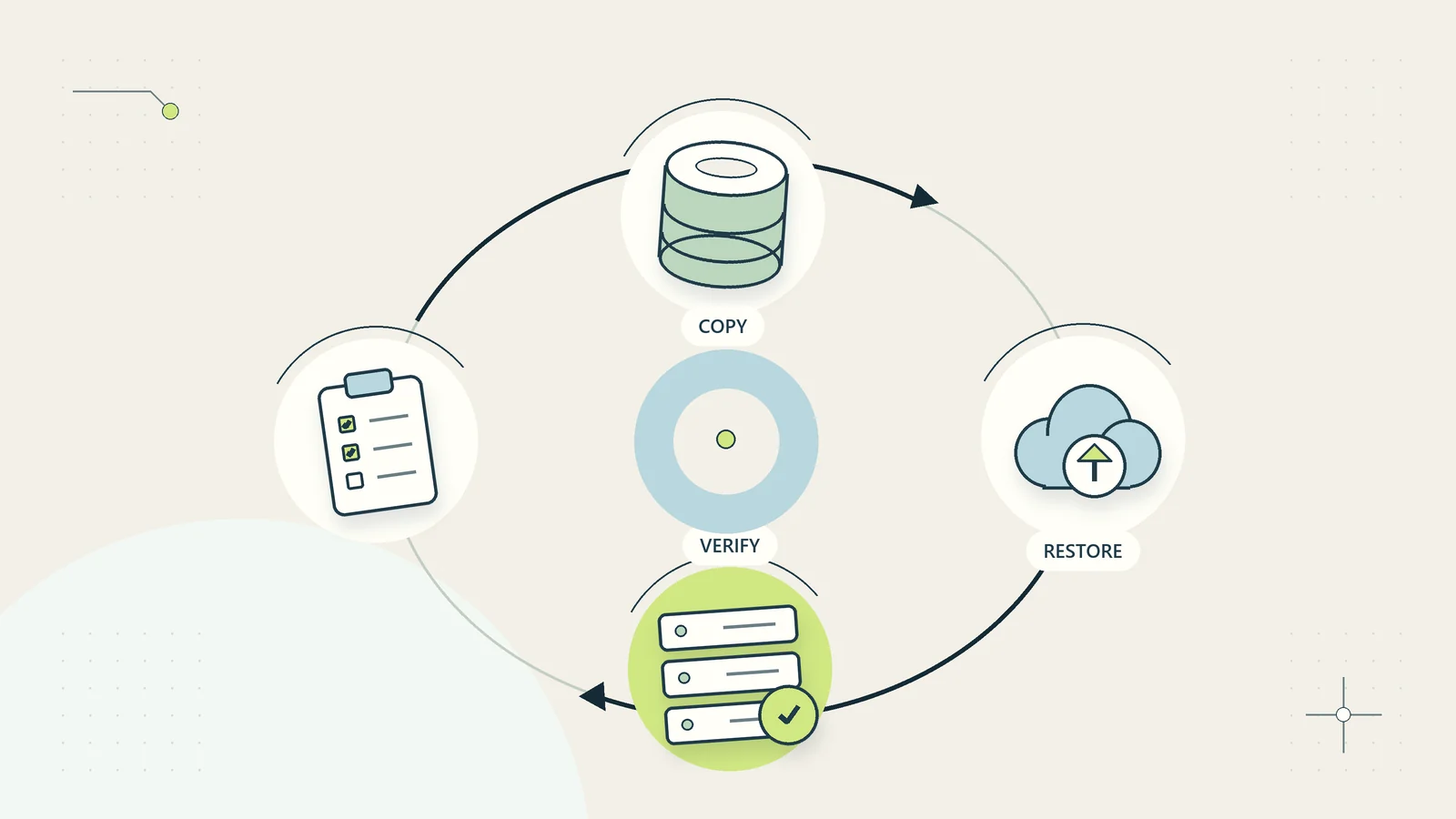
A backup is useful only if the team can restore the records it needs. Identify what is backed up, how often, where recovery instructions are stored, and who can initiate restoration. Synchronization and version history may help with particular mistakes, but they should not be assumed to cover every failure scenario.
CISA’s small-business resources include guidance on backups, logging, and data protection. Use that material with your technical team to define a recovery exercise appropriate to your environment. A successful exercise should show that the necessary records and permissions can be restored, not merely that a backup job reports success.
Use a synthetic or otherwise approved test record. Record the point from which it can be recovered, how long the process takes, which dependencies are needed, and whether the restored version is usable. Keep the exercise separate from a destructive production test. Review any gap between the recovery the business expects and the recovery the system actually provides.
Automate narrow administrative steps
Automation can validate an identifier, suggest a filename, route a record to a reviewer, or flag a missing category. These actions still need rules for duplicates, uncertain matches, and unavailable systems. A filename that looks plausible does not prove that the workflow identified the right customer.
Keep document content out of unnecessary systems. A task may need a category and controlled reference rather than the full file. If OCR or AI processing is proposed, review where the content will be sent, the purpose, the permissions, and how the result will be checked. Do not treat extraction confidence as a substitute for reconciliation or professional review.
Start with the secure file-routing blueprint and adapt its field mapping to the actual environment. The SOP guide can help describe the manual process and exceptions before they become software behavior.
Migrate in a controlled sequence
Begin with a defined set of active records and an approved mapping from old to new locations. Keep stable identifiers and test whether important links, permissions, and version references still work. A file count alone does not prove that a migration preserved the relationships people rely on.
Ask representative users to perform retrieval and handoff tasks in the proposed structure. Can they find the accepted scope, identify the current reviewed output, and tell who owns an unresolved item? Correct the structure before moving a much larger archive. Preserve a rollback or recovery route appropriate to the change.
After migration, explain where new work belongs and what happens to the old location. Leaving both writable indefinitely can recreate the original problem. The relevant owner should decide when an old location becomes read-only or receives another treatment, accounting for actual obligations and technical dependencies.
Know whether the system is improving
Measure a few useful outcomes: time to find an approved record, incorrect-client routing, unresolved document exceptions, access-review completion, and successful recovery exercises. Inspect actual cases rather than relying only on the number of files uploaded.
Ask the next person in the process whether the evidence is usable. If a reviewer keeps requesting the same clarification, add it to the collection or handoff rule. If staff maintain a private shadow folder because the official structure is confusing, understand that behavior before expanding the system.
For the next step, connect the document process to client onboarding or use the industry planner to identify a suitable pilot. A manageable document system gives the team a trustworthy path through the work, not merely a cleaner-looking collection of folders.
Before choosing a backup schedule, run a restoration exercise against the documents the team actually needs to resume work. A backup success message does not establish that the right version, permissions, and supporting attachments can be recovered. Record what was restored, who checked it, and which dependencies were missing so the next test addresses the real operating requirement.
Sources and editorial method
Research checked October 15, 2026. The linked Atlassian, ICO, and CISA resources provide context on document processes, UK storage limitation, and small-business security. The folder example, naming pattern, and state table are original illustrative materials. No universal retention period or security certification is claimed.