How to choose a workflow template that fits your business
Compare workflow templates by process fit, data needs, dependencies, decision boundaries, documentation, and ownership cost before running a contained pilot.
A workflow template is useful when it gives your team a better starting structure for real work. It is a poor purchase when it merely looks impressive, assumes tools you do not use, or hides the difficult decisions behind a few arrows. The right choice depends on the process you need to improve and the level of implementation the resource actually includes.
Before comparing templates, separate the business problem from the format. You may need a checklist, a process map, a spreadsheet tracker, a written procedure, or an executable automation. These are different deliverables. None becomes a complete operating system just because it is sold as a workflow.
This guide offers a practical evaluation method for English-speaking business owners worldwide. It includes an original decision matrix and a hypothetical selection example. It does not claim that any specific commercial pack or integration has passed live testing.
Start with one real process problem
Describe the problem in a sentence that includes the trigger, the work, and the observed difficulty. For example: after a client approves a project, our team repeatedly asks for information that should already be available. That is more useful than a general desire to automate onboarding.
Identify the current consequence. Are people losing time, making corrections, missing commitments, or waiting for an unclear decision? Use recent examples and avoid assigning a financial value before you have evidence of the work involved.
Write the intended improvement separately from the preferred solution. A clearer handoff might solve the problem without an automation engine. A missing approval rule will not be fixed by importing a larger set of tasks.
Use the process mapping guide to establish the current route. A simple map of actual work gives you a reference against which to judge the assumptions in a template.
Identify the kind of template being sold
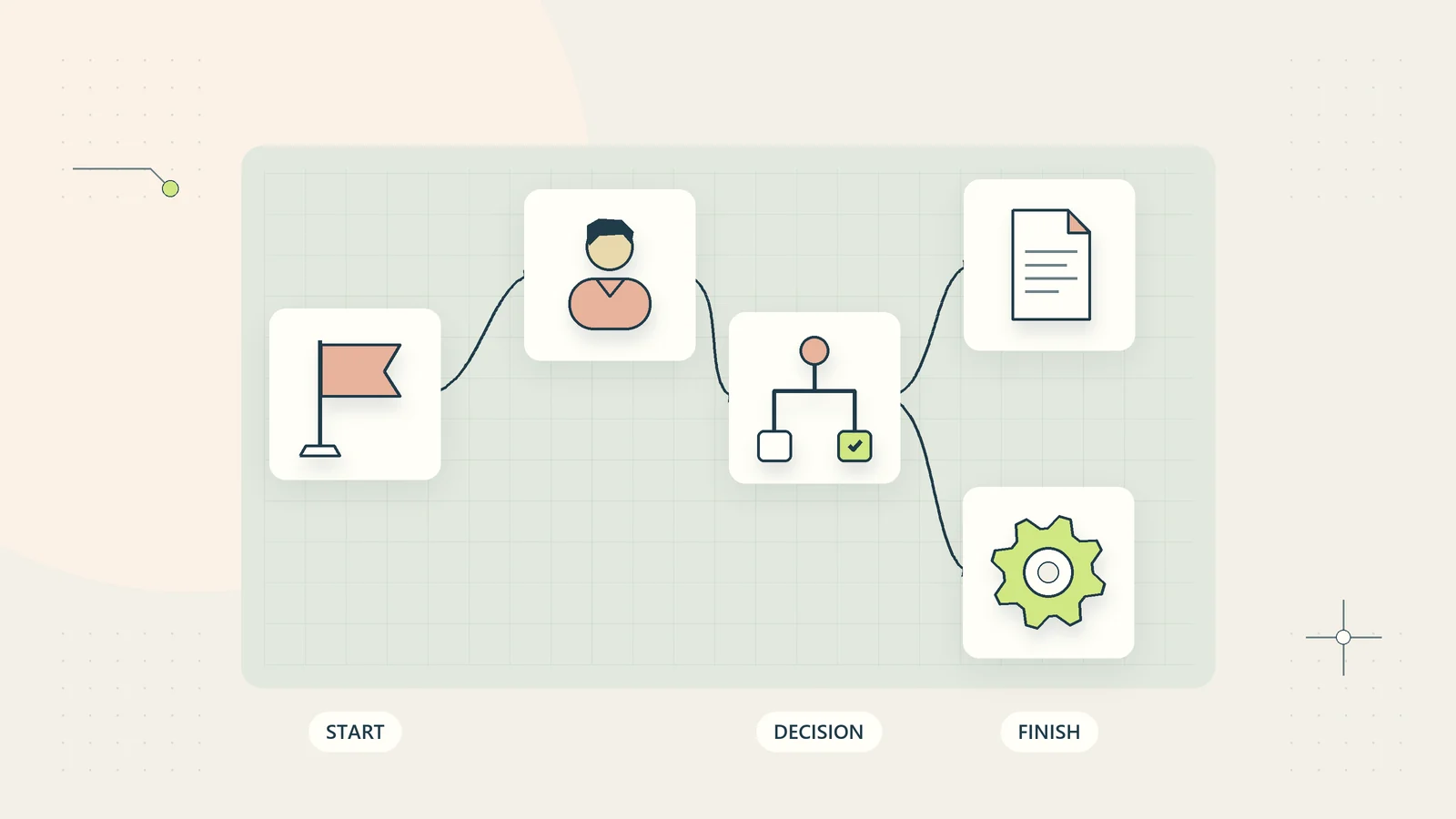
Read the deliverable list closely. A process diagram describes relationships. A checklist prompts actions. A procedure explains how to perform work. A tracking workbook records progress. An executable workflow attempts to perform actions in a particular technical environment.
These formats can complement one another, but they are not interchangeable. A diagram may be an excellent planning resource while containing no software at all. An automation file may be technically importable while leaving policy, data mapping, access, and exception handling unresolved.
| Resource type | Useful when you need | Question to ask before buying |
|---|---|---|
| Checklist | A concise reminder for known work | Does it define the completion evidence? |
| Written procedure | Repeatable instructions and decision boundaries | Can someone follow it without the author? |
| Process map | A view of stages, owners, and handoffs | Are exceptions and decision points shown? |
| Tracking workbook | A shared operational record | Are fields and status meanings explained? |
| Executable workflow | Technical action in a defined environment | What setup, credentials, and testing remain? |
| Combined pack | Planning, execution support, and review | Do the components use consistent assumptions? |
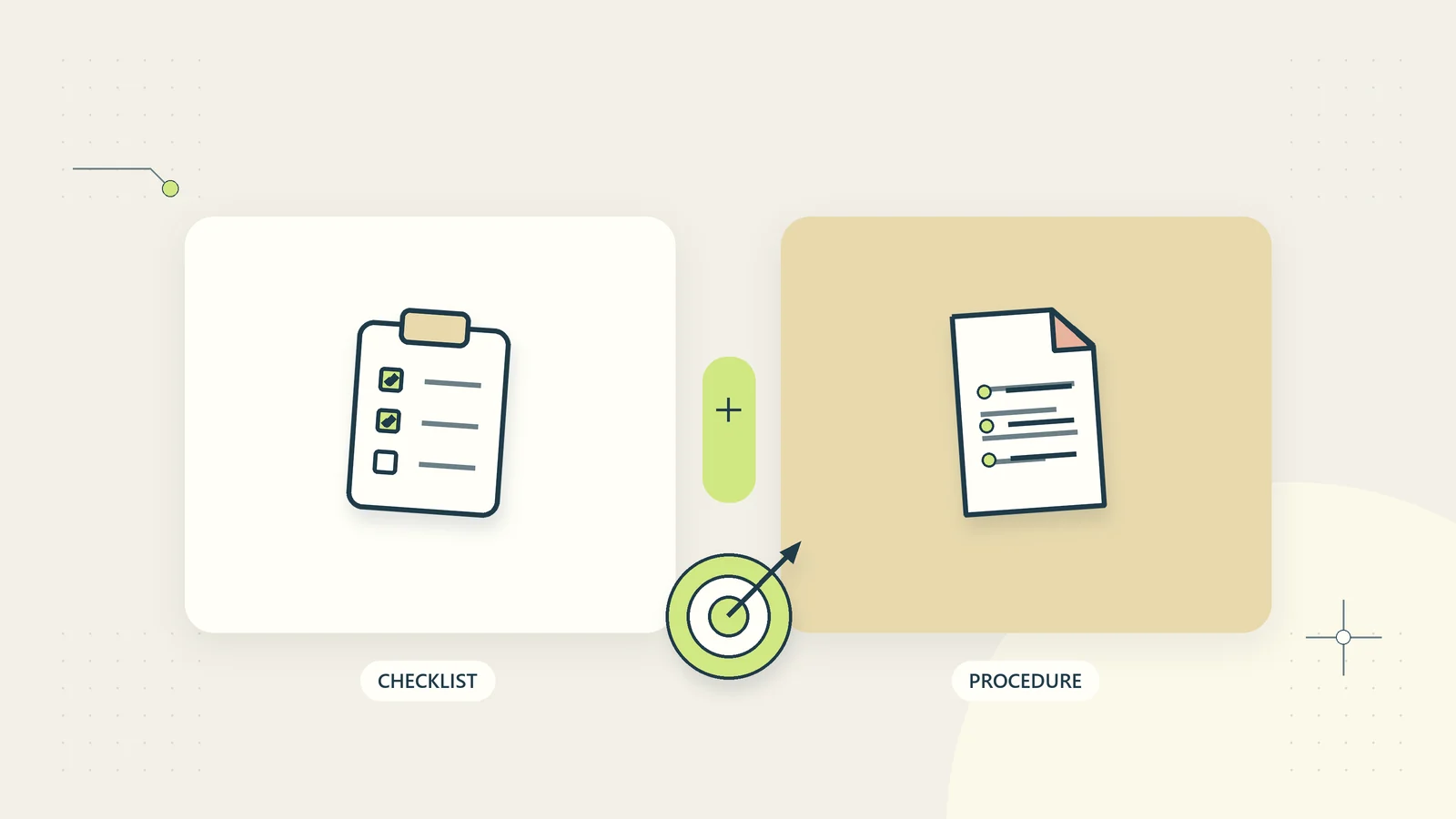
The checklist versus SOP guide can help distinguish two common choices before you compare prices.
Check scope and exclusions before features
A useful description states where the workflow begins and ends. A client onboarding template might start after an agreement is signed and end when the project team has accepted the handoff. Another might include sales qualification or billing, which changes the process substantially.
Look for explicit exclusions. Does the pack omit legal review, payment processing, technical installation, migration, or ongoing maintenance? Honest exclusions help you plan; vague claims that everything is included make the remaining work difficult to estimate.
Check the intended scale and audience. A solo consultant, a regulated firm, and a retailer have different handoffs even when they use similar words. A template can still be adaptable, but adaptation should be treated as work rather than assumed to be effortless.
Do not reject every resource that differs from your business. Instead, distinguish a small terminology change from a structural mismatch. Renaming a role is usually easier than introducing an approval authority that your organization does not have.
Examine the underlying process logic
Look for a clear trigger, required inputs, accountable owner, decision rules, outputs, and completion evidence. These are the elements that make a workflow usable after the visual presentation stops being novel.
IBM’s business process automation overview distinguishes connected process work from narrower automated tasks. This helps frame the evaluation: a resource can automate one action without resolving the full business handoff.
Ask how the template handles an incomplete input, a changed request, an absent approver, or a duplicate event. A perfect straight-line example is not enough to explain ordinary operations. The template should either cover exceptions or state clearly that you must design them.
The Object Management Group’s BPMN specification page identifies a formal process modeling standard. A recognizable notation can help communication, but using symbols does not establish that the business logic is correct or that the diagram is executable software.
Evaluate the data requirements
List every field the template expects. For each one, ask whether your business already collects it, whether the value is reliable, who owns it, and whether it is necessary for the intended task.
Check identifiers carefully. Customer names and email addresses may not uniquely identify the relevant record. A workflow that connects an invoice to a client by a loose text match may create a serious problem even if its demonstration looks smooth.
Inspect any sample data. A good example should be clearly synthetic, internally consistent, and understandable. It should show how the fields relate without exposing real customer details or implying fabricated client outcomes.
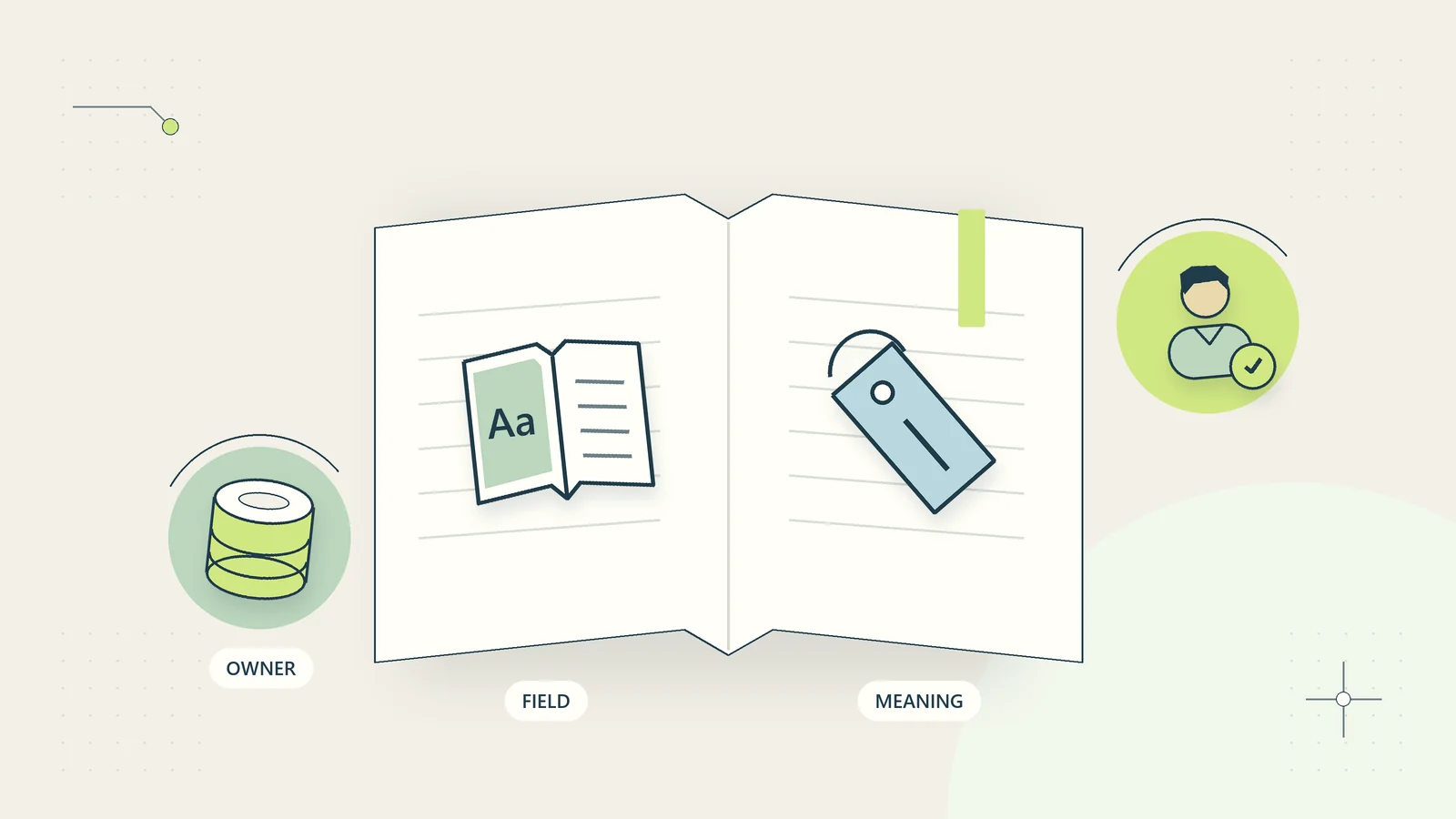
Use the small-business data dictionary guide when adapting terminology. Define the meaning of approved, complete, active, and similar fields before importing records. Two teams using the same label differently can create a hidden mismatch that no template can automatically resolve.
Make dependencies visible
Identify required software, account tiers, file formats, permissions, technical skills, and operating assumptions. A low purchase price can be misleading if the resource requires several subscriptions or a setup capability the buyer does not have.
For a first-party self-serve resource, common editable formats and clear instructions can be valuable. Optional tool examples should remain optional unless the offer explicitly states otherwise. The buyer should not discover an undisclosed third-party account requirement after downloading the pack.
For executable files, ask which versions and environments are supported, which permissions are necessary, and what test evidence is actually available. Vendor logos do not demonstrate compatibility, approval, or a successful live integration.
Record the remaining setup tasks in your own plan. Data preparation, credential configuration, access review, user training, and acceptance testing are part of the total work even if the template itself is delivered instantly.
Check human decision boundaries
A resource should distinguish administrative checks from consequential judgments. Verifying that a field is present is different from deciding whether an applicant is suitable, a legal matter has merit, or a disputed refund should be refused.
Look for named decision ownership and an exception route. If the template uses AI, check what the model can see, what it can change, and which outputs require review. An instruction saying use human oversight is insufficient without identifying where the review occurs.
Avoid templates that turn uncertainty into an irreversible external action by default. Missing information should lead to clarification or review when appropriate, rather than silently becoming rejection, deletion, payment, or publication.
The AI versus rules-based automation guide can help you evaluate whether a proposed AI component is necessary. A deterministic validation rule may be easier to explain and maintain for a tightly defined administrative task.
Review the instructions as part of the product
Read a sample instruction page if one is available. Look for prerequisites, a start-here route, an explanation of the example, editable fields, validation checks, and recovery guidance. Good documentation reduces the distance between receiving a file and using it correctly.
Check whether the blank version and worked example match. If the example uses fields absent from the template, you may spend time reverse-engineering the author’s assumptions. Version labels should make it clear which instructions belong to which release.
Prefer explanations of decisions over unexplained presets. A capacity tracker is easier to adapt when it explains how available hours and committed work are defined, rather than simply presenting a formula with no assumptions.
Consider maintainability. Someone else in your business should be able to understand the adapted resource later. A template that only works while one enthusiastic owner remembers every hidden rule can become a new operational dependency.
Use a fit matrix with explicit deal-breakers
Score candidates against the same criteria, but do not let a total hide a critical failure. An unsupported format or an unacceptable permission requirement may be a deal-breaker regardless of the visual quality.
| Criterion | Evidence to seek | Possible decision |
|---|---|---|
| Process fit | Matching trigger, endpoint, and handoffs | Adapt, accept, or reject |
| Data fit | Defined fields and reliable identifiers | Prepare data or choose another resource |
| Decision fit | Clear approval and exception rules | Add review boundaries before use |
| Tool fit | Disclosed dependencies and supported formats | Confirm capability and full cost |
| Documentation | Complete instructions and coherent example | Estimate realistic setup effort |
| Maintainability | Versioning and understandable assumptions | Assign an internal owner |
| Commercial fit | Clear license and support scope | Confirm the intended use is permitted |
Write a short explanation beside each assessment. A score of four means little unless the reviewer can explain which evidence supports it and which uncertainty remains.
Work through a hypothetical selection
Imagine a six-person consultancy trying to reduce confusion after a project is approved. Its current problem is that the delivery lead receives a quote but not the client’s agreed priorities or the access information needed to begin.
The owner compares three resources. The first is an attractive sales pipeline board that ends at agreement. The second is an executable workflow requiring accounts the firm does not use. The third is a documented handoff pack containing an intake checklist, responsibility map, tracking workbook, and synthetic example.
The third resource appears closest to the problem, but the owner still checks its assumptions. The pack expects a project approver and a delivery owner, which fit the firm. It also assumes that all access information can be placed in a shared worksheet. The firm changes that field to a secure reference rather than copying sensitive access details.
Before adopting it, the team tests one fictional project and one recent anonymized scenario. They discover that the scope-change route needs a clearer decision owner and add that rule. The template provides structure, while the business retains responsibility for its own policy, data, and approval choices.
This is an illustrative evaluation, not a recommendation for a named product or evidence of measured savings.
Run a contained pilot before routine use
Use synthetic information first to understand the resource. Then, where appropriate and authorized, test a small number of representative cases under the business’s normal privacy and operational controls.
Include incomplete information, duplicate requests, an owner absence, a changed scope, and a correction after completion. The pilot should reveal whether the template remains understandable when events do not follow the ideal order.
Define acceptance criteria. For example, every case should have a next owner, the required evidence should be easy to locate, and a paused decision should not appear complete. These are more useful than deciding that the team likes the design.
Keep a rollback route. Retain the prior records and procedure until the adapted resource is accepted. If an executable workflow changes external records, use an appropriate test environment and explicit controls before allowing live actions. A downloadable file is a starting point, not permission to skip implementation review.
Estimate ownership cost and decide
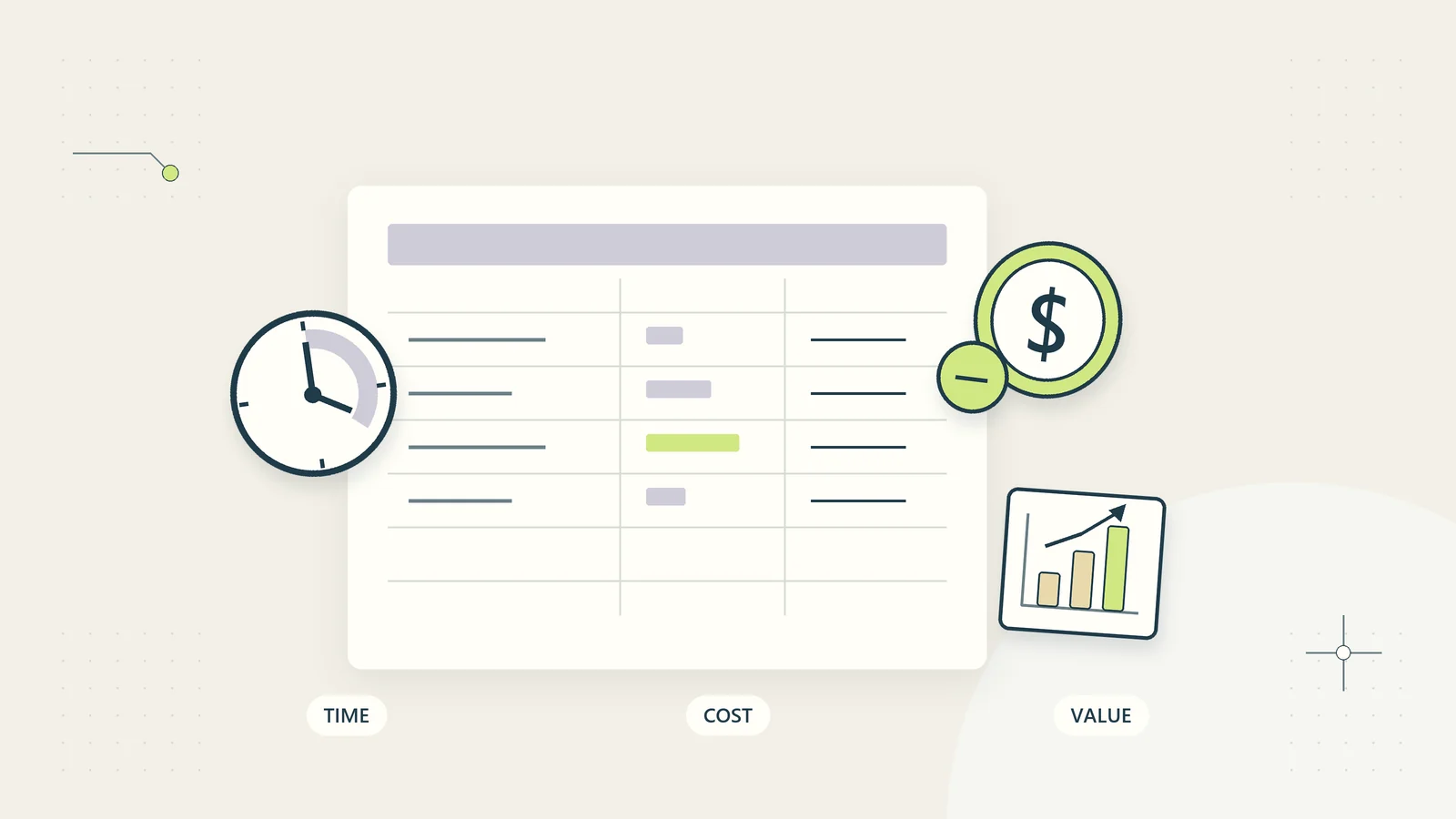
Add the purchase price, preparation time, adaptation, required subscriptions, training, review, and maintenance. Record uncertainty rather than assigning a precise cost to work you have not yet scoped.
Distinguish recovered time from cash savings. A template may reduce administration without reducing actual expenditure. The automation ROI guide provides a framework for keeping those measures separate and testing whether the improvement is worth the ongoing effort.
Make the final decision in a short note: the problem, selected resource, adaptations required, owner, pilot result, and conditions for wider use. If no candidate fits, a simple internally authored checklist may be the better next step.
The best template is the one your business can understand, adapt, maintain, and use responsibly. Attractive formatting is helpful, but clear assumptions, workable exceptions, and honest scope are what turn a purchased resource into useful operational support.
Preserve the reason for your adaptations
Keep a brief change log alongside the adopted resource. Record which fields, stages, formulas, or approval rules changed and why. This helps a future owner distinguish a deliberate business decision from an accidental edit.
When a seller releases an update, compare it with your adapted version before replacing anything. A new default may conflict with a rule your team intentionally introduced. Test relevant changes using the same acceptance cases from the pilot rather than assuming that a newer file is automatically suitable.
Review ownership when staff or service scope changes. The resource may still open correctly while its approval map no longer reflects how the business operates. A useful maintenance review asks whether the assumptions remain true, whether exceptions are being resolved, and whether the template still solves the original problem. That is a more reliable basis for continued use than the fact that the file has become familiar.
Sources and editorial method
Sources checked on October 15, 2026. The evaluation matrix, buyer questions, and hypothetical consultancy example are original recommendations. Official references support limited distinctions about process automation and formal process notation. No vendor approval, live integration result, or guaranteed business outcome is claimed.
- IBM: What is business process automation? — context on processes and automated tasks.
- Object Management Group: BPMN 2.0.2 specification — formal process modeling specification reference.