Checklist vs SOP: choose the right guide for the job
Choose between a checklist, SOP, and reference guide using the task, reader, and failure mode, with examples and a practical testing method.
A checklist helps someone remember and verify important points. A standard operating procedure explains how to perform the work. Many small businesses need both, but combining them into one long document can leave experienced staff scrolling through instructions while newer colleagues still lack the context they need.
The right choice depends on what the person already knows, how much variation the work permits, and what evidence must remain after completion. A one-page checklist is not automatically simpler if it leaves every difficult decision unstated. A detailed procedure is not automatically useful if nobody can find the step they need.
This guide offers a practical way to choose, connect, and test these tools. It includes an original decision table and an illustrative project delivery example. The focus is ordinary business operations; specialist or regulated work may require procedures and review methods designed by the appropriate qualified people.
Understand the different jobs these documents do
A procedure teaches or directs a repeatable method. It gives the user a starting condition, required inputs, ordered actions, decision branches, and a recognizable result. Someone unfamiliar with the task should be able to understand the normal path and know when to ask for help.
A checklist prompts the user to verify selected conditions at the right moment. It may confirm that the current scope was used, the recipient was checked, or the final version was approved. It generally assumes that the user knows how to make those checks.
Reference material answers questions without necessarily prescribing a sequence. A data dictionary, service list, or naming convention may support both a procedure and a checklist. Keeping reference material separate can prevent the procedure from becoming an encyclopedia.
Atlassian’s process documentation guidance describes detailed instructions for carrying out organizational work and recognizes several formats. The distinction in this article is a practical design choice: decide whether the immediate problem is learning the method, remembering a control point, or finding supporting information.
Diagnose the failure before choosing a format
Look at a few instances where the work went wrong or required repeated questions. Did the person forget a known step, misunderstand the method, lack access to an input, or encounter a genuine exception? Those problems need different responses.
If trained colleagues repeatedly forget to attach the final evidence, a checklist prompt may help. If they disagree about what counts as final evidence, you need a definition and examples. If the evidence is inaccessible, neither document fixes the access problem.
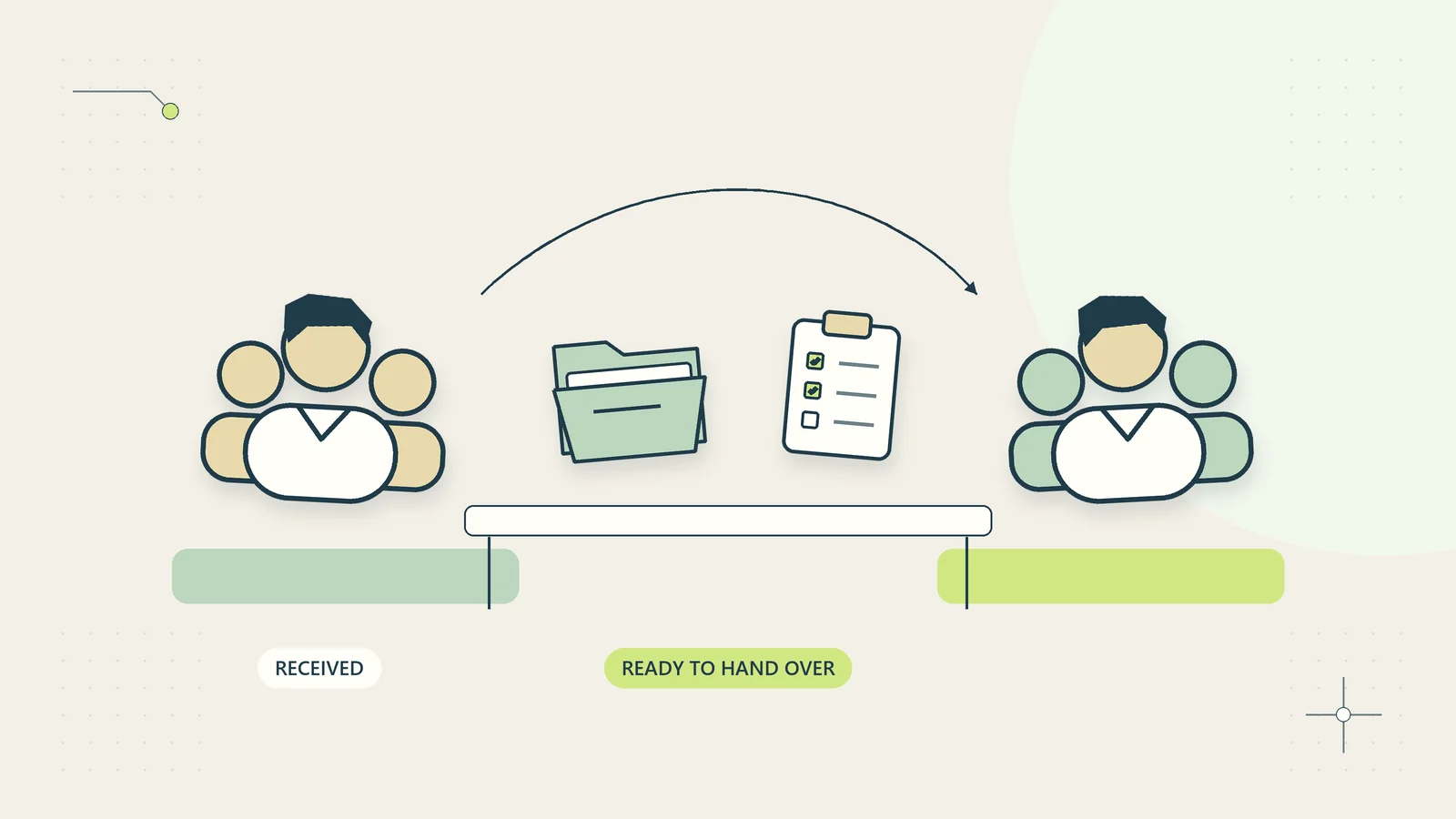
Use the business process mapping guide when you cannot locate the failure. Mapping the handoff may show that the receiving team never agreed what information it needs. Adding more reminders to the sending team will not resolve that disagreement.
Write the intended improvement in plain language before drafting. “Help a new coordinator prepare a usable project record” suggests a procedure. “Prevent an experienced coordinator from sending the wrong version” suggests a timely verification checklist supported by the procedure.
Use a decision table to choose the starting tool
The table below is a starting point rather than a rigid classification. One process can need different tools for different audiences or stages. Keep the user and the moment of use visible when deciding.
| Situation | Useful starting tool | Supporting material |
|---|---|---|
| New person learning a stable task | Short procedure | Worked example and practice case |
| Experienced person missing key checks | Checklist at the decision point | Link to the relevant procedure section |
| Many exceptions requiring judgment | Decision guide with escalation rules | Examples and named reviewer |
| Repeated factual questions | Reference page | Clear owner and update date |
| Work crossing teams | Handoff checklist | Definition of an acceptable handoff |
| Need to measure recurring defects | Observation record or check sheet | Agreed event definitions |
The final row is a distinct purpose. ASQ describes a check sheet as a prepared form for collecting and analyzing observations. It is not the same tool as a checklist used to guide task completion. Calling both a “checklist” can obscure whether a tick means “I performed this check” or “I observed this event.”
Choose names that make that difference obvious to your team. For example, “delivery verification checklist” and “delivery correction log” tell readers what kind of evidence each record contains.
Build a procedure that explains the normal path
Start a procedure with its purpose, trigger, owner, prerequisites, and completion condition. A person should know whether they are looking at the right document before reading every step. State which types of work the procedure excludes.
Write steps as observable actions in the order they are needed. “Review the proposal” is vague. “Confirm that the customer name and accepted proposal version match the project record” tells the reader what to compare and why a mismatch matters.
Add decision branches where they change the next action. State the condition, permitted response, and escalation route. Avoid scattering essential conditions across notes at the bottom of the page. Put a warning or exception beside the action it affects.
Include a short example of a correct result. A screenshot may help, but it should not be the only explanation, especially if interface labels change. The SOP writing guide provides a fuller structure for a procedure that can be maintained as the business changes.
Keep checklist items specific and verifiable
A useful checklist item refers to something the user can actually establish. “Everything looks good” invites a superficial tick. “The final file name and version match the approved delivery record” points to evidence.
Group checks around the moment when they matter. Pre-start checks confirm readiness. Pre-release checks protect an external action. Completion checks confirm that evidence and ownership have been recorded. A single list containing all three can be difficult to use during a long task.
Decide what a tick means. It might mean the user performed the check, another authorized person supplied evidence, or the item was not applicable under a defined condition. Do not let one mark stand for all three without explanation.
Keep the checklist focused on omissions with meaningful consequences. If every micro-action becomes an item, users may rush through it as an administrative obligation. Put instructional detail in the linked procedure and preserve the checklist as a readable set of control points.
Connect the checklist to the procedure
Give the procedure and checklist stable names and an owner. Each checklist item that needs explanation should link to the relevant section, not merely to the top of a long manual. The person using it should not have to search for the definition behind a check.
Show the applicable version when a procedure changes materially. An old checklist paired with a new method can omit a newly important check or request evidence that is no longer produced. Review the pair together after changes in scope, tools, or authority.
Keep the task record distinct from the template. A reusable checklist describes what should be checked; a completed instance records what happened for a particular job. Reusing a previously completed checklist without clearing its instance-specific details can carry false evidence into new work.
For processes that cross teams, link the checklist to the business handoff checklist guide. The receiving team should help define what “ready” means rather than inheriting a list written solely from the sender’s perspective.
A hypothetical delivery pack example
Imagine a fictional consultancy delivering a written operations review. Its procedure explains how to gather the accepted scope, assemble the report, check source references, route the draft for internal review, and prepare the customer delivery record.
A new coordinator uses the procedure during training. It explains how to identify the accepted scope and what to do if the customer requests an additional section. The coordinator does not decide that new scope is included merely because adding it appears easy.
Before release, an experienced delivery owner uses a shorter checklist. They verify the approved report version, named recipient, permitted delivery route, attached supporting files, and recorded next step. Each item links to the relevant definition in the procedure.
If the recipient in the delivery record differs from the latest customer message, the checklist does not tell the owner to choose one automatically. It points to a verification route. The owner preserves the conflicting references and asks the authorized contact to resolve the discrepancy before release.
After delivery, a separate instance records the release time, report identifier, approval reference, and any follow-up owner. The completed checklist supports that record but does not replace the underlying approval. This example is illustrative and reports no observed reduction in mistakes or delivery time.
Handle not-applicable items without weakening the control
Some work legitimately does not require every check. A delivery with no supporting files does not need an attachment count. Define a not-applicable condition and require a short reason where the distinction matters.
Avoid turning “not applicable” into a general bypass. If a user cannot perform a check because the source is unavailable, that is a blocked condition, not proof that the check is unnecessary. The item should remain unresolved or follow a documented exception route.
Make overrides visible. Identify who can approve an exception, the evidence they need, and how the decision is recorded. A checklist should not encourage an inexperienced person to invent a workaround merely to reach a completed state.
Review repeated exceptions. If an item is legitimately bypassed in most instances, either the checklist targets the wrong audience or the underlying process has changed. Split it into appropriate variants only when the distinction remains easy for users to recognize.
Test the documents with their intended users
Ask a person from the intended audience to use the draft on a representative practice case. Observe where they hesitate, search elsewhere, or interpret a term differently. Do not explain each ambiguity immediately; note it so the document can become clearer.
For a procedure, test whether the reader can complete the normal path and identify a designed exception. For a checklist, test whether the items prompt the intended verification at the right time without requiring unnecessary reconstruction of the task.
Use realistic but clearly fictional data where possible. Include a mismatch or missing input deliberately so that the test covers more than an ideal case. Do not use a live consequential transaction as a training exercise just because it is available.
Measure more than completion speed. Record incorrect assumptions, missed checks, questions, and evidence quality. A checklist that adds a few moments while preventing an important omission may be useful. A lengthy procedure that still requires constant explanation needs revision before wider use.
Maintain a small documentation system
Name an owner for the documents and a route for users to report unclear or outdated instructions. Review them after material operating changes and at an interval suited to how often the process changes. A date on the page is helpful only when somebody actually evaluates the content.
Keep one current version easy to find. Archive older versions appropriately instead of leaving several nearly identical files in the active folder. The document version control guide explains how to preserve history without making the current method ambiguous.
Connect review findings to the document. If an incident reveals a missing decision rule, add it where users encounter that choice. Sending a one-off message to current staff will not help the next person who joins.
Retire documents that no longer serve a purpose. A checklist for a discontinued service can become misleading when discovered later. Preserve any necessary record of its past use while removing it from the normal operating path.
Run a short comparison pilot
Choose one recurring task and keep the underlying method stable during the initial test. Identify the audience: a learner, an experienced operator, or a receiving team. Draft the minimum procedure or checklist that addresses the observed problem.
Try it on a small set of representative instances. Track clarification questions, missing evidence, corrections, and time spent using the document. Ask users which items they relied on and which instructions they ignored because they could not interpret them.
If a checklist repeatedly requires explanation, strengthen the procedure or its links. If trained users keep overlooking a crucial condition buried in a procedure, add a concise check at the decision point. The formats can support one another without becoming duplicates.
At the review date, decide what to keep and who will maintain it. The useful outcome is a guide that fits the work and the reader. Page length and the number of checkboxes are design details; reliable understanding and a checkable result are the criteria that matter.
Choose a format that fits the place of work
Consider where and how the document will be used. A checklist displayed beside a work record may be more accessible than a separate file that requires several clicks. A procedure used away from a desk may need readable mobile formatting or a controlled printed copy. The same content can become unusable when its presentation does not fit the task.
Use real text rather than placing essential instructions only inside an image. Keep headings descriptive, links meaningful, and tables narrow enough to read. If a printed version is necessary, include its version and the location of the maintained source so users can check whether it remains current.
Test the actual format during the pilot. Reading a draft in a large desktop window does not show whether a colleague can use it on the device or in the environment where the work occurs. Format is part of the operating design, not a final cosmetic step.
Sources and editorial method
Checked on October 15, 2026. This article uses official descriptions of process documentation and check sheets as limited background. The comparison table, delivery example, document design rules, and pilot are original practical analysis. The example is hypothetical and does not report client results.
- Atlassian: Process documentation supports the brief description of instructions for carrying out organizational work.
- ASQ: Check sheet supports the distinction between a form for collecting observations and a checklist used to verify task steps.