Keep unnecessary customer data out of AI workflows
Reduce unnecessary customer data in AI tasks with a field worksheet, information-flow map, synthetic tests, and practical review controls.
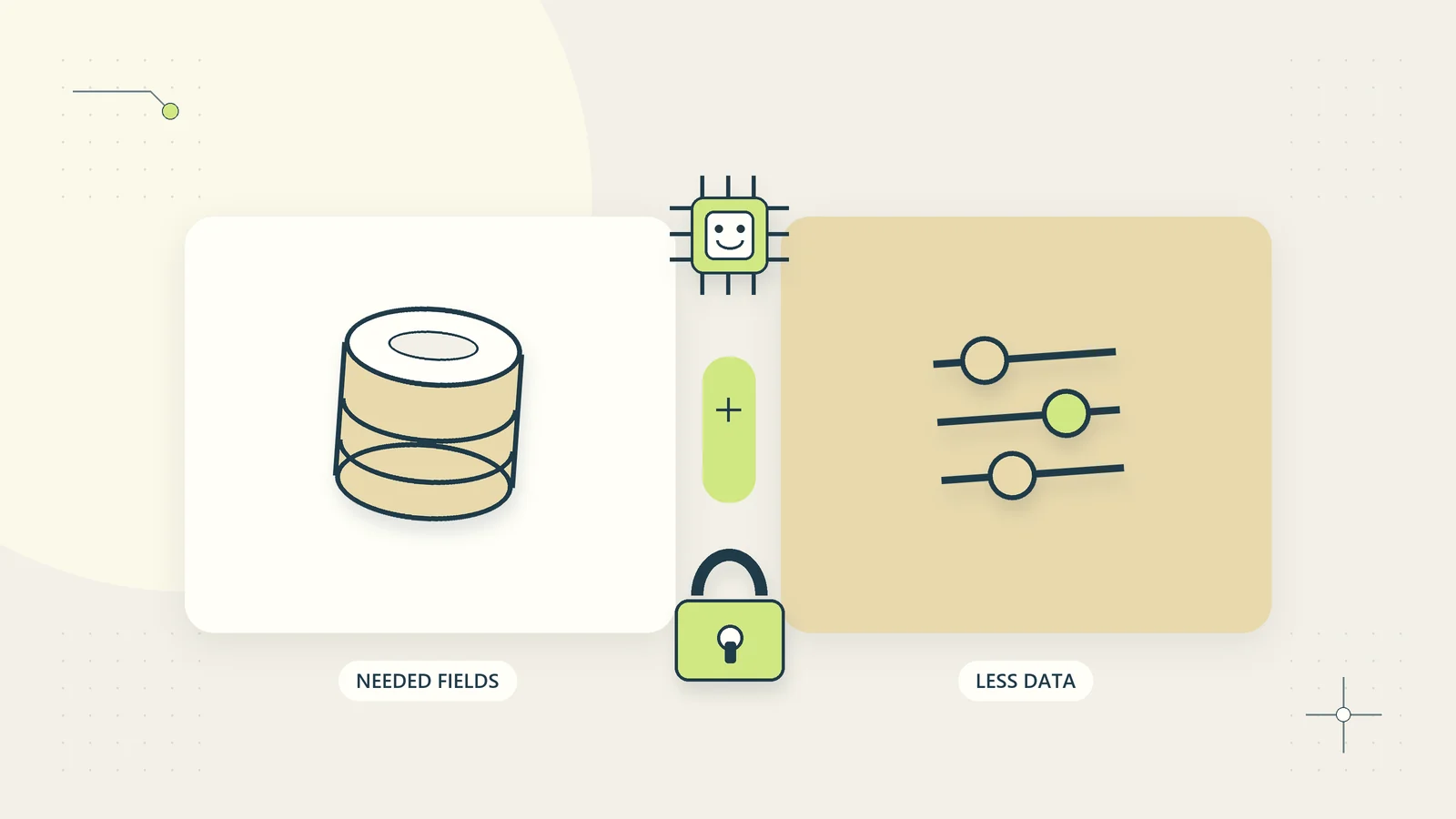
The easiest customer information to protect inside an AI workflow is information the workflow never receives. A drafting assistant may need a question and an approved answer, while a document classifier may need a file type and a few relevant passages. Giving either system an entire customer history can add exposure without improving the task.
Data minimization means designing the process around a defined purpose and the information actually needed for that purpose. It includes inputs, retrieved sources, generated outputs, logs, test records, and retained copies. This guide provides a practical worksheet for English-speaking businesses serving customers across countries. The operational examples are general; privacy, professional, contractual, and sector obligations still depend on the business and its applicable rules.
Start with a precise purpose
Write the task narrowly enough that somebody can challenge a requested field. “Improve customer experience” is too broad to justify sending a full customer profile to an assistant. “Prepare a draft explanation of the customer’s current download recovery options” creates a much clearer information boundary.
For that task, the business may need the customer’s reported problem, the purchased product version, verified delivery state, and an approved recovery instruction. It probably does not need date of birth, a full address, unrelated orders, or private internal comments about the customer.
The UK ICO’s AI security and data minimization guidance explains that relevance depends on the purpose and circumstances. The page was under review when checked. Use it as UK-specific context, not as a statement that the same legal requirements apply identically worldwide.
The business design question remains useful everywhere: what would become impossible or materially worse if this field were removed?
Map information through the whole workflow
Draw each stage: collection, preparation, retrieval, model input, output, review, action, logging, and retention. Name the person or system that can access information at each stage. This often reveals copies that are absent from a simple list of connected applications.
A support form might send information to an internal database, an automation log, an AI request, a generated draft, and an email notification. Removing a field from the final reply does not remove it from the earlier copies. Similarly, deleting the original upload may leave extracted text in a search index or test report.
Record whether information crosses a system or organizational boundary. If external processing is used, inspect the relevant configuration and agreements for retention, access, permitted use, and deletion. Do not infer those settings from a product’s general marketing language.
For first-party resources, keep the same discipline. Hosting a process yourself can give you more control, but your own logs, backups, staff accounts, and downloaded exports still need a purpose and access limits.
Create a field-by-field necessity worksheet
For every field, record its purpose, source, required precision, receiving stages, retention need, and removal decision. Include information embedded in free text and attachments; a form with only three fields can still collect a great deal of personal material.
| Field or content | Needed for the hypothetical drafting task? | Practical treatment |
|---|---|---|
| Customer’s reported access problem | Yes, limited relevant passage | Remove unrelated quoted history |
| Order reference | Needed for internal matching | Use a case token in the drafting step where possible |
| Purchased product version | Yes | Supply the relevant version only |
| Full billing address | No | Exclude from the model input |
| Private account notes | Usually no | Keep outside the drafting context |
| Approved recovery instruction | Yes | Use the current reviewed source |
If a field is described as “possibly useful,” ask for a concrete example. Keeping everything in case it helps later makes the boundary difficult to maintain. A useful worksheet records both the decision and why it was made so future changes can be assessed consistently.
Reduce free text before adding more structured fields
Free text often contains details the business did not ask for: medical information, passwords, payment card numbers, private family circumstances, or another person’s records. Design the intake to request the specific issue and explain what should not be included.
Use focused questions rather than one unrestricted “tell us everything” box. Offer an appropriate secure route when sensitive material is genuinely necessary. Do not turn an ordinary support form into a place where customers are encouraged to paste credentials or whole account histories.
Preparation can remove irrelevant quoted emails, signatures, repeated attachments, and unrelated notes before the AI step. However, automated redaction itself needs checking. A filter may miss unusual formats or remove context that the task requires.
The client intake information design guide offers a related method for asking answerable questions. Better collection design can reduce both customer effort and the amount of unnecessary material staff must handle later.
Use substitution carefully
Some tasks can operate with a case identifier instead of a person’s name or address. A draft can say “the customer” during preparation, with verified contact information joined only at the approved communication stage. That reduces how much identity data travels through the drafting process.
Keep any mapping between a substitute identifier and the real person protected and available only to the stages that need it. If the business can reconnect the token to a customer, do not casually describe the data as anonymous. Replacing a name alone does not remove identification from a distinctive story or a combination of details.
Consider whether exact values are necessary. A planning summary might need a broad volume range, while a payment reconciliation task may require exact amounts and currency. Minimization should preserve the accuracy needed for the defined purpose, not produce misleading records through indiscriminate masking.
Document where real information is restored. That final step needs its own checks so a correct draft is not combined with the wrong customer or sent to an unverified destination.
Keep retrieval narrow and permission-aware
An assistant searching internal documents should receive relevant material that the current user is allowed to access. Broad retrieval can add private information to the context even when the question itself is harmless.
For example, a staff member asking how to replace an expired download link needs the current recovery procedure. They do not need every past complaint containing the word “download.” A source collection built around approved guidance is easier to control than one built by indexing every file available to an administrator.
Check whether source access changes propagate to indexes, caches, and generated answers. A document removed from a shared folder may still exist in another system’s search store. Test with ordinary role accounts rather than relying on an administrator’s view.
The internal knowledge assistant guide provides a source register and answer contract for this purpose. Minimization and permissions work together: the assistant should receive only the relevant authorized content, not merely be told to avoid mentioning everything else.
Review outputs as new information records
A generated summary can reveal more than the original individual fields suggest. It may combine observations, repeat a sensitive detail unnecessarily, or state an inference as a fact. Review what the output says about a person as well as which original fields it repeats.
Specify the intended output fields and audience. A task-routing result may need a category, an owner, and a short operational explanation. It probably does not need a narrative profile of the customer. A public help response should not include internal notes simply because the assistant saw them.
Do not treat generated personal claims as verified source data. If an assistant infers that a customer is dishonest, vulnerable, or likely to complain, that output needs careful scrutiny and may be outside the legitimate task entirely. Avoid adding such speculation to a permanent customer record.
Keep the distinction between a reported statement and a confirmed fact. “Customer reports an access failure” is different from “the account is broken,” and neither statement requires a character judgment about the customer.
Design useful logs without copying entire conversations
Operational logs can often explain what happened using workflow identifiers, timestamps, input categories, source versions, permission decisions, error codes, and outcome states. The full prompt and response may not be necessary for every successful case.
Where detailed content is needed to investigate a failure, use restricted access and a defined review period. Avoid placing private customer text into broad analytics, team notifications, or support tickets by default. Diagnostic convenience can create many more readers than the original business process intended.
Keep credentials and authentication tokens out of logs. Use references that help an authorized operator locate the correct connection without exposing its secret. Check error messages too; they can include request payloads or internal paths unexpectedly.
Our business audit trail guide explains how to record decisions and outcomes clearly. A useful audit trail supports accountability without becoming a complete duplicate of every private input.
Build test records that do not contain real secrets
Use synthetic examples wherever they can represent the problem adequately. Create plausible case structures with invented identifiers, dates, and customer details. Label the records as tests so they cannot accidentally enter live operations.
Synthetic does not mean trivial. Include realistic long threads, conflicting values, different date formats, missing fields, and irrelevant sensitive-looking text. A made-up secret marker can test whether information crosses an intended boundary without exposing an actual credential.
If real examples are necessary for a justified evaluation, determine the permitted use and reduce the material before sharing it. Removing a name may not remove identifying details from a distinctive case. Record who approved the test data and where copies are stored.
Keep test datasets separate from operational records. A generated customer profile used for evaluation should not appear in a sales list, email campaign, or account lookup. Clear separation prevents a data-quality problem as well as a privacy problem.
Walk through a hypothetical minimization redesign
Imagine a hypothetical small publisher preparing draft replies to customers who cannot open a purchased file. The first design sends the complete order record, all prior conversations, and the full uploaded screenshot to the model.
The team maps the task and removes unnecessary fields. The drafting step receives a case token, the relevant question, purchased version, verified delivery state, and approved recovery instruction. An operator checks whether the screenshot is needed and removes unrelated account details before any permitted processing.
The assistant prepares a draft without the customer’s address or private notes. The communication stage joins the draft to the verified recipient only after review. The normal success log records the case token, instruction version, reviewer, and outcome, rather than storing another full conversation.
The team then tests whether the reduced input still supports a useful reply. If a necessary detail is missing, it adds that specific detail with a reason. It does not restore the whole customer profile merely because one case needs more context. This example is a design exercise, not a claim of measured savings or a deployed integration.
Assign retention and deletion to actual copies
Create a retention review by information type and purpose. Input attachments, generated drafts, accepted customer communications, diagnostic logs, and synthetic test sets may need different treatment. The responsible person should consider applicable law, contracts, disputes, and legitimate business needs rather than adopting a universal deletion period from an article.
Test what deletion means in the actual system. Check active databases, indexes, caches, exported files, and relevant backup processes. Some copies may follow a backup lifecycle rather than disappearing instantly. Understand and document those limits accurately.
NIST’s AI Risk Management Framework resources provide voluntary lifecycle risk-management context. In this workflow, the practical task is to name owners for each information store and give them a repeatable review process.
Review the map when the purpose, source, tool, or output changes. Data minimization is maintained through specific operating decisions. It becomes useful when the business can explain what each stage receives, why it receives it, who can see the result, and how unnecessary copies are removed.
Test a new field before expanding the boundary
Imagine the support form gains an optional attachment field after the pilot. The original workflow sent a short text description, but the form change could expose a much larger collection of information if every new field is forwarded automatically. The field worksheet should make this a review event, even when the business considers the form update minor.
Create a synthetic attachment containing several categories of invented information and trace its path. Confirm whether the intake stores it, whether the AI task can see it, whether a preview appears in logs, and whether a notification copies it elsewhere. The expected outcome may be that the attachment remains available only to an authorised human reviewer. Test that outcome directly rather than assuming an unchecked box means exclusion everywhere.
Also test removal. If a field is no longer required, identify the current request path and older working copies separately. Prevent new collection or forwarding first, then apply the appropriate review to existing records. A configuration change does not automatically resolve previously stored material. Record the scope of the change and the remaining work so future operators can distinguish “no longer sent” from “no copies exist.”
Include a test for a renamed field. A form designer may replace “comments” with “additional context,” while an old export or mapping still includes both. Check the actual sample entering the task, rather than relying on the form’s appearance. This catches a practical class of expansion that a prompt review alone would miss.
Sources and editorial method
Checked on October 15, 2026. The field worksheet, workflow map, and publisher example are original practical guidance. The example is hypothetical and does not describe a live integration. This article does not determine a business’s privacy obligations or prescribe a universal retention period.
- UK Information Commissioner’s Office: AI security and data minimization guidance. This is UK-specific guidance and was marked as under review when checked.
- NIST: AI Risk Management Framework, for voluntary risk-management resources and the generative AI profile.