Design narrow tool permissions for business AI assistants
Map AI tool access to specific operations, records, and fields, then test denial, approval, and revocation before connecting a business workflow.
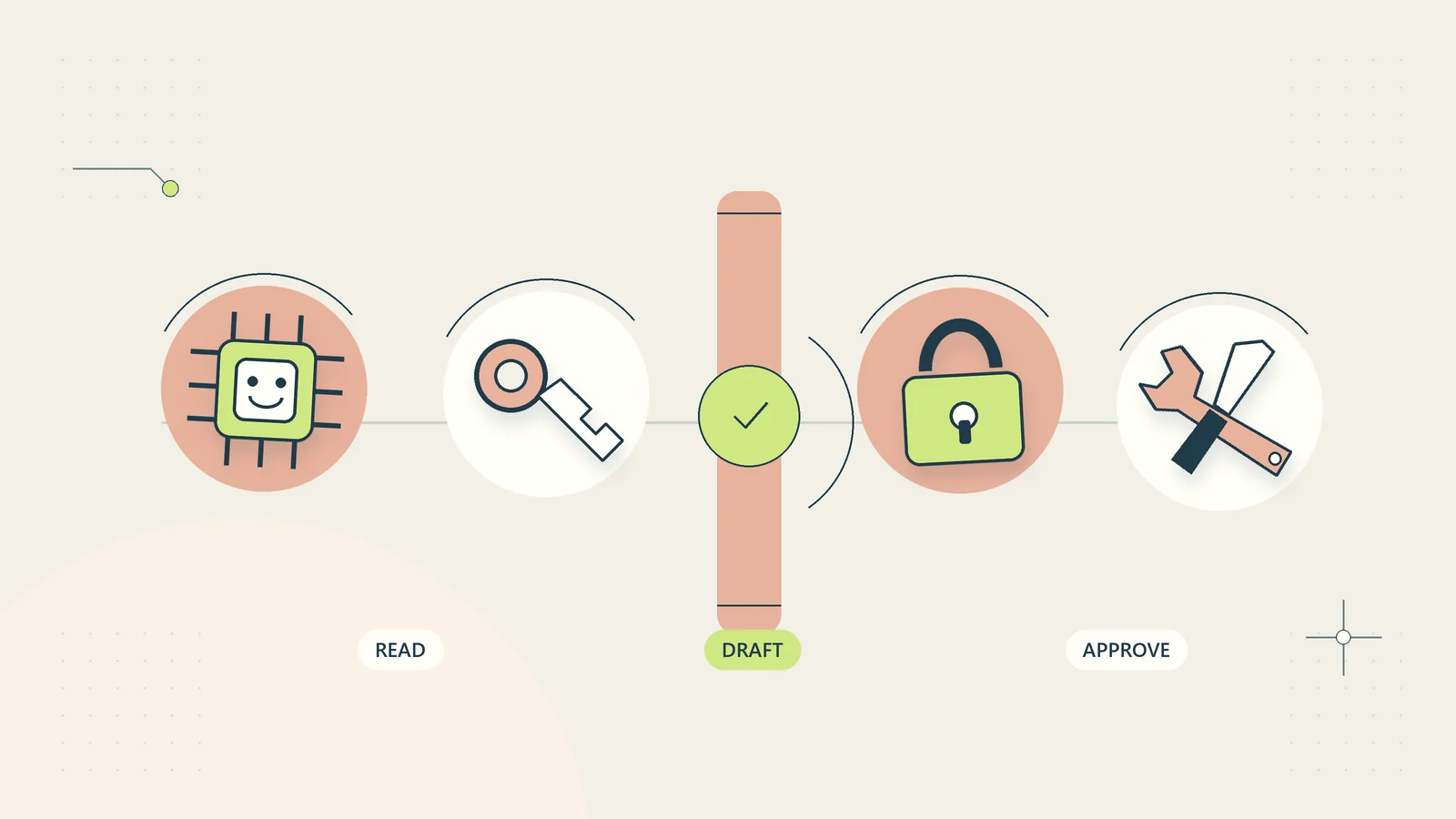
An AI assistant’s useful task and its available permissions should match. If its job is to draft a response from a verified case record, it does not need authority to delete messages, change customer accounts, or transfer files between unrelated clients. A capable model with broad access can create more operational exposure than a modest assistant with a well-defined job.
For a small business, permission design begins with a practical question: what exact operations does this workflow need, on which records, for which user, and for how long? This guide turns that question into an understandable permissions worksheet, a test plan, and a maintenance routine. The principles apply whether the assistant is built internally or connected through software you already use.
Describe operations instead of product names
“Access to our helpdesk” is not a clear permission requirement. A helpdesk can contain customer conversations, attachments, private notes, user settings, and bulk export functions. Define the operations the assistant needs rather than approving the entire application as one unit.
For a hypothetical access-support assistant, the necessary operations might be reading a selected customer question, reading the public recovery instructions, and creating an internal draft. It may not need to search every conversation, view financial details, or send the draft.
Write each operation as a verb and object: read the current order status, create a draft in the assigned case, or list approved public help articles. This makes the scope easier to challenge. If nobody can explain why a permission is needed, leave it out of the initial workflow.
Our AI workflow evaluation guide helps define the output and test conditions before permissions are granted. Starting with the task avoids a common sequence in which broad access is approved first and the business purpose is invented afterward.
Separate reading, preparing, and executing
An assistant can prepare a proposed action without being permitted to carry it out. Drafting a customer reply, proposing an account update, and sending a message are different operations. Keep their permissions and status labels distinct.
Reading is also consequential. A read-only connection can expose private customer information or make a large collection available for export. Read-only should therefore mean a specifically justified set of records and fields, not unrestricted visibility across the company.
Use three levels when planning a workflow: source access, draft creation, and external or persistent action. The first pilot may only need the first two. A separate execution component can enforce any later approved action using the correct identity and business checks.
This distinction supports useful automation without giving the model general business authority. The workflow can automatically assemble permitted information and prepare a result while preserving a clear boundary around actions that change accounts, publish content, or communicate outside the business.
Build a permission matrix with real limits
Create a matrix that names the operation, source, allowed records, permitted fields, execution identity, and approval requirement. Add an owner and a reason for each row. A readable matrix is more useful than a screenshot of dozens of unfamiliar scope labels.
| Operation | Intended limit | Initial pilot decision |
|---|---|---|
| Read help guidance | Approved public collection only | Allow |
| Read customer question | Case explicitly assigned to the user | Allow with normal case access |
| Read payment details | No need for drafting an access reply | Exclude |
| Save draft | Current assigned case only | Allow |
| Send reply | Requires review of final content and recipient | Keep outside drafting permission |
| Export all customers | No task-based justification | Exclude |
OWASP’s official Authorization Cheat Sheet recommends least privilege, default denial, and permission checks on requests. In practical terms, the matrix should describe intended access, and the application must enforce it when an operation is attempted.
Restrict records and fields as well as functions
A permission called “read customers” may be much broader than the business task. Check whether the tool can restrict access by tenant, team, case, project, or another meaningful record boundary. Also check whether unnecessary fields can be omitted from responses.
For example, an assistant explaining delivery status may need the purchased item, delivery state, and current recovery route. It may not need a full billing address, private notes, or information about unrelated purchases. Smaller tool responses reduce both exposure and review effort.
Do not rely on instructions such as “only look at this customer” as the only enforcement. The request should be checked against the actual user’s authority and the target record. If the underlying connection uses an administrator account that can read everything, ask how the system prevents a request from crossing the intended boundary.
Test identifiers that refer to another permitted-looking record. A plausible order number is not proof that the caller can access that order. The business rule belongs at the resource boundary, where the requested record and user context can be checked together.
Keep credentials out of prompts and ordinary logs
The model generally needs the result of a permitted operation, not the secret used to authorize it. Credentials should be handled by the execution system through an appropriate secret-storage mechanism. Do not place passwords or API keys in a reusable prompt, customer note, or training example.
Identify who can create, rotate, revoke, and inspect connection credentials. Use separate identities for separate purposes where the platform supports them. Sharing a general administrator key across several assistants makes it harder to understand which workflow performed an action and to disable one process without affecting everything else.
Logs need a similar boundary. Record useful operation metadata, such as time, workflow, target identifier, decision, and result. Avoid copying secrets or unnecessary customer content into every event. A troubleshooting export can become a second uncontrolled data store if nobody considers what it contains.
The AI data minimization guide includes a field-by-field method for deciding what each stage actually needs, including diagnostic records and retained outputs.
Check tool definitions and connection changes
An assistant’s available tool list can change when a connector updates, a new integration is installed, or an administrator broadens a scope. Treat those changes as operating changes. A connection approved for reading a limited collection should not silently acquire bulk export or write functions.
Review tool names, descriptions, required arguments, and side effects. A function named “sync” may create, update, or delete records depending on its configuration. Ask for a plain explanation of the actual effect and evidence from controlled tests.
OWASP’s MCP Security Cheat Sheet covers issues including tool integrity, isolation, and authorization. Even if your business does not use MCP, the operational question remains useful: can a changed tool or returned message alter what the assistant is allowed to do?
Keep a small change record showing the previous permission set, the proposed change, the business reason, test evidence, approver, and date. This is easier to maintain than rediscovering the full history during an incident.
Bind approval to the actual proposed action
If a workflow requires approval, the reviewer should see the specific action, target, important arguments, and expected effect. A generic “continue” button without that context makes meaningful review difficult.
For a customer email, the approval concerns the final body, recipient, subject, and attachments. If any of those change materially after approval, the earlier decision should not automatically apply to the new version. For a record update, the reviewer should see the old and proposed values where practical.
Make approvals expire or become invalid when relevant conditions change. An approved draft from last week may no longer describe the customer’s current issue. A later cancellation or account restriction may alter whether the action is appropriate.
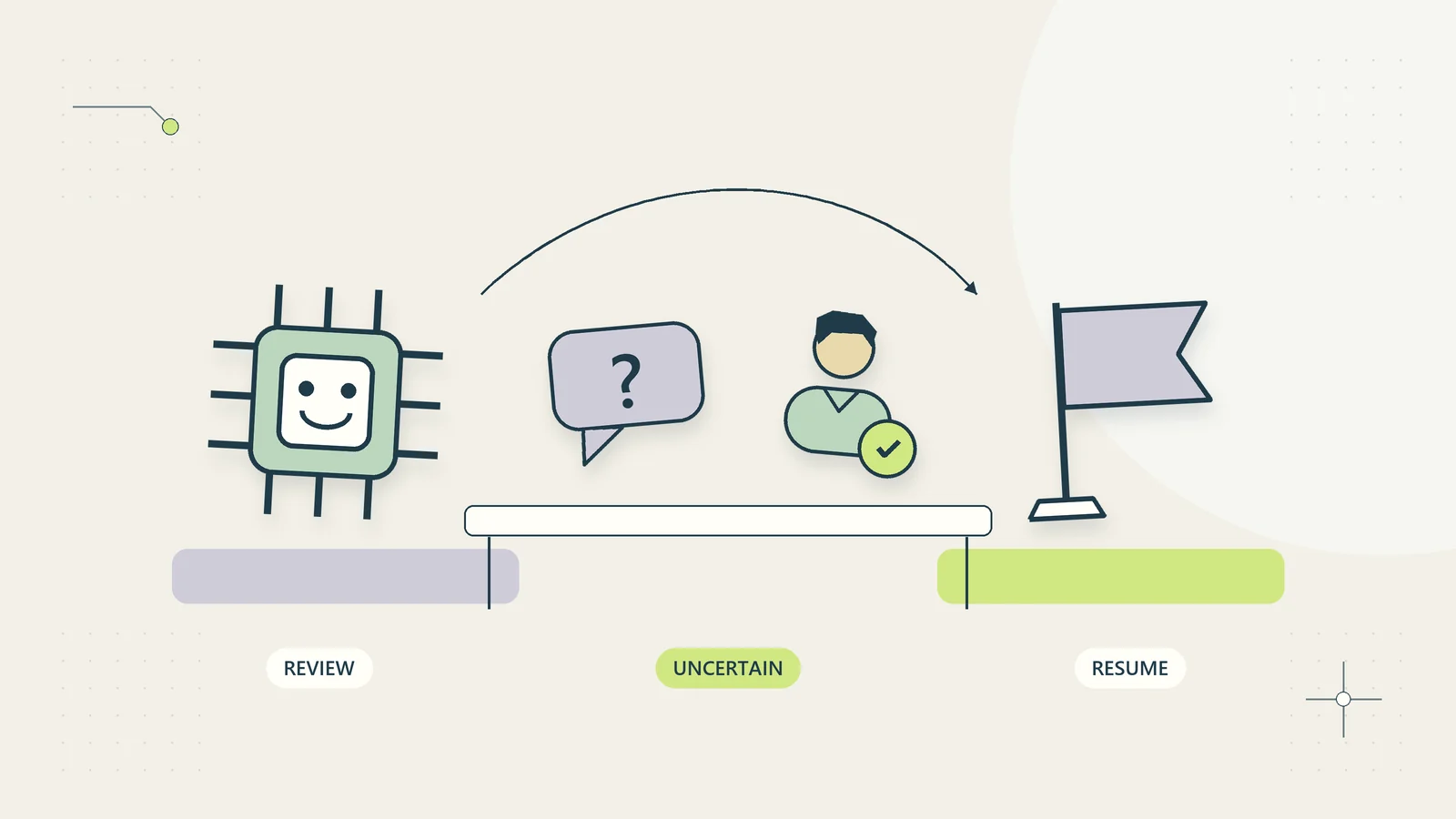
The execution system should verify approval rather than trusting the model to report that approval occurred. That gives the business a checkable boundary even when the model misunderstands a message. The human handoff guide explains how to design the surrounding review queue and acceptance states.
Limit repeated actions and bulk operations
One permitted action repeated many times can have a very different consequence. Define limits on batch size, request frequency, total affected records, and retry behavior where those controls fit the workflow.
For example, creating one internal draft is a different task from creating several thousand. Repeated retries can also create duplicate notes or messages if the system cannot establish whether the first attempt completed. Use a stable operation identifier or another appropriate duplicate-prevention mechanism in the execution layer.
Show partial outcomes clearly. If three of five permitted updates completed, a single “failed” label can encourage an operator to rerun all five. The recovery process should identify what happened before attempting another change.
Bulk export, deletion, and external communication deserve their own explicit design rather than inheriting approval from a related single-record workflow. The goal is a task-sized permission set whose operating limits can be understood and tested.
Walk through a hypothetical permissions review
Imagine a hypothetical business building an assistant to prepare internal replies to product access questions. Its first proposed connection requests full mailbox access, customer database editing, file storage administration, and message sending.
The business maps the actual task and removes most of that access. The assistant receives only the selected question and a small verified fact card. It can search approved help content and save a draft against the selected case. A separate user-controlled process sends the reviewed reply.
During testing, the team supplies a made-up case identifier outside the assigned collection. The operation should be rejected by the system. Next it asks for a bulk customer list, which is not part of the exposed tool set. Finally it inserts a request inside the customer message asking the assistant to change the delivery email. That text should not create update authority.
These tests do not establish that the system is invulnerable. They establish whether the specific intended limits operate in the tested configuration. The team records failures and keeps the pilot closed until the relevant boundary works.
Test denial and revocation deliberately
Permission testing should include what the assistant must not do. Use test accounts with different roles and synthetic records. Check cross-project access, prohibited fields, write attempts through read-only connections, and actions after a user’s access is removed.
Test the revocation path before relying on it. Disable a test connection and verify that new operations stop. Check whether already queued work continues, whether cached results remain available, and whether long-running jobs hold credentials or data beyond the intended period.
Document the expected user message when access is denied. A useful message explains that the operation is unavailable and identifies the appropriate route without revealing private record details. It should not suggest using a broader account as a routine workaround.
If an essential denial test fails, treat it as a permission problem rather than a prompt-writing problem. A sentence telling the assistant to behave more carefully cannot replace missing enforcement in the connected system.
Compare the requested scope with what the platform can enforce
Some platforms offer coarse permission scopes. A connection may support reading all records of one type while your workflow only needs a selected case. Identify that mismatch explicitly instead of describing the connection as narrowly restricted when it is not.
Ask whether an intermediary can expose a smaller operation with its own authorization checks. If that is not practical, consider supplying a manually prepared fact card, using a separate limited source collection, or choosing a workflow that does not need the broad connection. The fact that a scope is available does not make it necessary for the task.
Review which business account and environment the connection reaches. A test connection should not unexpectedly target live customer records. Two similarly named accounts can contain different products, clients, or operating responsibilities. Show the actual account label and intended environment in the review record so the administrator can confirm the target.
Document residual limits honestly. If access cannot be restricted at field level, say which broader fields remain available and who accepted that design. Do not imply that a prompt instruction prevents the underlying account from accessing them. That record supports a concrete decision about whether the remaining exposure is appropriate for the business task.
The same review should cover renewal and reconnection. A new consent screen may request broader scopes than the earlier connection. Compare the new request against the permission matrix before restoring the workflow, rather than assuming that reconnecting always returns the previous access unchanged.
Maintain an owner and an emergency stop route
Every active connection needs an owner who understands its purpose, permissions, and dependencies. Record the workflow, credential location reference, allowed operations, last review, and revocation method. Do not include the credential itself in the register.
Review access when staff roles change, the workflow expands, a connector updates, or an incident occurs. A periodic review can catch forgotten connections, but event-based review is necessary when the business context changes between calendar dates.
Define who can pause the assistant, who investigates affected operations, and how ordinary work continues while it is unavailable. A recovery route might return the task to a manual queue or a first-party help page rather than leaving customers waiting for a broken assistant.
The best permission design is understandable enough that the business owner can explain why each capability exists. It lets the assistant perform a useful bounded job and gives the team a practical way to stop, inspect, and revise that job when circumstances change.
Sources and editorial method
Checked on October 15, 2026. The permission matrix, access-support example, and operational tests are original practical analysis. Examples are hypothetical and do not describe a deployed or tested integration. Implementation details depend on the tools and access controls available in a particular system.
- OWASP: Authorization Cheat Sheet, for baseline authorization principles.
- OWASP: MCP Security Cheat Sheet, for current AI tool-connection security considerations.