How to evaluate an AI workflow before putting it to work
Define acceptance criteria, build representative test cases, compare a realistic baseline, and record the limits of an AI workflow before release.
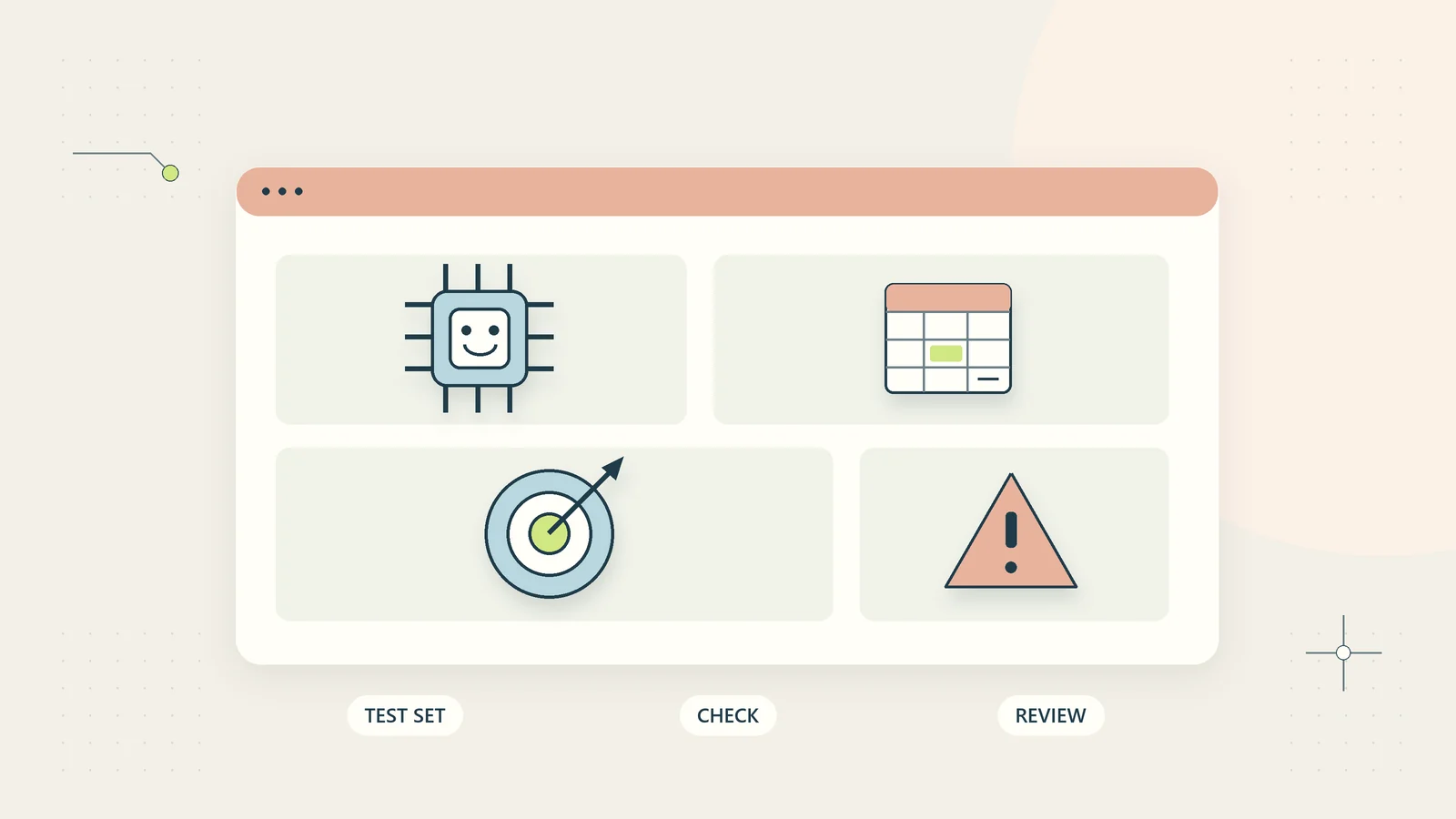
A convincing AI demonstration answers a different question from a useful business evaluation. The demonstration asks whether the system can produce a good-looking result. The evaluation asks whether a defined workflow produces acceptable results often enough, at a manageable cost, under the conditions in which your business will actually use it.
Small businesses do not need a research laboratory to make that distinction. They need a clear task, representative examples, agreed acceptance criteria, and a record of what failed. This guide sets out a practical evaluation process for administrative AI workflows such as drafting replies, extracting candidate tasks, or finding approved procedures. It does not assume that a system should receive permission to act simply because its writing looks accurate.
Define the workflow and its business consequence
Write the starting event, permitted input, expected output, user, and next action. For example: a staff member supplies a permitted customer access query and verified order facts; the workflow prepares a draft reply; the staff member checks and sends it. This is a different system from an assistant that reads all incoming mail and sends replies automatically.
List what happens if the output is wrong. A poor internal summary may cost several minutes of rework. A wrong payment instruction or unauthorized disclosure can have a much larger consequence. Evaluate the actual workflow boundary rather than assigning a generic risk label to the model.
Define exclusions before testing. A pilot for routine access questions should not quietly expand into refund decisions, legal advice, account changes, or identity verification. Our AI agents and human approval guide helps separate preparation from consequential action when defining those boundaries.
Establish a useful non-AI baseline
Compare the proposed workflow with the way the task can reasonably be completed today. That may be a trained person, a fixed template, a search page, a spreadsheet formula, or a simple rule. Use an improved realistic baseline rather than a deliberately inefficient process.
Record the time required to gather inputs, produce an answer, verify it, and recover from mistakes. Include waiting or handoff time if that is the problem the business wants to solve. Keep those categories separate so the comparison shows where a change helps.
For a hypothetical small service business, the baseline might be writing ten routine project updates from an approved status record. If AI saves drafting time but doubles fact-checking time, the net result matters more than generation speed. If both methods struggle because project records are incomplete, the first improvement belongs in the source process.
A baseline also helps answer whether the workflow needs AI at all. The AI versus rules-based automation guide provides a decision framework for tasks with stable, deterministic answers.
Write acceptance criteria before looking at results
Set criteria for correctness, completeness, scope, privacy, and usefulness. Describe an acceptable result in terms a reviewer can apply consistently. “Good quality” is too vague to guide a release decision.
| Evaluation dimension | Example criterion for an internal procedure answer |
|---|---|
| Correct source | Uses the current approved instruction |
| Factual meaning | Does not change the procedure’s conditions |
| Completeness | Includes the required next step and relevant exception |
| Scope | Refuses to invent a policy where no source exists |
| Access | Reveals no material outside the test user’s permission |
| Usability | Lets the user identify the document and act on the answer |
Distinguish errors that require stopping the pilot from errors that can be corrected during normal review. Unauthorized data access should not disappear inside an average quality score. Similarly, a missed commercial condition deserves a different response from an awkward sentence.
Acceptance thresholds depend on the task and consequences. The illustrative criteria here are a worksheet, not a universal standard or certification.
Assemble a representative test collection
Collect examples that reflect the task’s real range without unnecessarily using private customer data. Synthetic examples are useful when they preserve the structure of the problem. Clearly label them so nobody confuses a test record with an actual customer case.
Include ordinary cases, uncommon but plausible exceptions, incomplete inputs, conflicting sources, and out-of-scope requests. If the business serves English-speaking users worldwide, consider different date formats, currencies, spelling conventions, and phrasing. A date such as 04/05 should not become a confident calendar commitment without context.
Give each case an identifier, input, expected evidence, acceptable outcome, and reason it belongs in the collection. The reason helps prevent a test suite from becoming a random set of interesting prompts.
Keep a separate set of examples for final review after adjustments. Repeatedly changing the instructions to pass the same few cases can create a misleading sense of progress. Fresh representative cases help reveal whether the improvement generalizes within the intended task.
Keep an answer key with room for judgment
Some tasks have exact expected outputs. An invoice field may have one correct currency code. Other tasks allow several good phrasings. In those cases, define required facts, prohibited assertions, acceptable uncertainty, and the evidence the reviewer should inspect.
For a draft email, the key might require acknowledging a reported issue and explaining the approved recovery route. It could prohibit claiming that a refund was issued or that a replacement file was already sent. The exact sentence structure need not match a preferred draft.
Ask a person who understands the business task to approve the key. A general reviewer may miss a subtle scope condition, while the person who wrote the workflow may unconsciously forgive it. For consequential processes, involve appropriate independent or specialist review.
Record disagreements between reviewers. They may reveal that the criteria are ambiguous or the business itself has not agreed on the correct process. Do not force a single score before resolving the underlying question.
Test the entire path, including tools and failure states
An accurate model output can still sit inside a broken workflow. Test whether the correct file was selected, permissions were applied, values were mapped to the right fields, and duplicate requests were handled. Include the path from source to final reviewed output.
Test what happens when a source is unavailable, an operation times out, a required field is missing, or the user cancels. A workflow should not invent completion because it did not receive a clear failure message. Distinguish attempted, accepted, completed, and verified states.
For a system with tools, test rejected operations as deliberately as successful ones. A read-only pilot should fail to make changes. An account limited to one test collection should fail to access another. The AI tool permissions guide explains how to turn intended limits into concrete checks.
Use isolated test records and a controlled environment. Avoid testing dangerous failure scenarios against real customer records simply to produce a more realistic demonstration.
Treat prompt injection and misleading content as test cases
Administrative inputs often contain text from outside the business: emails, uploaded documents, web pages, or supplier messages. Some text may ask the assistant to ignore its task, reveal information, or perform a different action. Other text may simply be obsolete or misleading.
Add test cases where such content appears inside otherwise legitimate material. Check whether the assistant keeps it within the source boundary and whether the execution system still enforces permissions. A model refusing one obvious instruction does not establish resistance to every variation.
Record the exact tested scope and result without presenting a successful test as a general security guarantee. The prompt injection defenses guide describes a practical layered approach, including what a small business can ask a builder to demonstrate.
Keep adversarial test data free of real secrets. A made-up marker can reveal whether information crossed an intended boundary without placing actual customer or account information at risk.
Run a hypothetical evaluation with separate outcomes
Imagine a hypothetical team evaluating an assistant that turns approved notes into draft client updates. It selects thirty synthetic cases: twenty routine updates, five with missing facts, three with conflicting dates, and two outside the allowed scope.
The team scores each case for required facts, invented commitments, handling of uncertainty, and review time. It discovers that the assistant writes clear routine updates but turns tentative dates into firm promises in several conflict cases. A single average score would make the overall performance look reassuring while hiding the specific failure.
The team changes the input structure so dates include an explicit status: proposed, internally confirmed, or approved for the client. It reruns the failed cases and tests fresh date examples. Reviewers continue checking every draft during the limited pilot.
This is a design exercise, not a reported performance result. The important decision is whether the revised workflow handles the identified ambiguity well enough for its intended use. It does not establish readiness for automated sending or unrelated client communications.
Measure total operating cost and review capacity
Record software charges, preparation effort, reviewer effort, maintenance, and recovery work. If the workflow relies on a person reviewing each output, check whether that person has enough time at the actual daily volume.
Measure time per accepted result rather than time per generated result. Rejected drafts, repeated attempts, and abandoned tasks still consume resources. A workflow producing five alternatives before one useful answer may cost more attention than its interface suggests.
Separate recovered capacity from cash savings. A person finishing an administrative task sooner does not automatically reduce payroll or increase sales. The automation ROI guide provides a worksheet for handling that distinction without counting the same benefit twice.
Set an operating budget for the pilot. Include an upper limit on cases, review time, and any paid usage. Expansion should follow evidence that the process is manageable, not simply the fact that more requests can be processed.
Interpret a small pilot honestly
Report the number and type of cases tested alongside the observed outcomes. “No unauthorized actions in twelve synthetic cases” describes what happened in that exercise. It does not establish that the system will never attempt an unauthorized action, nor that the same result applies to every input or tool configuration.
Keep important case groups visible. If all routine examples pass but every missing-source case produces an invented answer, the overall average is a poor basis for expansion. The business needs to know which conditions work and which require a narrower scope or a different design. Preserve the original outputs for the permitted review period rather than repeatedly replacing them with improved attempts; otherwise the report can hide how much intervention was required.
Investigate failures before changing the model. Some failures come from ambiguous business instructions, incorrect source records, permission configuration, or an unusable review screen. Replacing the model may leave those causes untouched. Assign the repair to the layer that actually failed and preserve a repeatable test of that layer.
Avoid evaluating the system against an unrealistically perfect human baseline. People also make mistakes. The useful comparison asks how each process performs under the same task conditions, including whether errors are caught, how much review is required, and what happens after a problem. A faster process with harder-to-detect failures may be a poor choice for the business even when its average output looks good.
Write a brief uncertainty statement with the result. Name untested languages, unusual documents, user groups, volumes, or action types that could materially change performance. Those limits help the decision owner choose the next test instead of treating the pilot as a blanket endorsement. If the evidence remains too thin for the consequence involved, keep the process in a limited test or use the simpler alternative.
Record a release decision with limits
At the end of evaluation, write a short decision record. Include the tested workflow version, source collection, case categories, evaluation dates, reviewers, important failures, mitigations, unresolved limitations, and decision owner.
The decision can be proceed with a limited pilot, improve and retest, use a simpler alternative, or stop. A conditional decision should name its conditions. “Approved for routine internal drafts with full review” does not mean “approved for external autonomous replies.”
NIST’s TEVV-Athlon framework addresses evaluation terminology and methodology. For a small business, the practical lesson is to describe what was tested clearly enough that another person can understand the evidence and its limits.
Retain enough detail to reproduce important cases, while avoiding unnecessary private content in reports. A result without the workflow version or source context becomes hard to interpret after a change.
Continue checking after the pilot
The workflow may change when the model, prompt, source data, connected tools, or business policy changes. Identify which changes require a targeted recheck and which require a broader evaluation. Do not assume that passing an earlier version transfers automatically to a new configuration.
Create a route for users to report incorrect outputs and unclear limitations. Group recurring issues, preserve a useful test case, and assign the improvement to someone. A feedback button with no owner is not an operating process.
The NIST AI Resource Center provides resources for testing and evaluation. Your own evaluation record should remain understandable without specialist terminology: what task the workflow supports, what evidence justified use, what it must not do, and when to stop relying on it.
A useful evaluation narrows uncertainty enough to support a responsible business decision. It does not need to make the software look impressive, and it should remain willing to conclude that a checklist, template, or ordinary search is the better tool.
Sources and editorial method
Checked on October 15, 2026. The acceptance table, test collection, evaluation example, and operating-cost worksheet are original practical guidance. The thirty-case example is hypothetical and is not a reported benchmark or performance claim.
- NIST: The TEVV-Athlon Framework for Evaluating AI Systems, for current evaluation terminology and methodology context.
- NIST AI Resource Center, for official testing, evaluation, verification, and validation resources. These resources do not certify the illustrative workflow in this article.