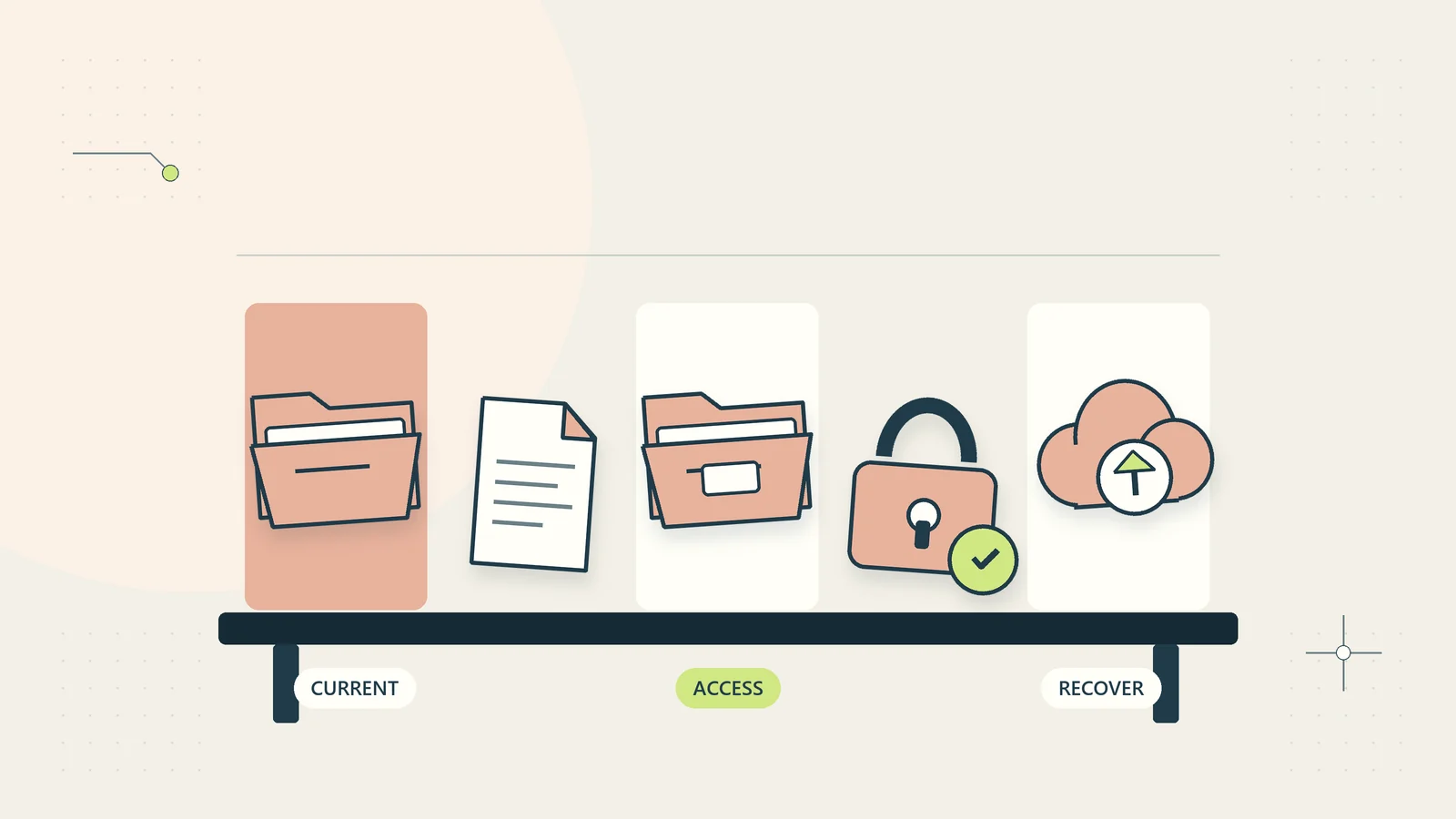
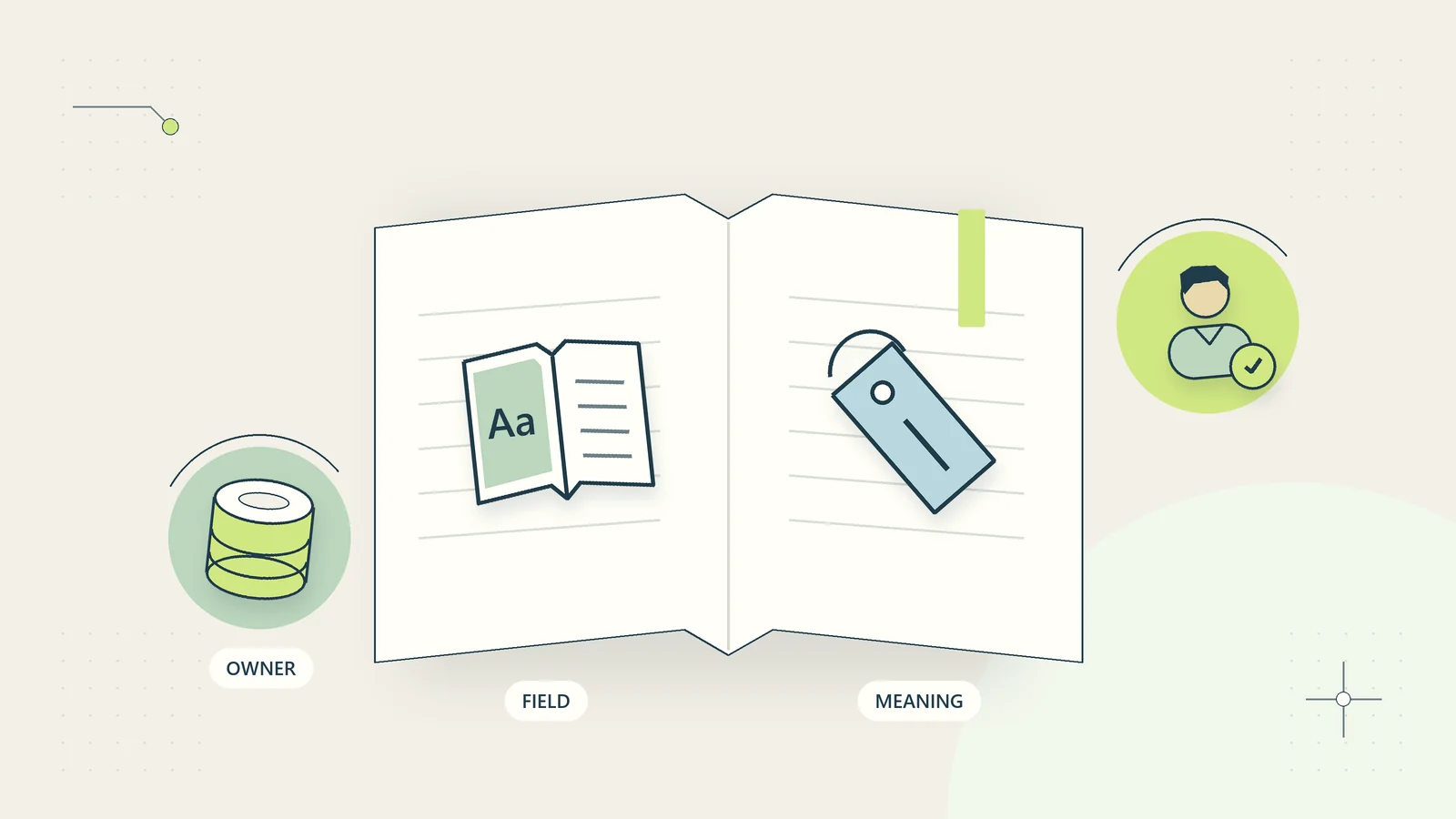
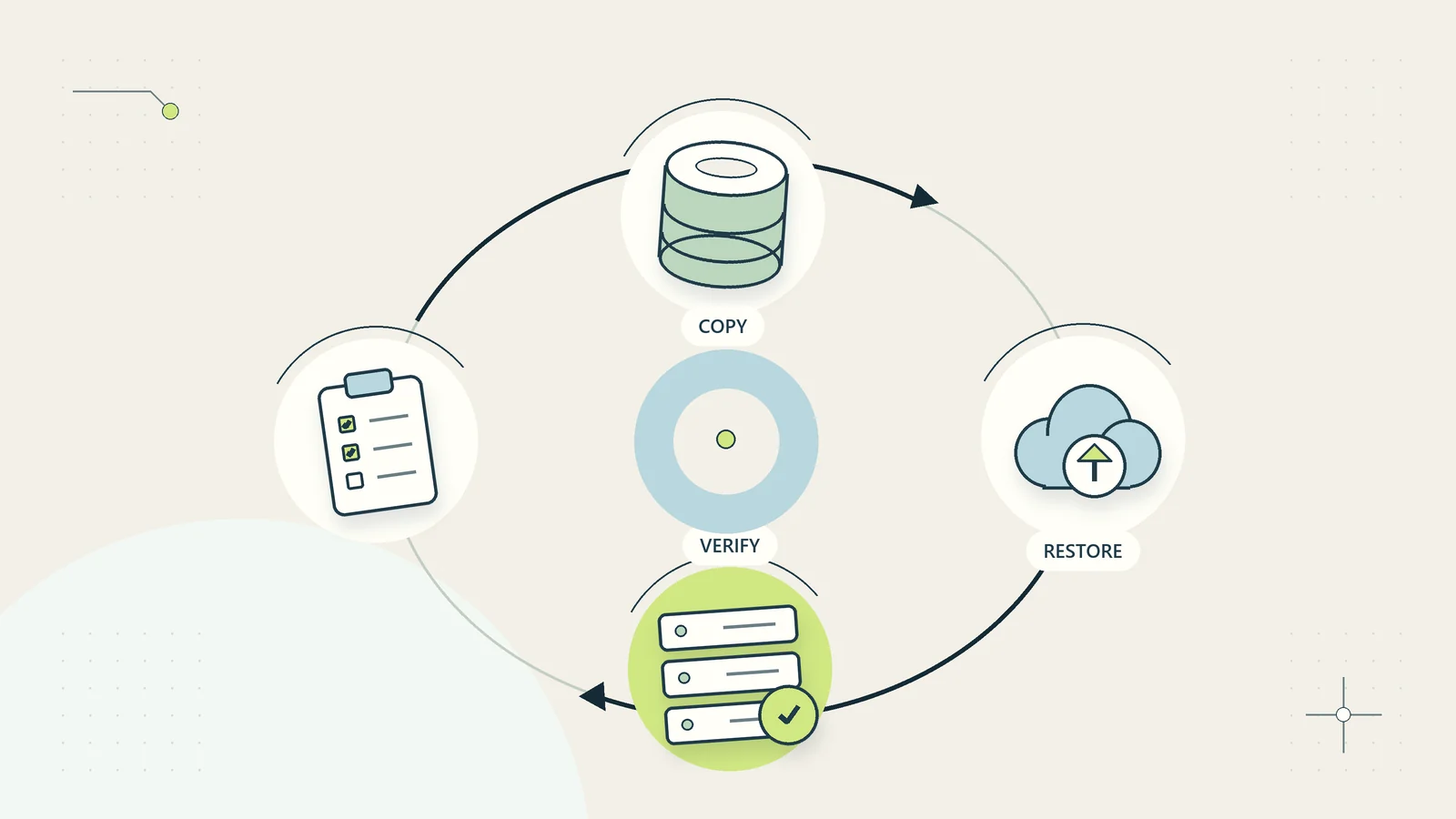
How to build a business records retention review process
Build a records retention review around clear owners, approved triggers, exceptions, copies, and verified actions without guessing legal deadlines.
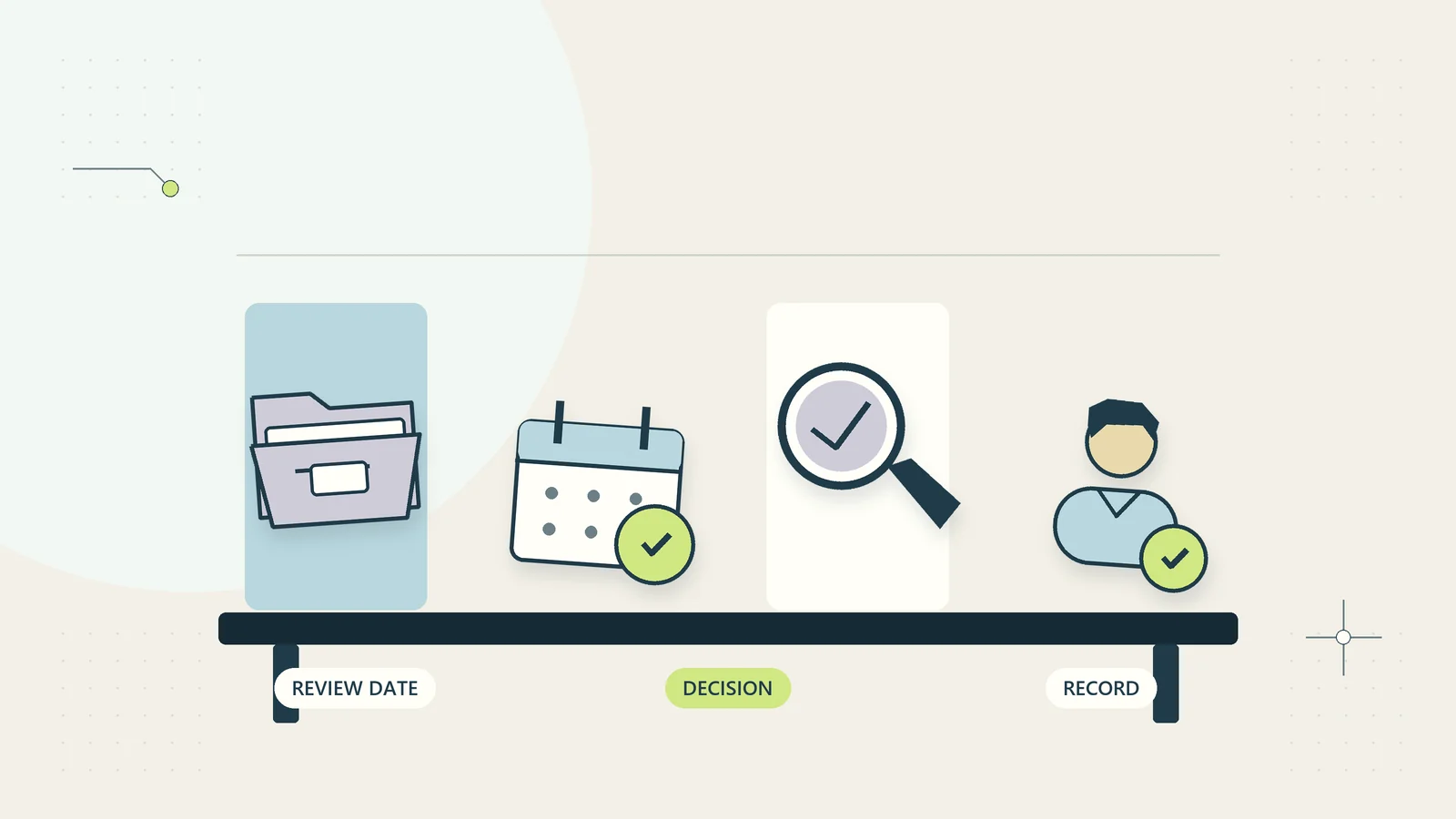
A records retention review decides whether the business still needs a category of information, why it needs it, and what authorized action should happen next. It is different from a storage clean-up. A file can be old and still necessary, or recent and already unnecessary. Its age alone does not supply the decision.
For a small business, the practical starting point is a short inventory, accountable owners, an approved schedule, and a review queue. The schedule tells people when to examine or act on records; the review confirms that the rule fits the circumstances and that no exception prevents the planned action.
This guide offers an original administrative process for organizing those decisions. It does not prescribe legal retention periods. Requirements vary by country, industry, record type, contract, and active dispute. Ask the appropriately qualified adviser to establish the requirements that apply to your business rather than copying another organization’s schedule.
Separate the retention decision from the storage decision
Moving files into an archive changes where they are kept, not necessarily whether the business is justified in retaining them. Likewise, hiding a customer record from everyday search does not establish that it has been deleted from every relevant system.
Begin with the purpose of each record category. It may support current service delivery, accounting, a contractual obligation, an employment process, or an approved investigation. Record the actual purpose and the person responsible for confirming it. Avoid a vague explanation such as might be useful someday.
In its UK-specific storage limitation guidance, the ICO explains that personal-data retention should be justified by purpose rather than a universal time limit. The page currently notes that the guidance is under review following legislative changes. That source is context for UK obligations, not a worldwide rulebook. The operating method below is designed to help owners obtain and apply their own appropriate requirements.
Build an inventory of record categories
Start with categories rather than individual files. Examples include accepted customer agreements, completed project evidence, supplier invoices, unsuccessful enquiries, personnel administration records, and website support submissions. Keep categories specific enough that one retention rule can be understood and applied consistently.
Record the owner, purpose, locations, sensitive information involved, normal users, and the event that ends active use. Include physical files, email attachments, exports, archived accounts, shared drives, and information held in application notes. A schedule covering only the main document folder leaves important copies outside the process.
Do not attempt a complete enterprise inventory before making any progress. Select one manageable category with a clear owner and understand its full path through the business. The document management guide helps connect that inventory with authoritative locations, access, versions, and recovery. Expand the review when the first category can be handled reliably.
Establish the requirements with the right decision-makers
Gather the applicable requirements from qualified advisers, contracts, regulators, and approved internal policies. Record the source and the date it was checked. Distinguish a binding requirement from a preferred operating practice or a software default.
When requirements appear to conflict, do not let the person running a storage report resolve the legal question alone. Assign it to the responsible owner with appropriate advice. Keep the affected records in an approved protected state until the decision is made. The review queue should show the uncertainty rather than quietly selecting the longest period somebody remembers.
The U.S. National Archives’ guide to inventory, scheduling, and disposition is explicitly for federal agency records staff. Its sequence illustrates the distinction between knowing records, approving schedules, and implementing them; its federal rules are not a template for private businesses worldwide. Use public examples to understand process structure, then establish your own applicable authority.
Write a schedule with a clear starting event
A retention period is incomplete without a trigger. Does time run from record creation, project closure, contract termination, the end of an accounting period, or another defined event? A field labeled retain until cannot be calculated consistently if people disagree about that starting point.
Use plain language and record the evidence that establishes the trigger. For a completed project category, closure may require an authorized owner to confirm that delivery and administrative obligations are complete. A file’s last-modified date is not necessarily evidence of that business event.
| Schedule item | Decision to record |
|---|---|
| Record category | Which information the rule covers |
| Purpose and authority | Why retention is justified or required |
| Trigger | The event from which the rule runs |
| Approved period or review condition | What applies after that event |
| Action | Review, delete, anonymize, transfer, or retain under an exception |
| Owner and approver | Who makes and authorizes the decision |
| Relevant locations | Where copies and related records may exist |
| Exception check | What can pause the normal action |
Do not insert example periods into a live schedule unless they have been approved for your actual context. The table is a decision framework, not a list of legal deadlines.
Define a review queue before enabling automatic deletion
For a first implementation, generate a list of records approaching a review point. Include the category, trigger evidence, proposed action, owner, and any missing information. A review queue makes uncertain classifications visible before they become destructive changes.
Set a rule for incomplete records. If the system cannot establish the relevant closure date, do not substitute a convenient timestamp silently. Assign the missing evidence to an owner. The small-business data dictionary helps define closure, creation, and other date fields so the schedule can use them consistently.
Automatic action may be appropriate for well-defined low-risk categories after the rule and its exceptions have been verified. It should not be the first step when ownership, dates, and holds are unclear. Begin with a proposed-action report, compare it with human decisions, and examine disagreements. The objective is a dependable rule, not the fastest possible reduction in storage volume.
Check holds, disputes, and other exceptions
Before applying the normal schedule, check whether an authorized exception requires records to be preserved. This can arise from an active dispute, investigation, legal instruction, contract issue, or another applicable obligation. The responsible adviser should define the scope and authority of the hold or exception.
Maintain a restricted exception register with category or record reference, reason at an appropriate level, authorized decision-maker, start date, scope, and review condition. Avoid putting confidential legal advice into a broad operational spreadsheet. The administrator needs enough information to prevent an inappropriate action, not necessarily every detail of the underlying matter.
An exception should pause the relevant scheduled action without making the information freely available or creating a permanent unreviewed archive. Record who can release it and how normal processing resumes. If a system cannot enforce the exception reliably, document the limitation and use an approved protected arrangement while the owner decides the next step.
Distinguish deletion, anonymization, and archiving
These outcomes have different purposes. Archiving retains information in a less active location. Deletion removes information through the supported process. Anonymization aims to remove the ability to identify individuals, which may require more than deleting a name field. Do not use the labels interchangeably.
Ask the technical owner to explain what the actual system does. A delete button may move an item to a recoverable area, leave versions available, or affect linked records. A report stripped of names may still contain identifiers or combinations that reveal a person. Whether a method satisfies applicable requirements needs appropriate assessment.
Choose the outcome through the approved schedule and record its meaning. If the business only needs aggregate operational information, consider whether a properly designed aggregate record can meet that purpose without retaining the original detailed records. Do not assume that aggregation automatically resolves every privacy or retention issue; confirm the design with the responsible owner.
Include copies, exports, and backup behavior
Map where the category travels. A customer document may exist in the authoritative folder, an email attachment, a working export, an archived project area, and a backup. Applying the schedule to one visible copy may leave other active copies untouched.
Document the actual backup and restoration behavior with the technical owner. Some backup systems have fixed retention windows or do not support selective removal. The responsible adviser and administrator need to establish an appropriate approach for the business’s requirements. Do not improvise a claim that backup copies are automatically exempt from the schedule.
Also decide what happens after restoration. A historical copy can reintroduce records that were previously removed from the live system. The recovery procedure should identify how approved retention actions and current access restrictions are reapplied where necessary. The backup restoration test guide provides a controlled way to test recovery as a business process rather than only a file transfer.
A hypothetical review of completed project records
Imagine a small consultancy reviewing completed project administration files. The owner has obtained appropriate advice and approved a category-specific schedule. The review report identifies several projects whose documented closure events place them at the next decision point.
One project has an unresolved contractual issue, so its normal action is paused under an authorized exception. Another has a missing closure date; it returns to the project owner for evidence instead of being assigned the folder’s last-modified date. A third has a duplicate export in a staff workspace that must be included in the planned disposition.
The administrator records the decisions and applies only the authorized actions. The review does not invent a global period or assume that every completed project should receive the same outcome. This hypothetical example shows how a category rule, trigger evidence, exception check, and copy inventory work together. It is not a legal opinion or a reported client result.
Record decisions without recreating deleted information
Keep an appropriate disposition record: category, scope, authority, action, operator, date, and result. Where useful, retain a reference or count that explains what happened without copying the underlying sensitive information back into the log.
For example, recording that an approved set of obsolete support attachments was removed may be enough for the operational trail. Pasting their full contents into the deletion log defeats the purpose. The necessary evidence depends on the business and applicable requirements, so agree it before carrying out the action.
The business audit trail guide explains how to connect action, actor, authority, and outcome. Keep failed or partial actions visible. If the administrator cannot remove a copy from a particular system, the result is an unresolved exception, not completed deletion. Assign the remaining work and record what confirmation is still needed.
Prepare a decision pack the owner can actually review
Give the owner a concise proposed-action list rather than a raw export containing every field. Include the record reference, category, trigger evidence, proposed action, and any known exception. Show where the supporting information can be inspected through an authorized route. The owner should be able to understand why each item appears without opening unrelated personal material.
Keep approved, rejected, and undecided items separate. An owner may approve an entire well-defined group, but the record should identify the group’s exact scope and the evidence used. A reply saying looks fine can be ambiguous if several versions of the list exist. Attach the approval to the specific version or batch reference.
Before execution, check whether the candidate list has changed since approval. New information may have arrived, an exception may have been raised, or a record may have returned to active use. Define which changes require renewed review. This prevents an approved snapshot from becoming blanket authority over a changing live collection. After execution, reconcile the outcome against that same approved batch so the business can distinguish authorized actions from items that were merely proposed.
Pilot the process and check both kinds of error
Choose a small, well-understood category for the first review. Measure whether the report includes records that should be retained and misses records that should be reviewed. Both errors matter: overly aggressive rules can destroy necessary evidence, while overly broad retention can keep unnecessary information indefinitely.
Use a sample containing an ordinary completed record, a missing trigger, an active exception, a duplicate copy, and a record still in use. Compare the proposed outcomes with the authorized owner’s decisions before applying changes. Record why the rule disagreed and whether the cause was a definition, missing data, or a technical limitation.
Track unresolved decisions, overdue reviews, incomplete actions, and changes to the schedule. Storage reduction can be a secondary observation, but it should not be the only success measure. A review that correctly preserves necessary records has value even if it deletes nothing during the first cycle.
Keep the schedule connected to business change
Review the schedule when the business changes countries served, contracts, services, systems, or record categories. A new application can create extra copies and different deletion behavior. A new service can create a different purpose or requirement. Record the change and ask whether existing rules still apply.
Give staff a simple route to report a category that has no owner or a record that should be subject to an exception. Train them to use approved locations so the inventory remains meaningful. A well-written schedule cannot govern copies nobody knows exist.
Begin with one category, establish its authority and trigger, run a reviewed action queue, and verify the outcome. Retention becomes manageable when it is a sequence of accountable decisions. The goal is to keep information for justified purposes, handle exceptions deliberately, and carry out approved actions without relying on guesswork or a universal deadline copied from the internet.
Sources and editorial method
Checked October 15, 2026. Primary references: ICO: Principle (e), storage limitation and U.S. National Archives: Guide to inventory, scheduling, and disposition of federal records. Their jurisdiction and institutional scope are identified in the text. The schedule table, queue, pilot, and consultancy example are original administrative guidance. The example is hypothetical. No universal legal retention period, compliance certification, or tested deletion integration is claimed.