A practical business continuity plan for a small team
Plan essential work, decision roles, reduced operating modes, customer updates, and recovery checks with a practical small-team continuity exercise.

A business continuity plan answers a practical question: how will essential work continue when the normal way of working is unavailable? For a small team, the disruption may be as ordinary as a sick owner, a locked account, a failed internet connection, or a supplier who cannot deliver. The plan needs to work at that scale, not only during a major disaster.
The most useful plan is short enough to find and specific enough to act on. It names the work that matters first, the people who can make decisions, the resources they need, and the conditions for returning to normal. A thick document that assumes everybody can access the usual systems can fail at the first step.
This guide focuses on operational continuity. Life safety comes first and belongs in an appropriate local emergency response plan. Technical recovery, contractual commitments, insurance, and regulated responsibilities may require specialist input. The aim here is to help a business owner organize those dependencies and test whether their operating assumptions hold.
Separate continuity from ordinary troubleshooting
Troubleshooting tries to repair a fault. Continuity planning decides how the business will operate while the fault remains unresolved. Your team may need both activities at the same time, with different owners.
For example, an administrator investigates why the order system is unavailable. Meanwhile, an operations lead decides which customer requests can be acknowledged safely, which new commitments must pause, and how incoming work will be recorded. Waiting for the technical fix before making those decisions can create a second backlog.
The Australian government’s emergency management guidance distinguishes continuity preparation, emergency action, and recovery planning. That distinction is useful for small businesses: restoring an application does not automatically restore a reliable service.
Define a trigger for invoking the continuity plan. It might be an outage beyond the team’s normal recovery window, loss of access to an essential record, or the unavailability of the only person authorized to perform critical work. Use triggers suited to your operations rather than borrowing a universal time threshold.
Identify essential outputs before listing systems
Start with what the business must continue producing or protecting. Examples include receiving urgent customer enquiries, keeping existing delivery commitments visible, protecting records, and maintaining required financial or administrative activities. “Keep the software running” is a dependency, not the business outcome itself.
For each essential output, identify the consequences of delay. Some work can pause for a day with modest inconvenience. Other work may have contractual, safety, financial, or regulatory implications. Have the appropriate owner confirm those consequences instead of guessing them from task volume.
Use a simple table:
| Essential output | What failure would affect | Minimum workable service | Decision owner |
|---|---|---|---|
| Existing customer support | Unresolved service problems | Receive, classify, acknowledge, and escalate important requests | Support lead |
| Scheduled delivery | Promised work and available capacity | Confirm what can proceed and record approved changes | Operations lead |
| Payment and billing records | Accurate financial follow-up | Preserve evidence and defer uncertain adjustments | Finance owner |
| Controlled business records | Ability to resume work accurately | Protect current records and verify recovery access | Records owner |
These are illustrative categories, not a universal priority order. A retailer, training provider, and professional practice will reach different conclusions. Your process owners should explain why their chosen outputs are essential.
Map the dependencies that can stop the work
For each essential output, list the people, information, equipment, locations, utilities, and external services it requires. Then ask whether a single failure can remove several of those resources at once.
A backup file stored only on the same inaccessible account may not solve an account outage. A second person who has never used the procedure is not yet an effective backup. Two ways of receiving requests may still depend on the same internet connection. The plan should expose these relationships, not simply count alternatives.
Record dependencies at a useful level of detail. You do not need an exhaustive inventory of every office item. You do need to know which device holds the only current access method, where essential recovery instructions are stored, and who may authorize a change to a delivery commitment.
Include information freshness. A customer list exported six months ago may be readable but unsuitable for current operations. Define what evidence will show that a fallback record is recent enough for the intended use.
Set recovery targets you can actually support
For each essential process, decide how long it can be interrupted before the consequences become unacceptable. Separately, decide how much recent information could be lost or require reconstruction. These are business decisions that should inform technical recovery arrangements.
Avoid treating a target as a promise merely because it appears in a template. If you want to restore customer support within a few hours, test whether staff can access a current queue and an approved communication route in that time. If they cannot, either improve the capability or change the target and accept the consequences explicitly.
Write down assumptions. A recovery approach may depend on one location remaining accessible, the availability of a particular administrator, or the ability to contact an external provider. Assumptions become more useful when paired with a test date and an owner.
Also distinguish temporary operation from complete recovery. A business may receive and prioritize requests before it can resume full processing. Naming those stages helps the team communicate accurately and prevents a limited workaround from being described as normal service.
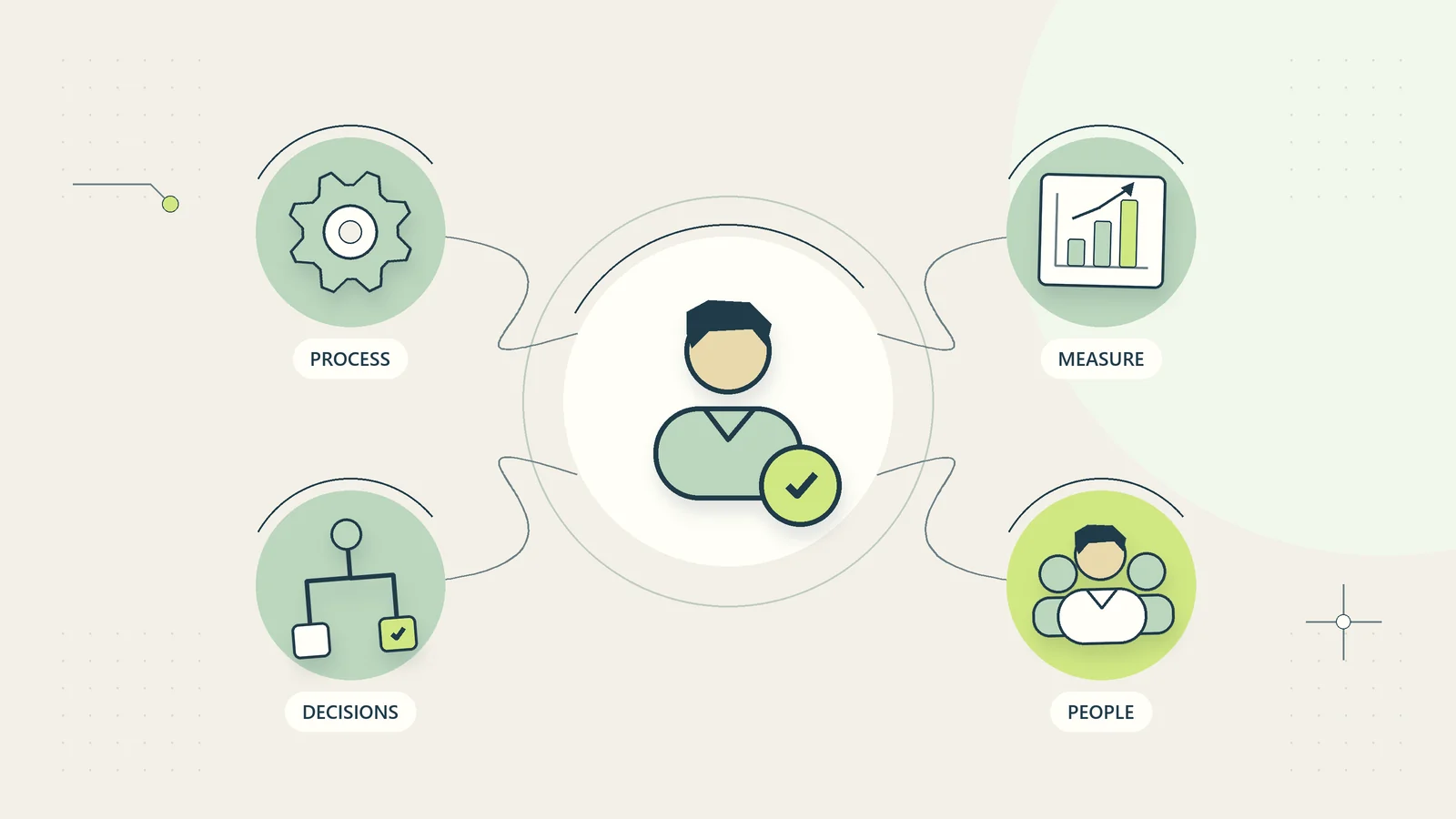
Assign decision roles with backups
Name one person who can activate the plan and coordinate decisions. Give that role a backup, and define the authority each person has. In a small business, the owner may hold several roles, but the plan must still explain what happens if the owner is unavailable.
Other roles may include customer communications, operational scheduling, records recovery, and financial review. A role can belong to the same person as another role, provided the workload is realistic. The point is clear responsibility, not an impressive organization chart.
Document spending and commitment limits in the appropriate controlled record. A temporary coordinator should know whether they can authorize a replacement service, change a deadline, or offer a remedy. If a decision exceeds their authority, the escalation route must work during the disruption.
Keep contact details in a location available to the people who need them, with appropriate protection. Test the contact chain. A list containing a former employee or an unmonitored address gives the appearance of readiness without the capability.
Design a minimum operating mode
Write a reduced operating procedure for each essential output. It should specify what continues, what pauses, what evidence is recorded, who reviews exceptions, and when the temporary method stops. The safest workaround is often deliberately narrower than the normal process.
For a request queue, a minimum mode might record a reference, receipt time, sender contact route, issue category, owner, and next action. It may acknowledge receipt while avoiding any promise that requires access to missing records. Sensitive information should stay within approved channels even when staff are under pressure.
Do not bypass important approvals simply because a system is unavailable. Instead, define an authorized alternative or pause the relevant action. A continuity plan that produces unapproved refunds, duplicate deliveries, or inaccurate customer commitments can create costs that outlast the original outage.
Your business handoff checklist can help define how temporary records pass to another team. Record who accepts the work and what must be verified before the next action occurs.
Prepare messages that state what is known
Create a few short communication patterns before a disruption. A useful message says which service is affected, what the customer can do now, which commitments remain under review, and when the next update will appear. Avoid explanations of the cause until someone has verified them.
For example: “We are currently unable to retrieve some existing order records. New support requests are being recorded, but we cannot yet confirm changes to affected orders. We will post another update by the stated review time, even if the investigation is continuing.” The actual time must be chosen by a responsible person who can meet it.
Keep internal and external messages separate. Staff may need recovery details that customers do not need, while customers need clear implications and next steps. Neither audience benefits from a stream of unverified technical guesses.
Use the principles in client status updates to keep the messages consistent. A continuity update should be brief, accurate, dated, and connected to a person responsible for the next review.
A hypothetical outage exercise for a small training business
Imagine a four-person training provider whose usual course administration system becomes inaccessible on the afternoon before a scheduled session. The business has a controlled recent export of course details and an approved alternative channel for essential messages.
The continuity coordinator first confirms the session’s instructor, location, and existing participant instructions from the approved record. New enrolments pause because the team cannot verify available places reliably. Support records incoming questions in a temporary queue, using the minimum necessary details.
One participant asks to move to a different course. The team acknowledges the request but does not confirm a transfer because the current destination-course capacity is unavailable. The temporary record captures the request reference, pending decision, and follow-up owner. That is a controlled limitation, not a failure to be helpful.
When access returns, the records owner checks whether changes occurred during the outage. The team reconciles temporary requests before resuming normal automated messages. The coordinator confirms that paused actions have either been completed or remain explicitly assigned.
The exercise reveals that the recent export did not include one venue access note. The team updates the continuity record and assigns a review of essential fields. No claim of a successful real-world recovery is implied; this hypothetical example shows the decisions a rehearsal can uncover.
Test the plan without causing a real disruption
Begin with a tabletop exercise. Choose one scenario, describe what is unavailable, and ask each role to explain its next action using only the resources the scenario permits. Do not quietly allow access to the unavailable system when the exercise becomes inconvenient.
Track the time taken to find the plan, contact the decision owner, identify affected commitments, and prepare an accurate customer update. Record decisions that depend on missing information. Those observations are more useful than asking participants whether the plan “looks good.”
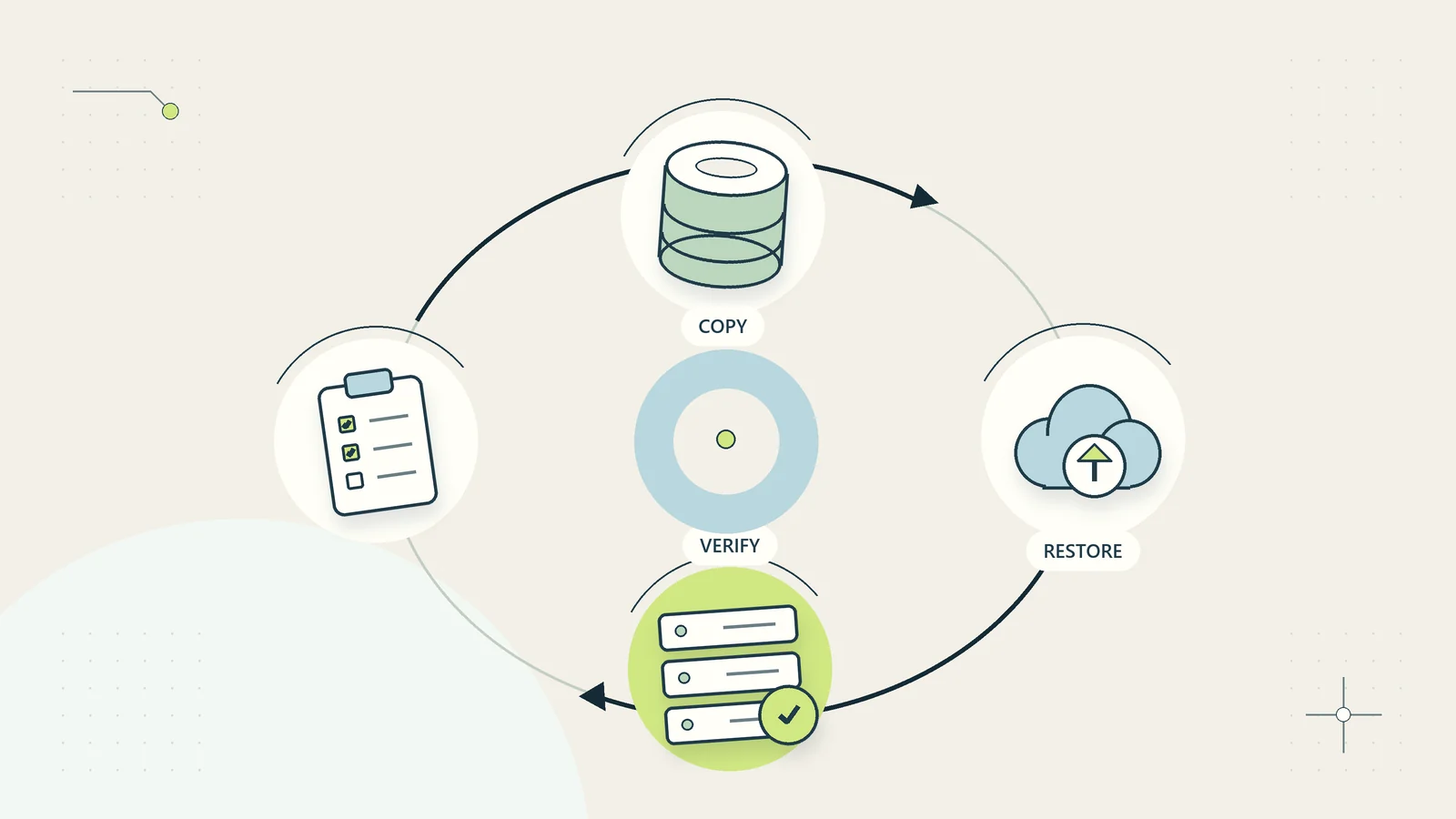
Technical restoration needs its own controlled test. The backup restoration guide explains why a stored backup and a demonstrated recovery are different things. Avoid restoring over live data or disabling essential services merely to make a continuity exercise realistic.
The U.S. Small Business Administration’s preparedness guidance recommends tailoring a plan to the business and practicing it. Its U.S. assistance programs are jurisdiction specific; the operational lesson here is to test your own arrangements rather than assume they work.
Reconcile temporary work before returning to normal
Recovery is not complete when a login succeeds. Temporary records, queued requests, paused reminders, and decisions made during the disruption must be reconciled with the normal system. Otherwise, the business may send duplicate messages or lose work that was recorded elsewhere.
Define a return-to-normal checklist. Confirm system availability, data completeness, access, pending changes, and ownership of the remaining backlog. Identify the person authorized to resume each paused process. Keep a record of the recovery point and any known limitations.
Use unique references to match temporary work with existing records. Where a match is uncertain, send the item to a review queue. Do not create a second record merely because the first one is difficult to find, especially where that could trigger billing or delivery.
After the immediate backlog is controlled, review what failed in the plan. Separate unavoidable consequences from fixable gaps. Assign a small number of concrete improvements with owners and dates; a long list without follow-through adds little resilience.
Check whether the fallback creates another dependency
A workaround can introduce a different point of failure. A temporary spreadsheet may depend on one person’s laptop. A backup contact route may be known only to the manager. A manual queue may become impossible to reconcile if staff record different identifiers.
Before accepting a fallback, ask who can access it, how current information reaches it, what happens if its owner is unavailable, and how its records return to the normal process. Test one complete item through that route. Following an example from receipt to reconciliation exposes gaps that a list of available tools can miss.
Give the workaround an expiry or review point. Temporary operating arrangements tend to persist when nobody owns the decision to retire them. A review point helps the business either restore the intended control or formally redesign the process using what it learned.
Keep a short plan current
Review the plan when essential people, systems, suppliers, locations, or services change. A scheduled review is also useful, but a calendar date should not be the only trigger. A business that changes its delivery model has changed its continuity needs even if the annual review is months away.
Keep a concise operational version that people can find during a disruption. Link detailed recovery procedures and controlled contact records rather than embedding everything in one document. Maintain an appropriate protected alternative copy so the plan does not depend entirely on the service it describes.
For a first version, choose three essential outputs, one realistic disruption, and a single rehearsal. Name the decision owner, define a limited fallback, and test the return to normal. You will learn more from that exercise than from completing a large generic template that nobody has tried to use.
Sources and editorial method
Research checked October 15, 2026. Background sources are the Australian government’s emergency management planning guidance and the U.S. Small Business Administration’s Prepare for emergencies guidance. These describe Australian and U.S. resources respectively; this article does not extend their legal requirements, assistance eligibility, or emergency arrangements to other countries. The minimum operating mode, decision table, reconciliation checklist, and training-business scenario are original practical analysis. The scenario is hypothetical. Have appropriate local specialists review safety, contractual, regulated, and technical recovery requirements.