A course operations checklist for training providers
Coordinate course listings, learner enrollment, accessible materials, joining instructions, completion evidence, and recovery with a practical release checklist.
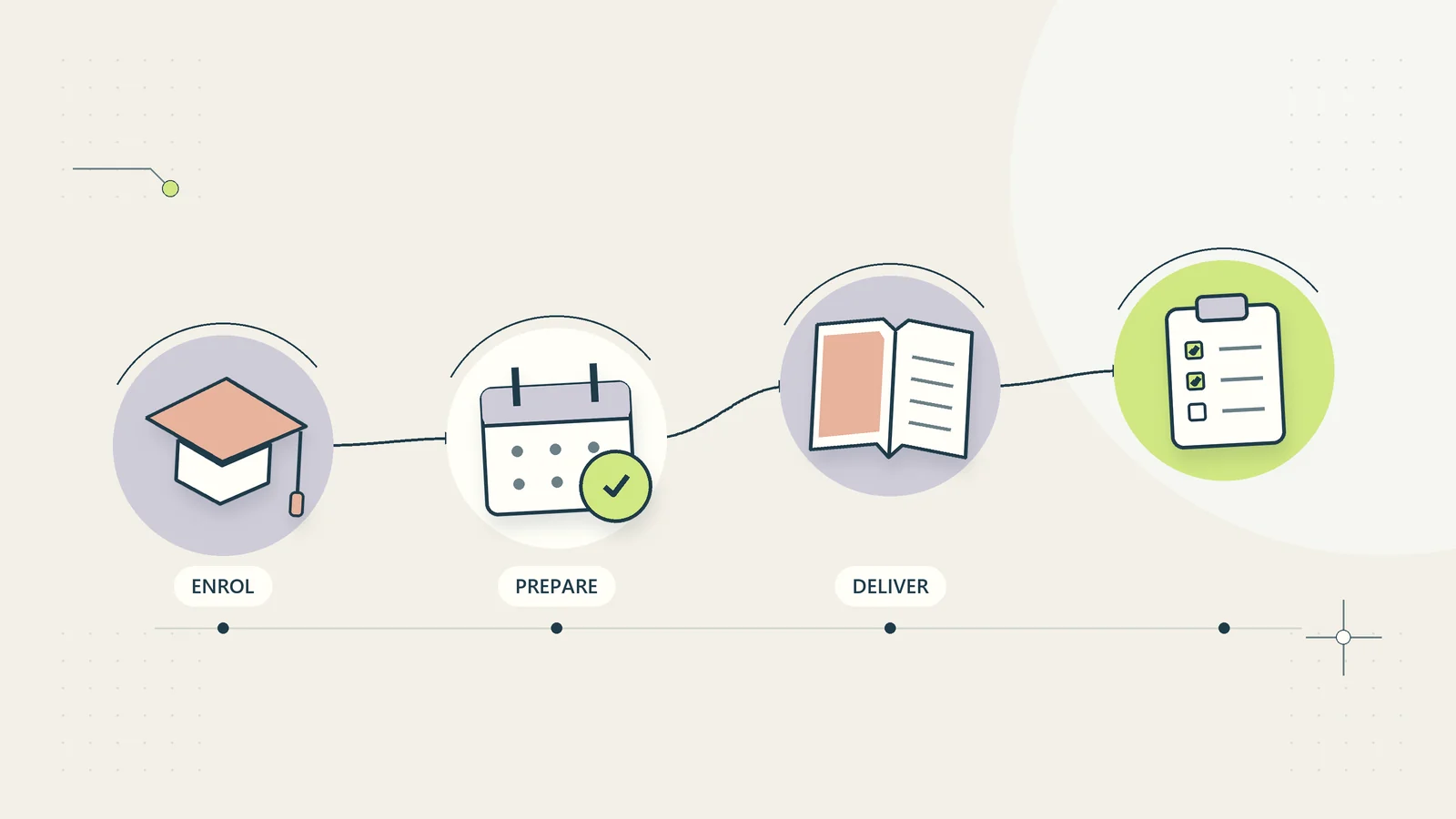
A course is more than its presentation slides. Learners need to understand whether it fits their needs, receive usable joining instructions, access the materials, complete the intended activities, and know what any certificate actually represents. Training providers also need to recover when a payment, access link, timetable, or course update goes wrong.
Good course operations connect these obligations without making every learner wait for individual administrative attention. A first-party website can handle straightforward registration, information, resource delivery, and routine reminders. Exceptions still need an accountable route, particularly when accessibility, assessment, or a disputed entitlement is involved.
This checklist is intended for small providers of business education, workshops, and self-paced resources. It does not establish accreditation or authorize regulated training. Its examples are hypothetical, and its operating recommendations should be adapted to the course, audience, and applicable local requirements.
Define the learning promise before the checkout
Write down the intended learner, prerequisite knowledge, practical objective, delivery format, expected time commitment, and included support. A course called advanced should explain what the learner needs to know already. A beginner should not discover a missing prerequisite after paying.
Distinguish the educational outcome from the business result. Teaching someone to build a cash-flow worksheet does not guarantee improved cash flow. Explaining a workflow does not prove that the learner has implemented it safely in a live business.
The CDC’s Quality Training Standards, updated October 1, 2026, connect training needs, learning objectives, relevant content, assessment, accessibility, evaluation, and follow-up. Their formal scope is CDC-developed or funded training. A general business provider can learn from the framework without claiming CDC approval or using its quality designation.
Make the same promise visible on the listing, checkout description, welcome message, and course introduction. Inconsistent promises create avoidable support work and undermine an otherwise useful course.
Create a course record with a version owner
Give each course a stable identifier and each release a version. Capture the title, language, objectives, audience, prerequisites, content owner, operational owner, publication date, review date, and current delivery status. The owner who checks educational accuracy may differ from the person who resolves access problems.
For scheduled delivery, attach an occurrence record with the date, time zone, facilitator, capacity, venue or access route, and cancellation process. Several occurrences can use the same course version without becoming separate, inconsistent courses.
For self-paced delivery, record what access includes and when it starts and ends. If access is limited, show the exact rule before purchase and in the learner’s account. Avoid vague language such as lifetime unless the business has a precise, sustainable definition it is prepared to honor.
Connect course revisions to the document version control process. A corrected worksheet should replace the intended resource without silently changing the meaning of an assessment already completed by earlier learners.
Make the public listing answer practical questions
A useful course page helps a reader make a decision without contacting the provider. Include a clear outline, sample learning activity, delivery requirements, pricing basis, included resources, support boundaries, and refund or cancellation information appropriate to the offer.
State whether the learner needs particular software, a paid account, or a device capable of opening the resources. When the business model is based on independent downloadable materials, prefer common formats and explain optional tools rather than making an undisclosed third-party subscription necessary.
Explain certificate wording before enrollment. A certificate of attendance, a completion record, and a formally assessed qualification are different things. Do not imply professional accreditation or continuing education recognition that has not been established.
Give readers a useful way to judge fit. For example: this workshop is suitable if you already understand basic spreadsheet formulas; it does not cover bookkeeping rules or provide a professional credential. Honest boundaries can reduce mismatched enrollments without weakening the educational offer.
Design enrollment around one learner record
Separate the buyer, learner, course entitlement, and scheduled place. One employer may purchase several seats, while one learner may attend multiple courses. Using the payment email as the only learner identifier creates problems when an administrator buys on behalf of a team.
Collect the information needed to deliver the course and explain why it is needed. Do not require unrelated company details for a simple downloadable resource. Use separate choices for promotional messages rather than attaching them to essential joining instructions.
Record enrollment status in plain terms: requested, awaiting payment confirmation, access ready, cancelled, or exception review. A submitted form does not prove that payment completed or that a scheduled place has been allocated.
The automatic digital delivery guide explains how to connect confirmed entitlement to resource access. Treat registration and delivery as related stages with their own evidence, rather than one ambiguous successful status.
Use a pre-course readiness checklist
Before publishing a course or opening a new occurrence, run through a checklist using a clean test learner. The test should follow the same route as the customer, including confirmation messages and resource access.
| Readiness area | Check before release | Evidence to keep |
|---|---|---|
| Listing | Scope and prerequisites match the course | Reviewed listing version |
| Enrollment | Buyer and learner routes work correctly | Test enrollment reference |
| Access | An entitled learner can open the intended resources | Recorded access check |
| Timing | Dates and time zones are consistent | Reviewed joining instructions |
| Materials | Links and downloadable files are current | Resource manifest |
| Accessibility | Core tasks work without relying on one visual format | Review findings and corrections |
| Assessment | Instructions and completion rules agree | Approved assessment version |
| Recovery | A missing message or expired link has a clear route | Tested recovery case |
Keep the evidence proportionate. A small provider does not need a ceremonial approval meeting for every typo, but should be able to explain which version was checked and which unresolved issues were accepted.
Make materials usable across different circumstances
Learners may use a phone, a keyboard, assistive technology, a slower connection, or a printed worksheet. Design essential activities so that one presentation format is not the only way to understand the instruction.
Use headings that describe the learning task, meaningful link text, readable tables, and explanations for diagrams. The W3C heading tutorial explains how a logical heading hierarchy supports understanding and navigation. Adding visually large bold text is not equivalent to giving the page a usable structure.
Provide captions or an appropriate text alternative for instructional video, and make downloadable resources understandable outside the course interface. A spreadsheet should identify input cells and assumptions without requiring the learner to distinguish colors alone.
Ask for access needs through a private route and explain the available arrangements truthfully. Do not promise that every request can be fulfilled automatically. Record the agreed arrangement where the relevant operational owner can act on it without exposing unnecessary personal information.
Send joining instructions that prevent predictable confusion
Joining instructions should contain the course title, date or access period, time zone when relevant, preparation requirements, access route, and the next action. Put the most time-sensitive information near the beginning.
For live courses, explain when the session opens, what to do if the access link fails, and whether recordings or replacement sessions are available. Do not assume that every learner understands the provider’s local time zone abbreviation.
For self-paced courses, show where to start and how progress is recorded. If an assessment must be completed in a particular order, explain the reason and recovery route. Avoid a welcome email containing a large unstructured list of every file the learner might eventually need.
Keep reminders tied to useful events. One reminder containing a changed start time can be valuable; several reminders repeating irrelevant promotional text can obscure the instruction the learner actually needs.
Separate attendance, completion, and assessment
Decide what evidence each outcome requires. Being present at a session is different from submitting an activity. Submitting an activity is different from demonstrating the intended skill. A system should not issue a stronger claim because it is easier to automate.
Record assessment instructions, criteria, reviewer or scoring method, submission version, and outcome. If automatic scoring is appropriate for a factual quiz, provide a route for errors or ambiguous questions. Consequential assessment decisions may require a qualified person and additional controls.
Avoid treating playback percentage as a complete measure of learning. Someone may understand a resource without watching it repeatedly, while another learner can leave a video playing without engaging with it. Choose evidence that fits the stated objective.
For completion certificates, use accurate wording and a stable reference. Keep a correction process for misspelled names or mistakenly issued records. Do not put unnecessary personal information on a document that a learner may share publicly.
Plan changes, cancellations, and interruptions
Course operations need an explicit response to facilitator illness, venue problems, resource errors, low enrollment, and an unavailable delivery system. Decide who can change the schedule and which customer commitments must be reviewed.
Preserve the original arrangement and the replacement details. Mark whether affected learners were notified and whether any response is still needed. Editing a schedule alone does not establish that everyone received the update.
For content corrections, judge the impact. A broken link can be repaired promptly; an incorrect instruction in a completed assessment may require a broader review. Give the educational owner a way to identify affected learners and determine an appropriate correction.
Use the business continuity guide to define a workable fallback. An alternative should maintain privacy and the learning promise; publishing a private learner list in a temporary public document is not an acceptable recovery shortcut.
Work through a hypothetical course release
Consider a provider releasing a self-paced course on creating a customer request checklist. Course C-014 has three learning objectives and includes a workbook, a worked example, and a short practice exercise. The listing states that it is educational and does not include installation of business software.
A company administrator buys five places. The buyer record stores the purchase, while five separate learner entitlements connect to the approved course version. Each learner receives a private access route after the purchase is confirmed.
During the readiness check, the provider discovers that a diagram contains instructions available only through color. The content owner adds text labels and updates the workbook before release. The resource manifest records the revised version, and the test learner opens that version successfully.
After release, one learner’s message bounces. Access remains available through the site’s recovery process, and the delivery exception is recorded. The provider does not repeatedly create new enrollments or add the learner to a marketing campaign as a workaround.
This example shows an operational sequence, not a claim about completion rates or learner results. The course still needs feedback and evaluation to determine whether its activities help people learn.
Evaluate learning and administrative effort separately
Measure the parts the provider can actually observe. Administrative measures include access failures, joining-instruction corrections, response time for unresolved cases, and the number of duplicate learner records. Learning measures should relate to the course’s stated objectives.
A learner rating can reveal confusion or satisfaction, but it does not by itself demonstrate skill transfer. Use an appropriate activity, assessment, or follow-up question when the learning promise requires more evidence.
For an initial pilot, review a small set of representative learners and devices. Ask people to find the starting task, complete an activity, recover access, and explain what their completion record means. Record where they need help and revise the relevant instruction.
The customer feedback loop guide can help turn findings into owned improvements. A course operation is ready to expand when ordinary learners can complete the intended path and exceptions reach someone who can resolve them, rather than disappearing behind an automated confirmation.
Keep the resource pack independent and recoverable
For a downloadable course, prepare a manifest listing each file, its purpose, format, version, and expected opening method. A learner should be able to distinguish the example workbook from the blank working copy without reading a support article first.
Include a short start-here document inside the pack. Explain the recommended sequence, where assumptions are recorded, and how to preserve an untouched copy before experimenting. If a file contains formulas, identify which cells are intended for inputs and which should normally remain unchanged.
Test the pack after downloading it through the customer route. A file that opens on the author’s computer may depend on a local font, an absolute file link, or an unavailable supporting document. Check that example information is synthetic and that no previous learner details remain in properties, hidden sheets, comments, or screenshots.
Retain a controlled copy of each released pack so that support can identify what an earlier learner received. When a correction is published, explain what changed and whether the learner needs to replace anything. Do not require a new purchase merely to recover a file that the existing entitlement already covers.
This approach also gives the business a practical fallback during a platform interruption. The provider can restore the approved resources and entitlement records without rebuilding the educational product from scattered working files.
Ask a colleague to work from the delivered pack without access to the author’s notes. If they cannot identify the first action, find the example, or understand the exercise’s expected output, revise those instructions before increasing promotion. That review is about the usability of the actual product, not whether its cover or landing page looks polished.
Sources and editorial method
Sources checked on October 15, 2026. The checklist, operational model, and hypothetical release example are original recommendations. References support limited points about training design and accessible page structure; they do not imply accreditation, endorsement, or a tested software integration.
- CDC: Quality Training Standards — public-health training framework, updated October 1, 2026.
- W3C Web Accessibility Initiative: Headings — guidance on meaningful page organization and heading hierarchy.