Practical security routines for a small business team
Turn security checks into workable routines with named owners, evidence, exception handling, recovery tests, and a realistic schedule for small teams.
Small-business security becomes more manageable when recurring checks have owners, evidence, and a clear response to exceptions. A policy that says “keep systems secure” gives employees little help on a busy day. A routine that identifies an overdue update, assigns it, and confirms the result is something a team can operate.
The starting point is the work your business needs to continue: receiving enquiries, taking orders, accessing customer records, delivering products, and recovering important information. Choose security activities around those needs. You do not need to begin by collecting every possible alert or purchasing a new dashboard.
This guide presents an operating schedule, a practical exception record, and a hypothetical pilot. It is general guidance for business owners worldwide, rather than a complete security assessment or a statement that any particular legal or contractual obligation has been met. Adapt the work with the people who maintain your actual systems.
Start with the services you cannot easily lose
Write down the few services whose loss would stop important business activity. For each, record its business purpose, owner, administrator, recovery contact, main information, and the other services it depends on. Email, for example, may also be the recovery route for several unrelated accounts.
Keep this inventory useful rather than exhaustive at first. A short list that identifies a critical account and its current owner is more actionable than a detailed spreadsheet nobody maintains. Add tools and devices as the review becomes established.
NIST’s Cybersecurity Framework 2.0 guidance for small businesses provides a broader starting point for organizations with modest or no existing cybersecurity plans. Use that context to identify gaps in your own priorities; a completed internal checklist is not a certification.
Decide which service to protect first based on consequence, exposure, and recovery difficulty. The easiest item to measure is not always the most important item to fix.
Give each routine an owner and an exception route
A routine needs a specific action, expected evidence, frequency or trigger, responsible role, backup, and a route for problems. “Check backups” is ambiguous. “Review the backup job result for the order database and assign any failure before the next scheduled run” is much clearer.
The owner coordinates completion even when a technical specialist performs the change. Make it clear who can approve interruption, grant access, or accept a temporary workaround. Avoid expecting an administrator to make a commercial or legal decision merely because they hold a technical account.
Create one restricted exception list. Each item should identify the affected service, issue, consequence, owner, next action, due or review date, and closure evidence. Do not put passwords, recovery codes, or sensitive diagnostic exports in that list.
The process owner guide explains how to give a recurring responsibility a workable boundary. Apply the same principle here: responsibility needs authority and time, as well as a name.
Turn account protection into a maintained check
Identify the accounts that can change access, recover other accounts, manage money-related settings, or export important information. Confirm who should hold each role and how changes are approved. Give people individual accounts where the service supports them, so activity and revocation are easier to understand.
NIST’s current cybersecurity basics recommend multifactor authentication, particularly phishing-resistant options, alongside strong passwords, protected backups, updates, and staff awareness. Treat those controls as activities to maintain, rather than a setup task that is complete forever.
For each critical account, record whether the intended protection is enabled, who verified it, and where recovery instructions are held securely. Do not record the secret itself in the inventory. Test the recovery arrangement with the authorized administrator without exposing credentials to the wider team.
When someone changes role, review access against their new work. Departures need a prompt coordinated removal process. A calendar-based review supplements those event-driven changes; it should not be the only time access is reconsidered.
Schedule updates around business consequences
Updates need both attention and a way to confirm that the service still works afterward. Identify who receives notices, who applies changes, and what happens when a device or application cannot be updated normally.
Use automatic updates where appropriate and supported, with monitoring that reveals failures. For a critical business application, define a short verification check covering the functions that matter: sign-in, reading a record, creating a test item where safe, and completing the normal customer-facing route.
Do not invent a universal patch deadline for every business. Prioritization depends on the vulnerability, active exploitation information, exposure, system role, and available mitigations. Have the technical maintainer evaluate urgent notices and record the agreed action.
When an update is deferred, capture the reason, temporary protection, decision owner, and next review. “We cannot update it” is an unresolved issue, not a permanent security strategy. Unsupported software needs a replacement or retirement decision, with attention to the data and operations it still supports.
Connect backup monitoring with recovery evidence
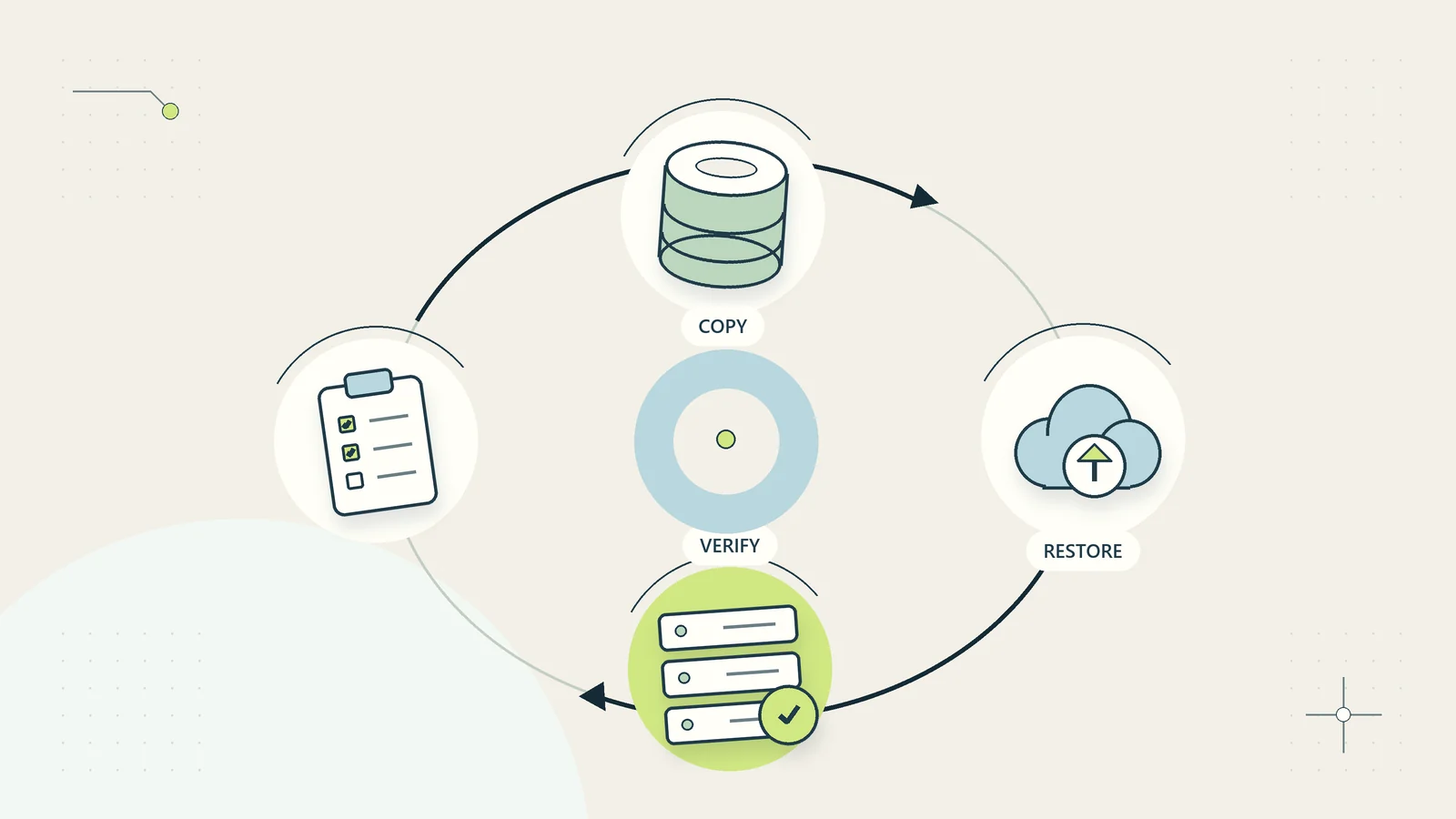
A successful backup job and a successful restoration answer different questions. The first suggests a copy was created. The second demonstrates that selected information can be recovered and used in the tested conditions.
Define what needs recovery, how much recent work the business could tolerate losing, and how long an interruption can be tolerated. Ask the maintainer which backup arrangements support those goals and which dependencies might prevent restoration.
Monitor job failures as exceptions, then run planned recovery tests in a safe environment. Check that someone besides the usual operator can locate the instructions and identify the correct recovery point. Consider whether a compromised ordinary account could also alter or remove all recovery copies.
The backup restoration test guide covers the detailed exercise. Keep the recurring security routine focused on whether protection is working, whether tests are scheduled, and whether identified recovery gaps have an owner.
Never test restoration by overwriting live information casually. Agree the test scope and environment before making changes that could affect customers or staff.
Make suspicious requests easy to report
Employees need a simple route for reporting a suspicious message, unexpected sign-in prompt, changed payment instruction, or lost device. Tell them what information to provide and what action to avoid while waiting for help.
For example, a reporting note might ask for the time, channel, sender reference, and the action already taken. It should not instruct the employee to forward passwords or open a suspicious attachment to gather more evidence.
Separate verification from the suspicious channel. If a message asks for a sensitive change, use an established contact route or approved internal procedure to confirm it. A telephone number included in the suspicious message is part of the unverified request.
The US Federal Trade Commission’s small-business cybersecurity guidance includes staff training and incident planning as continuing business practices. Your own reporting route should make it easier to raise uncertainty early, without promising that employees can identify every attack by appearance alone.
Use a schedule that leaves room for urgent events
Combine routine reviews with immediate triggers. A monthly review can catch forgotten permissions; a departing administrator needs an access decision at the time of departure. A weekly check of update status does not replace responding to a serious newly identified exposure.
| Trigger or interval | Proposed routine | Useful evidence |
|---|---|---|
| Working-day review | Inspect assigned critical alerts and failed recovery jobs | Assessment, owner, and next action |
| Weekly | Review unresolved security exceptions and overdue maintenance | Updated priority and review dates |
| Monthly | Sample critical account protection and inventory changes | Verified control status and gaps |
| Planned recovery exercise | Restore selected information in a safe environment | Result, limitations, and corrective actions |
| Joiner, role change, or departure | Review access against current responsibilities | Authorized change and completion record |
| Significant system change | Recheck affected controls and recovery instructions | Updated configuration and verified operation |
These intervals are a starting design, not a required standard. Adjust them to the business, the systems, and advice from the relevant technical and professional advisers.
Decide which alerts deserve human attention
Sending every system message to the business owner creates noise without ensuring action. Identify which events need immediate assessment, which can enter a scheduled review, and which are useful only for investigation.
An alert should state the affected service, why it matters, what is known, what remains uncertain, and the next responsible role. Avoid including complete customer records in notifications. Link to a restricted view when additional detail is necessary.
Test that important alerts actually reach the intended person and their backup. A notification rule can exist while its recipient address is obsolete or its messages are filtered away. Check the route after staff changes and major configuration updates.
Track repeated alerts that receive the same response. They may indicate a configuration issue, an unresolved root cause, or an overly broad threshold. Reduce noise by improving the underlying rule, while preserving information needed for investigation and review.
Prepare a short incident coordination card
Keep a concise coordination card available through a route that does not depend entirely on your primary business account. It should identify who coordinates, who provides technical help, how to contact the business owner, and where the fuller response plan is held.
Include the authority needed to interrupt a service, restrict access, communicate with customers, and involve external specialists. Those decisions can have different owners. Define an alternative contact route if email or the usual messaging system is unavailable.
The card should tell employees how to report what happened and preserve useful information. Detailed containment and investigation steps should come from the qualified people responsible for the affected environment. Avoid asking untrained staff to perform improvised technical cleanup that may destroy evidence or make recovery harder.
Notification duties and reporting deadlines vary by jurisdiction, information, contracts, and circumstances. Route those decisions to the appropriate adviser instead of treating a generic internet timetable as a worldwide rule.
Walk through a hypothetical monthly review
Imagine a six-person design business reviewing its critical services: email, project files, billing records, and its own digital product store. The operations coordinator maintains the schedule, while a technical maintainer handles configuration changes.
The review finds three issues. A former contractor still has access to one folder. A laptop has repeatedly missed an update. The latest recovery exercise restored documents but did not include the store’s order database.
The coordinator records three separate exceptions. The folder owner verifies the contractor’s remaining responsibilities and authorizes the appropriate access change. The maintainer investigates the laptop update failure and agrees a safe maintenance window. The store owner expands the next recovery test to include the missing database and the steps needed to use it.
Each issue retains its own evidence and review date. The team does not mark the whole month “secure” because most checklist items passed. At the next review, they check whether the access change took effect, the laptop is current, and the recovery gap has been tested.
The example shows how routine work produces decisions. It does not demonstrate that the business is protected from every incident or that these three checks are a complete security program.
Keep routine evidence useful and proportionate
Evidence should show what was checked, when, by whom, and with what result. A short verified status record may be enough for an ordinary maintenance check. More consequential changes may need an approval reference, configuration record, or detailed test result.
Do not create a new information exposure while demonstrating security work. Restrict screenshots and exports that reveal account details, device identifiers, or customer records. Define where routine evidence belongs and when it should be reviewed or removed under the business’s recordkeeping arrangements.
Connect critical unresolved issues to the business continuity plan. If a service cannot yet meet the intended recovery goal, the business needs an accurate fallback expectation. A limitation recorded only in a technical ticket will not help the people deciding what to promise customers during an interruption.
Measure completion and unresolved exposure separately
Measure whether planned routines occurred, whether their evidence is usable, and whether exceptions are being resolved. Useful indicators include overdue critical actions, age of unresolved exceptions, recovery tests completed with documented limitations, and services lacking a current owner.
Avoid a single “security score” unless its meaning is clear. Ninety completed low-impact tasks can hide one important unprotected account. Show the critical unresolved items separately from the general completion percentage.
Review missed routines without assuming the employee was careless. The task may be unclear, the required access unavailable, the evidence hard to obtain, or the allotted time unrealistic. Fix the operating conditions where possible.
Also review changes in the business. A new product, new location, new contractor, or new customer information category may require a different routine. A stable calendar does not guarantee that the calendar still covers what matters.
Pilot a sustainable routine before expanding it
Begin with two or three critical services and a small set of checks. Confirm their owners, define the evidence, and run the schedule for an agreed period. Use a hypothetical suspicious request and a planned access change to test the reporting and exception routes safely.
At the review, ask whether staff know where to report uncertainty, whether important exceptions receive a next action, whether the backup person can find the instructions, and whether the workload fits the available capacity. Record gaps and improvements before adding more systems.
Use the small-business access review as a focused follow-on when account permissions need a deeper inspection. Keeping the initial routine manageable allows the business to maintain it while tackling specific weaknesses in more detail.
Security routines are useful when they keep attention on current business risks and produce verified actions. Their purpose is to maintain a working discipline that can adapt as the business, its technology, and its responsibilities change.
Sources and editorial method
Research checked on October 15, 2026. The schedule, hypothetical review, exception design, and pilot questions are original editorial guidance. The official US sources provide general security and risk-management background; their inclusion does not make US rules universally applicable or imply government endorsement.