A purchase request process for small business teams
Connect purchase requests, spending approval, orders, receipt evidence, and invoice review with a practical process and a worked equipment example.

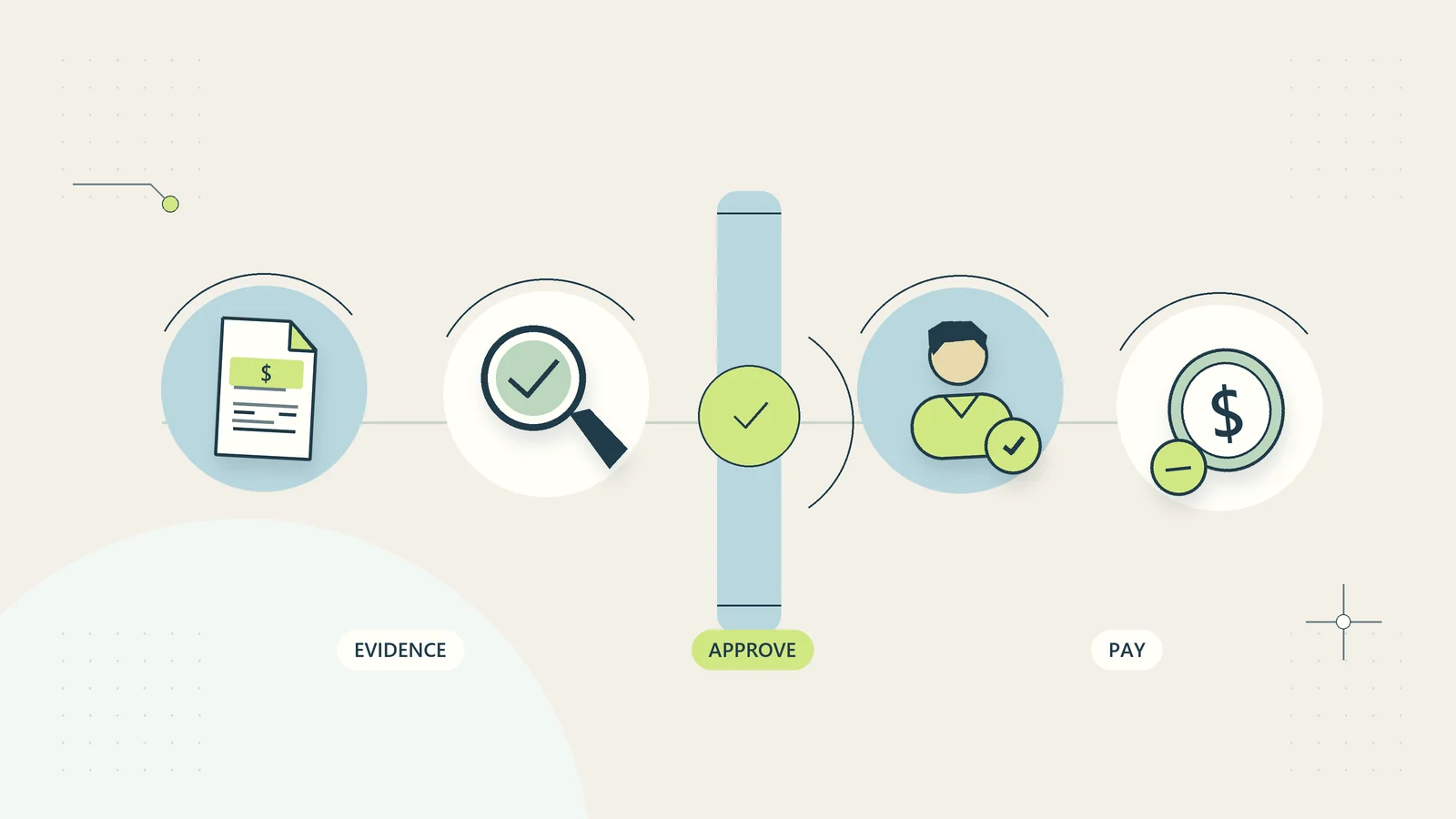
A purchase request process gives a small business a clear answer to three questions: why is this purchase needed, who may commit the money, and how will the business know it received what it ordered? It should answer those questions before someone clicks a checkout button or asks a supplier to begin work.
The process can start with a shared worksheet and a numbered request. Its value comes from the decision rules and the linked evidence. A complicated form that everyone bypasses provides less control than a short request that captures the right facts and reaches an available approver.
This guide describes an administrative operating system for purchases. Your accountant and appropriate adviser should determine accounting treatment, tax requirements, and contractual authority for your circumstances. The examples use hypothetical amounts in currency units, so the approach can be adapted across countries.
Separate a request from an order and a payment
A request is a proposal to spend. An approval authorizes a defined commitment within agreed limits. An order communicates the actual purchase to a supplier. A receipt confirms that specified goods or services arrived. An invoice is the supplier’s request for payment. A payment settles an approved obligation through the business’s payment process.
Do not compress these events into a single “done” checkbox. Someone may approve a laptop that has not been ordered, or receive a delivery containing only part of an order. A supplier invoice may arrive before the service has been accepted. Each event needs its own evidence and date.
Use the same request identifier throughout. For example, PR-0264 can appear on the internal approval, purchase order, delivery record, and invoice review. Supplier references remain separate fields. This makes the trail searchable without pretending that different organizations use the same numbering system.
Define what needs a request
List the purchases that enter the process: equipment, stock, professional services, software subscriptions, repairs, and recurring commitments. Include renewals when they create another obligation. Establish a simpler route for genuinely routine, low-risk spending within an approved budget, with a record of what happened.
A useful boundary considers commitment size and risk together. A small software charge may introduce customer data access or a lengthy cancellation obligation. An urgent repair may affect safe operations. Those considerations can matter more than its initial price.
| Purchase situation | Suggested review route | Evidence to retain |
|---|---|---|
| Routine replenishment within an approved limit | Designated budget owner | Quantity, agreed price, receipt |
| New supplier or unfamiliar service | Budget owner plus supplier checks | Scope, supplier identity, terms |
| Software with sensitive access | Budget owner plus access review | Data use, permissions, exit plan |
| Emergency purchase | Named emergency authority | Reason, limit, subsequent review |
These are design choices, not universal spending thresholds. Write your actual limits in one place and make the current version easy to find.
Make the request short but decision-ready
Ask for a business purpose that explains the expected result. “New screen” is weak. “Replacement screen for the dispatch workstation; current display fails intermittently and prevents order checking” gives an approver something to assess.
Capture the item or service, quantity, supplier proposal, total expected commitment, currency, needed-by date, budget or project, requester, and proposed owner after purchase. Include delivery charges and known recurring charges. Record whether the price includes applicable taxes, with accounting review where needed.
For services, replace vague quantities with concrete scope and acceptance evidence. A training purchase might specify the number of places, delivery format, access period, cancellation conditions, and the person responsible for confirming attendance or access.
Add an “alternatives considered” field only when the decision needs it. A broken essential item does not always justify a lengthy market survey. A major recurring commitment deserves more examination. The form should scale with the decision rather than demand identical paperwork for every purchase.
Assign decision rights that still work during absence
Name a requester, budget owner, purchasing coordinator, receiver, and payment reviewer. One person can hold several roles in a small business, but the responsibilities should remain visible. Where practical, have someone other than the requester review important commitments and payment evidence.
State what an approver can change. If an approval covers one item at a maximum total, a different model, larger quantity, or subscription term may require renewed approval. Approval of a budget does not necessarily authorize any supplier contract within that budget.
Appoint an absence cover with the same documented limits or narrower ones. Avoid sending requests to an unattended personal inbox. A shared queue should show requests awaiting decision and their needed-by dates. Use the decision-limit approach to delegation when defining what staff may decide independently.
The approver should choose approve, decline, or return for clarification. Each decision needs a brief reason. A returned request keeps its identifier and history instead of becoming a new disconnected submission.
Review supplier fit before committing
Supplier selection includes delivery reliability, service quality, and the ability to meet the actual requirement. The Australian government’s supplier guidance discusses comparing suppliers and documenting the agreed commercial terms. Those operational principles are useful internationally, while its registration and legal references are Australian.
For an unfamiliar supplier, confirm its identity through an appropriate independent source, check the proposed scope, and establish a known contact route. Treat a change of bank details as a separate verification event. An apparently familiar email thread is not sufficient evidence to redirect a payment.
Keep supplier onboarding separate from the request’s business justification. One establishes who the business is dealing with; the other establishes why this purchase should happen. Link the two records through a supplier identifier. The vendor onboarding checklist provides a fuller structure for that relationship.
Turn an approval into one controlled order
After approval, the coordinator checks whether someone has already placed the order. Record the ordering person, date, final supplier reference, total, and delivery expectation. This small check prevents two helpful colleagues from buying the same thing.
Send the supplier the approved specification and request confirmation of material differences. If stock is unavailable or the quote has expired, return the change to the relevant decision owner. Do not quietly substitute a more expensive item because the original request was approved.
Purchase order tools can retain order details and connect them to later bills; Xero’s purchase order overview illustrates that distinction. A particular software account is not necessary to use the request, order, and receipt structure described here.
The order record should have one authoritative copy. A conversation can discuss it, but the latest approved quantity, scope, and total belong in the controlled record. File naming and version history help when a quote changes several times.
Confirm receipt with evidence suited to the purchase
For goods, record what arrived, quantities, condition, delivery date, and the receiving person. For services, record the agreed acceptance event: a delivered report, completed repair, activated access, or another defined result. “Supplier says completed” is different from confirmation by the responsible business owner.
Partial deliveries need line-level status. If eight of ten units arrive, the record should show eight received and two outstanding. A single complete checkbox can lead to payment or stock assumptions that the evidence does not support.
Photographs, packing slips, service completion records, or access confirmations may support receipt, depending on the purchase. Collect only what is useful and appropriate. Keep these records with the request reference so that finance does not have to reconstruct delivery from a chain of messages.
If the purchase is rejected or damaged, create an exception with a named owner and next action. Include replacement or return references. The original request remains visible while the resolution progresses.
Match the commitment, receipt, and invoice
Before the invoice enters payment approval, compare it with the approved order and receipt evidence. Check supplier, currency, item or scope, quantity, price, and agreed charges. A match should explain the obligation rather than merely show that two totals happen to agree.
| Finding | Administrative action | Decision to avoid guessing |
|---|---|---|
| Price exceeds the approved amount | Flag the variance | Whether to accept a revised commitment |
| Invoice covers undelivered items | Link the outstanding receipt | Whether partial payment is appropriate |
| Same invoice reference appears again | Hold as possible duplicate | Whether this is a copy or separate obligation |
| Service scope differs | Ask the scope owner | Whether the work was authorized and accepted |
Route accounting questions to the bookkeeper or accountant. Procurement approval alone does not determine expense categories, capitalization, or tax treatment. The invoice approval process should take over once the purchase evidence is ready.
Work through a hypothetical equipment request
A small studio needs two replacement monitors. The requester records two units at 240 each, delivery of 30, and a total commitment of 510 currency units before any tax treatment is determined. The budget owner approves that specification and maximum amount.
The coordinator places one order and records its supplier reference. One monitor arrives first. The receiver records one accepted unit and one outstanding unit. A supplier invoice for both units enters the exception queue because the delivery is incomplete; the payment reviewer follows the agreed commercial terms rather than assuming the invoice must be paid in full immediately.
When the second monitor arrives damaged, the receiver records the issue and a replacement reference. The coordinator confirms the replacement timetable. The request closes only after the final acceptance and related invoice decision are documented.
Notice what the process reveals: an approved purchase, a placed order, an incomplete receipt, and a payment question can all exist at the same time. One overall status cannot communicate that situation reliably.
Build an emergency route people can actually use
Urgent purchases need boundaries before an emergency occurs. Name who may approve them, which situations qualify, the maximum commitment they may make, and where to record the decision. Make an alternate available if the first person cannot be reached.
Require a short reason for bypassing the usual sequence. Capture the evidence as soon as the immediate problem is controlled. A retrospective review should check whether urgency was justified and whether a recurring fault needs a permanent response.
Do not call every late request an emergency. Review the pattern. Repeated urgent orders for the same consumable may indicate a replenishment problem. Repeated last-minute service renewals may indicate missing contract dates. Fix the cause instead of adding more approval reminders.
Set a clear stop rule for requests that exceed emergency authority. The process should direct the person to the responsible decision maker, not encourage splitting a large order into smaller requests to fit a limit.
Automate reminders and records before automating authority
Useful first automations include assigning request numbers, checking required fields, showing the correct approval queue, and reminding owners about an outstanding decision. A shared worksheet with filters can provide much of this structure without a new subscription.
Keep approval evidence attached to the specific version being purchased. A reminder should link to that version and its current status. Once someone decides, stop the reminder. Repeated notifications after approval encourage staff to ignore the entire system.
Protect actions that commit money. Automatically sending an order because a request contains the word “approved” is too ambiguous. Require a specific authorized decision and prevent duplicate dispatch. Maintain a recovery route if a submission succeeds but the confirmation does not return.
No automatic step should invent a supplier, change payment instructions, or interpret an unclear contract. Those are decisions with consequences outside the request worksheet.
Pilot the process and measure useful friction
Start with one purchase category and a small sample of real requests. Track the proportion submitted before commitment, time awaiting a decision, requests returned for missing information, duplicate attempts, and invoices requiring evidence reconstruction. Separate time in active work from time waiting for an approver.
Review the longest waits individually. An approval may be slow because the request omitted the full subscription term, because a supplier quote changed, or because nobody covers an absent manager. Each cause needs a different correction.
Ask requesters which questions they could answer confidently. Remove fields that nobody uses, and clarify fields that repeatedly cause uncertainty. Keep the decision history when the form improves so older requests remain understandable.
The first useful outcome is a purchase trail that another colleague can follow: the need, authorization, order, receipt, invoice decision, and remaining exception. Once that works consistently, further automation has a dependable process to support.
Keep recurring commitments visible after the first purchase
An initial approval can create work months later. A software trial may convert into a paid term, equipment may need consumables, and a service contract may renew automatically under its actual agreement. Capture the next decision date as part of the original request rather than depending on the first purchaser’s memory.
Record who owns the item or service after purchase, who receives renewal notices, and who can confirm it is still needed. A purchasing coordinator can administer the record without being the right person to judge continuing business value. Those responsibilities should remain separate.
When a recurring commitment changes, link the new decision to the original purchase. Show the previous amount, proposed amount, term, and effective date. If the owner leaves, transfer the record and relevant access through the normal offboarding process.
For purchases made on behalf of a client project, confirm whether the agreement permits a recharge and what evidence billing needs. Do not assume that internal purchase approval also authorizes adding a charge to a client’s invoice. That requires its own commercial basis and review.
Sources and editorial method
Checked on October 15, 2026. This article uses the Australian government’s supplier guidance for general supplier-management context and Xero’s purchase order overview to verify the distinction between order records and subsequent bills. Country-specific legal references and advertised software features should be checked for the reader’s location. The workflow, tables, and hypothetical equipment example are original administrative planning guidance, not a claim of audited controls or tested software integrations.