Build a self-service knowledge base from customer questions
Turn real customer questions into findable, accessible help articles with clear outcomes, safe recovery routes, accountable owners, and practical usability checks.
A self-service knowledge base works when a customer can complete a real task after reading it. A large collection of articles does not help if the answer is hidden behind internal terminology, omits the difficult step, or ends with contact us for something the business could explain directly.
Start with the questions customers actually ask and the points where they get stuck. Organize answers around those tasks, keep the instructions aligned with the product, and provide a clear route when the answer does not fit. This can support an automatic business model without pretending that every unusual situation can be resolved by a static page.
This guide explains a practical approach for a small business selling services, digital resources, or products. The examples are hypothetical. It does not assume an existing support platform, a paid search service, or an AI chatbot; a well-structured section of the business’s own website can be a useful starting point.
Begin with a question inventory
Collect examples from support messages, contact forms, on-site searches, product reviews, and staff notes. Remove unnecessary personal information before sharing the examples for editorial work. Preserve the customer’s wording where it helps reveal the actual confusion.
For each question, identify the task, the stage of the customer journey, the information needed to answer it, and the consequence of a wrong answer. Someone asking where a download is needs a different page from someone asking whether a resource is suitable before purchase.
Group related questions by the outcome they seek rather than simply matching words. Cannot open the file, unsupported format, and workbook will not load may belong to one troubleshooting area, while still needing different instructions within it.
The GOV.UK Service Manual’s user needs guidance emphasizes learning what users are trying to achieve and checking assumptions against evidence. Its public-service context differs from a commercial business, but the task-focused approach is useful when choosing help content.
Choose the first articles by usefulness and risk
Prioritize questions that are frequent, block an important task, or can be answered accurately and safely. A high-traffic page about an obscure policy is less useful than a clear answer to a common access problem.
Keep high-consequence topics under appropriate review. Refund eligibility, legal rights, technical safety, and individualized account decisions may require approved language or a qualified owner. A knowledge article should explain the process and boundaries without inventing a universal decision.
Separate missing information from a broken product. If customers cannot find an existing button, better instructions may help. If the button does not work reliably, another article is not the main solution. Feed the underlying problem into the product or operations queue.
Start with a manageable set: getting started, using the core resource, managing access, understanding the offer, and resolving the most common failure. Expand when evidence shows another answer is needed, rather than publishing dozens of nearly identical pages for search engines.
Design navigation around customer tasks
Use categories people can understand before they know your internal system. Getting started, access and downloads, using your resources, and orders are clearer than department names or software module labels.
Keep the main categories distinct enough that customers can choose without reading a paragraph of explanation. If an article logically belongs in two places, use a contextual link or cross-reference rather than publishing duplicate versions that can drift apart.
Provide more than one entry route. Customers may arrive through a product page, a search result, a confirmation message, or the help homepage. Every article should make its scope clear without assuming that the reader started at the top of the knowledge base.
For a broader content site, distinguish educational articles from product support. A long guide to process design should not become the only answer to a buyer who simply needs to recover a workbook. Link the two where useful while preserving their different purposes.
Write an answer that reaches a clear outcome
Begin with the direct answer or the action the reader should take. Then explain prerequisites, steps, expected results, and what to do if the result differs. Avoid a long introduction before the instruction that resolves the question.
Use descriptive headings and meaningful link text. The W3C heading tutorial explains how a logical structure helps readers and assistive technologies navigate a page. Use actual heading structure rather than relying only on font size or bold styling.
Keep steps tied to visible actions. Identify the page or control, state what to enter or select, and explain what should happen. If an instruction changes access, deletes information, or has another significant consequence, make that consequence clear before the action.
End with a defined outcome. The reader should know whether the task is complete, whether they need to wait for another event, or whether they have reached an exception route. An article that simply stops after the last screenshot often leaves that distinction unclear.
Use a repeatable article structure
A consistent structure makes help easier to maintain and test. It does not mean every answer must be the same length. A short factual answer should stay short; a troubleshooting decision may need more detail.
| Article element | Purpose | Example question it answers |
|---|---|---|
| Scope statement | Establish who the answer applies to | Is this for my resource version? |
| Direct answer | Give the central instruction quickly | What should I do first? |
| Prerequisites | Prevent a predictable failed attempt | What information do I need? |
| Steps or explanation | Guide the actual task | Where do I go and what do I select? |
| Expected result | Define a successful outcome | How do I know it worked? |
| Exception route | Handle a different result | What if I cannot continue? |
| Review information | Support maintenance | Who checks this and when? |
Keep internal editorial notes separate from the public page. Customers need accurate instructions, not the team’s unresolved debate about what the policy might mean.
Build troubleshooting around observable symptoms
Ask customers to identify what they can see. An expired link, an unsupported file format, and a pending payment are different symptoms. A single article saying try again can make all three worse.
Use a decision table when the next action depends on the symptom. Describe the evidence and the safe action without asking the customer to diagnose a server problem. If an error code is useful, include it alongside plain language.
Avoid recovery steps that weaken security. Do not tell customers to publish private order details in a public comment, send passwords, or bypass an access check. The help route should work with the product’s authorization model.
For automatic resource delivery, connect instructions to the digital product delivery process. A customer whose operational email failed may still have a valid entitlement. The article should help them reach the existing access route rather than telling them to buy again.
Keep public answers separate from private decisions
Public articles should explain general procedures, supported formats, product scope, and ordinary recovery. They should not expose personal account information or confirm whether a named person made a purchase.
When a task requires identity verification, explain what the customer will need and where to provide it securely. Do not invite sensitive information through an unsuitable public channel. Ask only for the information relevant to the specific request.
An answer may explain how a refund request is reviewed without automatically deciding the result. Similarly, a page about correcting an invoice should describe the route without promising a particular tax treatment or document change for every reader worldwide.
Use the customer data sharing checklist when designing forms attached to help articles. The fact that a customer needs assistance does not justify collecting a full identity document or unrelated business information by default.
Make search results lead to the right answer
Use titles that match customer language and distinguish similar tasks. Recover a download link and change the email for future messages should not have the same vague title about account help.
Include common alternative terms naturally where they clarify the subject. Do not repeat variants in an unnatural list or publish separate pages for every minor wording difference. One complete, maintained answer usually serves customers better than several competing thin pages.
Review search queries that return no useful result. Sometimes the missing piece is a new article; sometimes the existing article has an unclear title or belongs in the wrong category. Inspect the actual question before changing the site.
Keep internal links purposeful. A format troubleshooting page can link to supported file types and the recovery route. It should not force a customer through several unrelated educational articles before reaching the answer. Helpful linking reduces the distance to completion.
Assign an owner and a change trigger
Every article needs an accountable owner who can verify its accuracy. The owner may consult a product specialist or policy reviewer, but someone must be responsible for acting when the answer becomes outdated.
Set review triggers tied to real events: a product release, renamed control, changed entitlement rule, updated policy, or repeated customer confusion. A calendar review can supplement these triggers, but should not be the only reason an article changes.
Maintain a record of the current article version and important changes. If a screenshot shows an obsolete interface, update or remove it. Do not leave it in place with a general disclaimer that everything may have changed.
The document version control guide provides a useful maintenance model. Connect the article to the product version it describes so a release review can identify which answers need attention before customers discover the mismatch.
Test with a customer task, not an editorial opinion
Ask a few representative people to complete a specific task using the help content. Give them the problem, not the name of the article you hope they will choose. Observe how they find the answer and where they hesitate.
Check that the task works on a phone, with keyboard navigation, and without relying exclusively on a screenshot. Readers should be able to understand key instructions even if the image does not load or the interface differs slightly.
Record the point of failure precisely. Could the reader not find the article, not understand a term, not identify the correct action, or not complete the action in the product? These findings require different changes.
Do not interpret silence as success. A customer may leave because the answer helped, because they gave up, or because they switched channels. Combine observable task completion with support evidence rather than relying on page views or a single helpfulness button.
Work through a hypothetical access article
Imagine a business selling a downloadable planning pack. Several buyers ask where their files are. Review shows three situations: the confirmation email is in a filtered folder, the access link has expired, or the payment is still pending.
The business creates an article titled Find or recover your planning pack. Its opening tells an entitled buyer where to access the order on the website. A short table distinguishes an expired link from a pending confirmation and points each reader to the appropriate next step.
The article does not publish a direct protected file URL. It does not ask readers to send payment credentials. The recovery form requests the minimum information needed for the approved verification process and explains that pending orders follow a different route.
In a usability check, a reader finds the article but misunderstands the word entitlement. The editor replaces it with purchase access in the public explanation while keeping the technical term in the internal operating procedure. That specific change addresses an observed barrier rather than an assumed preference.
The example demonstrates a design method, not a measured reduction in support volume. The business would need its own evidence to evaluate the result.
Measure resolution and improve the product
Useful measures include whether readers can complete the intended task, which questions still require contact, which searches fail, and which articles trigger corrections. Review examples as well as totals so that a high-traffic page does not hide a serious unresolved problem.
Keep a route for feedback that identifies the page and the confusing step. Avoid requiring customers to write a long survey before reporting a broken instruction. A concise report can be enough to start a useful review.
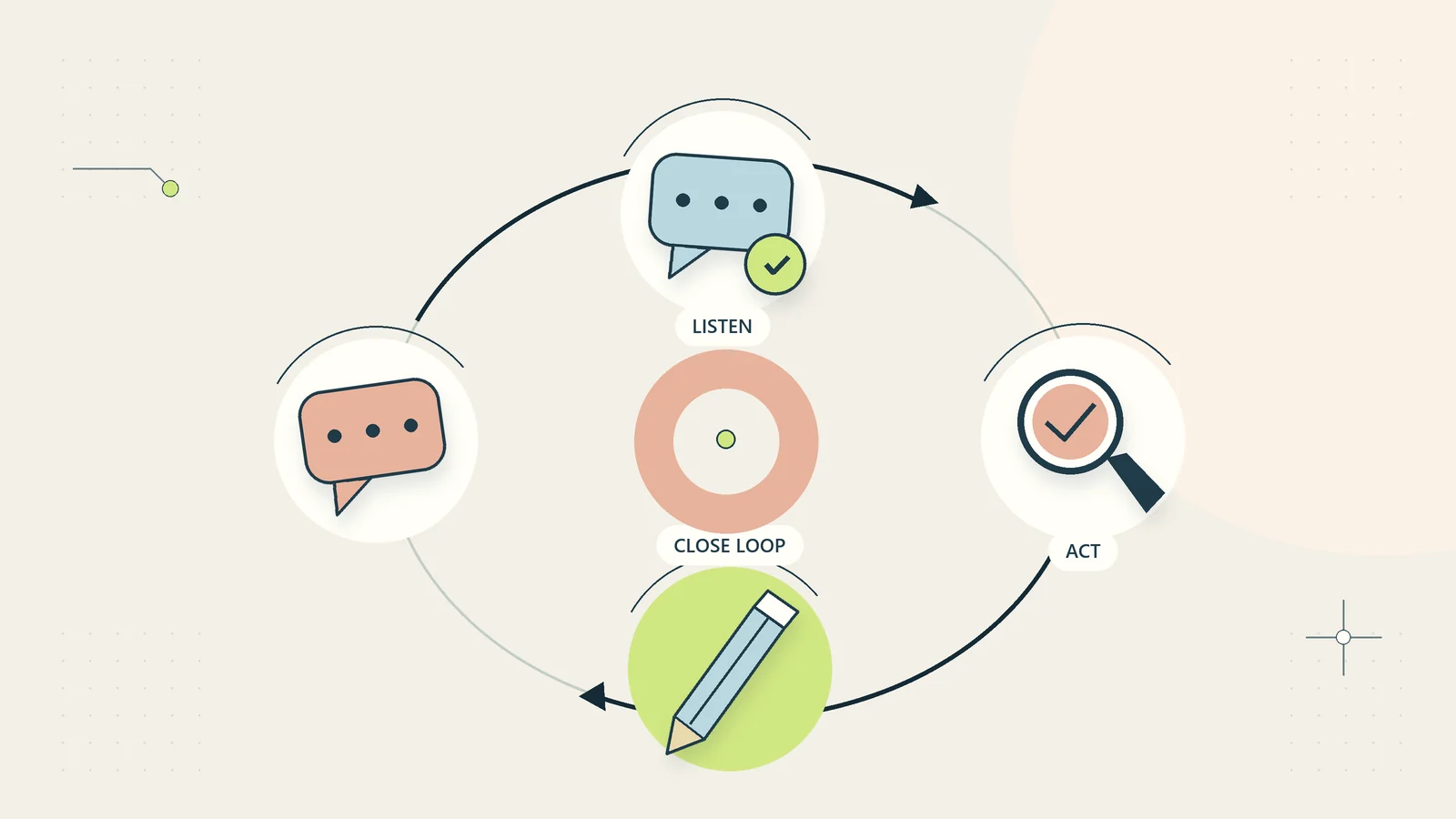
Use the customer feedback loop guide to assign findings and close the loop. If a repeated problem belongs in the product itself, give it an operational owner rather than endlessly expanding the help article.
A good knowledge base makes ordinary tasks easier and leaves no misleading dead ends. It supports self-service through accurate, findable answers while making the remaining exception route clear, proportionate, and accountable.
Retire answers that no longer belong
Old articles can compete with current guidance and send customers toward unavailable features. Review content when a product is withdrawn, a support policy changes, or several pages have accumulated around one task. Decide whether to update, combine, archive, or remove the answer.
When combining pages, preserve useful instructions and establish one current source. Update links from product pages and operational messages so that customers do not have to navigate an unnecessary chain of redirects. If an older product still has users, label its instructions clearly instead of silently replacing them with steps for a different release.
Check the effect after the change. A removed page may have been the only route to an important recovery instruction. Retirement should improve the answer set, not merely reduce its size. Keep enough internal history for the team to understand what changed without presenting obsolete instructions as current help.
Sources and editorial method
Sources checked on October 15, 2026. The article structure, prioritization approach, test method, and hypothetical access example are original recommendations. Official references support limited points about user needs and accessible page structure. No platform endorsement, measured support result, or tested integration is claimed.
- GOV.UK Service Manual: Learning about users and their needs — task-focused research in a public-service context.
- W3C Web Accessibility Initiative: Headings — meaningful page organization and heading hierarchy.