Manage prompt and model changes like operating changes
Control prompt, model, source, and permission changes with version records, regression cases, staged release, monitoring, and a tested rollback.
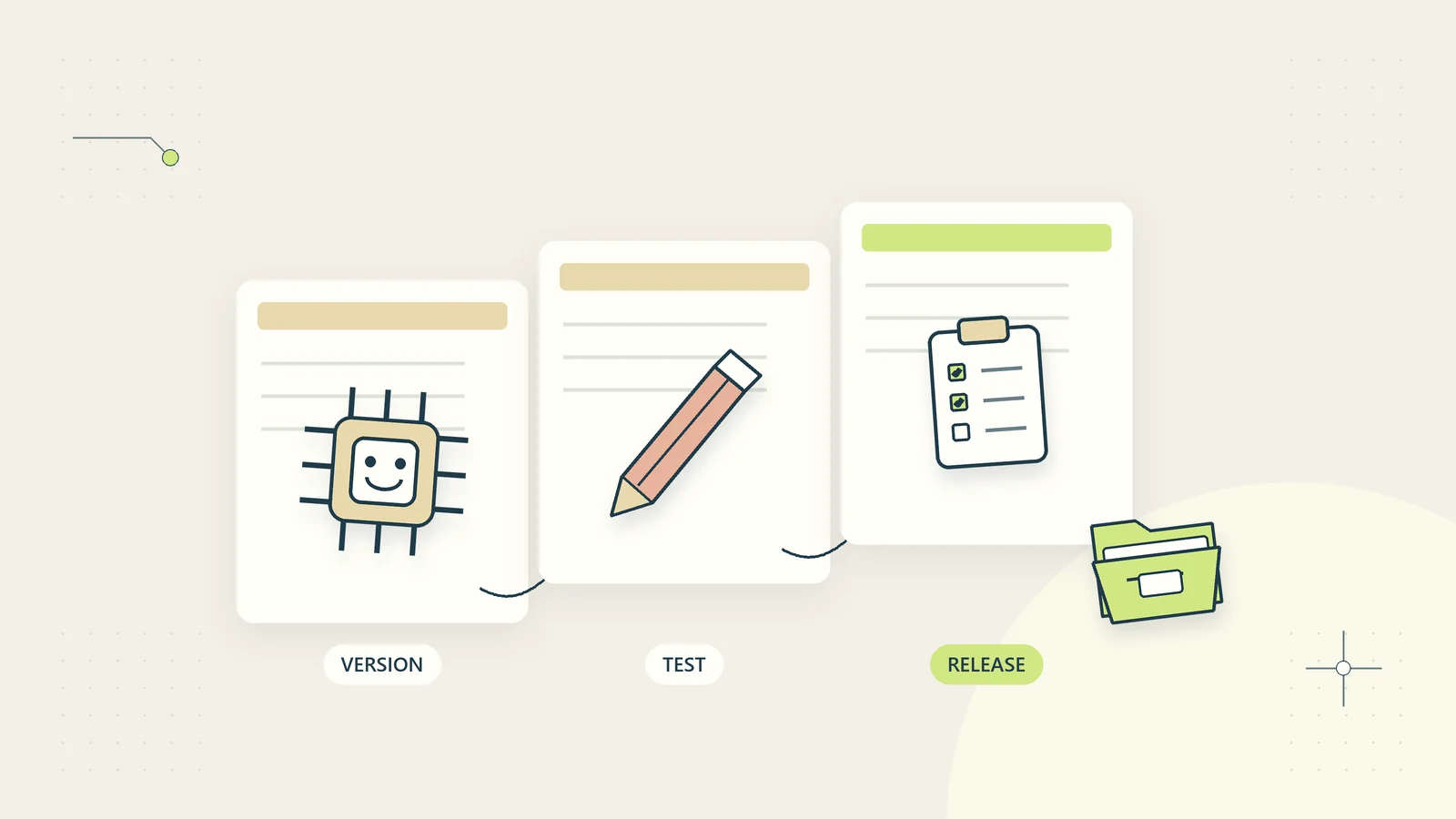
A prompt edit can change an operating process. So can replacing a model, updating source documents, adding a tool, or changing the field that a workflow reads. If those changes happen without a record, a business may discover the difference only after customers receive inconsistent information or staff lose confidence in the results.
Change control makes the proposed change visible, tests it against real task requirements, and provides a way back. It can be lightweight enough for a small team: one change record, a reusable test set, a named decision owner, and a staged release. This guide shows how to apply that discipline to AI-assisted business workflows without creating a large approval bureaucracy.
Define the complete workflow version
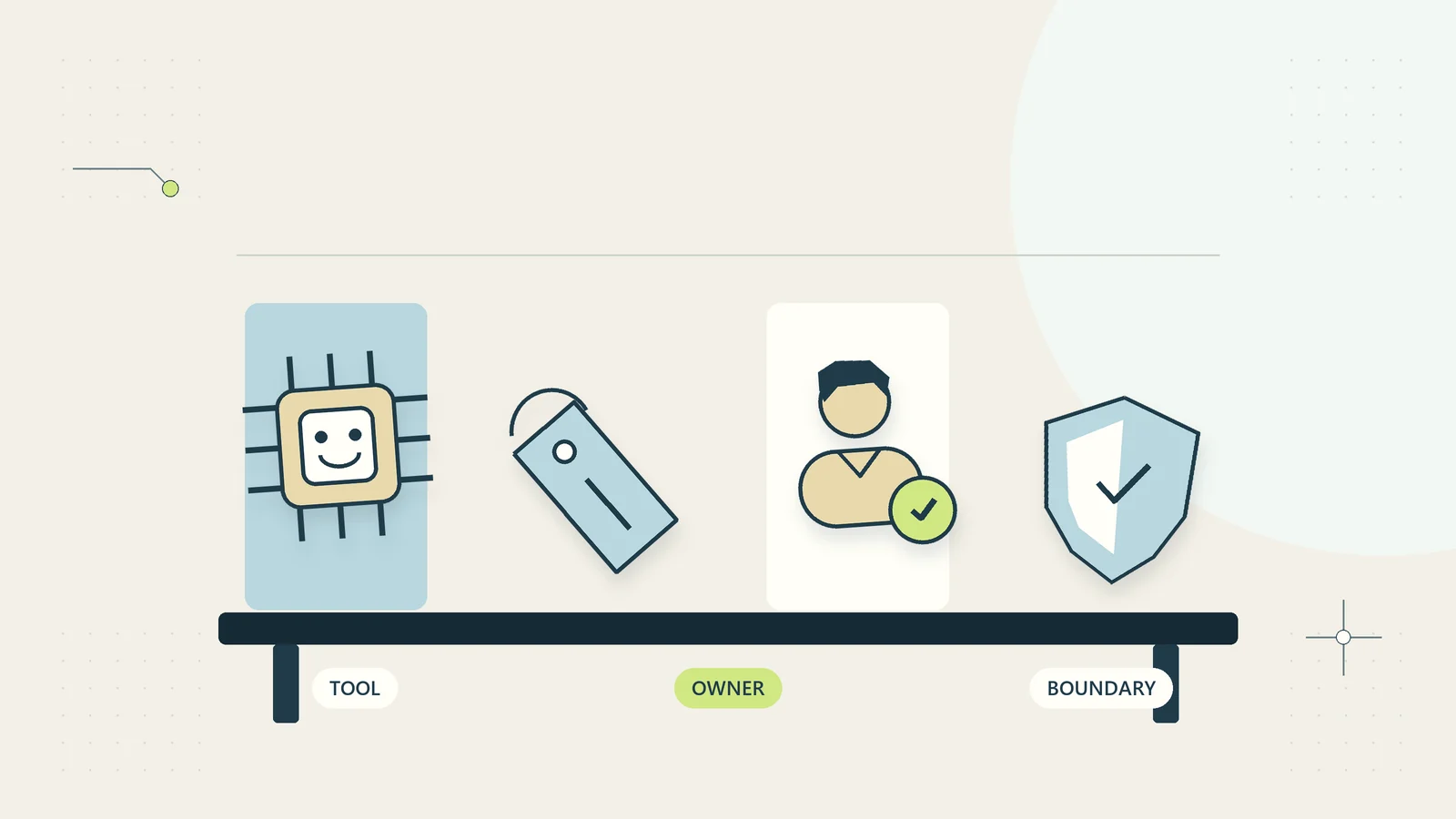
A version number attached only to the prompt is incomplete. Record the model or service configuration, relevant settings, input fields, source collection, tools and permissions, output structure, validation rules, and downstream actions. A new document in the source collection may change answers even when the prompt text has not moved.
Use a practical release label, such as “support-summary 1.4,” and keep a manifest describing its components. The label should appear in operational records so a reviewer can identify which release produced a result. Do not rely on a colleague remembering which browser tab or saved prompt was in use that day.
For a business owner, the most useful question is, “What can be different when this version runs?” If the answer includes new access, a new destination, or a newly automatic action, treat it as an operating change rather than a cosmetic text edit. The AI inventory guide helps you identify the workflows affected by a shared component.
Separate a proposed change from a live edit
Keep a working copy for experiments. A person improving a prompt should be able to try alternatives without altering the version currently used for customer operations. The separation can be simple, provided the team can reliably identify the live version and prevent experiments from issuing live actions.
Write the proposed change in plain language. “Add a rule that unresolved source conflicts must be referred” is more useful than “improve accuracy.” State the problem with an example, the desired behaviour, and what remains outside the task. The proposed solution may turn out to be a better input form or a fixed validation rule instead of a prompt change.
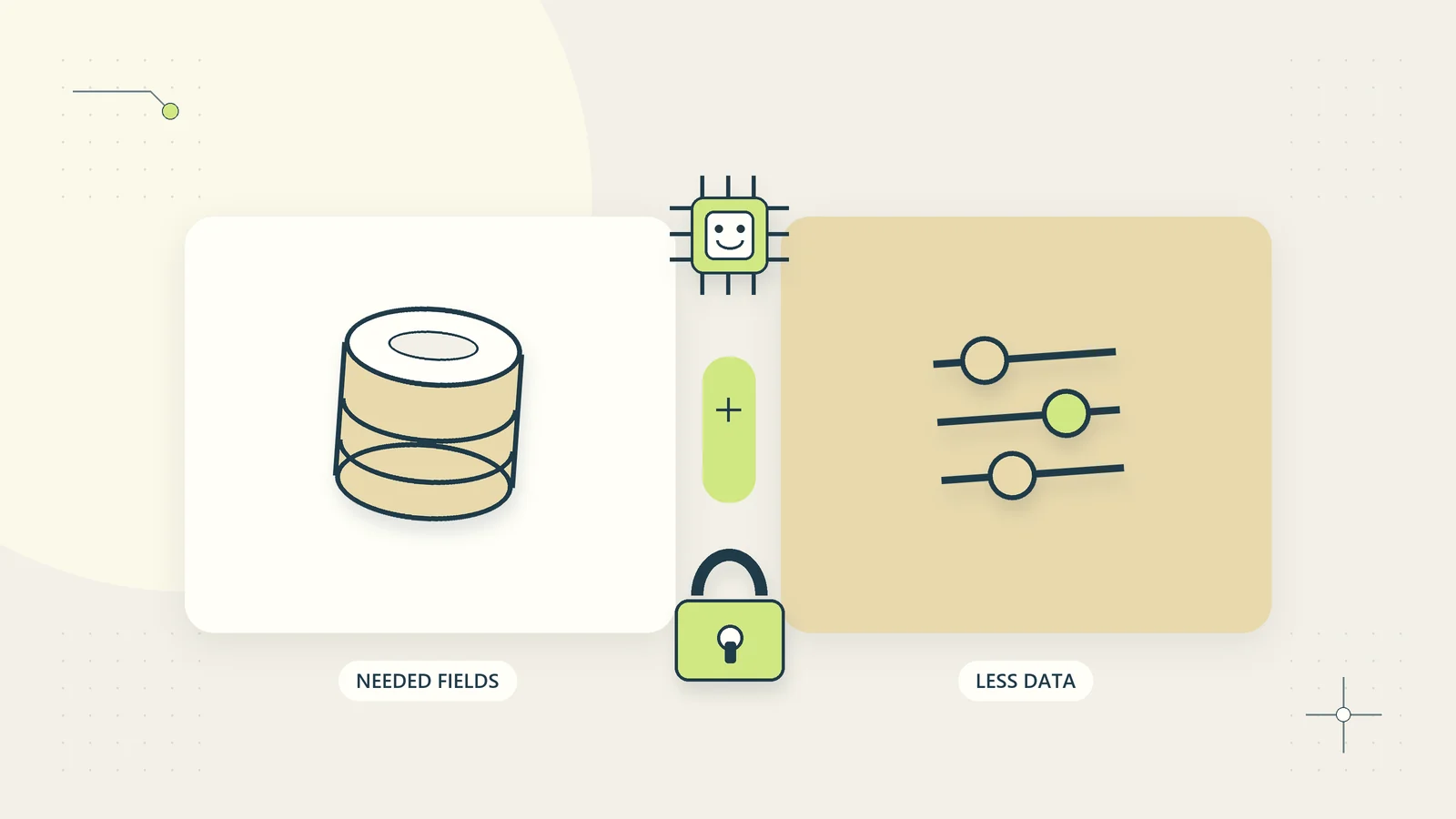
Use synthetic examples or material authorised for the testing purpose. Do not create an uncontrolled archive of customer information every time someone investigates a defect. The AI data minimisation guide explains how to preserve the task’s meaning while reducing unnecessary material in test records and error reports.
Classify changes by their possible consequence
Not every edit needs the same review. A spelling correction in an internal label differs from enabling an external send action. Define a small set of change classes that describe the effect, then apply a proportionate test and release process.
| Change | Main question | Suggested review focus |
|---|---|---|
| Wording without intended behaviour change | Did behaviour remain stable? | Existing regression cases |
| New source document | Which answers can it affect? | Currency, conflicts, and access |
| Different model or settings | Do outputs and costs change? | Full task evaluation and limits |
| New input field | Is the information needed? | Data boundary and missing-field cases |
| New tool permission | What new action becomes possible? | Authority, access, and failure paths |
| Automatic action added | What no longer waits for a person? | Explicit action boundary and recovery |
This table is an original operating aid, not a classification defined by a standard. Let the consequence of a wrong result determine the depth of review. If the team cannot explain the effect of a change, keep it in testing until someone can.
Build a regression set around business behaviour
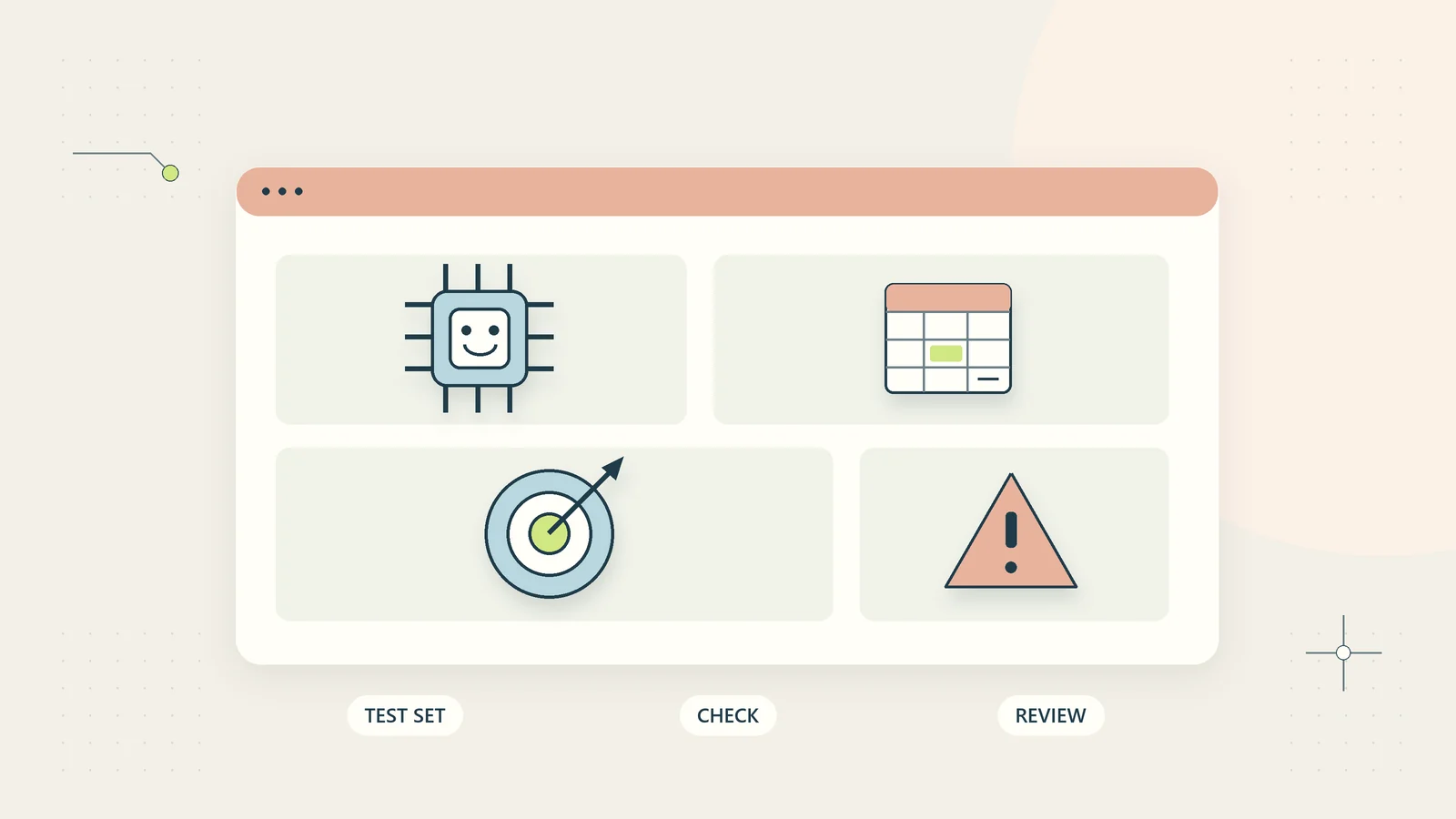
A regression set checks whether behaviour you already depend on still works after a change. Include ordinary cases, previous failures, missing inputs, conflicting evidence, unsupported requests, and cases that should pause. Each example needs an expected handling rule, rather than a single preferred sentence unless the wording itself is essential.
Keep examples distinct enough to expose different failures. Ten near-identical questions provide less useful coverage than a smaller set spanning the workflow’s decision boundaries. Record why each case exists. A case added after a real problem should preserve the structure of that problem using appropriate redaction or a synthetic reconstruction.
Avoid a test set that becomes the entire prompt. If every evaluation case is copied into the instructions, you may only be testing recall of examples. Maintain a separate set of newly written cases for meaningful changes. Use the AI workflow evaluation guide to define how expected outcomes and reviewer judgments are recorded.
Compare the current and proposed versions
Run both versions on the same inputs under recorded conditions. Capture the output, validation result, referral decision, processing cost where available, and review time. For variable outputs, repeat important cases enough to understand whether the proposed handling is dependable. Do not select only the most impressive run.
Review differences by category. A shorter summary may look better until you notice that it omits the customer’s requested deadline. A more assertive answer may reduce referrals while creating unsupported claims. A stricter rule may improve safety but overload the review queue. The release decision should consider those tradeoffs explicitly.
Set acceptance criteria before reviewing results. For example, no prohibited action may occur, unresolved source conflicts must pause, and the proposed change must address the defect it was designed to fix. Thresholds for ordinary errors should reflect the task and consequence, rather than borrowing a percentage from an unrelated industry demonstration.
Review sources and permissions with the prompt
When the workflow uses a knowledge collection, check document ownership, dates, access, and precedence. A newly uploaded document may conflict with current policy or refer to a different service. More content does not necessarily improve an answer. Decide which source should govern when information disagrees and how the workflow handles unresolved conflicts.
Inspect permissions after technical changes. A new connector or tool may offer capabilities beyond the task’s needs. Keep read access, write access, and external communication distinct. Test that a draft-only workflow still cannot take the proposed action merely because a newly available tool can perform it.
NIST’s Secure Software Development Practices for Generative AI extends secure development guidance for AI models and systems across their life cycle. The small-team release routine here is an original practical adaptation, not a claim that maintaining a prompt history establishes conformance with that publication.
Use a short release decision record
Create a record that another person can understand without attending the experiment. Include the release label, reason for change, components changed, affected workflows, test set version, important results, known limitations, decision owner, release window, and rollback location. Add a link to the previous release.
Distinguish the person who made the edit from the person authorising the operating change. In a very small business they may be the same individual, but the decision should still be deliberate and recorded. For consequential professional or financial decisions, obtain the appropriate authority rather than treating a technical review as business approval.
Write limitations as operational instructions. “Needs work” is not actionable. “Do not use for account cancellation requests; these remain in the manual queue” tells staff what to do. Keep these instructions visible in the workflow and procedure, rather than hiding them in the change record alone.
Work through a hypothetical prompt change
Imagine a small consultancy using AI to prepare internal summaries of client requests. The current workflow sometimes treats tentative dates as confirmed commitments. An operator proposes adding an instruction to distinguish proposed dates, agreed dates, and unknown dates. No outbound messages or project changes are permitted.
The change record includes a synthetic example: “Could we aim for the fifteenth if the materials arrive?” The expected summary must preserve the condition and must not create a confirmed deadline. The regression set also includes already confirmed dates, multiple date references, ambiguous numeric formats, and messages with no date.
The proposed version handles the original defect but starts labelling every date as tentative. The team rejects that release. It revises the output structure to separate the date text, the stated status, and the supporting phrase. A fixed check requires a supporting phrase when the output claims a date is confirmed.
The next comparison shows the intended handling across the selected synthetic cases. The process owner approves a limited internal release while retaining the old version and monitoring the date-related outputs. This fictional example illustrates how a failed test can improve the design; it does not report measured customer results or a tested platform integration.
Release in stages with a real fallback
Start in a non-actioning mode where operators can compare proposals with the established process. If appropriate for the task, limit the first operating release to one queue or a small group of authorised users. Keep the previous version available, along with a manual procedure that can support work if neither version is suitable.
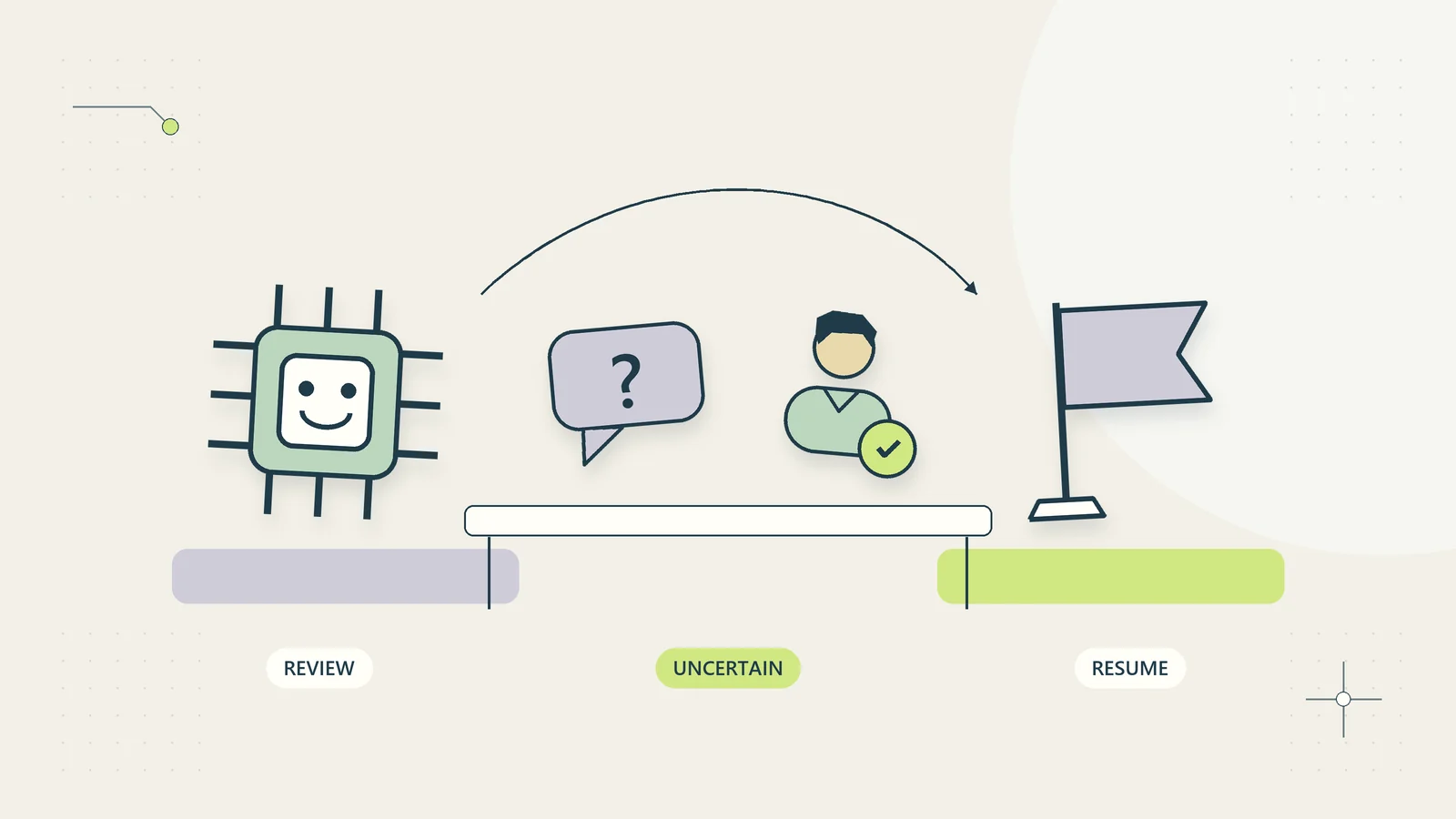
Define who can stop processing and what stopping means. It may disable a particular action, send new cases to a manual queue, or pause the entire workflow. Make the stop control easy to find and ensure that staff know when to use it. A fallback that only the absent developer can activate is weak coverage.
Check queued work during the transition. A case created under the old version may be reviewed after the new version is live. Keep its original proposal and release label visible. Do not silently regenerate a proposal after approval, because that may change what the reviewer authorised. The human handoff guide covers version-specific decisions in a review queue.
Monitor the change after release
Choose a small set of signals connected to the reason for the change. For a summary defect, inspect omissions and unsupported commitments. For a routing change, inspect misplaced cases and unowned queues. Track referral volume, active review time, and customer-visible corrections where relevant. Compare like-for-like case types rather than interpreting all volume changes as model behaviour.
Set a review date and name the person who will examine the evidence. A release should not become permanent simply because no one has complained yet. Staff may quietly correct defects without reporting them. Give operators a quick way to flag an issue with a case reference and a reason, without copying unnecessary personal information.
NIST’s AI RMF Playbook provides voluntary suggestions for ongoing AI risk management. For a small business, that reinforces the value of assigning work after deployment, rather than treating a successful demonstration as the final operating check. The monitoring choices here remain specific to the process you are running.
Make rollback a procedure that someone has tried
Saving an old prompt is not a complete rollback. A release may also change the input structure, validation rules, source collection, and queued work. Write down which components must return together and which changes cannot simply be reversed. For example, an external message already sent requires a correction process rather than a configuration rollback.
Run a synthetic rollback exercise before a consequential release. Start a few cases under the proposed version, pause processing, restore the previous configuration, and inspect the pending cases. Confirm that no case receives duplicate actions and that its release label remains accurate. Have the backup operator perform the procedure using the written instructions, because the primary designer may not be available during an incident.
Keep a short record of what the exercise revealed. An expired credential, missing configuration file, or incompatible field mapping is useful evidence to repair before launch. Do not mark rollback ready merely because the old version exists somewhere in a folder.
Where a provider does not allow restoration of an earlier model, describe the real fallback honestly. It may be a manual process, a constrained rules-only path, or a temporary pause. A business owner should know this limitation when approving a change, rather than discovering during an outage that “go back” is unavailable.
Include communications in the exercise. Operators need to know which release is active, which cases are paused, and whether earlier outputs require review. Give the incident owner responsibility for issuing that concise internal update. Otherwise, different people may continue using incompatible saved versions while believing they have followed the rollback instruction correctly.
Handle urgent fixes without losing the record
An urgent defect may require immediate containment. First stop or restrict the affected action, preserve the relevant event references, and route work to the fallback. Then record what changed, who decided, and which cases might need review. Urgency can justify a shorter release window, but it does not make unexplained live edits easier to investigate later.
Avoid combining an urgent fix with unrelated improvements. A focused change is easier to test and reverse. Once the process is stable, schedule the broader redesign through the ordinary routine. If a service provider changes an underlying model unexpectedly, identify the affected release and rerun the relevant cases before assuming earlier behaviour still holds.
Begin with the workflow you already rely on most. Give it a complete version record, write a few meaningful regression cases, and preserve a working fallback. The next change can then be assessed against evidence instead of memory, which makes both experimentation and day-to-day operations easier to manage.
Sources and editorial method
Primary sources checked on October 15, 2026: NIST SP 800-218A and NIST AI RMF Playbook. The change table, release worksheet, hypothetical consultancy, and pilot sequence are original practical analysis. No certification, vendor compatibility, or operating outcome is claimed. Validate changes against your own task, authority, and obligations.