A client document request process with less chasing
Create clear document requests, track receipt separately from acceptance, and follow up on the right missing items with a practical review process.

A document request is successful when the business receives the right information, can identify what it belongs to, checks whether it is usable, and tells the client what remains outstanding. Sending a reminder is only one small part of that process.
Small businesses often lose time because the initial request is vague, the client cannot use the upload route, or staff mark a file complete before checking its contents. More reminders can amplify those problems. This guide explains how to create a clear request list, a first-party collection route, meaningful status labels, and a measured follow-up routine. It applies to administrative document collection across service industries without assuming that every business needs the same files or retention rules.
Begin with the decision each document supports
Before requesting a file, identify why it is needed and what work it enables. “We usually ask for it” is a weak reason to collect potentially confidential information. A useful request has a defined purpose, an intended reviewer, and an acceptance condition.
For example, a hypothetical design studio may need the approved brand guide to prepare a project. It needs the current version with the relevant usage rules, not every historical marketing file the client has. An accounting or legal engagement may require different evidence and professional review; the responsible qualified person should determine those requirements.
Classify requests as required to start, required before a later milestone, optional, or not applicable. Asking for everything at once can delay useful work and encourage clients to upload unrelated material. The client onboarding guide explains how document collection fits into a wider sequence of scope, access, ownership, and first-value milestones.
Build a request register with precise items
Give each requested item a stable identifier, plain-language name, purpose, relevant period or version, acceptable form, reviewer, requested date, and current status. Include an explicit route for the client to say that an item does not exist or is not applicable.
Avoid broad entries such as “financial documents” or “project files.” Break the request into pieces that a client can recognize and a reviewer can check independently. At the same time, do not create separate tasks for every page of a document when the client naturally holds one complete file.
| Request field | Useful example for a hypothetical brand project |
|---|---|
| Item name | Current approved brand guide |
| Purpose | Confirm permitted logo, color, and typography use |
| Version or period | Version approved for this project |
| Acceptance condition | Complete readable file with current usage rules |
| Reviewer | Named project coordinator |
| Alternative response | Guide unavailable; client names approval owner |
Keep the register as the authoritative list. If requests also appear in emails or a portal, they should refer to the same items rather than creating independent versions of what is outstanding.
Write the request in the client’s language
Explain what the file is, why the business needs it, where to provide it, and what to do if the client cannot supply it. Use examples of document names or locations when that helps, but avoid implying that every organization stores information in the same way.
Do not rely on internal acronyms. If a particular period, format, or version matters, state it explicitly. Use an unambiguous written date and relevant time zone for any genuine deadline. Separate a requested date from a statutory or contractual deadline that only the responsible professional should determine.
W3C’s official form instructions guidance recommends explaining required and optional inputs and relevant formats. Applied to document collection, the client should understand the requirement before attempting the upload, including how to obtain help.
Ask someone unfamiliar with the project to read the request. If they cannot explain what to find and what will happen next, improve the wording before sending it to clients.
Use a collection route suited to the information
Choose the collection route based on the sensitivity and practical use of the documents. A business-controlled upload page may be appropriate when it has suitable authentication, access controls, storage, and recovery. An ordinary email attachment may create unnecessary copies or be unsuitable for particular information.
The interface should explain accepted file types, size limits, and any relevant restrictions. Give a useful error if the upload fails. “Something went wrong” leaves the client uncertain whether the business received the file or whether another attempt will create duplicates.
The GOV.UK file upload guidance is an official design reference that distinguishes specific upload error states. A private business need not use its component, but can apply the practical idea of telling a person exactly what prevented submission and how to recover.
Do not ask clients to send passwords through the request form. Where account access is necessary, use an appropriate supported access process. The document collection task should not become an informal credential-sharing channel.
Make receipt different from acceptance
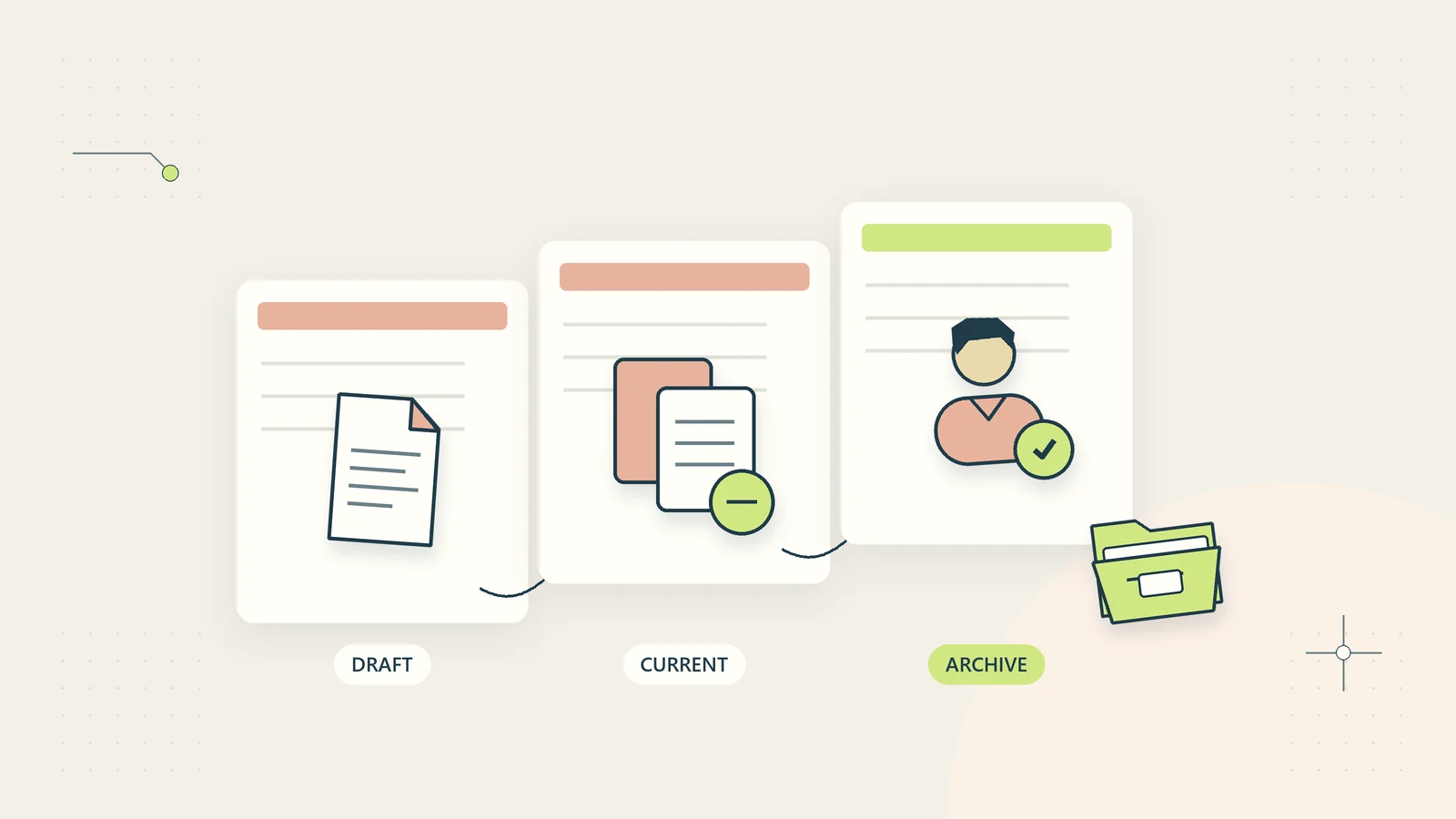
Use status labels that reflect what the business knows. A file can be uploaded successfully but still be incomplete, unreadable, from the wrong period, or unrelated to the request. “Received” should not imply “reviewed and accepted.”
A useful status sequence is requested, received, under review, accepted, clarification needed, and not applicable. Add a reason and owner when clarification is needed. Avoid a single complete checkbox that hides whether anybody opened the document.
Send a factual receipt confirmation after successful submission. Identify the relevant request items and explain that review may still be required. If the system cannot establish which item a file belongs to, acknowledge receipt without pretending to classify it accurately.
The register should show both the client’s action and the reviewer’s action. This prevents staff from chasing a client who already submitted a file while the business has not yet completed its own review.
Check usability with a bounded review checklist
Define acceptance criteria for each item before it arrives. Common administrative checks include whether the file opens, is readable, contains the expected pages, matches the correct client and period, and appears to be the intended current version.
These checks are different from professional judgments about sufficiency, accuracy, authenticity, or legal meaning. Assign specialist review where the engagement requires it. An automated file-type check should not be described as verification that a document is genuine or substantively correct.
Record the result against the request item. If a file is rejected, explain the specific issue and the smallest useful correction. “Please resend everything” creates unnecessary effort when only one missing page or wrong period needs attention.
Preserve the source and review history according to the business’s document rules. The document version control guide explains how to handle replacements without making staff guess which uploaded file is authoritative.
Assign ownership on both sides
Give the client a recognizable contact or role for questions, and give the business a named reviewer or queue owner. A collection page without an internal owner can gather files quickly while leaving review work untouched.
Within the client’s organization, identify who can provide each item when the primary contact does not hold everything. Do not assume that copying several people into one email creates accountability. Keep access and disclosure appropriate when additional contacts become involved.
Set an internal review target based on capacity and consequence. If the team takes several days to check uploads, reminders should not continue telling the client that nothing has arrived. The current register should control the next action.
Use a backup owner for absence. The request process should remain understandable to someone who did not write the initial email. Stable identifiers, acceptance criteria, and a visible history make that continuity possible.
Follow up on the missing item rather than the entire list
Before a reminder is sent, check whether the item has arrived, been accepted, been marked not applicable, or become unnecessary because the project changed. A reminder should describe the current outstanding need, not repeat an obsolete list.
Explain the effect of the missing item accurately. If work cannot begin until a current specification is provided, say which stage is waiting. Do not invent penalties, urgency, or professional consequences to increase response rates.
Provide an easy response for “I do not have this,” “I need help identifying it,” or “someone else will provide it.” Those answers are operational information. Repeatedly sending the same reminder to someone who cannot comply does not advance the work.
Choose reminder timing from the engagement and service expectations. There is no universally correct interval. A measured routine should avoid duplicate messages and should stop or route the issue to a decision owner when a defined limit is reached.
Work through a hypothetical project request
Imagine a hypothetical small studio beginning a website content project. It requests the current brand guide, approved service descriptions, and a product image set. The request page explains the intended use of each item and allows the client to mark an item unavailable.
The client uploads a readable brand guide and a file called “services-final.” The reviewer finds that the guide is current, while the service descriptions refer to a discontinued offer. The register marks the guide accepted and the descriptions clarification needed, with a specific question about the current service list.
The image set is marked unavailable because another colleague owns it. The client supplies that colleague’s approved business contact through the agreed route. The coordinator decides whether the project can proceed with temporary placeholders or must wait for the images; the upload system does not make that scope decision.
The next reminder concerns only the unresolved current descriptions and image decision. It does not ask the client to resend the accepted brand guide. The sequence reduces chasing by making each missing decision visible rather than treating all documents as one binary task.
Handle replacements, duplicates, and wrong-client files
Define how a client replaces an earlier submission. Keep a link between versions, identify which one is current, and preserve the review reason where appropriate. Staff should not have to infer the authoritative file from a later timestamp or a name containing “final.”
When the same file is submitted twice, avoid opening duplicate review work if the system can reliably identify the match. Be careful about assuming that similar names mean identical content. A correction can retain the same filename while changing a material detail.
If a file belongs to another client or contains unexpected sensitive material, stop ordinary routing and follow the appropriate restricted handling process. Do not circulate it widely to ask who recognizes it. Record the issue without copying private contents into a broad task log.
The customer data sharing checklist provides a related framework for checking recipient, purpose, and authorized access before information moves between people or systems.
Keep the record useful after collection ends
At completion, record which items were accepted, which were not applicable, what remains unresolved, and who approved any exception. Link the accepted material to the relevant project or case using the business’s current naming and access rules.
Do not retain every working copy indefinitely by default. Request registers, uploaded originals, rejected files, correspondence, and review notes can have different purposes. The responsible person should apply the business’s retention review, including applicable legal, professional, contractual, and dispute considerations.
Remove access that was granted only for the collection stage when it is no longer needed and when doing so is appropriate. A temporary external collaborator should not silently retain broad access to unrelated project files.
The completed collection record should let the delivery team understand what evidence was received and its review status. It should not force them to reopen every email merely to identify the current file set.
Offer an alternative when the client cannot complete the route
A usable process needs a defined response when a client cannot find a file, cannot convert its format, or cannot operate the collection page. Keep the response focused on the obstacle. Someone who cannot upload a large file needs an approved alternative, not another copy of the same reminder.
Document what staff may offer and what needs a decision. They might explain where the expected file is usually found, clarify an accepted format, or provide another suitable collection route. They should not casually weaken identity or confidentiality checks to remove friction. If an alternative changes the evidence required, the appropriate reviewer should decide whether it is acceptable.
Test the request from a phone, with keyboard navigation, and without assuming that the client knows your internal terminology. Keep useful help beside the item that caused the problem. Record repeated obstacles as improvements to the request or collection design rather than treating each affected client as an exception to chase indefinitely.
Pilot the process using the causes of rework
Test the request list with a small, representative set of engagements. Measure the number of clarification requests, files received in an unusable form, incorrect-period submissions, reminders sent after receipt, and time from receipt to review.
Separate client delays from internal review delays. If files arrive promptly but wait in a queue, more reminders are not the answer. If most clients ask what one item means, rewrite that request. If mobile uploads fail repeatedly, inspect the collection route rather than assuming clients are ignoring instructions.
Ask clients a practical closing question: which request was hardest to understand or supply? A short answer can reveal jargon, inaccessible formats, or an unrealistic expectation that staff had overlooked.
Keep improvements specific. Better document collection comes from clear requirements, usable submission, visible review, and proportionate follow-up. When those parts work together, the business can collect necessary information with fewer repeated messages and a more trustworthy record of what is ready for work.
Sources and editorial method
Checked on October 15, 2026. The request register, status sequence, project example, and pilot measures are original practical guidance. The studio example is hypothetical. This article does not prescribe which evidence a regulated engagement requires or establish a universal retention or security rule.
- W3C Web Accessibility Initiative: Form Instructions, for official guidance on explaining required inputs, formats, and instructions.
- GOV.UK Design System: File upload, for an official design example of useful upload instructions and specific error states. No particular form service or third-party account is required by this guide.