How to reduce duplicate customer records safely
Reduce duplicate customer records with reviewed matching rules, preserved relationships, field decisions, recovery planning, and import prevention.

Duplicate customer records create more than untidy lists. They can split service history, send the same message twice, hide an unresolved complaint, or connect a payment to the wrong account. Yet aggressive deduplication can cause a worse problem: combining two different people or companies because they happen to share a name, phone number, or address.
The practical goal is accurate identity and preserved history. Treat duplicate detection as a way to create a review queue, then apply a documented decision process before changing the authoritative record. A small business can start with an export, a protected working copy, and clear ownership. It does not need to run an automatic merge across its entire customer database.
This guide provides an original process for identifying candidates, resolving conflicts, preserving relationships, and preventing recurrence. The hypothetical examples use invented records and do not represent a tested cleanup of a live customer system.
Decide what one customer record represents
Before looking for duplicates, define the entity. Does your customer record represent an individual, a legal organization, a household, a branch, a billing account, or a project contact? Two records with the same address may be entirely valid if they represent different people or separate trading locations.
Document related entities rather than squeezing them into one record. A person can work for a company, order on behalf of another organization, and use a different billing contact. Those relationships do not necessarily make the records duplicates. A merge rule that assumes one email address equals one customer can fail when an address is shared.
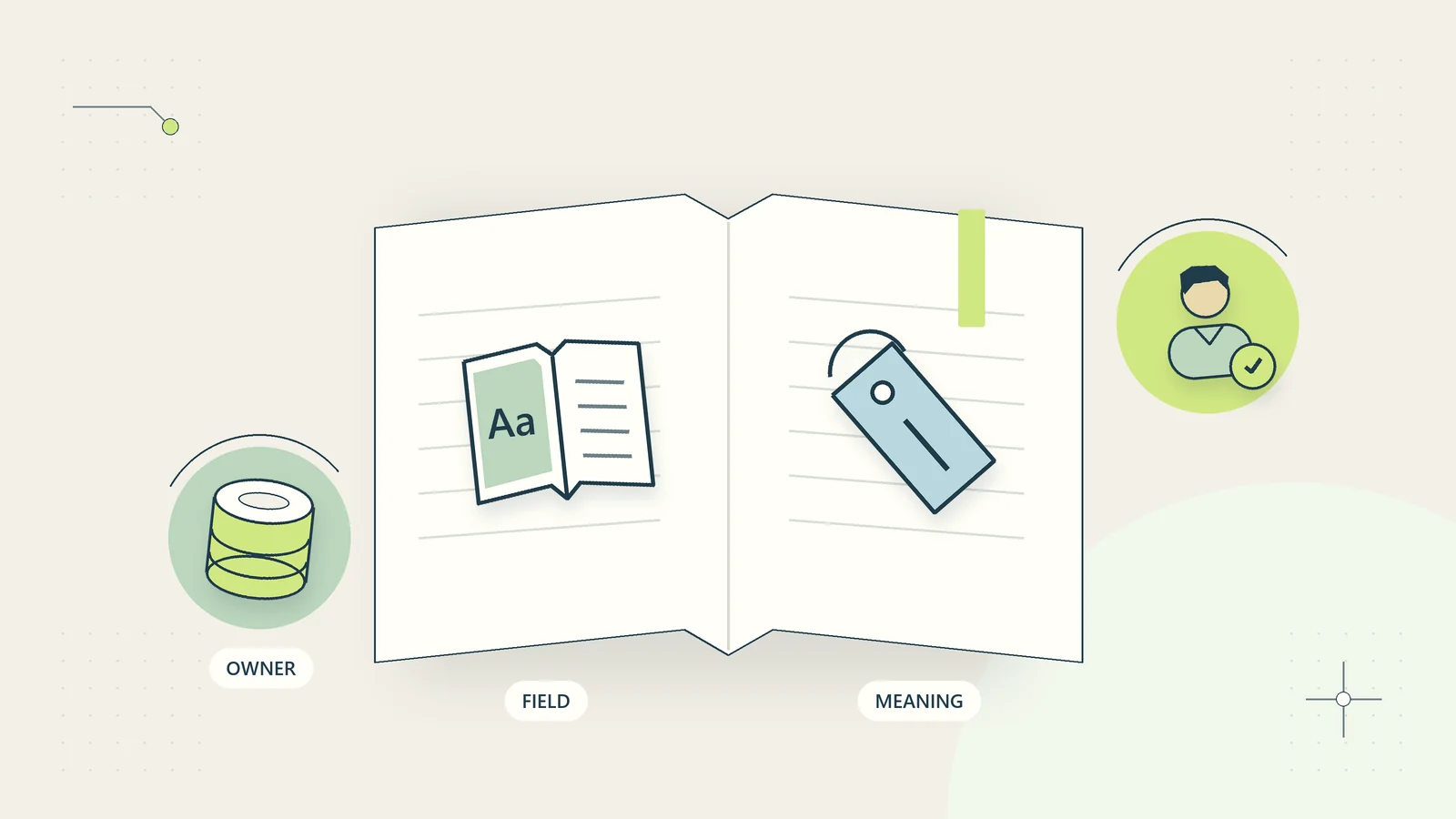
The small-business data dictionary guide helps establish these definitions. Write down the stable identifiers and the meaning of customer before starting. Otherwise, the cleanup team may make consistent technical changes based on an inconsistent business concept.
Identify how duplicates affect actual work
Choose a concrete problem to investigate. Perhaps support staff cannot find earlier messages, a report counts one company twice, or a recurring export creates a new record on every run. The affected process determines which fields and relationships need inspection.
Do not assume that every repeated value is an error. A customer may legitimately have multiple orders or several service locations. An invoice export often contains repeated customer information because each row represents a transaction. Removing repeated rows from that file could delete legitimate activity.
The UK Government Data Quality Framework treats uniqueness as one quality dimension alongside other considerations. Here, the practical implication is narrow: ask what should be unique in this particular dataset before attempting to make it unique. The review method and examples that follow are original operating guidance, not a universal identity-matching standard.
Preserve a baseline before changing records
Create an approved backup or export of the relevant records and relationships. Know how it could be restored or used to reconstruct a change. A spreadsheet copy of customer names alone will not restore lost support history or broken order links.
Record the source system, extraction time, selected scope, row count, and the person responsible for the working copy. Restrict that copy because it may contain personal or commercially sensitive information. Avoid sending an entire customer list through an unapproved tool to get a quick duplicate report.
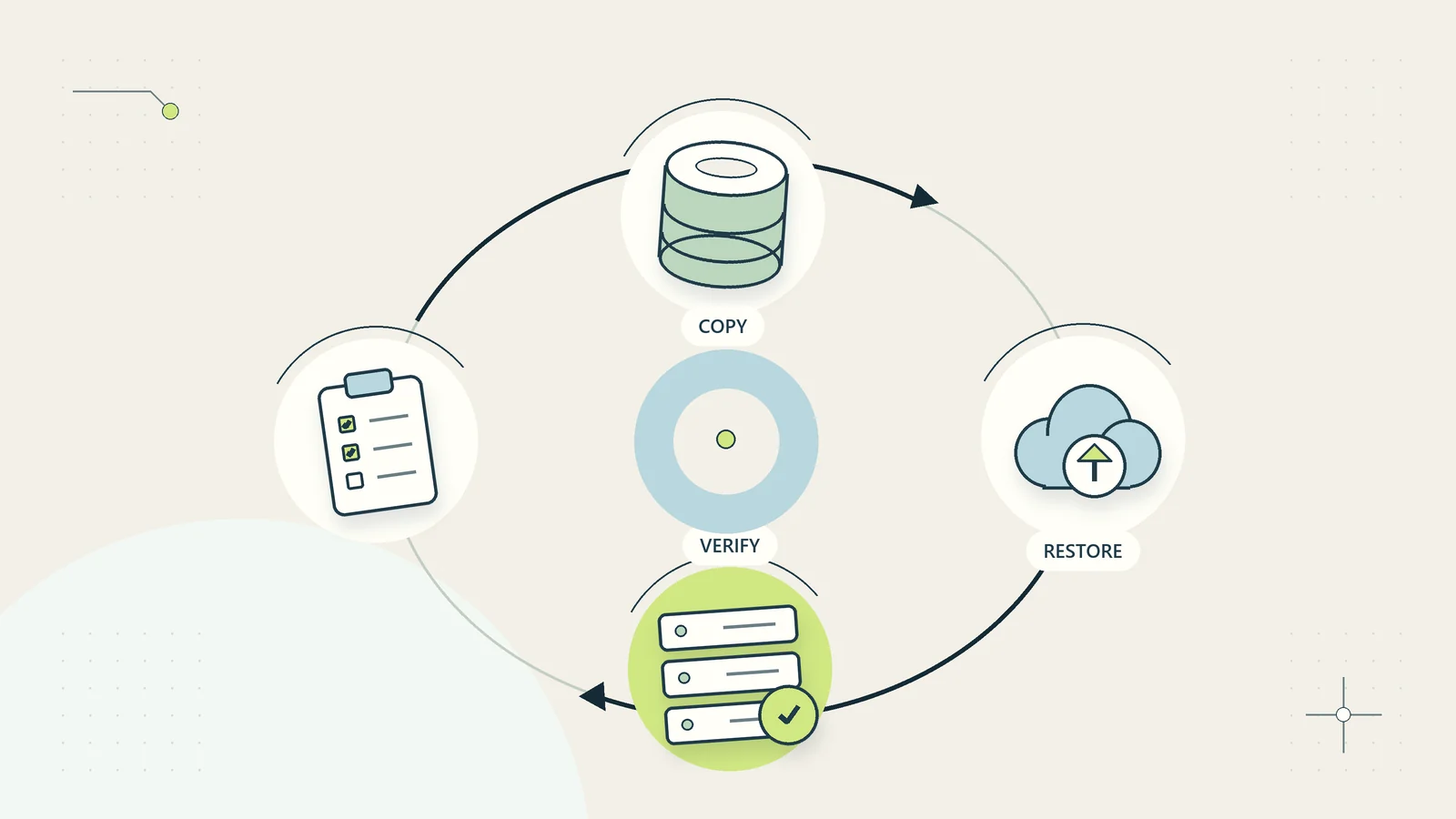
Start with a small batch and confirm the system’s actual merge behavior using current documentation and a safe test. Some products combine activities, preserve one identifier, or discard conflicting fields in ways that matter to your business. If a change cannot be reversed cleanly, strengthen the review and evidence requirements before allowing it. A backup that has never been restored is still an assumption; see the backup restoration test guide for a controlled way to check recovery.
Separate normalization from identity decisions
Normalization creates comparable working values. It might remove accidental spaces from a comparison field, standardize a documented phone representation, or create a case-insensitive copy for a specific matching step. Preserve the original data while doing this.
Do not transform meaningful values casually. Leading zeros, country codes, accents, punctuation, and branch suffixes can carry information. Converting everything to a simplified form may increase apparent matches while destroying the evidence needed to distinguish people or organizations.
Record each transformation and its purpose. For example, trimmed_email_for_review is a comparison helper, not an instruction to overwrite the customer’s contact address. If the team cannot explain why a transformation is safe for the relevant field, leave the original intact and escalate the decision. A tidy-looking column is not proof that its values describe the same real-world entity.
Create candidate groups with explicit confidence limits
Use matching rules to produce candidates, not automatic conclusions. A stable system identifier repeated unexpectedly is a different signal from two similar names. Group the candidates by the evidence that triggered the review so the reviewer knows what they are seeing.
| Candidate signal | Why it is useful | Why it may be misleading |
|---|---|---|
| Same external customer identifier | May indicate a repeated import | The identifier may have been copied incorrectly |
| Same email and compatible name | Can reveal duplicate entry | Shared or reassigned addresses exist |
| Same company name and address | Can identify repeated organizations | Separate branches or entities may share details |
| Similar name only | Helps locate typing variations | Different people can have similar names |
| Same phone number | Provides another comparison point | A business switchboard serves many contacts |
Set a rule that weak or conflicting evidence remains a review item. Do not convert a software similarity score into certainty without understanding what it measures. The cost of a false merge can be much higher than the inconvenience of leaving a candidate unresolved for another day.
Review the full history before selecting a survivor
For each candidate group, inspect relevant orders, projects, support conversations, permissions, billing relationships, and contact preferences. Determine whether the records represent the same entity and whether combining them is appropriate for the intended use.
Choose the surviving identifier deliberately. The newest record is not automatically the best, and the record with the most populated fields may contain outdated or inappropriate information. A finance-linked identifier may need to remain stable even when another system has a more current contact name.
Record the evidence, decision, reviewer, and any unresolved conflict. Use outcomes such as confirmed duplicate, distinct entities, insufficient evidence, or linked relationship required. The last option is useful when records should remain separate but connected, such as a company and its contact person. A binary merge-or-ignore choice can hide that distinction.
Resolve fields and preferences individually
A confirmed duplicate does not mean every field can be combined automatically. Compare conflicting names, addresses, phone numbers, and status values using the authoritative source for each field. Keep a record of what changed and why.
Treat communication preferences carefully. Do not use a merge as a reason to restore marketing permission that was withdrawn or to assume that permission for one purpose covers another. Applicable rules and the evidence required vary by context and jurisdiction; involve the person responsible for privacy and communications decisions where necessary.
Avoid retaining every old value in an unrestricted notes field. That may spread outdated personal information and make it harder to identify the current value. Preserve the evidence needed for the business’s approved purpose in the appropriate protected record. If there is a dispute about identity or ownership, leave the relevant change pending rather than guessing to complete the batch.
A hypothetical customer cleanup decision
Imagine a home-services business with two records labeled Harbor Workshop. One has the company billing address and an external account reference. The other was created from a support enquiry and contains a workshop manager’s email address. Similar names make them candidates, but the team does not merge them immediately.
The reviewer finds that the enquiry concerns a separately operated branch using the same trading name. It should remain a distinct service location linked to the billing organization. Merging the records would have mixed service instructions and made dispatch information less reliable.
In another candidate group, the same external account reference appears twice because a monthly import did not use it as an update key. The owner confirms the duplicate, selects the established record, and checks that related jobs can be reassigned without losing history. The change log records both original identifiers and the surviving reference.
These are hypothetical decisions. They show why the process needs both identity review and relationship review. A name match identifies where to investigate; it does not determine the business structure or authorize a record change.
Verify merges from the next user’s perspective
After an approved change, open the surviving record and check the work people actually perform. Can support find the relevant history? Do current jobs still point to the correct customer? Does the next export use the intended identifier? Are obsolete records hidden or marked according to the system’s supported behavior?
Check counts and relationships, but explain expected differences. Reducing two duplicate customer records to one should not reduce the number of legitimate orders. If transaction counts change unexpectedly, stop the batch and investigate before continuing.
Keep a sample of distinct-entity decisions too. Those examples help prevent future reviewers from repeatedly proposing the same unsafe merge. The business audit trail guide explains how to record actions and evidence without turning the change log into an uncontrolled copy of every customer detail.
Plan what happens if a merge proves wrong
Before the pilot, describe the correction route. Some systems support a limited undo; others require reconstruction or specialist assistance. Verify the actual behavior instead of assuming that an exported list makes the operation reversible. Record which relationships, notes, preferences, and identifiers would need to be restored.
If a false merge is discovered, stop related outbound actions until the responsible owner understands the effect. A combined record might contain another customer’s contact details or confidential history. Correcting the visible name alone may not correct access, queued messages, or downstream exports. Assess those consequences through the business’s established incident and customer-service processes.
Use the mistake to improve the candidate rule. Record what evidence was missing and which additional check would have changed the decision. Do not remove the failed decision from the history to make the pilot look cleaner. A small batch with an honest correction record teaches more than a large cleanup whose errors are hidden. Keep the explanation factual and restrict access to sensitive details while the business determines the appropriate response.
Fix the creation path that caused the duplicates
Cleanup will recur if the entry process stays unchanged. Identify whether duplicates originate from imports, ambiguous search, inconsistent identifiers, parallel forms, or a process that creates a record before checking for an existing one. Address the specific cause rather than blaming staff for working around a confusing system.
Microsoft’s Power Query documentation notes that duplicate-row results depend on the columns selected for comparison. That product behavior illustrates a useful caution: a technical removal step is only as meaningful as the comparison definition. It does not replace a business identity decision.
For repeated imports, define the update key, what happens when it is missing, and whether the operation can create a second record on retry. For manual entry, provide a clear search sequence and an exception route when identity is uncertain. Do not force staff to choose an unrelated existing customer merely to satisfy a required field.
Prevent a resolved duplicate from returning on the next import
Check what the source system will send after a merge. If the upstream export still contains both original references, the next import may recreate the duplicate even though the destination was cleaned correctly. Record a supported cross-reference from the retired identifier to the surviving record where the system and approved process allow it.
Do not reuse the retired identifier for a different customer. Historical transactions and old exports may still refer to it. A clear retired state or mapping can help the business interpret that history without pretending the identifier never existed. Confirm who maintains the mapping and how downstream tools receive the change.
Test one subsequent import or an approved preview using the corrected records. Check that it updates the survivor, does not create another customer, and does not attach unrelated activity to the retired reference. If the upstream process cannot be changed immediately, document a temporary exception-handling step with an owner and review date. This closes the loop between cleanup and prevention. A merge that looks correct today but is reversed by tomorrow’s routine import has not resolved the underlying process problem, even if the initial customer count briefly improved.
Run a measured cleanup pilot
Select one source and a limited record group. Record the number of candidates, confirmed duplicates, distinct entities, unresolved cases, and corrections discovered after change. Track review time as well as merge count. A rule that produces hundreds of weak candidates may cost more attention than it saves.
Use the pilot to refine matching rules and approval limits. Keep high-consequence relationships, such as financial records or confidential matters, outside automatic merging unless the business has a properly designed and verified process. A cautious manual queue can be a rational choice for a low-volume team.
Finish by assigning an owner to recurring duplicate prevention. Review new candidates on a manageable schedule and monitor the creation source. The intended outcome is dependable customer identity and preserved work history, not the smallest possible customer count. When evidence is incomplete, a clearly owned unresolved case is better than a confident but incorrect merge.
Sources and editorial method
Checked October 15, 2026. Primary references: UK Government Data Quality Framework and Microsoft: Keep or remove duplicate rows in Power Query. Limited source-derived points are identified in the text. The candidate table, review process, field-resolution method, and Harbor Workshop example are original guidance. All examples are hypothetical; no live customer database cleanup, identity verification, or merge integration is claimed.