Document version control without final-final confusion
Keep a clear source, reviewed copies, issued versions, change history, and recovery route with practical document version control for a small business team.
Document version control should let a small business answer three questions: which copy is current, what changed, and who authorized the version being used. It should also provide a recovery route when an edit or release is wrong. A filename containing the word final cannot reliably answer those questions.
Confusion often begins when a team mixes a living source document with exported review copies and issued records. Each has a different purpose. People may collaborate in one online file, send a PDF for approval, and later deliver a packaged copy to a customer. Those copies need a clear relationship.
This guide offers a practical control system for procedures, proposals, reports, training materials, and customer deliverables. It does not require a specialist document platform. Start with the documents whose wrong version would create meaningful rework, customer confusion, or an unauthorized action.
Distinguish a document from its copies
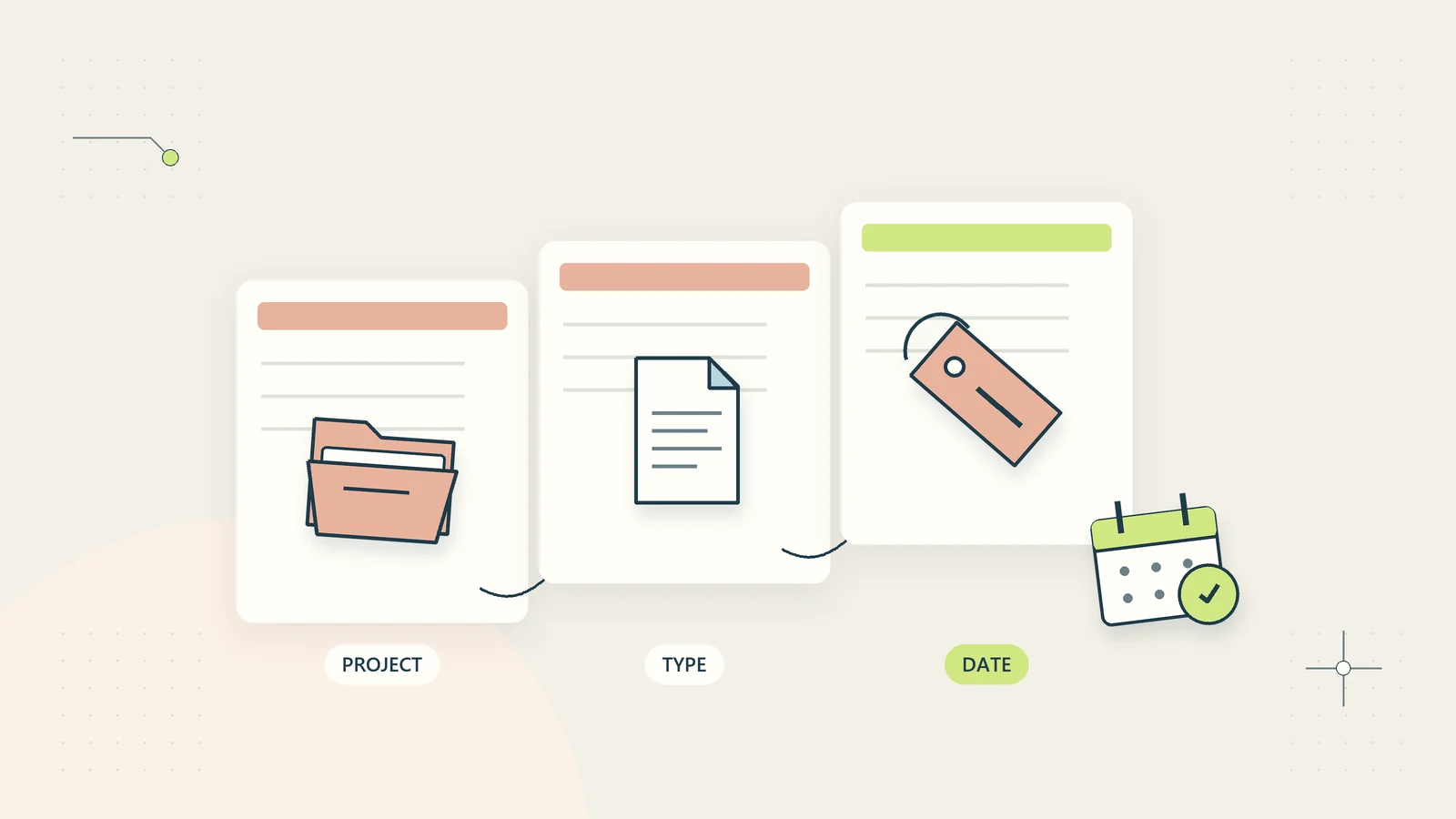
Give the document a stable identity separate from its filename. A process reference, project reference, or document identifier can connect the editable source, review export, approval record, and issued copy. The identifier should remain meaningful when the filename or storage location changes.
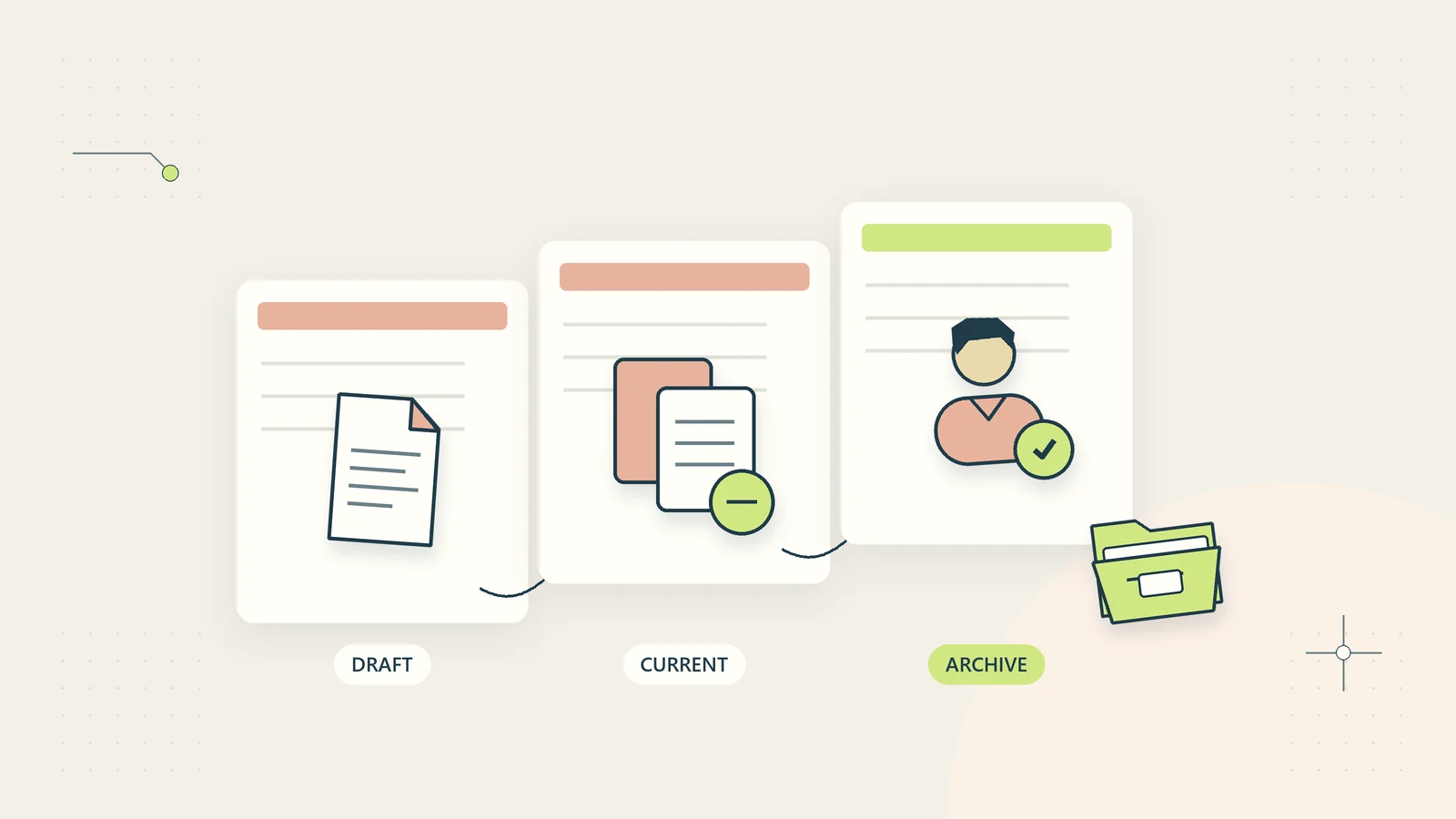
Define the purpose of each copy. A working draft is open to change. A review copy captures the content a reviewer is being asked to assess. An issued copy represents the version released for a particular use. An archived copy preserves history and should not be presented as current guidance.
Atlassian’s document storage and tracking guidance discusses centralized organization and version history. The operational framework here applies the same broad concern to a small business: people need a dependable source and an understandable history, including when files leave that source.
Do not assume that two files with identical names are identical records. They may have different contents, approvals, or recipients. Likewise, differently named files may be exact copies. Identity and evidence are more dependable than appearance alone.
Name the source of truth and its owner
Choose the authoritative editable source for each controlled document. Record where it lives and who maintains it. Avoid having an online document, a local desktop file, and an emailed attachment all treated as equally current working sources.
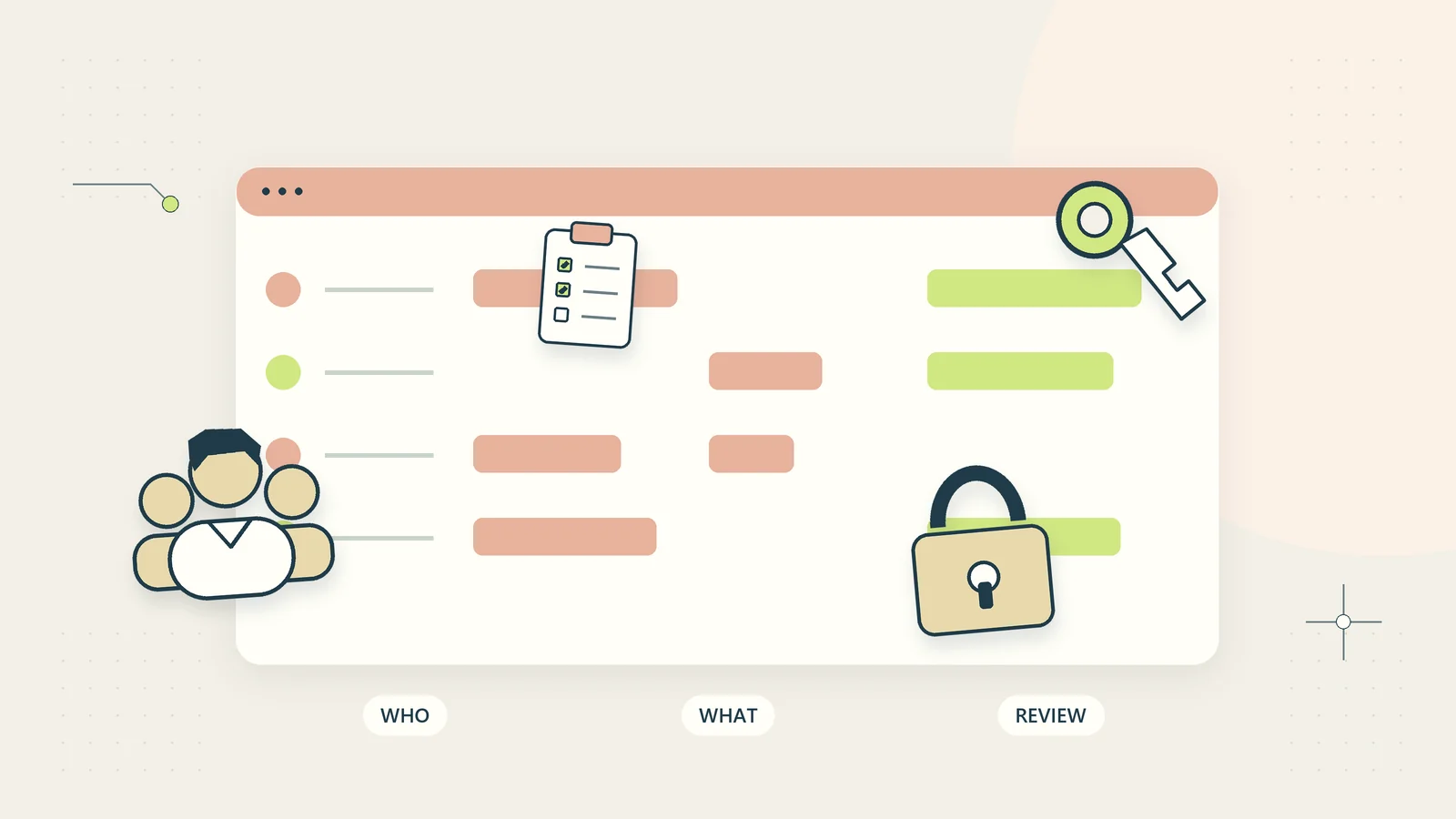
The owner is responsible for the document’s structure, review cycle, and release process. Contributors may edit within agreed boundaries. Reviewers check specified aspects. Approvers authorize use where required. A small business may combine roles, but it should still distinguish what each decision means.
Grant access according to those responsibilities. Someone who only needs the issued procedure may not need permission to alter the source. Conversely, an assigned maintainer cannot do the job if access depends on an absent colleague’s personal account.
Use the small-business access review guide to keep document permissions aligned with current responsibilities. Version control loses credibility if anyone can overwrite an approved file without an understandable record.
Use a simple revision scheme
Choose a numbering system the team can explain. Sequential versions such as v01, v02, and v03 are often sufficient. If major and minor numbers are useful, define what makes a change major or minor and avoid implying that the numbers themselves prove compatibility.
For example, a business might increment a major release when operating instructions change and a minor revision when a clarification is added without changing the required action. Another business may find that distinction unnecessary. Complexity should support a decision rather than imitate software conventions without a purpose.
| Document element | Recommended meaning | Avoid |
|---|---|---|
| Stable identifier | Which document this is | Changing identity with every edit |
| Revision identifier | Which captured content is being discussed | “Latest” with no history |
| Status | Draft, in review, issued, or superseded | Unexplained “final final” |
| Approval reference | Who authorized the issued use and when | Inferring approval from a filename |
| Effective date | When the issued instruction applies, if relevant | Confusing export date with policy start |
The file naming convention guide can help make exported copies recognizable. Keep the numbering scheme consistent with the approval record rather than maintaining two unrelated systems.
Define the states a document can occupy
A minimal lifecycle is draft, review, approved for issue, issued, and superseded. Some businesses can combine approval and issue when the same authorized action performs both. Others need a separate release step because approval does not automatically publish or distribute the file.
Define who may move a document between states and what evidence is required. A draft can enter review when the owner believes it is complete enough to assess. An issued version should correspond to the exact content approved, not a modified copy created afterward without another check.
Allow a review to return to draft with recorded comments. That is normal work, not a failure. Keep unresolved comments visible and specify who can decide whether they block release. Avoid treating every suggestion as mandatory if the reviewer lacks authority to make that decision.
Make superseded versions unmistakable in the places people retrieve documents. Do not simply move the current file elsewhere and leave old public links looking authoritative. Update the retrieval route, note the replacement, and consider which prior recipients need notification.
Review the exact content that will be issued
Capture the version under review. If people keep editing while an approver reads it, their decision may refer to content that no longer exists in the current file. Use a version snapshot, a locked review copy, or another supported method that identifies the reviewed material clearly.
Tell reviewers what they are checking. A finance reviewer might confirm figures and assumptions; a delivery owner might assess usability; a client might approve the agreed scope and presentation. Approval is easier to interpret when its domain is explicit.
Consolidate comments against the same version. Conflicting email attachments create parallel histories that are difficult to reconcile. If external review must happen through email, name the review copy clearly and record which comments have been incorporated or declined.
Before release, compare the final export with the approved source. Check pagination, tables, links, images, and any fields affected by conversion. A correct source document can produce an unusable PDF or spreadsheet export. Approval of the source does not eliminate the need to inspect the actual delivered format.
Record meaningful changes without logging every keystroke
Use a concise change log for released revisions. Include the version, date, reason, owner, and the effect on users. “Updated” is not informative. “Clarified which input cells may be edited; calculation formulas unchanged” helps recipients decide whether action is needed.
Distinguish correction, clarification, and operating change. A spelling correction may need no customer action. A changed approval requirement or calculation method may require communication, retraining, or replacement of active copies. The change type should affect the release decision.
Keep the log aligned with the actual content. Do not describe a file as a minor clarification if the team also changed a formula or removed a review step. A quick comparison against the previous issued version helps catch unintended changes.
Link significant decisions to the business audit trail. The goal is an understandable explanation of what changed and why, without copying sensitive discussion into every version of the document.
Control exported and customer-held copies
An exported file leaves the native editing history. Put enough identification inside the document for a recipient to recognize its version and source. Filenames can be changed; an internal title block or footer can preserve useful context.
Record which version was delivered for important customer outputs. A delivery record can include the document identifier, revision, recipient reference, date, and authorized delivery route. Do not collect more personal information than needed to manage the service.
Decide how customers learn about material updates. A download page may show the current supported version and its change notes. Existing customers may have rights to some updates but not others according to the product terms. Explain that distinction clearly rather than implying every purchase includes indefinite future revisions.
For a wrong issued file, stop further distribution, preserve evidence of what was sent, identify affected recipients, and approve a correction plan. Do not overwrite the file silently and assume everyone now has the replacement. A corrected central copy does not change an attachment already downloaded.
Test recovery before you need it
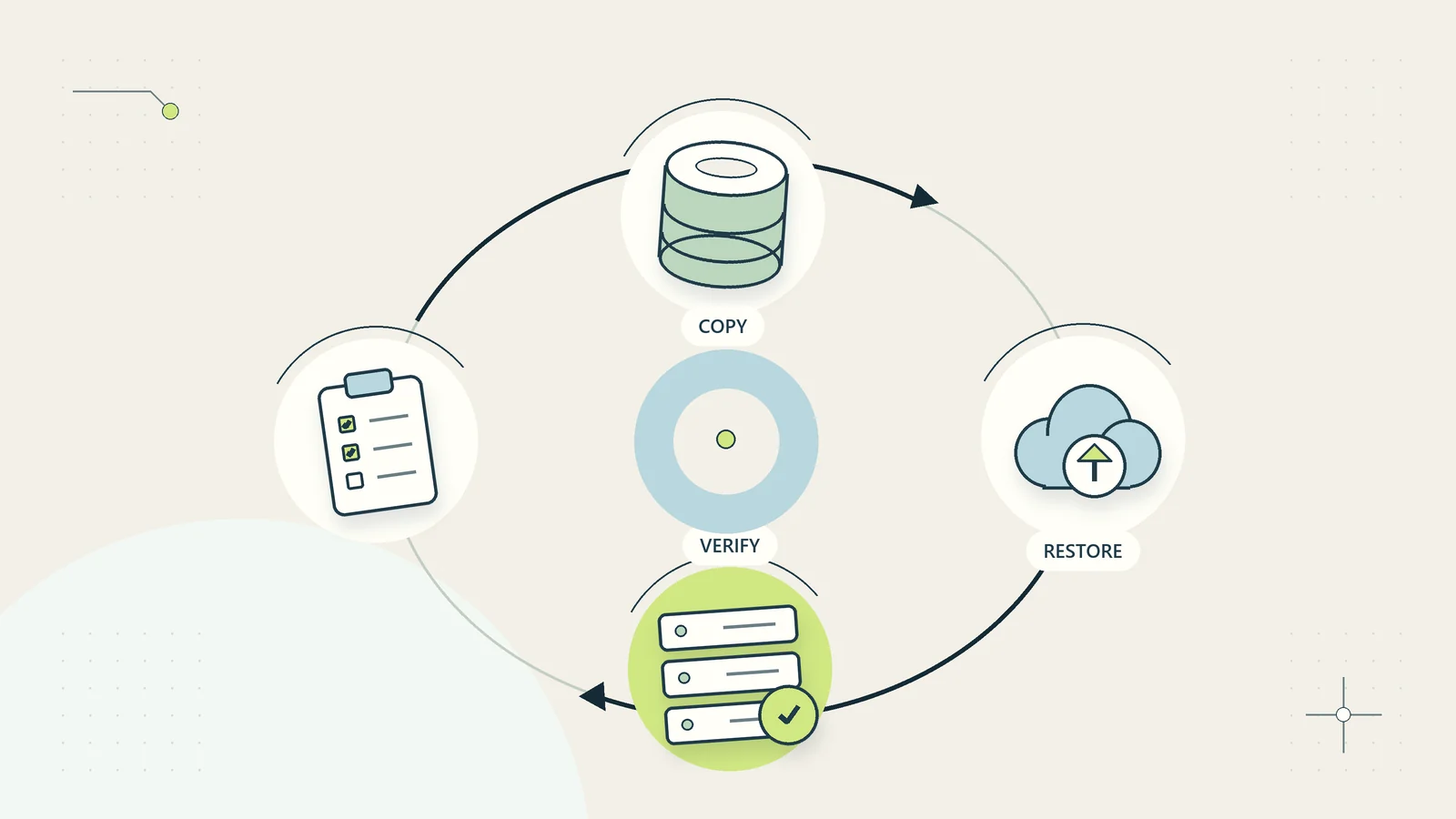
Native version history can help recover prior content, but its availability and retention depend on the system and configuration. Verify what the actual environment supports. Do not assume that a visible history is a complete backup of every file and related record.
Microsoft’s OneDrive restoration documentation describes viewing and restoring earlier file versions in that product. If your business uses another system, check its own supported procedure. The key operating task is to demonstrate recovery with a safe test document before relying on it.
Choose a non-sensitive sample, create a known earlier version, make a deliberate test change, and recover the expected content. Inspect the result and record the steps, permissions, and limitations. Avoid testing restoration by overwriting a live customer deliverable.
Use the backup restoration test guide for broader recovery planning. Version history, file backup, and recovery of a whole workspace are related capabilities, but they are not interchangeable.
A hypothetical procedure revision
Imagine a small training company updating its course operations procedure. The current issued version, PROC-007 v03, tells coordinators to confirm learner materials before sending access instructions. A new product format requires an additional accessibility check.
The owner creates a draft for v04 and records the intended operating change. A reviewer checks whether the new step is understandable and can be performed with the available evidence. Another reviewer confirms that the exported checklist matches the procedure. Comments refer to one captured review copy.
After approval, the owner issues v04, updates the team’s current-procedure page, and marks v03 as superseded in the archive. Active coordinators receive a concise explanation of the new check and its effective date. The team identifies open course launches that need the new step applied.
This hypothetical example illustrates control beyond file numbering. The useful result is that staff can identify the current instruction, understand what changed, and know how the change applies to work already underway. No measured outcome or certified document system is claimed.
Manage concurrent edits and urgent corrections
Concurrent editing can be efficient when the platform supports it and contributors share a clear plan. Assign sections or editing responsibilities where that reduces collisions. Keep one owner responsible for resolving inconsistent changes before the document enters review.
If two independent copies diverge, compare them deliberately. Identify their common starting version, review the differences, and merge approved changes into the authoritative source. Do not choose the file with the newest timestamp and assume it contains every valid contribution.
For an urgent correction, use an expedited approval route with the necessary authority. Record why the normal schedule was shortened, what was checked, and any follow-up review required. Urgency should not remove all evidence of the decision.
Afterward, reconcile the correction into the master source and any reusable templates. Otherwise, the next routine export may reintroduce the old error. A patch applied only to a delivered copy can leave the underlying production process unchanged.
Track related documents and translated versions
A controlled document may have related outputs: a checklist, a training slide deck, a translated copy, or an exported customer worksheet. Record those relationships so a source change prompts the right review. Updating the main procedure does not automatically update every supporting resource.
Give each related output a clear identity and note which source version it reflects. A translated procedure may remain based on v03 after the original moves to v04. That does not necessarily make the translation unusable, but the difference needs assessment before people assume the instructions are equivalent.
Use a change-impact question at release: which other materials could become misleading because of this change? Assign owners to check them and record whether they need revision, a temporary notice, or no action. Avoid delaying a necessary correction indefinitely while unrelated cosmetic edits are completed elsewhere.
For a bundled digital product, keep a release manifest listing the files and their versions. The package identifier can then point to an exact set of contents. This helps explain what a customer received and prevents a later re-export from quietly substituting one component without a corresponding release decision.
Keep the relationship map proportionate. A short list of dependent resources is often enough for a small team. The useful result is visibility of affected materials, not a complex document database maintained for its own sake.
Introduce controls where mistakes matter most
Begin with a small document set: current operating procedures, customer-facing templates, or recurring reports. Inventory the sources, owners, current issued versions, and known duplicates. Resolve the most consequential uncertainty before trying to standardize every note in the business.
Pilot the lifecycle with one real revision and a safe recovery exercise. Measure time spent finding the correct version, review confusion, mismatches between source and export, and incidents of obsolete copies being used. Include feedback from someone who did not design the system.
Stop expansion if the process creates unnecessary bottlenecks or makes current documents harder to access. Simplify approvals for low-impact changes while retaining appropriate checks for consequential revisions. The control should fit the document’s use and risk.
Review ownership and retrieval routes when people leave, systems change, or services evolve. A sustainable version-control process leaves a clear source, an identifiable issued version, a meaningful history, and a tested recovery route. Those foundations are more valuable than a folder full of files competing to be called final.
Sources and editorial method
Checked on October 15, 2026. Sources are Atlassian’s document storage and tracking guidance and Microsoft’s OneDrive version restoration documentation, used for limited concepts about centralized history and recovery. The lifecycle, revision scheme, review checks, and hypothetical procedure example are original guidance. Product-specific recovery behavior must be verified in the actual environment; no integration test or certification is claimed.