File naming conventions a small business can maintain
Create readable file naming rules using stable references, clear dates, versions, validation, and a safe rollout that preserves existing links and evidence.
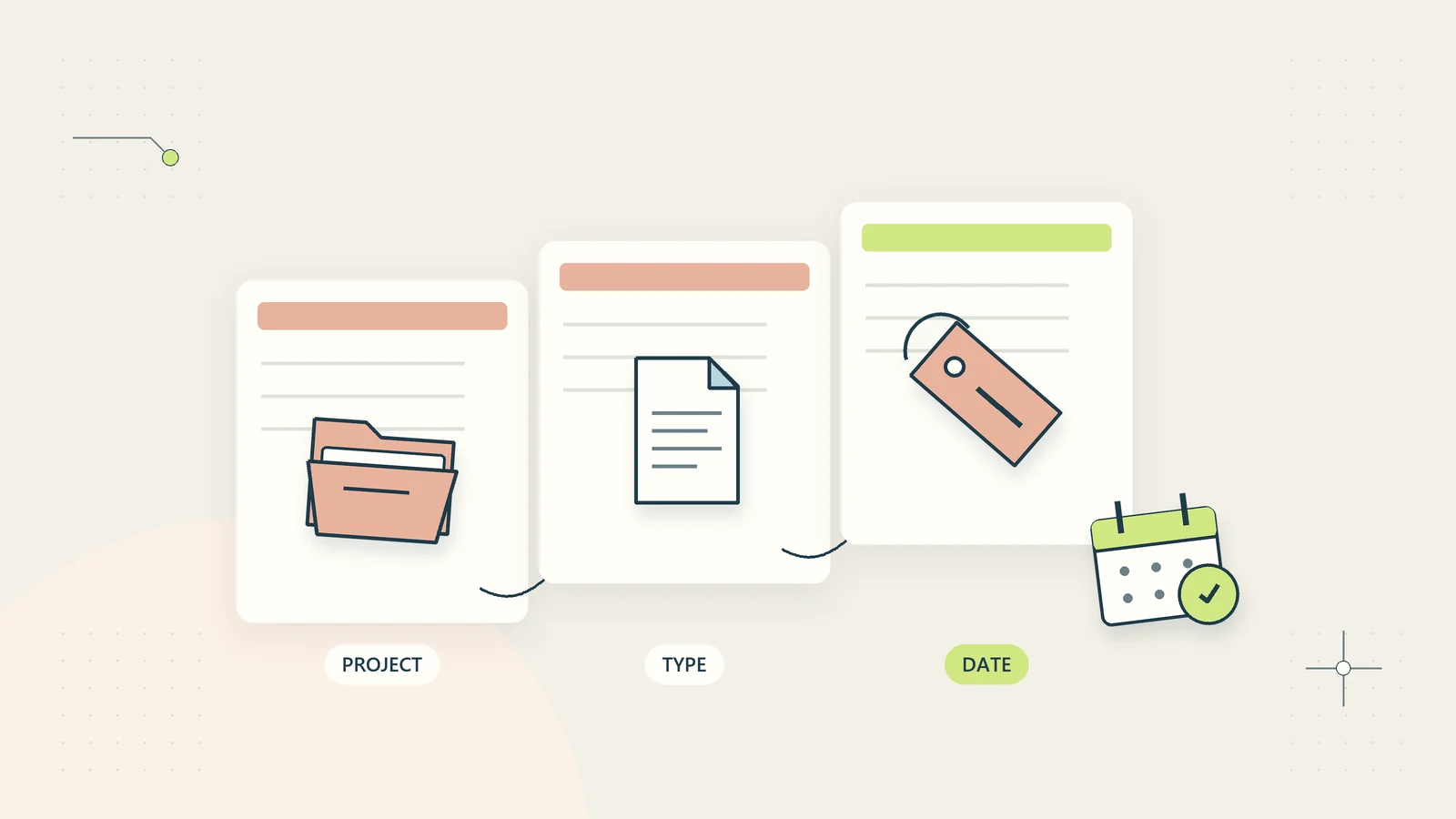
A file naming convention should help someone identify the right document without opening several similar files. For a small business, the best convention is usually short, consistent, and connected to the way people actually retrieve work. A complicated code that only its creator understands will not remain consistent for long.
Names are only one part of document organization. They cannot determine access permissions, prove approval, or replace a version history. Their job is to make files recognizable as they move between folders, downloads, email attachments, and client handovers.
This guide provides a practical method for designing a convention, testing it with real retrieval tasks, and introducing it without breaking existing references. The examples are illustrative. Adapt the pattern to your systems, language needs, and applicable recordkeeping obligations rather than treating one format as a universal standard.
Begin with the retrieval question
Ask how people look for a file. They may start with a client reference, a project, a reporting period, or a document type. Your name should expose the information most useful when the file is seen outside its original folder.
Collect a small set of representative files. Include a customer deliverable, an internal procedure, an imported source file, and an approved record. Ask another team member to identify the correct file for a concrete task. Note which missing details create confusion.
Do not design solely around the person who saves the document. A coordinator may know that “summary” means the October operations report, but a client receiving the attachment may not. A recognizable name should survive that change of context.
The US National Archives’ file naming and organizing guidance discusses consistency and descriptive naming. Its archival setting differs from everyday small-business work, but the practical lesson is useful: choose a documented approach that remains understandable over time.
Choose a small set of meaningful components
A workable business filename often combines an identifier, a document type, a relevant date or period, and a version where needed. Not every file needs every component. Add information because it helps recognition, not because a template contains another available slot.
For example, C1042_operations-summary_2026-10_v02.pdf identifies a client reference, a document type, a reporting month, and a version. The same business might use PROC-014_access-review_v03.pdf for a procedure whose effective date belongs in its controlled metadata rather than its filename.
| Component | Purpose | Design question |
|---|---|---|
| Stable reference | Connect the file to a client, project, or process | Can people find the referenced record? |
| Document type | Explain what the file contains | Is the term used consistently? |
| Date or period | Distinguish time-specific records | Does it mean creation, reporting, or approval? |
| Version | Separate revisions when exported copies circulate | Who assigns the next number? |
| Extension | Identify the actual file format | Has the format been preserved correctly? |
Keep the pattern readable. If a name includes six abbreviations, a region code, and an unexplained status, the team may need to open a separate key just to understand it.
Decide what each date means
Date ambiguity is a frequent source of mistakes. A document can have a creation date, an event date, a reporting period, and an approval date. Pick the date relevant to retrieval and explain its meaning in the naming guide.
A sortable year-month-day form such as 2026-10-15 can reduce ambiguity across international teams. It does not answer which event the date represents. A monthly report may be better identified by 2026-10 than by the day it happened to be exported.
Avoid relying on the file system’s modified date as a business meaning. Copying, downloading, converting, or migrating files can change technical timestamps. If an approval date matters, preserve it in an appropriate record rather than assuming every platform will display the same timestamp.
For events spanning time zones, keep precise timestamps in the relevant metadata or log. A filename is rarely the best place for every detail of an event. Include enough information to distinguish the file while maintaining a trustworthy source record.
Use identifiers without exposing unnecessary information
A stable client or project reference can make names shorter and reduce accidental disclosure. It should link to a maintained record, not a code only one employee remembers. Define how identifiers are assigned and prevent reuse that would create confusion later.
Do not place sensitive personal information in filenames merely because it is convenient. Names can appear in email subject suggestions, shared links, search indexes, browser downloads, and notification previews. A filename containing health details, identity numbers, or a confidential matter description can reveal information outside the document’s intended audience.
Use a neutral reference and a useful general document type where appropriate. The authorized record can contain the details needed to interpret the reference. This does not remove the need for proper access control; a neutral name is a minimization measure, not a security boundary.
Connect the convention to the customer data sharing checklist when files leave the business. Review the name as well as the document contents and sharing permissions before sending.
Define characters and separators your systems support
Choose one separator style and test it across the systems the team uses. Underscores or hyphens often make components easy to recognize. Avoid characters that your storage, operating system, import process, or customer download environment cannot handle reliably.
Do not assume every platform applies the same restrictions. Path length, reserved characters, capitalization, and Unicode handling can differ. Test a sample upload, download, extraction, and synchronization using the actual supported environments before adopting the convention broadly.
For an international business, decide deliberately whether names will use English labels, local-language terms, or both. Removing all non-English characters may simplify a particular legacy system but can also make names less meaningful. Document the constraint and its reason instead of describing one language choice as inherently correct.
Keep extensions accurate. Renaming a .csv file to .xlsx does not convert its contents into a spreadsheet workbook. Use the appropriate export or conversion process, and preserve the original when the business needs evidence of what it received.
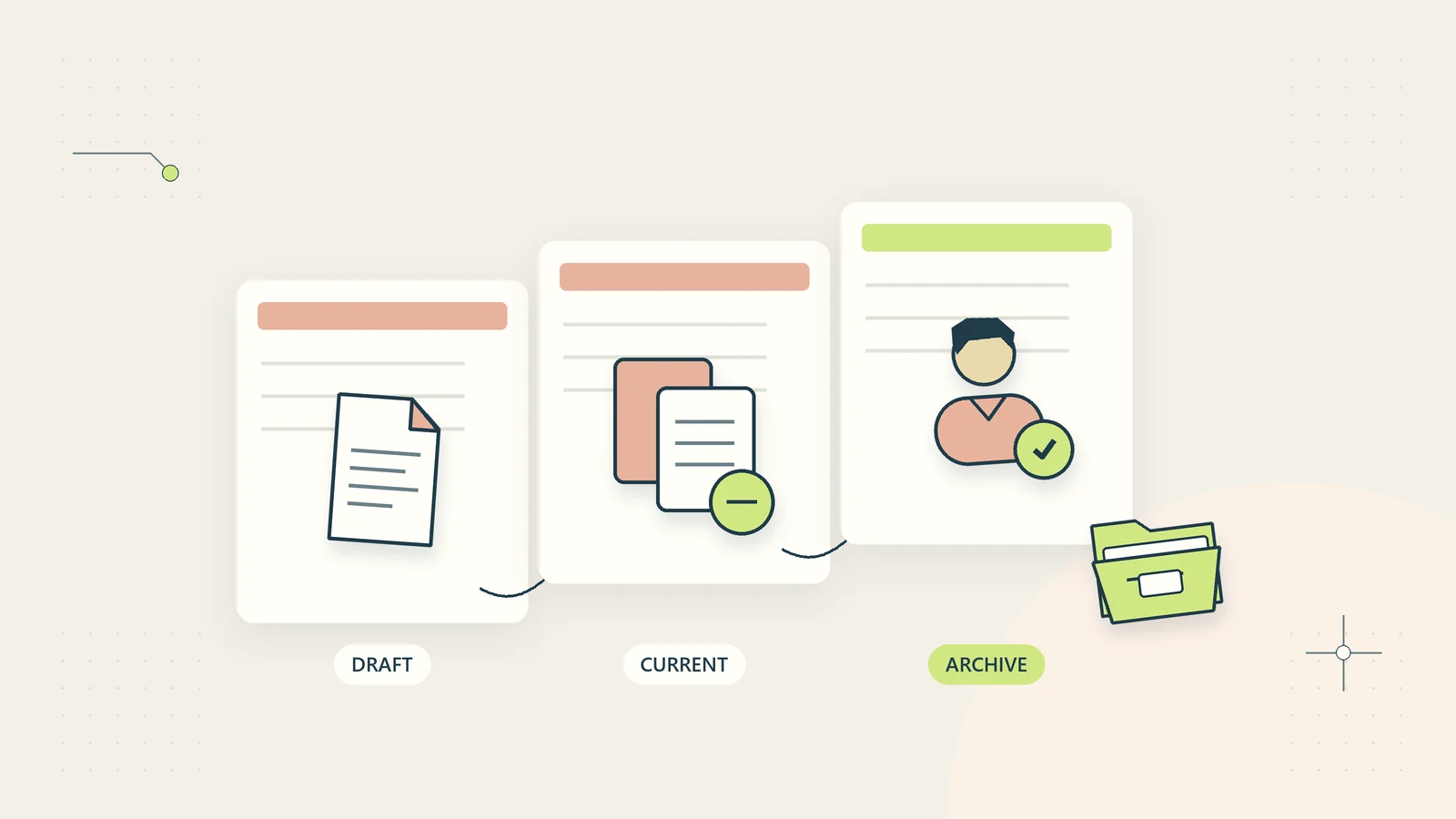
Separate naming from document status
Words such as draft, approved, and superseded can be helpful, but they need clear ownership. A filename ending in approved does not prove that the authorized person reviewed it. Link important status to a decision record or controlled document system.
Avoid chains such as final_final_revised_REAL.pdf. They record frustration rather than a meaningful revision sequence. Use a version identifier and, where appropriate, a separate release label that has an agreed meaning.
For documents edited in a system with native version history, one stable filename may be preferable during collaboration. Exported review copies may still need version identifiers because they circulate outside that history. The document version control guide explains how to connect those two situations.
Keep approved records separate from working drafts in the process, even if the same storage system holds both. People need to know which file they may edit and which represents an issued decision or deliverable. Folder placement alone should not be the only clue.
Write a one-page naming guide
The guide should contain the pattern, component definitions, accepted abbreviations, examples, and exceptions. Name an owner who can answer questions and approve changes. Do not leave the convention as a verbal instruction passed between employees.
Show a correct and incorrect example for each common document type. Explain why a name is unsuitable: the period is missing, the client reference is wrong, the status is unsupported, or the version is ambiguous. This is more useful than simply telling people to be consistent.
The National Archives’ metadata and naming-convention memorandum concerns US federal electronic-record transfers. It is not a general legal requirement for small businesses worldwide. It provides an example of documenting naming guidance within a larger metadata framework, rather than expecting filenames to carry every recordkeeping detail.
Include a question route for unusual files. The guide should tell staff what to do when a document does not fit, rather than encouraging them to invent new abbreviations independently.
Handle incoming files without destroying evidence
External files often arrive with poor names. Decide when to preserve the original name and when to create a working copy with the business convention. A received contractual or evidentiary record may need its original context preserved according to the applicable requirements.
One practical approach is to retain the original in a controlled intake location and create a clearly linked working copy. Record the source, receipt date, and relationship between the original and the renamed copy when that information matters. Avoid an elaborate duplicate structure for low-value files that do not need it.
Do not automatically rename everything using guesses from document contents. A mistaken client identifier can route a file to the wrong place or make it difficult to recover. Review uncertain matches and prevent a naming process from changing access permissions unexpectedly.
Use the client document request process to reduce confusion before files arrive. Giving customers a simple reference and upload instruction is often more effective than trying to reconstruct context after receiving an attachment called scan.pdf.
A hypothetical convention for a small service business
Imagine a three-person consultancy that produces recurring operations reports and procedure documents. Its current folder contains report final.pdf, report new.pdf, and report CLIENT2.pdf. The team chooses two patterns rather than one pattern overloaded with every possible field.
Client outputs use a client reference, document type, reporting period, and exported version. Internal procedures use a process reference, a descriptive title, and a release version. The current approved procedure also contains an effective date and owner inside the document.
The team tests the patterns by giving a colleague three retrieval tasks: find the report for a specific month, locate the current approved access procedure, and identify the draft that a client reviewed. The first two tasks become clear, but the third reveals that approval references are missing from exported review copies.
The team adds a review-copy rule and links each issued export to its approval record. This hypothetical example shows why naming tests should include real retrieval decisions. The objective is not a visually tidy folder; it is the ability to identify the correct record without guessing.
Introduce the convention without breaking existing work
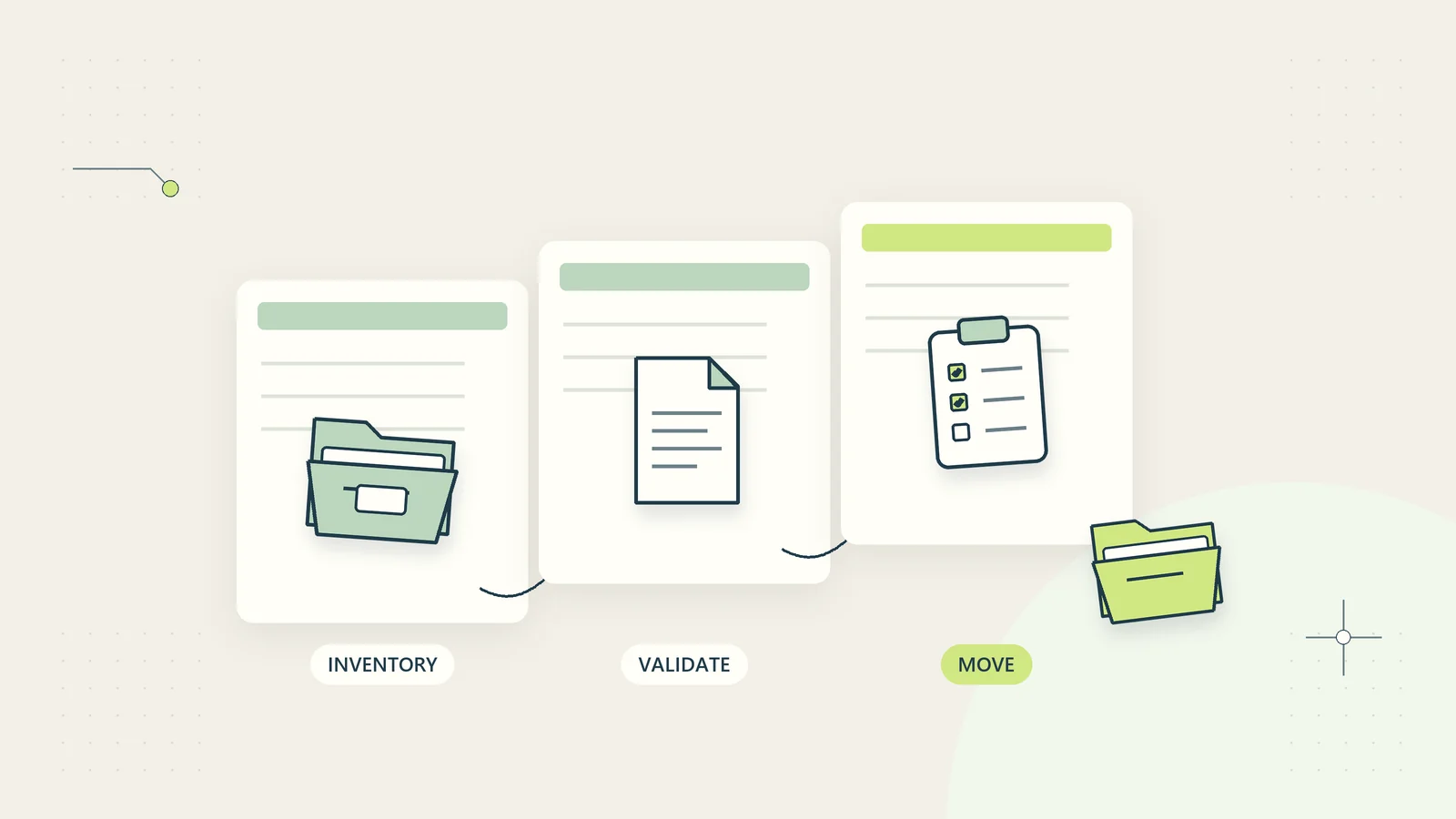
Start with new files in one process. Avoid renaming an entire archive immediately. Existing names may be embedded in links, formulas, scripts, customer instructions, or records held outside your control. A large rename can create more disruption than the original inconsistency.
If older files need migration, create an inventory and test a small batch. Record old and new paths, detect collisions, and verify important links. Preserve a recovery route. The document migration guide provides a broader structure when the naming change accompanies a move between systems.
Decide how to handle collisions before the rename. Two files that produce the same target name need review; silently replacing one is unacceptable. Distinguish true duplicates from separate records with similar content or names.
Tell affected people when the change applies and how to find moved files. Keep a mapping for the transition period where necessary. Do not assume that a clean internal folder automatically updates the copy a customer downloaded last month.
Validate new names before making changes
A lightweight validation step can catch mistakes before a file is saved or renamed. Check required components, allowed separators, identifier format, and collisions with existing names. Keep validation separate from the decision about whether the document belongs to the identified client or project.
An automatic check can confirm that a date looks like a date while still accepting the wrong reporting period. It can confirm that a client reference exists while missing that the file concerns another client. Treat structural validation as support for human or process verification, rather than proof that the name is correct in every respect.
Show understandable errors. “Client reference missing” tells a person what to fix. “Invalid filename” without an explanation encourages trial and error. Offer a preview of the final name and location when a batch rename is involved.
For imported files, record exceptions in a review queue rather than inventing missing values. A file with an uncertain owner should remain restricted and unresolved until the appropriate person identifies it. Guessing a plausible owner can create a more serious problem than an untidy name.
Test the validation against legitimate unusual cases, including long project names, translated titles, and dates that represent a period rather than a single day. The rule should prevent common errors without blocking valid work or forcing staff to create misleading information simply to satisfy a rigid pattern.
Test and maintain the rule
Pilot the convention with a small number of users and representative files. Measure naming corrections, retrieval mistakes, time needed to identify the correct version, and exceptions that do not fit the guide. Include someone who did not help design the pattern.
Test the filename in the complete path. A short name can still create an unsupported path when nested under several long folders. Also inspect how it appears in a mobile download list or an email attachment where only part of the name may be visible.
Review the guide when new services, document types, or storage tools appear. Change the convention only when there is a clear benefit, and preserve the meaning of older records. A naming standard that changes every month defeats its own purpose.
Keep the final rule small enough to remember and clear enough to check. A dependable filename tells the reader what the file is, which work it belongs to, and how it relates to other versions. The surrounding document process should handle authority, access, retention, and recovery.
Sources and editorial method
Checked on October 15, 2026. Sources are the US National Archives’ file naming and organizing guidance and AC 38.2015 memorandum. These are archival and US federal-context references, not universal requirements for private businesses. The naming patterns, decision table, migration approach, and hypothetical consultancy example are original practical guidance. Platform restrictions and applicable recordkeeping rules must be checked for the actual environment.