Business process automation for small businesses: a practical guide
Choose a useful first automation, map the handoffs, compare approaches, and run a measured pilot with this practical small-business guide.
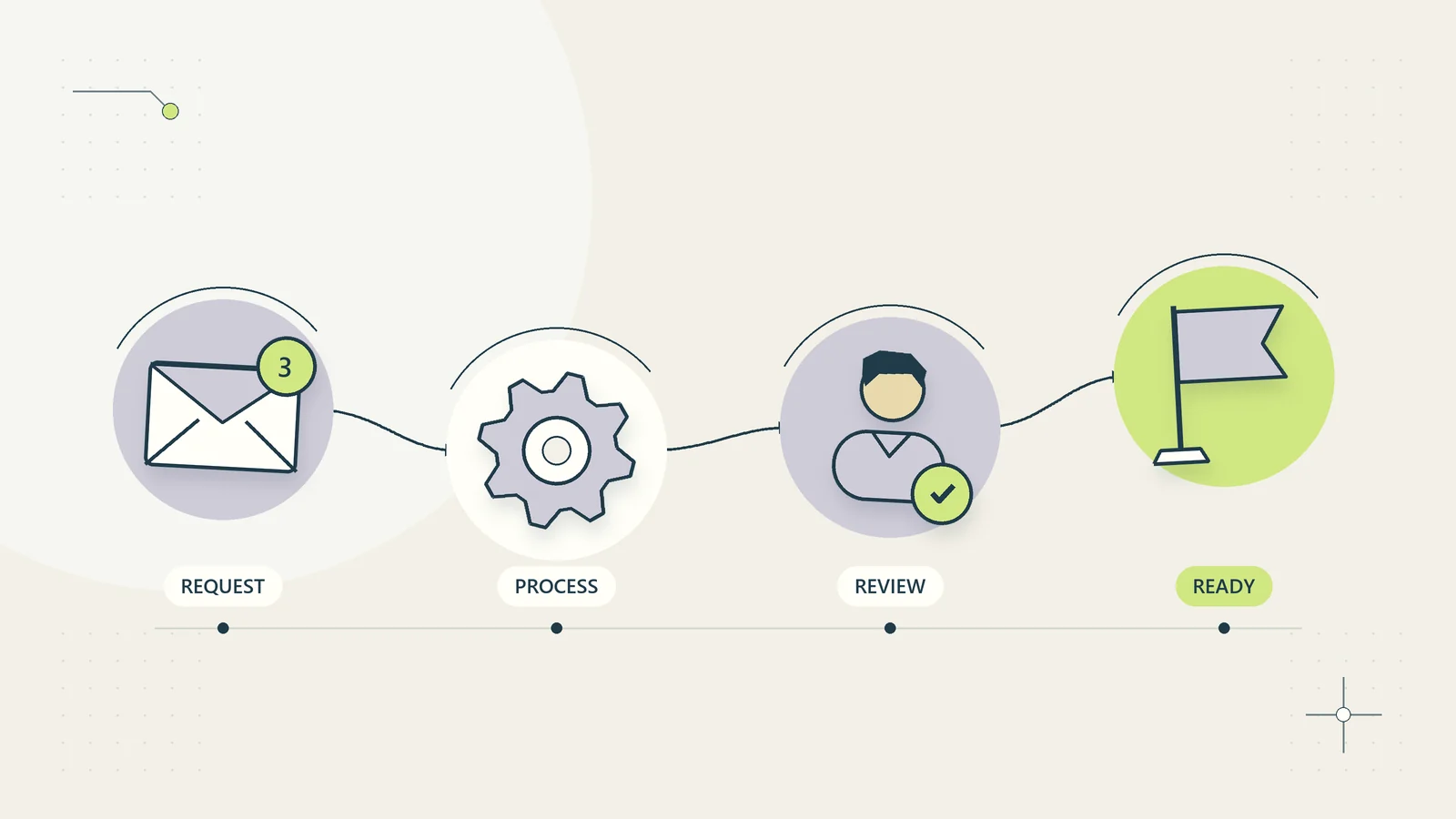
Business process automation uses software to move a defined piece of work through repeatable steps. For a small business, a useful first project usually connects a few existing systems, gives each exception an owner, and makes the result easier to verify. The starting point is a clear business outcome: a new client is ready for delivery, a document request is complete, or an invoice has been matched to a payment.
Buying an automation platform is a later decision. If the team cannot explain when the work begins, which record is authoritative, and what counts as finished, software will make the uncertainty travel faster. This guide gives you a practical way to choose, design, and assess a first project. The examples are hypothetical planning exercises, not reported client results.
What business process automation includes
A task is one action, such as adding a contact to a customer database. A process connects actions to an outcome. Client onboarding may include confirming an agreement, collecting approved information, assigning a delivery owner, granting access, and checking that the client knows the next step. Automating only the contact creation leaves most of that process untouched.
IBM describes business process automation as software-supported automation of repetitive processes that can span several systems. In a small business, the practical question is how those systems hand responsibility to each other. You do not need an enterprise-wide redesign to address one troublesome handoff.
Consider three levels of improvement. A template makes a repeated action easier. A rule performs a defined action when a condition is met. An orchestrated workflow coordinates several rules, records progress, and handles failures. Start at the simplest level that solves the actual problem. A better intake form and a shared checklist may be enough before any integration is justified.
Identify the outcome before listing features
Write one sentence describing the result in terms a customer or colleague could recognize. “Connect our CRM and forms” describes technology. “Every accepted client has an assigned owner and a complete onboarding checklist” describes an outcome. The second sentence gives you something to test.
Then define the boundary. What event starts the process? What conditions must already be true? What evidence marks completion? Who can stop it? A sales enquiry might start an intake process, but it should not automatically create a paying client. An accepted proposal might begin onboarding, while permission to grant access remains a separate decision.
Record what the workflow will leave to people. Pricing exceptions, disputed invoices, professional judgments, and changes to bank details often need a responsible person. This is part of the design, not a defect to eliminate later. When an owner knows which decisions remain theirs, they can assess whether the proposed system fits the business.
Map one real case from beginning to end
Choose a recent, ordinary case and reconstruct its path. Ask the people doing the work to show the actual screens and records. Note where information was copied, where someone waited, and where an apparently completed task returned for correction. Remove personal or confidential details from the working map.
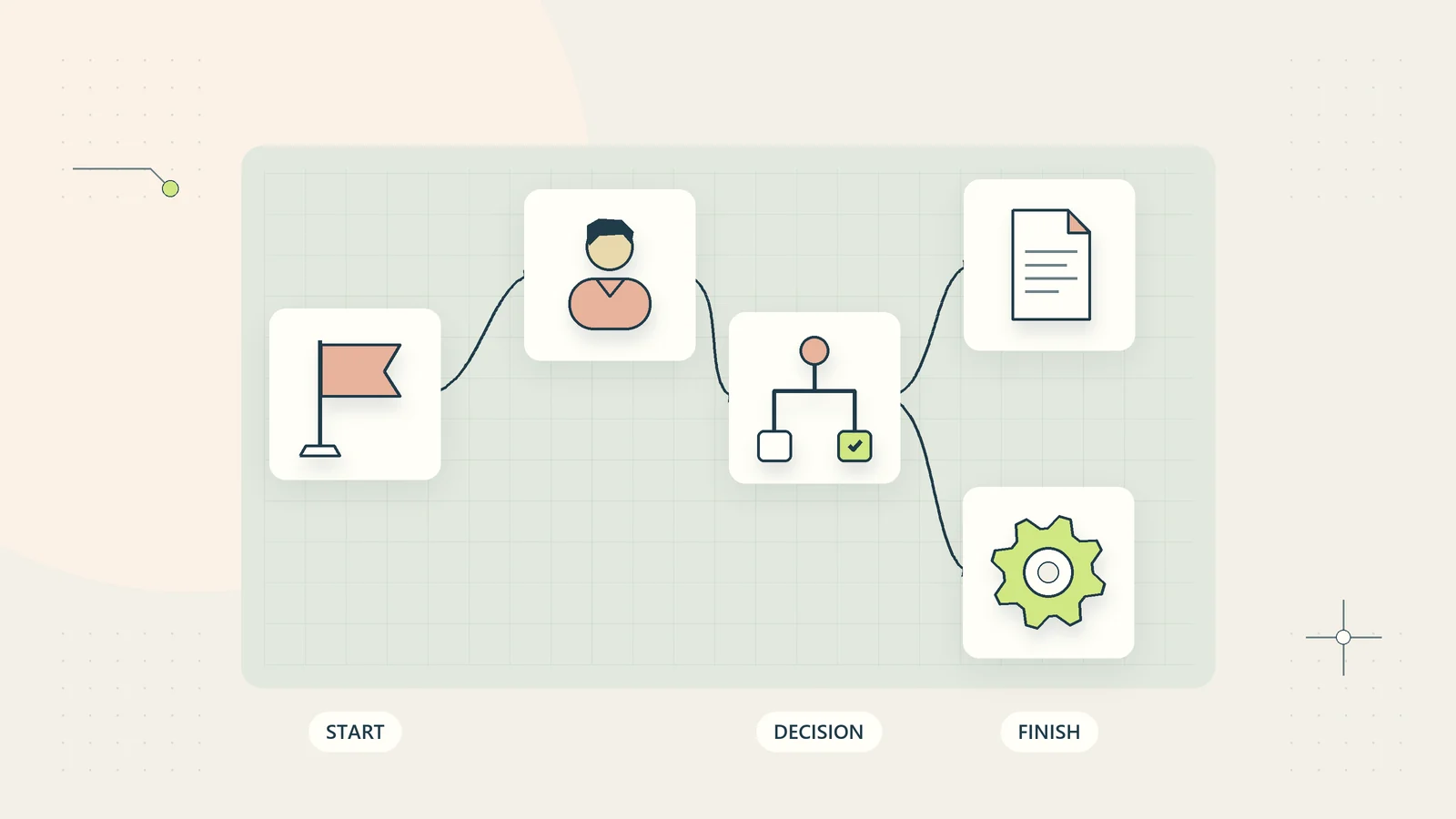
A useful process map contains the trigger, required fields, system of record, action owner, decision point, expected output, and exception route. Add the time spent actively working separately from time spent waiting. A process that takes four days may contain only twenty minutes of work. Automating those twenty minutes will not necessarily remove a three-day approval delay.
Do not map only the happy path. Include an incomplete submission, a duplicate, a change after approval, and an unavailable supplier system. If staff routinely solve these cases through informal messages, document that knowledge. Otherwise the automation will depend on the same invisible expertise while making the queue harder to understand.
Choose a first project with a simple scorecard
Score a candidate on repeatability, input quality, reversibility, ownership, and measurable benefit. Use a low score when the evidence is uncertain. This is an internal planning device, not an industry benchmark or a security certification.
| Question | Strong candidate | Reason to pause |
|---|---|---|
| Does the same trigger occur repeatedly? | Clear event with a stable identifier | Staff infer the trigger from conversation |
| Are the required inputs available? | Structured, current records | Essential facts live in attachments nobody reviews |
| Can errors be contained? | Drafts and reversible updates | Unreviewed payments or irreversible changes |
| Is someone responsible? | Named process and exception owners | Responsibility moves between teams |
| Can improvement be measured? | Existing workload and error records | Benefits depend entirely on a sales claim |
Two candidates can have equal potential time savings but very different operating risks. Routing an incomplete enquiry to the right employee is easier to reverse than changing a customer’s billing instructions. Prefer a first project that teaches the team how to monitor and recover, even if its advertised savings look smaller.
A worked example: onboarding a new service client
Imagine a small consultancy receives an accepted proposal through its existing proposal system. Staff currently copy details into a CRM, create a project, request documents, and ask a manager to assign the work. The hypothetical problem is inconsistent handoff: some projects reach delivery before the agreement or access checklist is complete.
The proposed trigger is an accepted agreement with a stable agreement ID. The workflow reads the current acceptance status, finds the client by a verified identifier, and creates one onboarding record. It does not match clients solely by a similar company name. If the identifier is missing or ambiguous, the record enters an exception queue.
Next, the workflow prepares tasks for the delivery owner. The required checklist includes the agreed service, responsible contact, access request, first deliverable, and next communication. An approval step confirms that the proposed owner and project scope are correct. Only then does the workflow create or update the delivery project.
Completion means the owner accepted responsibility and the checklist has no unresolved prerequisites. Sending a welcome email is one event within the process; it is not proof that onboarding succeeded. A status page can distinguish “waiting for client,” “waiting for internal review,” and “ready for delivery” without disclosing private documents.
Decide where the source of truth lives
Each important fact should have an authoritative home. The agreement system may own acceptance, the CRM may own the approved contact, and the project system may own delivery status. You can use several systems without allowing all of them to overwrite the same field freely.
Create a field map with the source field, destination field, allowed values, required validation, and update direction. Include identifiers, dates, currency, and time zone conventions. A field called “status” in two products rarely means exactly the same thing. “Closed” could mean a won sale, completed service, cancelled request, or archived record.
Specify which changes must be read again before action. If a client withdraws permission, an agreement is cancelled, or a document checklist becomes complete, a previously queued reminder may no longer be appropriate. Rechecking current state is more reliable than assuming that information captured several days ago remains valid.
Compare implementation approaches by the work involved
Native rules within software you already use can be a good fit for a single-system process. They keep administration close to the people who understand the records. Their limits often appear when work must cross applications, wait for approvals, or recover from partial completion.
An integration platform can coordinate several products and expose execution history. Its apparent simplicity does not remove the need for credentials, field mapping, error handling, and maintenance. A custom application can provide more control over state and user experience, but it also creates software ownership obligations. Compare the total operating burden, not just the number of connectors.
Before choosing a provider, ask whether your current plan permits the necessary API access, how retries are charged, where execution data is stored, and how you export the workflow. Verify current terms directly. This guide does not treat an application logo or a connector listing as proof that a particular business process has been tested.
Build failure handling into the first version
Give each event a stable identifier and use it in duplicate checks before consequential actions. An identifier alone does not prevent repeated effects. Record the outcome of each action and use the destination’s documented duplicate-prevention mechanism where available. If a provider times out after receiving a request, blindly retrying can create a duplicate. The recovery path should distinguish a confirmed failure from an uncertain result that needs checking.
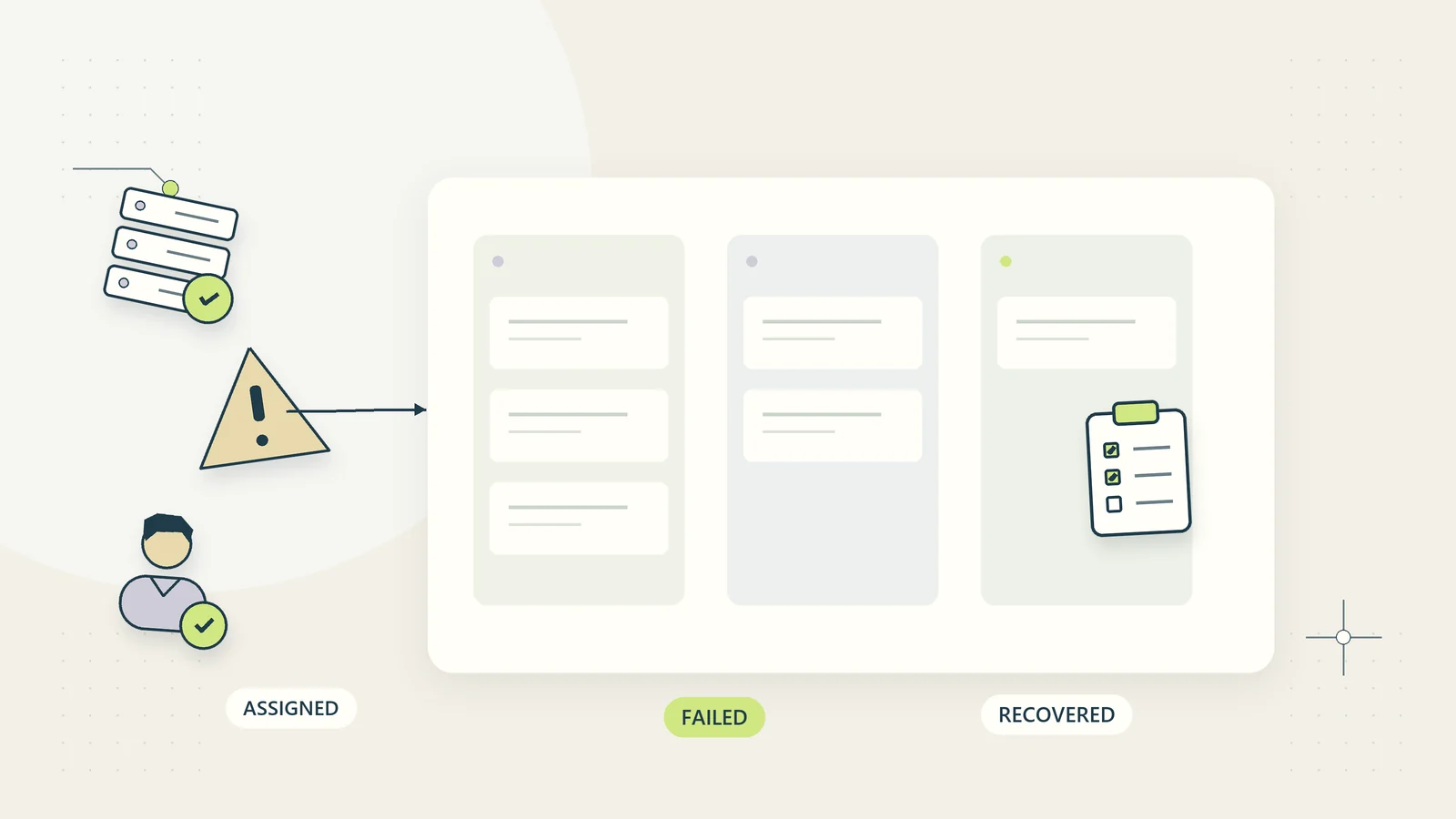
Give exceptions a visible queue with an owner, reason, age, and next action. Avoid a dashboard that shows only successful runs. An exception can represent missing information, an access problem, a changed record, or a supplier outage. Those cases require different responses, so keep their reasons useful to the person resolving them.
Define a pause mechanism and a manual fallback. Staff should know how to stop new actions, identify work already in progress, and continue the essential service. A fallback that depends on the unavailable integration is not much of a fallback. Keep the recovery instructions accessible to the team responsible for the process.
Use AI only where uncertainty is manageable
Some inputs are predictable enough for ordinary rules. A form field with an allowed list does not need an AI model to interpret it. AI can help draft a summary, suggest a category, or organize unstructured information, but those outputs should not silently become authoritative facts.
Separate a suggestion from permission to act. A drafted message can wait for review; an extracted amount can require reconciliation against the source. When a decision affects money, access, confidential information, or a professional obligation, define who must approve it and what evidence they must see.
The NIST AI Risk Management Framework provides a broader voluntary framework for thinking about AI risks. Our practical recommendation is to begin with bounded, inspectable uses and assess them in the actual process. Calling a system “AI-powered” does not establish that it is reliable, suitable, or compliant.
Measure the business result, including review work
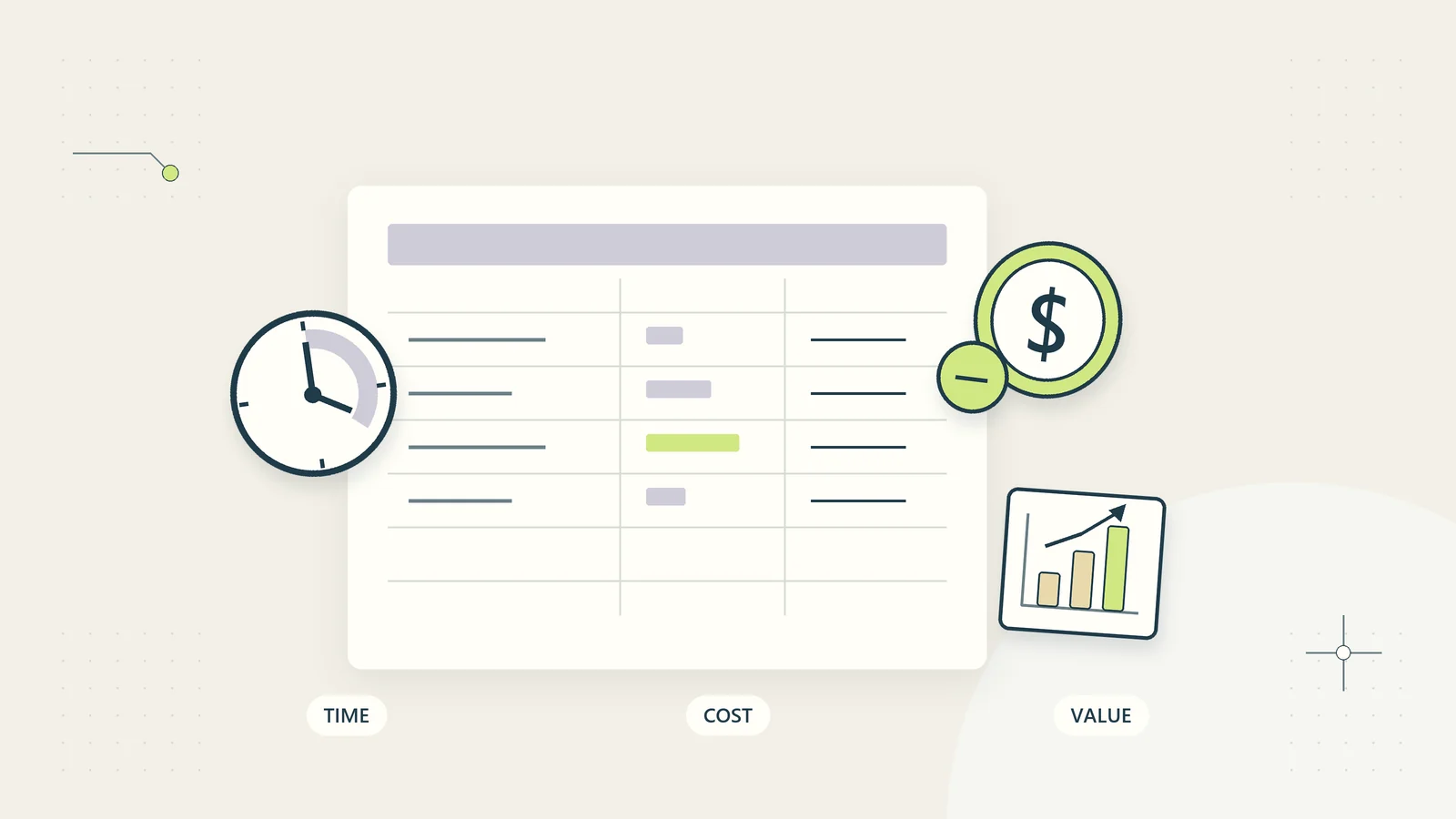
Record a baseline before the pilot: completed cases, active handling time, waiting time, correction rate, and unresolved exceptions. Use a consistent definition of a case. Counting a notification as a completed onboarding will produce attractive numbers that say little about the customer experience.
During the pilot, include staff review, maintenance, and recovery time. If a workflow saves fifteen minutes of copying but creates twenty minutes of exception checking, the result deserves investigation. Some projects remain worthwhile because they improve traceability or service consistency, but name that benefit honestly.
Keep recovered capacity separate from cash savings and new revenue. A salaried employee finishing administration earlier does not automatically reduce payroll. New revenue depends on demand, capacity, pricing, and successful delivery. Use the automation ROI calculator to explore assumptions, then replace them with measured pilot observations.
An illustrative first-month pilot plan
In the first stage, map the process, identify its owner, and collect a small baseline. In the second, build with synthetic records and test successful, duplicate, incomplete, changed, and failed cases. In the third, run a limited pilot with explicit authorization and a manual fallback. In the fourth, compare outcomes and decide whether to adjust, expand, or stop.
These stages are an illustrative sequence, not a promise that every implementation takes a month. Data quality, approval requirements, API access, and staff availability can change the timetable. A useful pilot has a defined end point and acceptance criteria rather than an indefinite period of “seeing how it goes.”
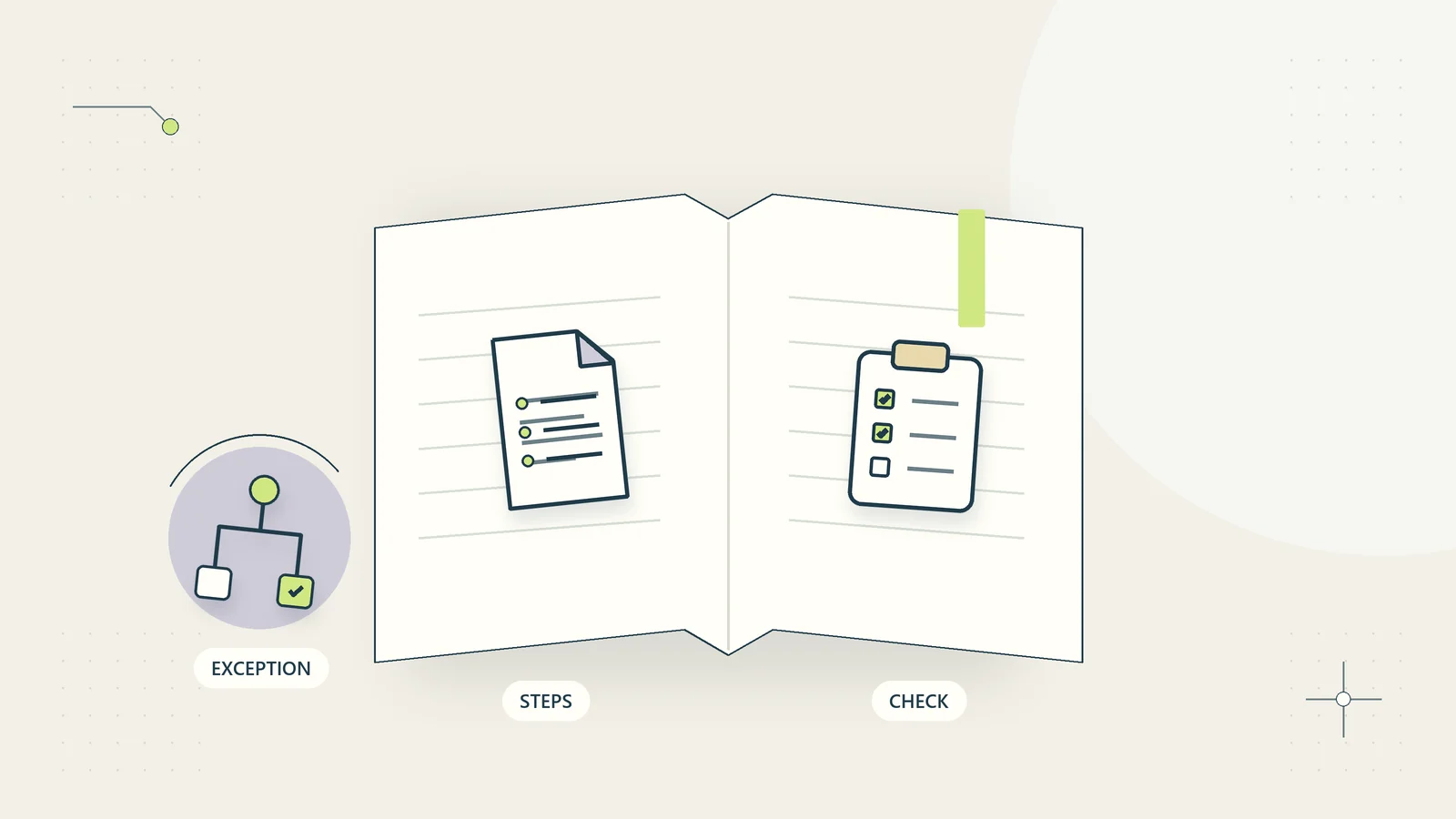
Keep a short release record: workflow version, systems involved, permission scope, test results, known limitations, owner, and rollback steps. If someone else takes over the system, they should be able to understand what it does without reconstructing your conversations. That handover is part of the product you are building.
What to do next
Pick one process whose outcome is clear and whose exceptions already consume attention. Write down the source of truth and the human decisions before shopping for software. If those foundations are missing, start with the SOP guide and make the work understandable first.
Then compare the process with the client onboarding blueprint or explore the industry use cases. The browser-based workflow planner helps you create and download a starting outline at your own pace. Record the systems, acceptance tests, support responsibilities, and costs before connecting business software.
Use a process map to identify the actual handoffs, then test the economics with the automation ROI guide. These are different decisions: a process can be technically easy to connect while still having too little useful volume to justify maintaining it. Keep the map, assumptions, and pilot results together so a later reviewer can understand why the project was selected.
Sources and editorial method
Research checked October 15, 2026. Sources support the definitions and framework references linked in the text. The scorecard, consultancy example, and pilot sequence are original FirmWorkflows planning tools; they are not measured client outcomes. Software access, legal duties, and professional requirements must be assessed for the reader’s own circumstances.