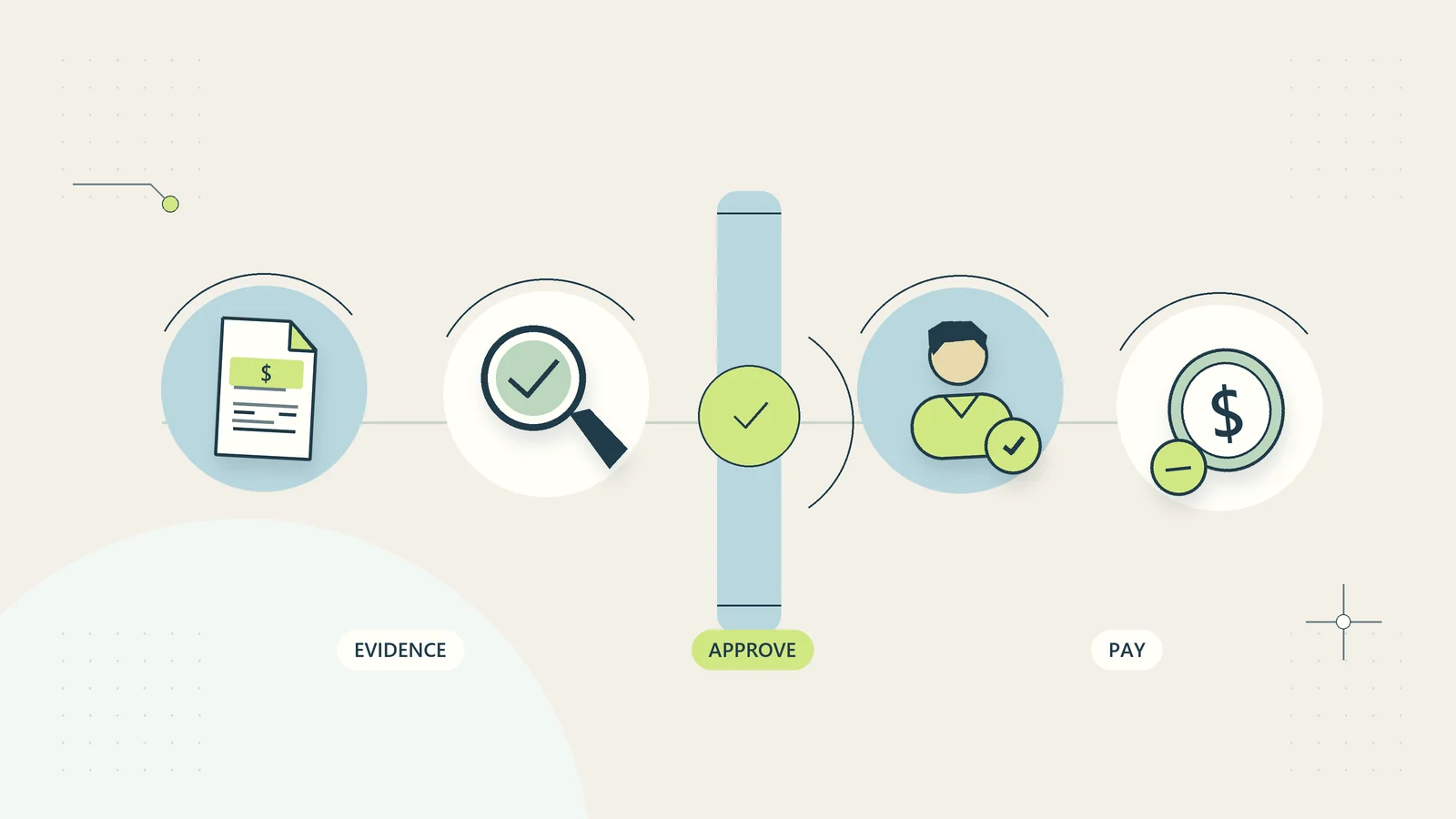
Build an expense receipt workflow your team can follow
Collect expense receipts once, distinguish personal claims from business-card purchases, review evidence, and track reimbursement through confirmation.

An expense receipt workflow should make it easy to submit evidence once, understand what still needs attention, and see when an approved reimbursement has actually been paid. It also needs to distinguish purchases made with business funds from purchases paid personally. Otherwise the same receipt can become both an accounting entry and an accidental second payment.
Small teams often have the information they need, but it sits in different places: a photograph on a phone, a card transaction, a manager’s message, and a reimbursement spreadsheet. The goal is to connect those facts with one expense reference and a clear sequence of decisions.
This guide focuses on collecting and handing over expense information. Deductibility, acceptable tax evidence, employment rules, and retention requirements depend on location and circumstances. Agree those requirements with the qualified professional responsible for your records rather than copying another country’s thresholds.
Define the three routes an expense can take
Start by separating business-paid purchases, personally paid claims, and supplier invoices awaiting payment. A business card receipt supports a transaction that has already used business funds. A personally paid receipt may support reimbursement. An unpaid supplier invoice belongs in the payable process.
Ask the submitter how it was paid before asking which category it belongs to. “Business card ending 4821” or “personal funds, reimbursement requested” provides useful routing information. Store only a limited card identifier, never the full card number or security code.
A card statement, receipt, and invoice may all relate to one purchase. They are linked evidence, not automatically three expenses. An invoice approval workflow should handle unpaid supplier obligations, while this process keeps receipts and claims from creating duplicate payments.
Agree a simple evidence standard
The submission should identify the purchaser, purchase date, merchant, amount, currency, business purpose, payment route, and relevant project or team. Attach readable supporting evidence and include any approval reference. The bookkeeper can define additional fields needed for the business’s location and accounting setup.
The business purpose needs enough detail to distinguish similar transactions. “Travel” leaves questions. “Train to the client workshop for project HARBOR-12” gives the reviewer a reason and a project connection without including unnecessary client information.
Xero’s expense tracking guide emphasizes prompt recording and supporting documentation. Its tax examples are US-specific. The operational lesson here is narrower: collect usable evidence close to the purchase, while the person can still explain it.
Tell staff what to do if they cannot obtain normal evidence. A missing-receipt declaration can record an explanation and initiate review; it should not pretend to create a valid tax document or guarantee reimbursement.
Make capture easy at the point of purchase
Give the team one known submission route. A first-party upload page, a controlled shared folder with a short intake record, or an existing expense function can work. The route matters less than whether staff know it and whether the evidence reaches the right queue.
For photographs, explain what makes a useful image: all relevant edges visible, text readable, totals and date included, and no unrelated personal documents in the frame. If a receipt spans several pages, attach them to the same expense reference in order.
Digital receipts should retain their original file where practical. Forwarding an entire email conversation can expose unrelated information. Save the relevant document or extract the necessary receipt through an approved process instead.
Set a reasonable internal submission rhythm based on the team’s work. A weekly reminder may suit an office team; mobile staff may benefit from capture immediately after the purchase. The published rule should include the local time zone and who covers urgent reimbursement questions.
Give every expense one stable identity
Assign a reference such as EXP-0718 when evidence first enters the queue. Attach later corrections, extra pages, approval decisions, and payment references to that identity. Returning a claim for clarification should not create a new claim with no connection to the first one.
Useful statuses include received, needs information, ready for review, approved, declined, payment scheduled, payment confirmed, and recorded. Business-paid expenses can skip reimbursement stages while still requiring review and recording.
| Status | What it actually means | What it does not prove |
|---|---|---|
| Received | Submission reached the queue | Evidence is complete |
| Approved | Named reviewer accepted a defined claim | Money has been transferred |
| Payment scheduled | An authorized payment is planned | The recipient has received funds |
| Payment confirmed | Payment evidence is linked | Accounting review is complete |
This vocabulary prevents “approved” from becoming an ambiguous answer to every staff query. It also allows a person to check progress without asking several colleagues.
Check completeness before asking for approval
A coordinator can identify missing dates, unreadable attachments, absent currency, or an unclear payment route. They do not need to decide accounting treatment to perform these checks. Return the specific question rather than the entire submission with a vague rejection.
For example: “Please confirm whether this was paid on the business card or personally. The reimbursement route depends on that answer.” That is easier to resolve than “Incorrect claim.” Keep the response on the same expense record.
Do not make staff select from a long chart of accounts unless they understand it and their selection is useful. A short business-purpose and project field may provide better information for the bookkeeper than confident but inconsistent account codes.
Duplicate checks should combine several clues: merchant, date, currency, amount, receipt number, and payment route. Two identical totals can be legitimate. A flagged pair needs examination rather than automatic deletion.
Review policy and business purpose separately from tax
The manager decides whether the purchase was authorized and supports the business purpose within the expense policy. The accounting reviewer determines how the accepted evidence is recorded. These decisions may happen close together, but they answer different questions.
A company can approve reimbursement while the accountant concludes that the available document does not support a particular tax treatment. The operational record should preserve both decisions. Do not tell the employee that managerial approval means the expense is automatically deductible.
Define who may approve exceptions, including spending beyond an agreed limit, late submissions, missing evidence, or mixed business and personal purchases. The reviewer should record what was accepted, what was excluded, and why. Sensitive explanations should have access limited to people who need them.
When the owner is also the claimant, use another appropriate reviewer where feasible. If the business is too small to separate every role, retain a clear record and arrange periodic professional review instead of presenting self-approval as independent checking.
Handle split amounts without losing the original
One receipt can contain several items, projects, or personal elements. Preserve the original total and create a transparent allocation underneath it. The allocated amounts should reconcile to the original, with any nonclaimable portion explicitly identified.
For a hypothetical example, a 150-unit receipt contains 90 units for project CEDAR, 40 units for office supplies, and 20 units of personal items. The record shows a 150-unit original, 130 units submitted as business expenditure, and a 20-unit personal portion. The appropriate reviewer decides treatment and reimbursement.
Do not crop the receipt to conceal the personal part. That removes the evidence needed to understand the full amount. Restrict access where necessary and record the allocation instead.
Foreign-currency purchases need the original currency and amount plus the actual payment information available. The bookkeeper should specify the conversion approach. A submitter’s estimated conversion should be labeled as an estimate and should not silently replace the original receipt amount.
Confirm reimbursement without creating another expense
Once a personal claim is approved, the payment reviewer uses the accepted reimbursement amount and known recipient details. Changed payment instructions require separate verification through the business’s established method. A receipt upload should never be a channel for silently changing bank details.
Link the payment reference to the approved claim and record who confirmed it. A second reviewer should be able to see the claim, approval, and payment trail. Staff should receive a clear status message that distinguishes scheduled payment from confirmed payment.
Business-paid expenses should not enter this reimbursement queue. That is why the payment route belongs at the beginning of the workflow. If the route is corrected later, stop any pending reimbursement action and review the record before proceeding.
Use the payment reconciliation process to connect payment evidence with the appropriate accounting records. Avoid booking the reimbursement transfer as a second copy of the original purchase; your bookkeeper should define the correct entries.
Protect evidence while keeping it findable
Receipts may reveal travel patterns, partial payment details, or personal purchases. Give submitters access to their own claims and reviewers access appropriate to their work. A general team channel is usually a poor permanent archive for expense evidence.
The FTC’s small-business cybersecurity guidance recommends identifying the systems and information a business uses and protecting access. Applied here, that means knowing where receipt files live, who can retrieve them, and what happens when someone leaves.
Create predictable file references rather than relying on phone-generated names. Link files to expense identifiers and retain version history for corrected evidence. The file naming guide can help make a simple convention understandable across the team.
Agree retention and deletion rules with the person responsible for legal and accounting requirements. An employee removing a photograph from their phone should not accidentally delete the only business copy. Conversely, retaining every uploaded document indefinitely is not a substitute for a considered records policy.
Work through a hypothetical missing-receipt case
A technician submits a 72-unit personal claim after replacing a small component during an on-site job. The photograph shows the item but cuts off the merchant and date. The coordinator marks the claim needs information and asks for a clearer document or an explanation of what is available.
The technician uploads the complete receipt under the original expense reference and adds the job number. The manager confirms the emergency purchase was within the agreed authority. The bookkeeper reviews the evidence and coding. Only then does the approved personal amount enter the reimbursement queue.
The payment reviewer notices an earlier submission with the same merchant, amount, and date. Instead of paying twice or deleting one record without explanation, they link the pair and confirm they describe the same purchase. One becomes the authoritative claim; the duplicate remains recorded as a duplicate with no payment action.
The useful control was the connection between records. A clearer photograph alone would not have prevented the duplicate reimbursement.
Automate follow-up around a complete record
Start with deterministic checks: required fields, accepted file types, a claim identifier, and an owner for incomplete submissions. A receipt extraction tool can propose dates or totals, but the submitter or reviewer should be able to compare those fields with the original evidence.
Do not let a plausible extracted amount trigger reimbursement. Receipt quality, payment route, business purpose, and duplicate checks still matter. If extraction fails, keep a usable manual path rather than repeatedly asking staff to upload the same image.
Batch reminders by person and show only their outstanding actions. Stop reminders after a response changes the status. A weekly summary of three missing documents is more helpful than three separate automated messages every morning.
Keep the source document and the reviewed values together. This makes later corrections explainable and prevents automation from turning an uncertain reading into an apparently authoritative record.
Pilot with measures that reveal the real problem
Try the workflow with one team or expense type before applying it everywhere. Measure completeness on first submission, time from purchase to evidence, time awaiting a decision, claims returned for clarification, and confirmed duplicates. Track reimbursement waiting time separately from accounting completion.
Review a few exceptions with both submitters and the bookkeeper. If the same field repeatedly causes confusion, change the wording or remove an unnecessary choice. If payment route errors are common, move that question earlier and explain why it matters.
Set an operational improvement target from your own baseline. Do not promise that a new form will produce a particular reduction before testing it. The aim is a process where staff submit once, reviewers can make a defensible decision, and finance can trace the expense without rebuilding its history.
Make corrections explainable after a claim closes
Sometimes the team discovers an error after recording or reimbursement: the wrong project, an overstated amount, or a business-card purchase mistakenly treated as personal spending. Reopen the relevant question under the same expense identity. Preserve the earlier decision and record why a correction is needed.
Give the correction a named owner and separate any accounting adjustment from a decision about recovering money. An administrator should not automatically deduct an overpayment from somebody’s wages or create another transfer. The authorized person needs to determine the appropriate process and obtain local advice where required.
When the correction is complete, link the revised accounting reference and any approved payment action. The employee-facing status should explain what changed in plain language without revealing internal notes that they do not need to see.
Use these cases to improve the intake rather than merely blame the submitter. If several closed claims have the wrong payment route, change the question and example. If one project code is repeatedly selected incorrectly, simplify the choices or add a recognizable project name. Corrections provide useful evidence about where the workflow fails to communicate its purpose.
Sources and editorial method
Checked on October 15, 2026. Xero’s expense tracking guide was consulted for expense-record context; its US tax examples are not adopted as worldwide rules. The FTC’s small-business cybersecurity guidance informs the access and information-inventory considerations. The workflow, status model, allocations, and hypothetical cases are original practical analysis. No tax deductibility, reimbursement entitlement, or software integration result is promised.