An employee offboarding access checklist for small teams
Coordinate access removal, ownership transfers, recovery routes, and verification with a practical offboarding checklist for small business teams.
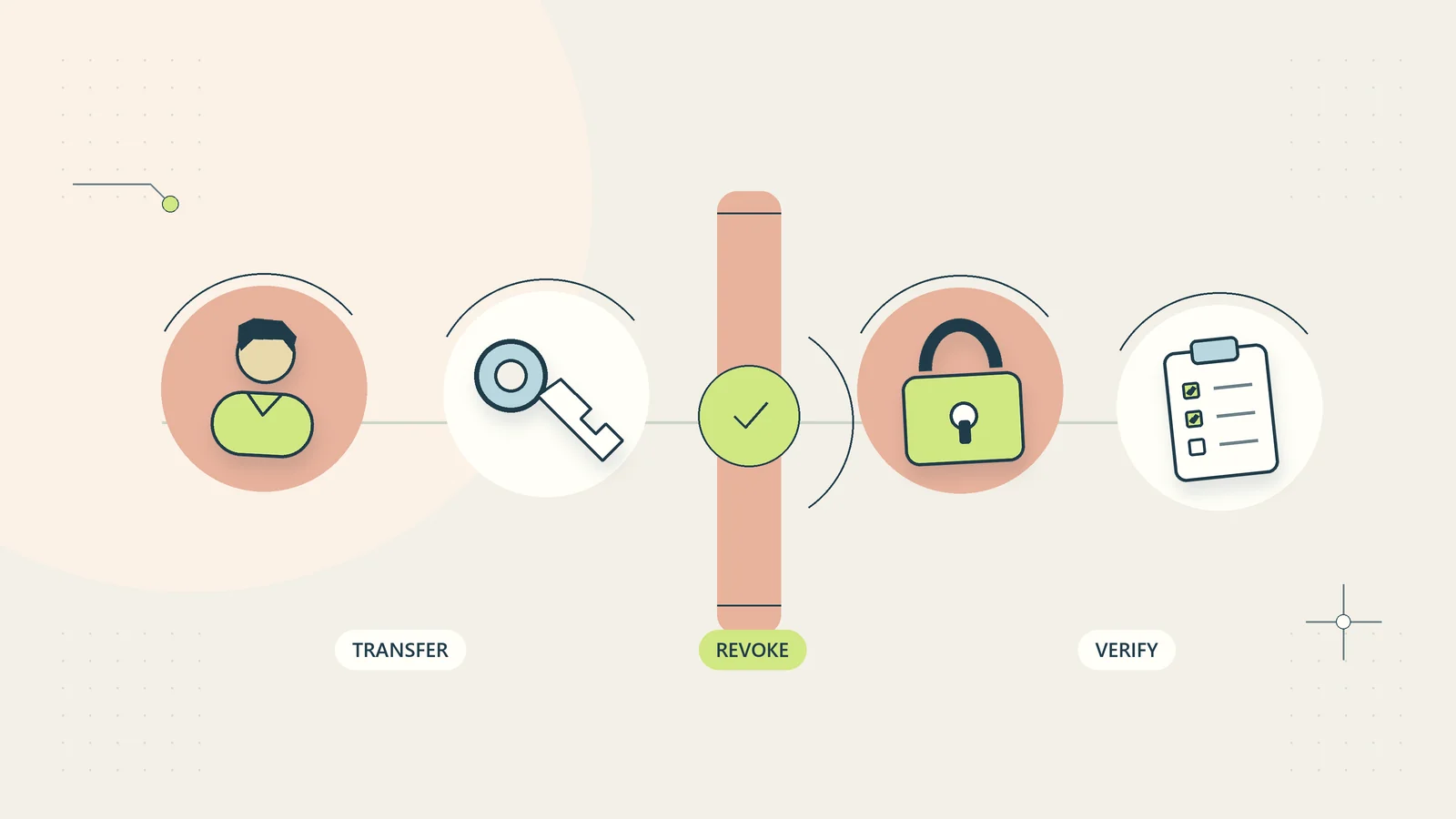
When someone leaves a business, removing their main login is only one part of protecting access and keeping work moving. They may own shared files, scheduled exports, website settings, customer conversations, recovery methods, or invitations in tools that are not connected to the main sign-in system. A rushed deletion can leave access open in one place while making important business information inaccessible in another.
A useful offboarding checklist connects an authorized departure decision with timed access changes, transfer of business responsibility, verification, and a clear record. It should be discreet and proportionate. Departure information and employment decisions belong with the people authorized to handle them.
This guide provides an original administrative method for small teams. It does not decide employment rights, monitoring authority, record retention, or device ownership. Those requirements depend on the circumstances and applicable rules. The hypothetical example illustrates the sequence rather than a real employee case.
Start with an authorized trigger and a named coordinator
Identify who can initiate offboarding, who confirms the effective time, and who coordinates the tasks. Do not make account changes merely because a colleague mentions that someone may be leaving. Use the business’s established employment or contractor-management process.
Record the person’s identity, relevant roles, systems in scope, effective date and time zone, and the people authorized to receive the plan. Restrict the record because it may contain sensitive personnel information. The checklist should not become a public announcement or a place for speculation about the departure.
Distinguish planned transitions from urgent access restrictions. A planned departure may allow a reviewed knowledge handover before access ends. A security incident or other urgent situation may require immediate restrictions through the appropriate authorized process. Do not delay a necessary restriction while attempting to complete an ideal handover. Preserve and recover business information through authorized administration routes afterward.
Build the access inventory from several sources
Use the business system register, account administration screens, approved device records, and the person’s known responsibilities. Include email, file storage, customer systems, finance tools, website administration, domain registration, support inboxes, social accounts, code repositories where relevant, and backup access.
Check project guests and invitations as well as central accounts. A tool may allow a person to sign in directly even after the main identity account is blocked. Personal email invitations, external collaborator accounts, and locally stored credentials can create overlooked routes.
List each system with its owner, administrator, current access, required action, timing, and verification method. Use references to secure credential storage instead of copying secrets into the checklist. The small-business access review guide helps establish the register before a departure occurs. Offboarding is easier when the business already knows who can do what and why.
Identify business ownership before deleting accounts
Find resources the person owns or uniquely controls: shared folders, forms, calendars, scheduled tasks, templates, reports, customer queues, and recovery settings. Decide who should take responsibility and whether the product supports transferring ownership without losing required information.
Separate access removal from data deletion. Blocking sign-in, revoking sessions, removing a license, and deleting an account can have different consequences. Microsoft’s former-employee administration guidance illustrates that these are distinct actions involving access, mailbox or file handling, and eventual account removal. Other products have their own behavior.
Use current official instructions for each relevant tool. Do not generalize one product’s retention period or recovery window to another. If the business must preserve records for an approved legal or operational reason, obtain the responsible person’s instructions before actions that could remove them. Record the decision and authority without placing confidential legal details in a broad task list.
Prepare a responsibility handover where appropriate
For planned departures, identify open work, upcoming deadlines, customer promises, unresolved exceptions, and recurring responsibilities. Assign each item to a named successor. A folder transfer alone does not explain which client needs a response tomorrow.
Ask the successor to demonstrate that they can find the current procedure, access the required business records, and understand the next action. Keep the handover focused on business work rather than collecting unrelated personal information. The knowledge handover guide provides a fuller method for capturing context and decision boundaries.
Do not rely on retaining the departing person’s active account as the long-term handover strategy. Where supported and authorized, transfer resources or provide appropriate administrative access through the system’s business controls. The successor should work under their own identity so later actions can be attributed accurately. Document any temporary arrangement, its purpose, and its review or end date.
Set the sequence and timing for access changes
Write a timed plan with dependencies. Some tasks can be prepared beforehand, such as naming successors and locating administration routes. Others, such as disabling access, must occur at the authorized effective time. Ensure the responsible administrator is available then, including when the business works across time zones.
| Task | Timing consideration | Verification evidence |
|---|---|---|
| Confirm departure authority | Before access changes | Approved trigger and effective time |
| Assign business successors | Before or immediately after restriction, as appropriate | Named owners accept responsibility |
| Restrict sign-in and sessions | At authorized time | Supported administration result checked |
| Remove project and guest access | Coordinate with central restriction | Resource memberships reviewed |
| Replace owned connections | Preserve necessary service continuity | Safe functional test by new owner |
| Handle account data and licenses | After approved preservation decisions | Product-specific steps completed |
| Close the checklist | After exceptions are resolved or explicitly owned | Coordinator review and remaining actions |
Avoid treating completion of the first row as proof that later actions happened. Each task needs an actual outcome, not an assumption inherited from the plan.
Review sessions, devices, and recovery routes
Ask the technical administrator which supported controls are needed to end existing access, not merely prevent a new login. Session revocation, device access, application tokens, and cached or offline information may require separate consideration. Exact behavior depends on the system and configuration.
Review business-owned devices and any approved use of personal devices through the applicable policy and authorized process. Do not improvise a remote wipe or inspect private material without authority. Keep employment, privacy, and technical decisions with the appropriate responsible people.
Check recovery email addresses, phone numbers, security keys, and emergency administration arrangements for business accounts. The departing person should not remain the sole recovery route for a critical service. Equally, do not weaken protection by moving recovery details into an unsecured shared document. The objective is authorized business control with a dependable recovery route, not convenience at the expense of accountability.
Replace shared secrets and review automation dependencies
If the person knew a shared business credential that remains in use, decide whether it needs rotation and update dependent processes through a controlled plan. Identify where the credential is stored and used before changing it. A password change that silently stops a necessary export creates a continuity problem.
Review application connections created under the person’s identity. An automation may still run using a retained token, or it may stop as soon as the account is disabled. Determine its business purpose, permitted actions, and successor owner. Replace personal ownership with an appropriate business-managed arrangement where supported.
OWASP’s authorization guidance recommends reviewing permissions to avoid privileges exceeding current needs. Applied here, the principle means that a replacement process should receive only the authority its job requires. Do not solve an offboarding dependency by giving a new service identity unrestricted administrator access merely because that is the quickest setting to select.
Handle messages and customer continuity deliberately
Decide how incoming business enquiries will reach an authorized successor. Depending on the system and policy, this may involve a shared mailbox, delegated access, an approved forwarding arrangement, or a factual automatic response. Check the actual behavior and avoid forwarding confidential material to a personal address.
Review active customer threads and commitments. The successor should know the next promised action, the evidence already received, and any limits on what can be communicated. A generic announcement that somebody has left does not resolve an urgent client request.
Keep any customer communication factual and approved. Do not expose personnel details or invent a reason for the departure. Update public contact points, scheduling ownership where the business uses it, and support routing as needed. For broader preparation, the out-of-office client coverage guide offers useful methods for ensuring that a responsible person can continue the work without relying on an individual’s inbox memory.
A hypothetical departure from a small service team
Imagine a five-person service business whose operations coordinator is leaving on an agreed date. The coordinator owns a shared project folder, administers a weekly status export, and receives customer replies at an individual business address. The owner names successors for each responsibility before the effective time.
The administrator discovers that the export uses a connection under the departing person’s identity. A replacement is prepared using an appropriate supported business identity and tested with harmless sample information. The folder transfer is checked by the successor, who confirms access to the authoritative files rather than just seeing the folder name.
At the authorized time, the administrator applies the access restrictions and verifies relevant guest memberships. Incoming enquiries follow the approved business route. One unresolved external portal requires help from its administrator, so it remains on the exception list with an owner and deadline. This hypothetical example shows why a checklist can be operationally complete only when outstanding routes are visible and owned.
Verify restrictions without using the person’s credentials
Use supported administration evidence and approved testing methods. Do not ask the departing person to share their password, reuse their credentials, or impersonate them to check whether a restriction worked. The administrator should understand what the available confirmation does and does not establish.
Verify central sign-in restrictions, resource memberships, guest invitations, privileged roles, and relevant connected applications. Check that successors can perform the required legitimate work under their own identities. Record any control that cannot be tested safely and identify the remaining uncertainty.
Use a completion record with system, action, operator, time, evidence reference, and outcome. Keep secrets and unnecessary personnel information out. Where an external administrator must perform the change, obtain appropriate confirmation through an established channel. A request sent is not the same as a restriction applied; use separate states until the outcome is known.
Keep exceptions visible and time-limited
An incomplete task needs a reason, owner, next action, and expected decision time. Examples include a tool whose administrator is unavailable, an account with disputed ownership, or a scheduled process that cannot yet be transferred safely. Do not label the entire offboarding complete while leaving these items in private notes.
Temporary arrangements should be explicit. If a business retains an account for approved data preservation, specify that this does not mean the former worker retains access. If a successor receives temporary elevated permissions, record why and when those permissions will be reviewed or removed.
Escalate unresolved high-impact access promptly through the business’s authorized process. Do not wait for the next routine checklist review when a critical system remains exposed. Keep the response proportionate to the actual situation and preserve relevant evidence. The coordinator’s job is to make remaining decisions visible, not to conceal uncertainty behind a completed checkbox.
Rehearse the checklist without changing live access
A short rehearsal can reveal missing administration routes before a real departure creates time pressure. Use a fictional worker and a copy of the checklist, not an actual person’s account. Ask the coordinator and backup administrator to explain how they would complete each stage and where they would obtain evidence.
Give the rehearsal a few realistic constraints. The primary administrator is unavailable, one project was created outside the central sign-in system, and a scheduled report depends on the worker’s connection. The team should identify who has authorized access to the administration route, how ownership would transfer, and what would remain uncertain. The exercise should not require sharing a password or disabling a live service.
Record gaps as concrete operating tasks. “Improve offboarding” is less useful than “add the website recovery owner to the restricted system register” or “document how to identify scheduled reports created by an individual account.” Give each improvement an owner and a completion check.
Rehearse communication boundaries too. The person answering customer enquiries needs enough information to maintain service, while personnel details remain restricted. A backup coordinator should be able to apply that distinction from the written plan. The resulting checklist is stronger when it supports an unfamiliar authorized colleague rather than depending on one administrator’s memory of how things usually work.
Close the process and improve the next departure
The coordinator should review completion evidence, confirm that successors own the remaining work, and check that approved retention and account-handling decisions were followed. Store the record in the appropriate restricted location and remove temporary working copies when authorized.
Update the system register with any tools, guest routes, or automation dependencies discovered. These findings often reveal an onboarding gap: the business allowed important resources to depend on an individual account without recording ownership. Fix that operating pattern so the next departure requires fewer emergency discoveries.
Measure unresolved access routes, overdue exceptions, ownership transfers requiring rework, and whether legitimate work continued as planned. The aim is not the fastest possible deletion of accounts. It is a controlled end to inappropriate access, a clear transfer of business responsibility, and an honest record of the actions the team actually verified.
Sources and editorial method
Checked October 15, 2026. Primary references: Microsoft: Remove a former employee and secure data and OWASP Authorization Cheat Sheet. Limited source-derived points about distinct administration actions and permission review are identified in the article. The checklist sequence, exception method, verification record, and service-team example are original guidance. The example is hypothetical, not employment advice or a tested product-specific offboarding deployment.